Your kitchen. Redesigned any way you like.
One photo of your kitchen. Pick a style, change any detail or just say what you want, and see it redesigned in seconds.

See your home for real
A picture of the finished room, from the view you choose.

Furnish every room in one tap
Pick a look and real pieces fill the room.

Start from your floor plan
A photo or PDF of your plan becomes walls you can change.

Keep every plan
Unlimited plans, clean downloads and CAD files.

Secure checkout Instant access
Unlock cinematic video walkthroughs Unlock your plan in true 3D isometric Your redesign is ready
Renders, clean downloads and every tool.
- Photoreal pictures of any view
- Every room furnished in one tap
- Unlimited plans and clean downloads
800+ rooms rendered with restylai
Includes 10 trial credits. Card required. Cancel anytime.
Video tours arrive with your first paid month.
Includes 10 trial credits. Video tours arrive with your first paid month.
One payment. No subscription.
Secure checkout
- Your own kitchen, not a showroom photo
- Any style, any finish, or your own words
- Decide before you order a single cabinet
30-day money-back guarantee Cancel anytime
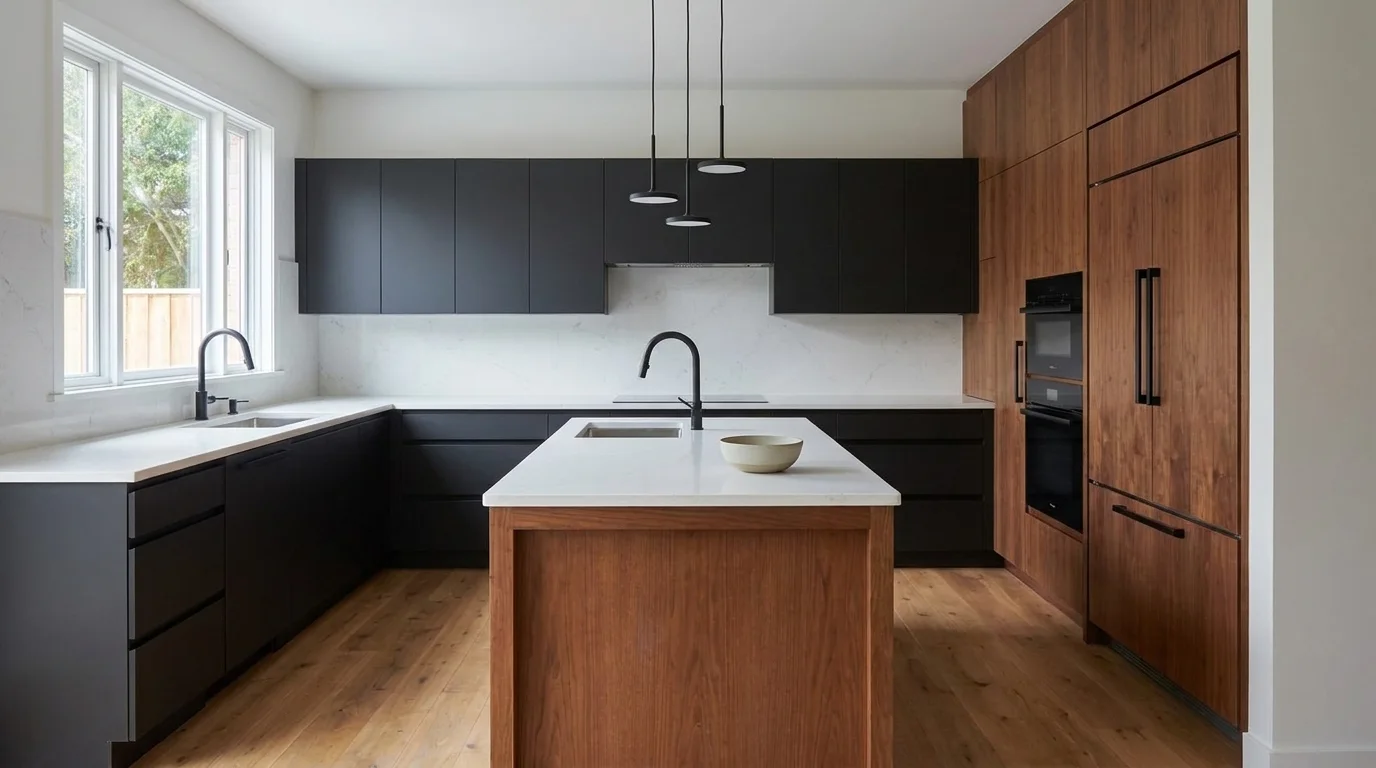
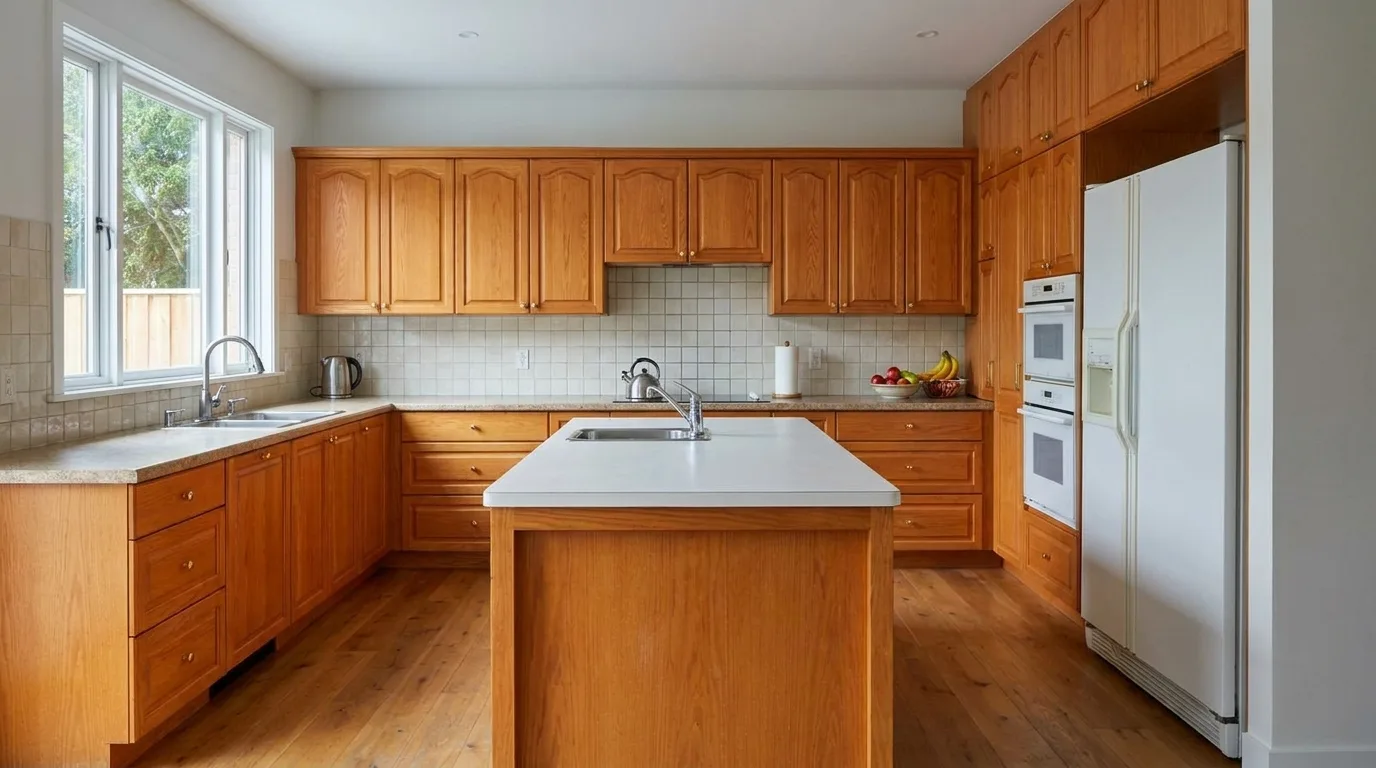 Your kitchen today
Drag the handle. Tap a style. Every one is the same kitchen.
“It saved me an expensive mistake.”
Why kitchen decisions feel blind
Endless ideas. You still cannot see your kitchen.
- Three paint dots on the wall for a month, and still no decision
- The sample tile looked different the second it came home
- One of you says warm oak, the other says matte black
- The contractor needs the answer this week
You should not have to imagine the result. Here, you see it on your own kitchen first.
In your own words
Just say what you want.
Type it the way you would tell a designer. Your own kitchen changes to match, in seconds.
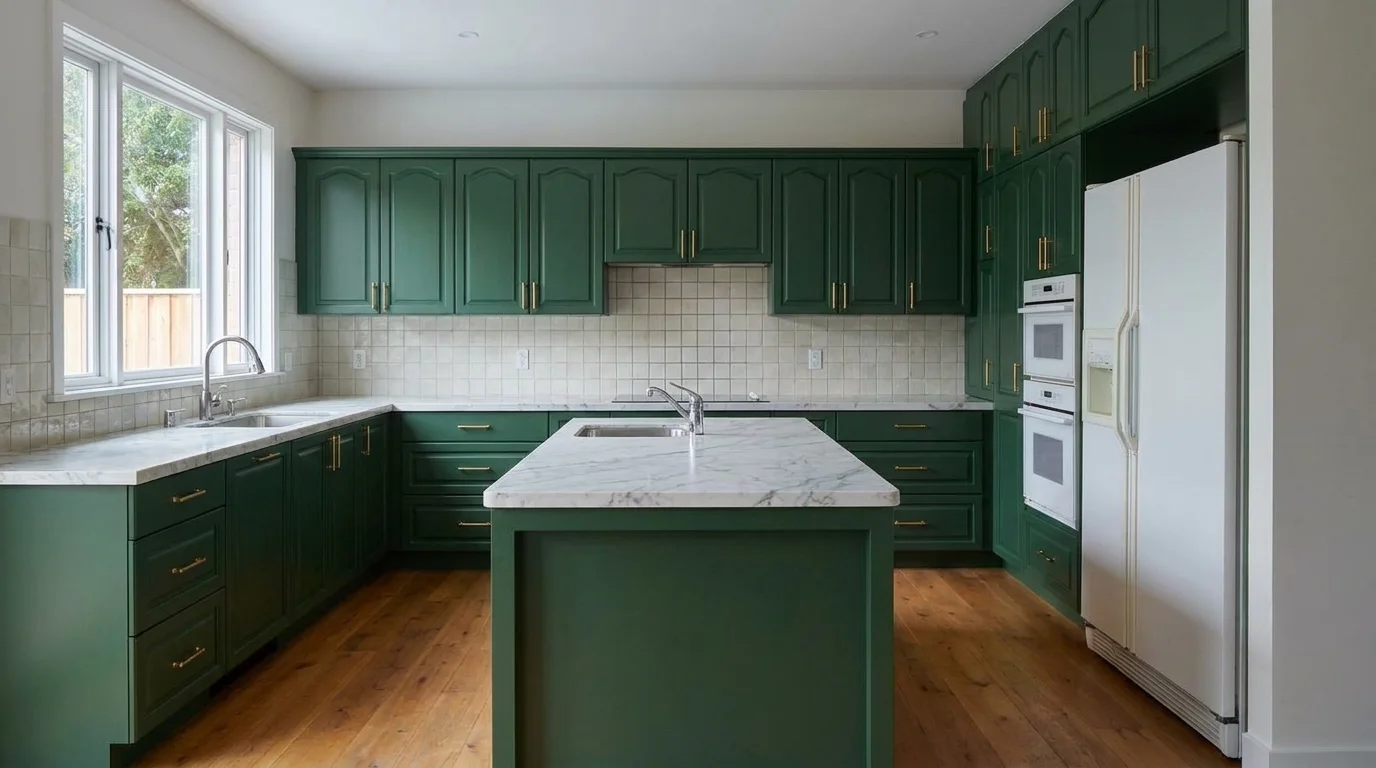 Before
Paint the cabinets deep green, add brass handles and a marble worktop
RedesignOr tap one of 24 designer styles
Or get precise
Mix it before you commit.
Pick a cabinet colour, then a worktop. The same kitchen changes in front of you, the way it will with your own photo.
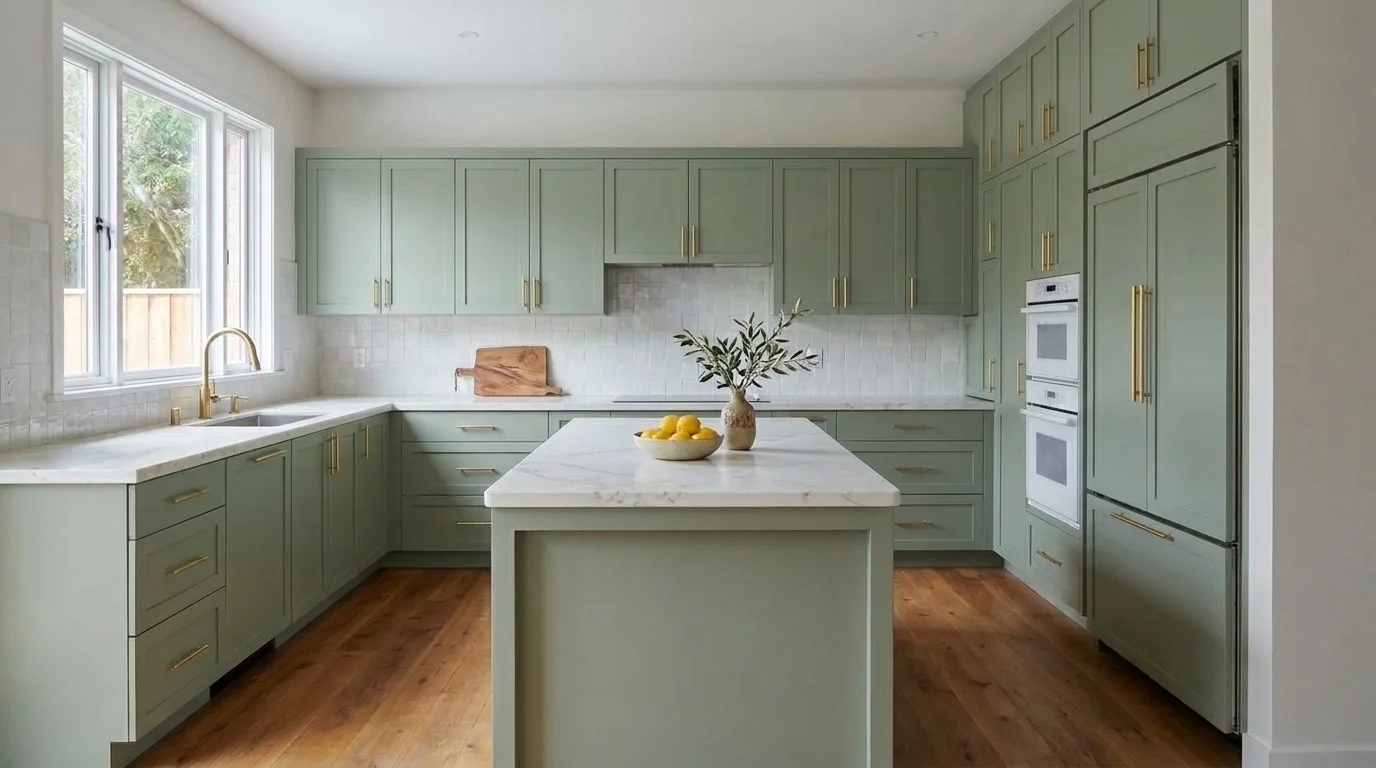
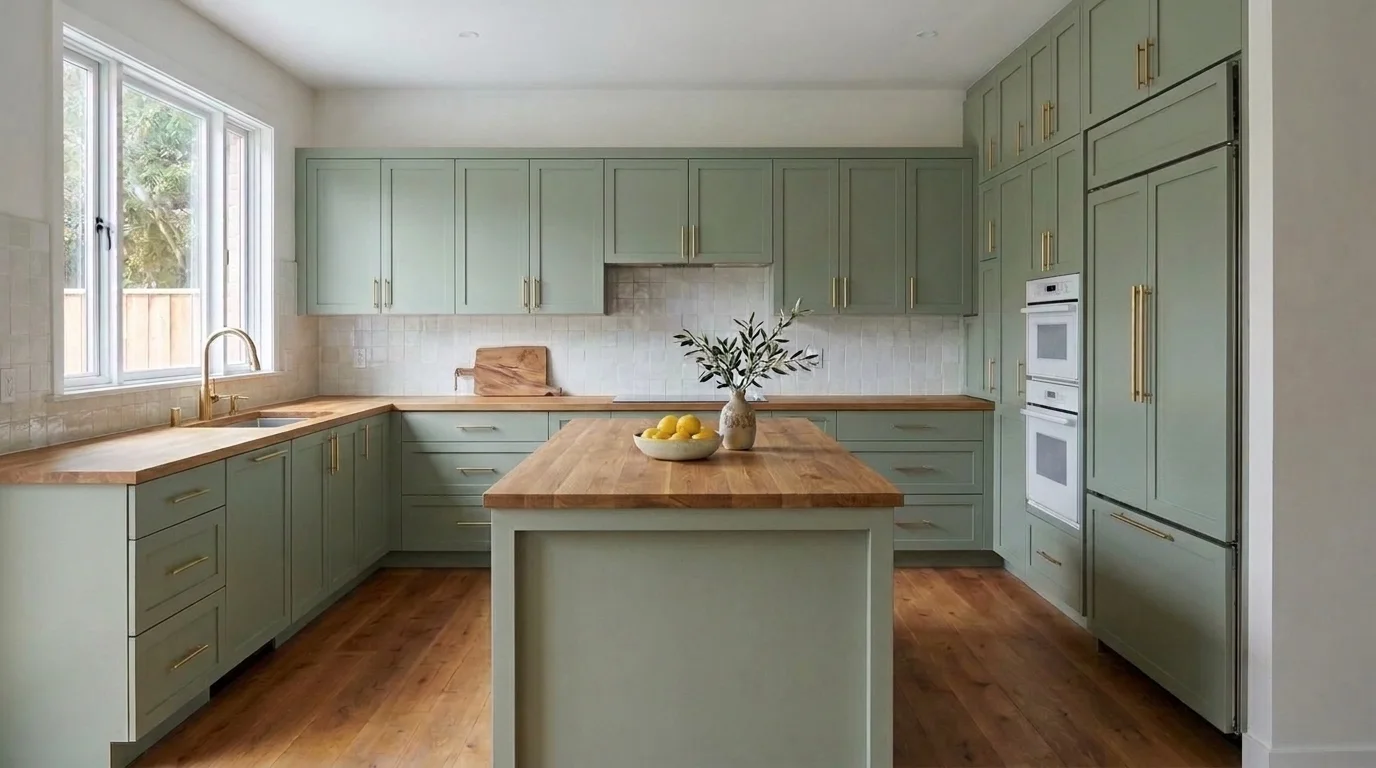
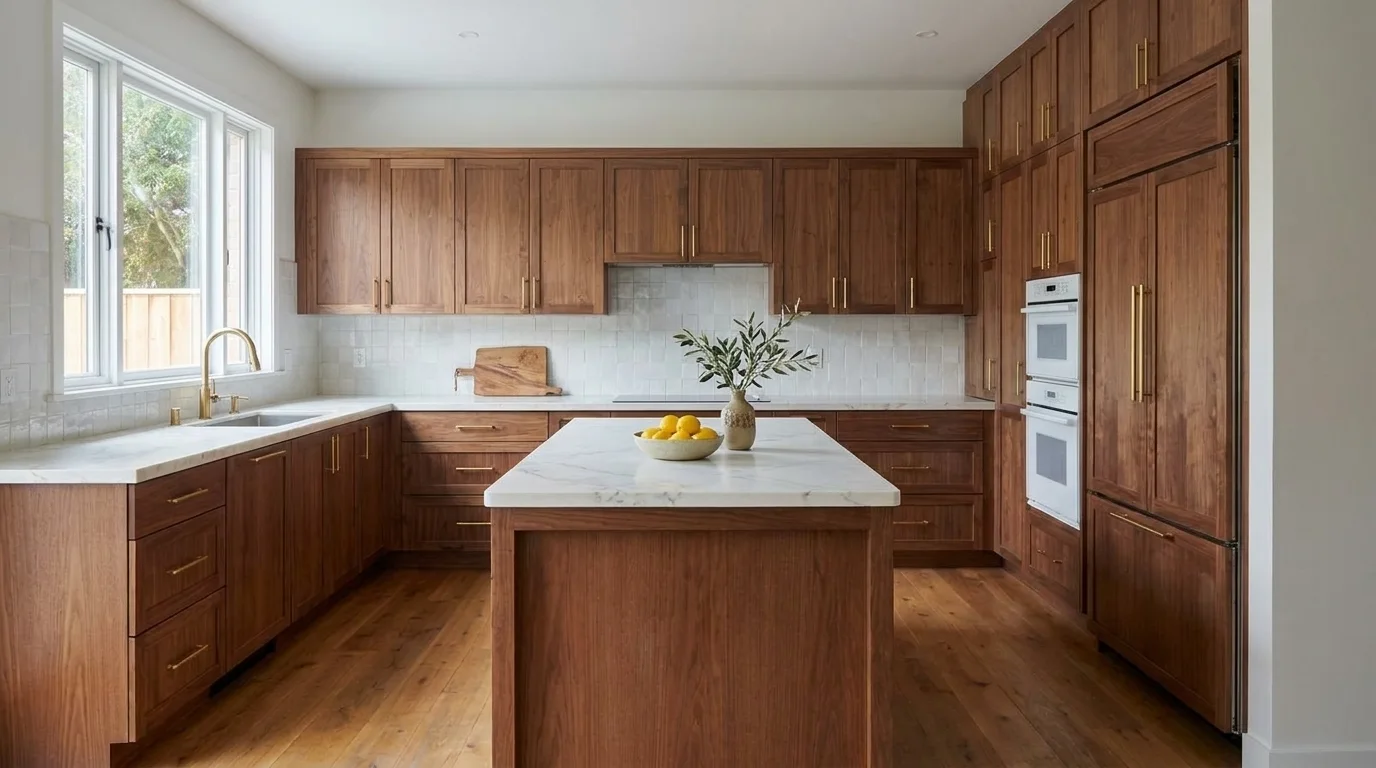
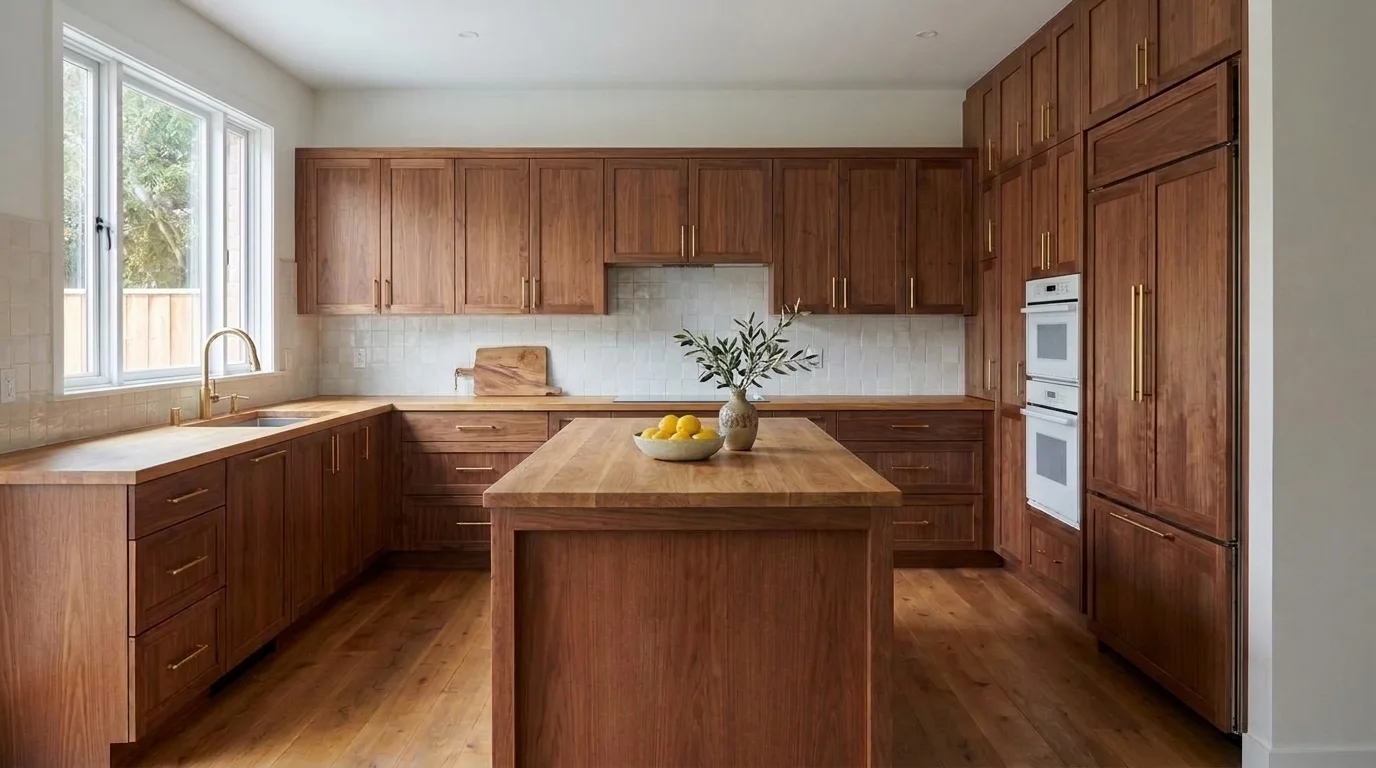
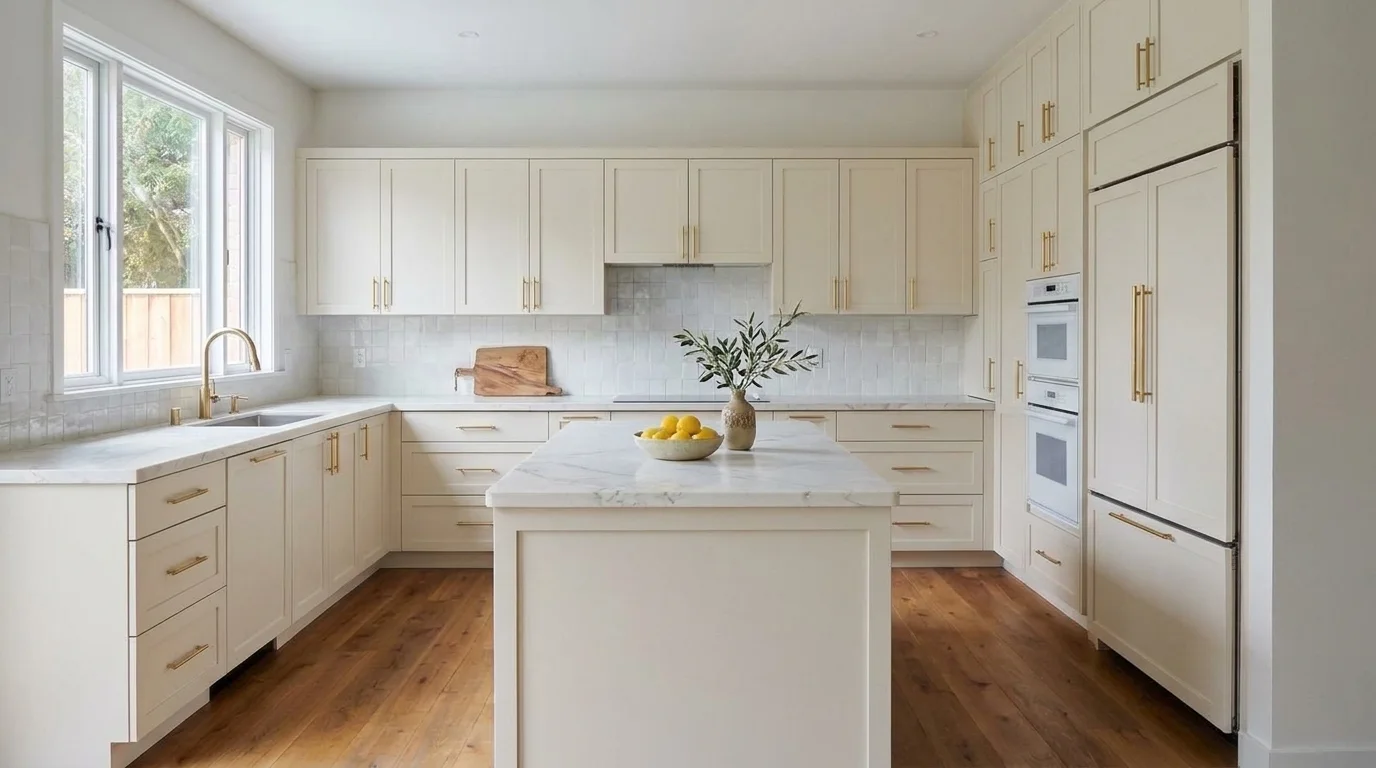
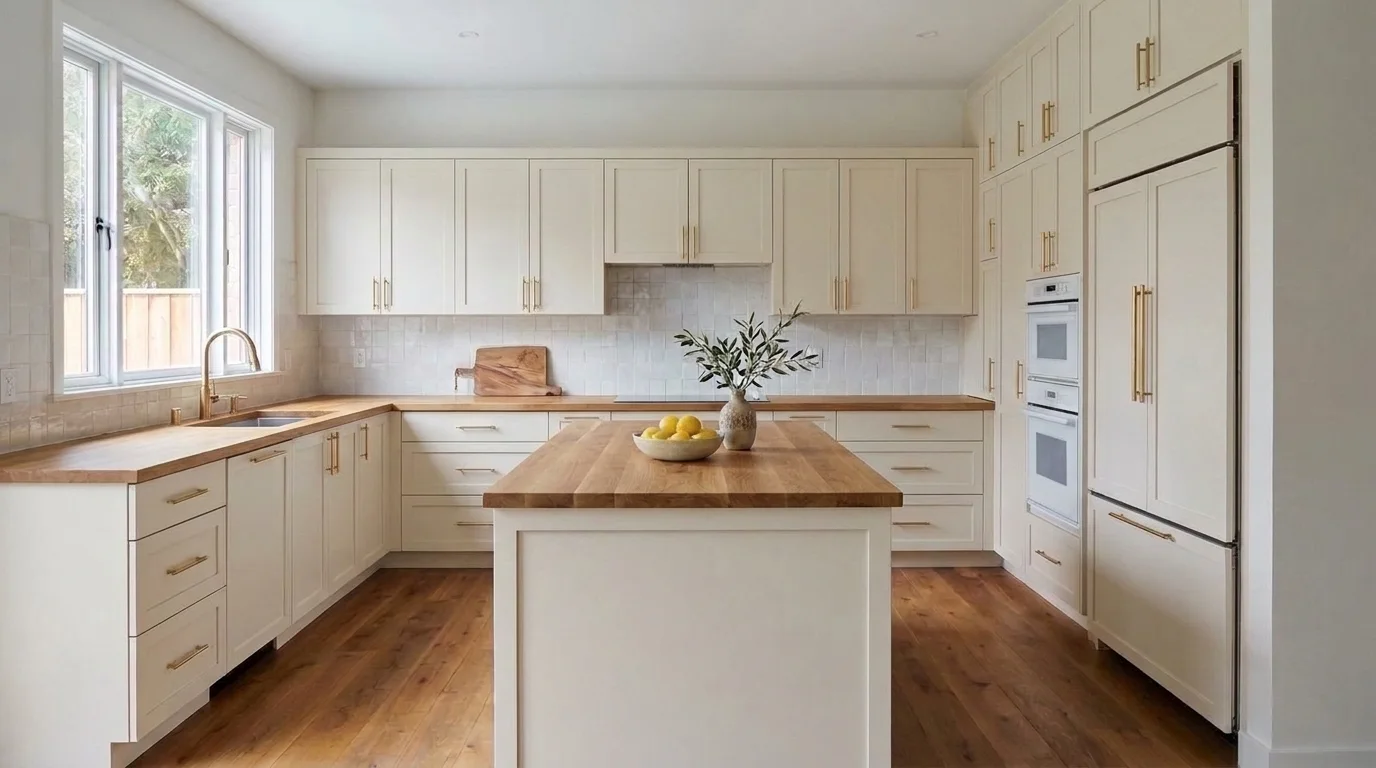
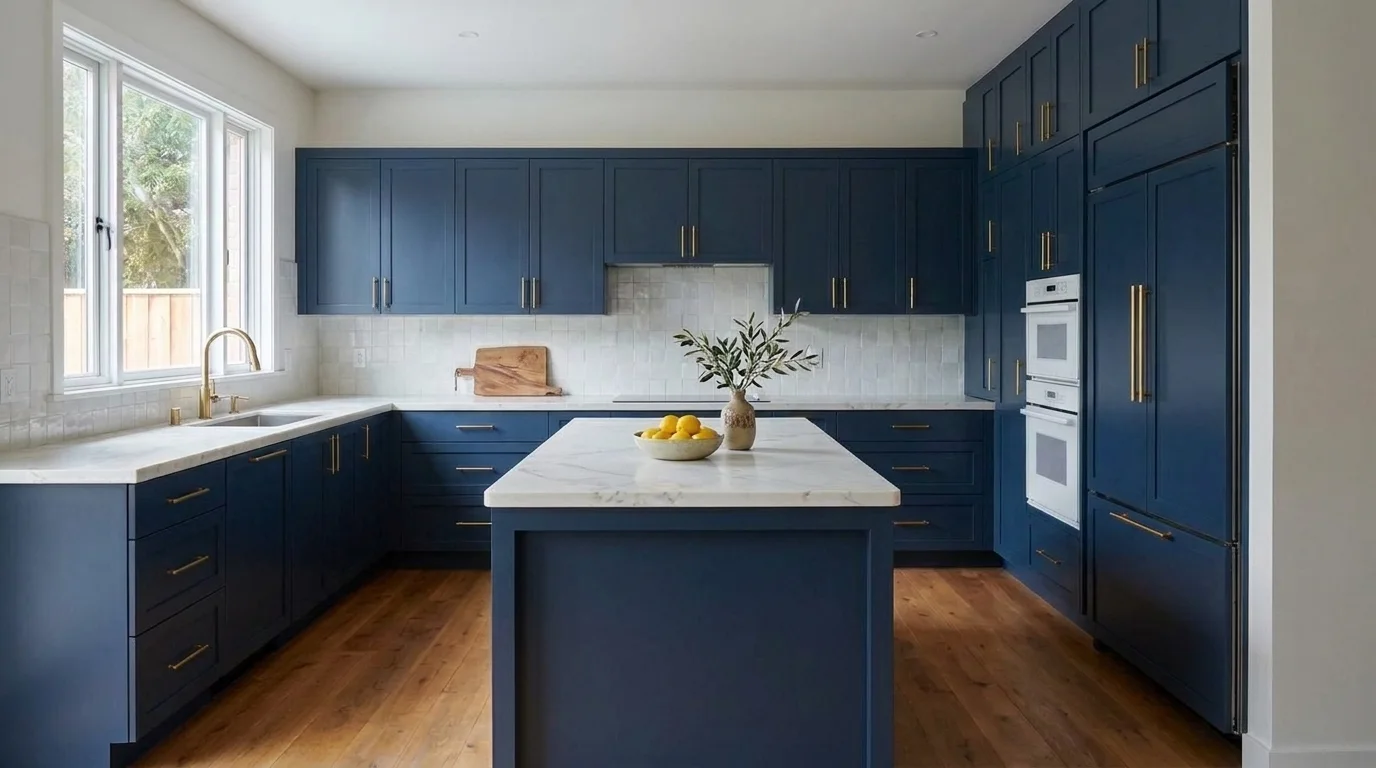
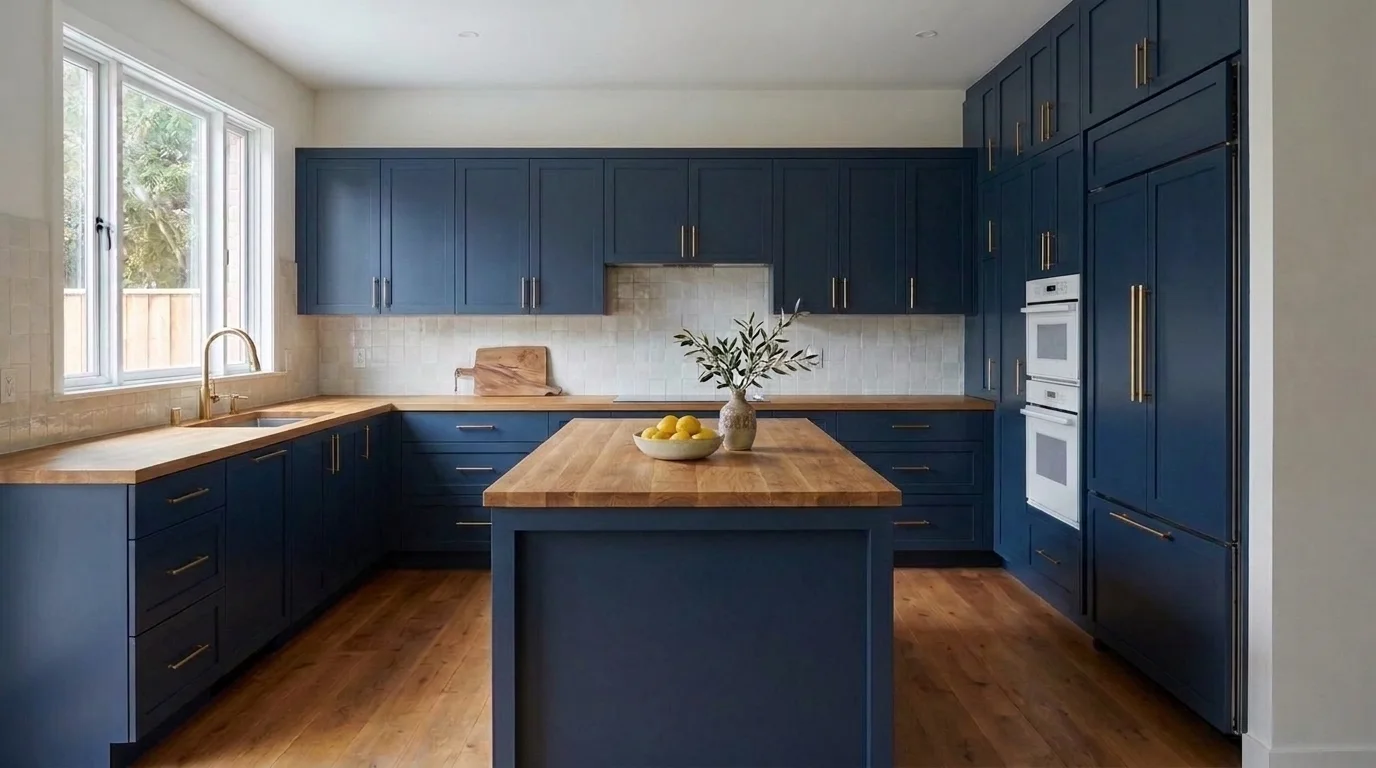
Cabinets
Worktop
Concept previews, not specifications. Confirm samples, measurements and installation details with your supplier.
What to look for
Look at the cabinet colour beside the worktop and backsplash. Compare the combinations, not isolated swatches.
Take this idea further
Use plan credits to compare another finish combination, then download your favourite without the watermark.
Try it on your own photo30-day money-back guarantee Cancel anytime
Real kitchens, straight from the studio
Find the kitchen you keep coming back to
From quiet Scandinavian to full farmhouse. Pick the direction, then see it on your own kitchen.
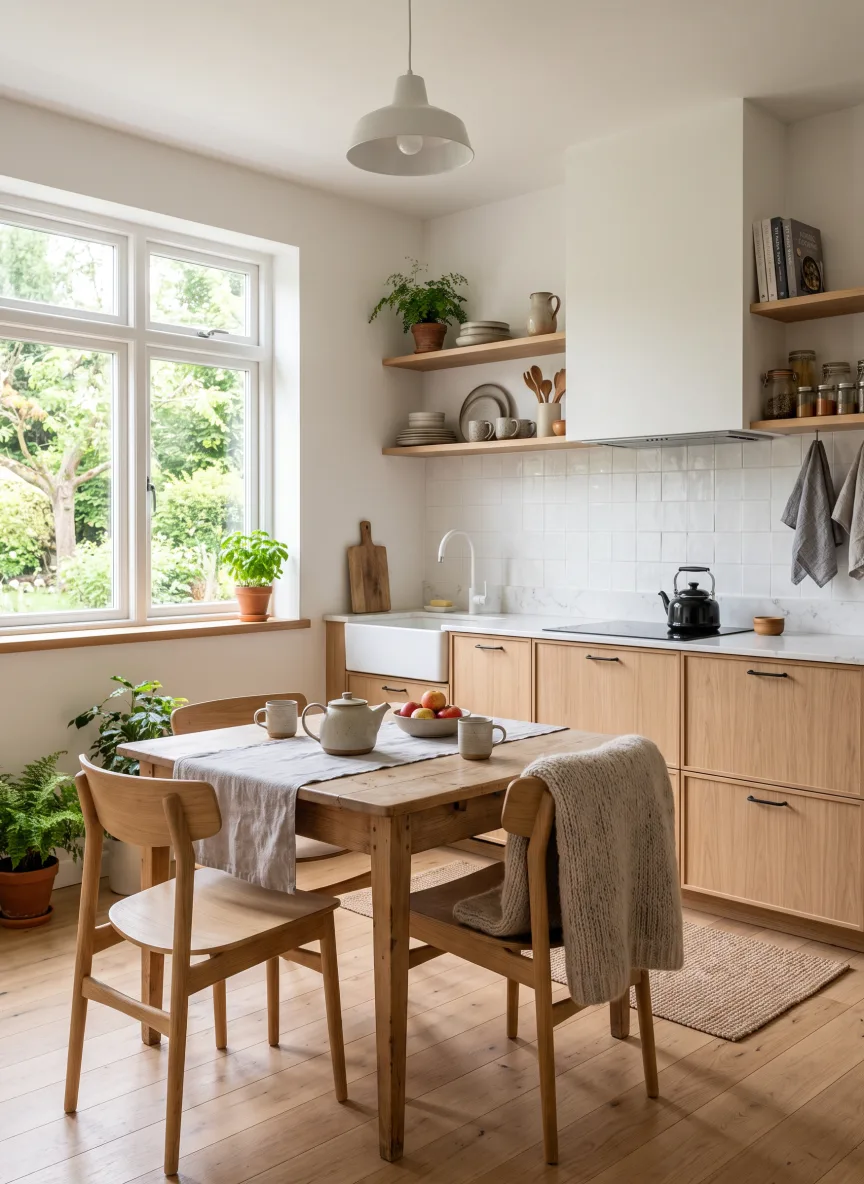 Scandinavian
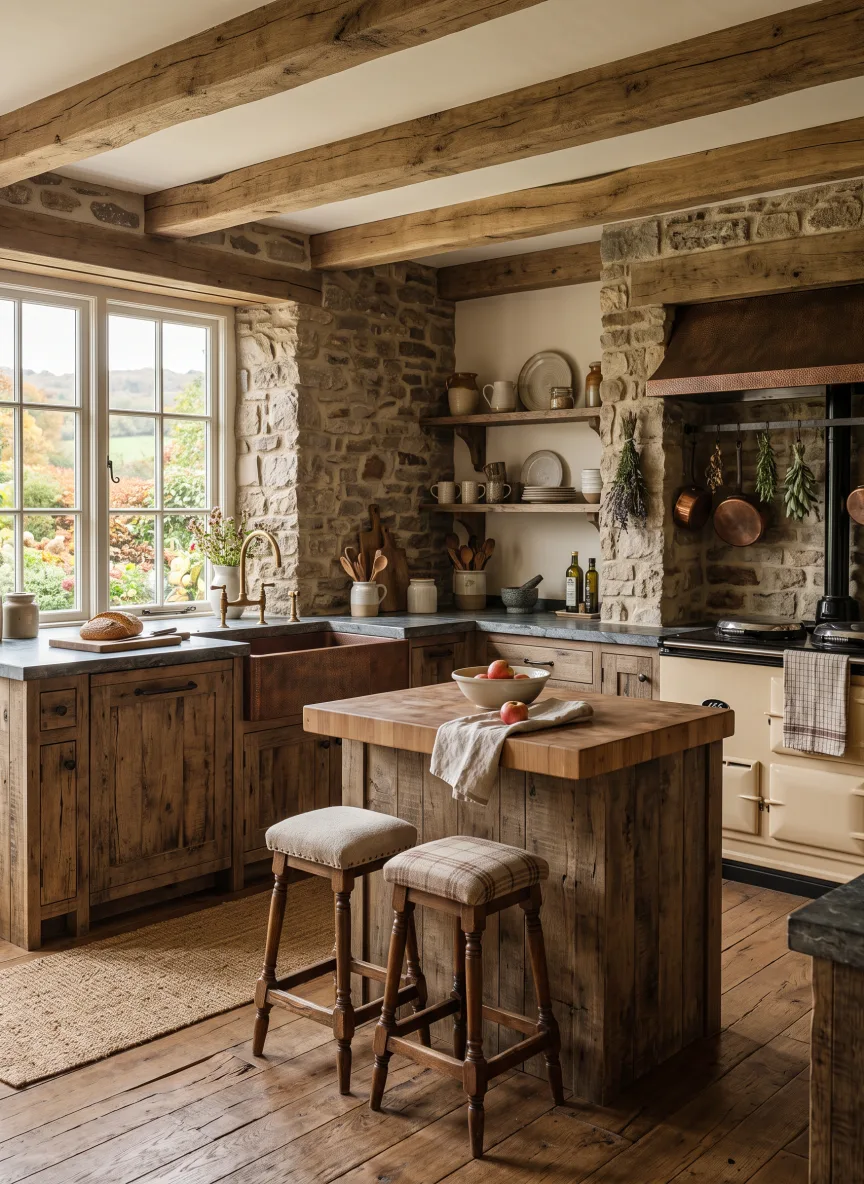 Rustic
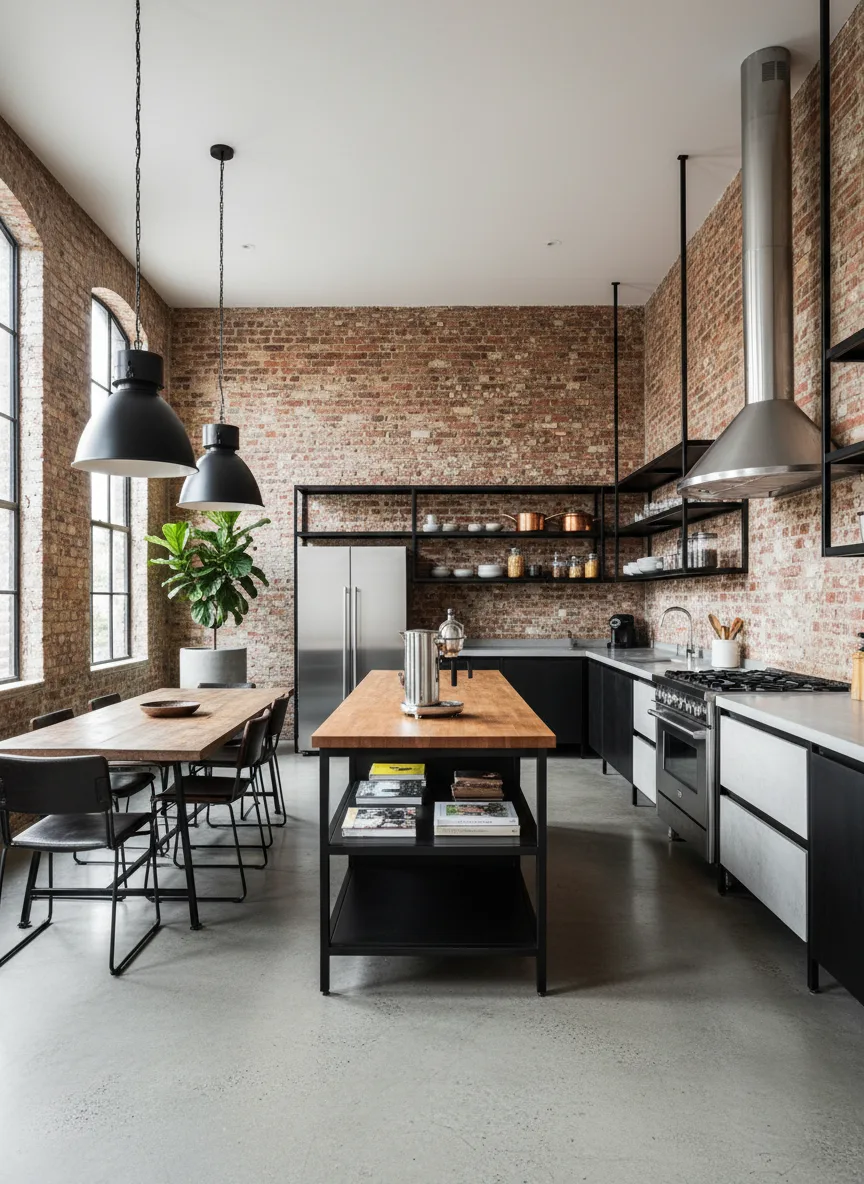 Industrial
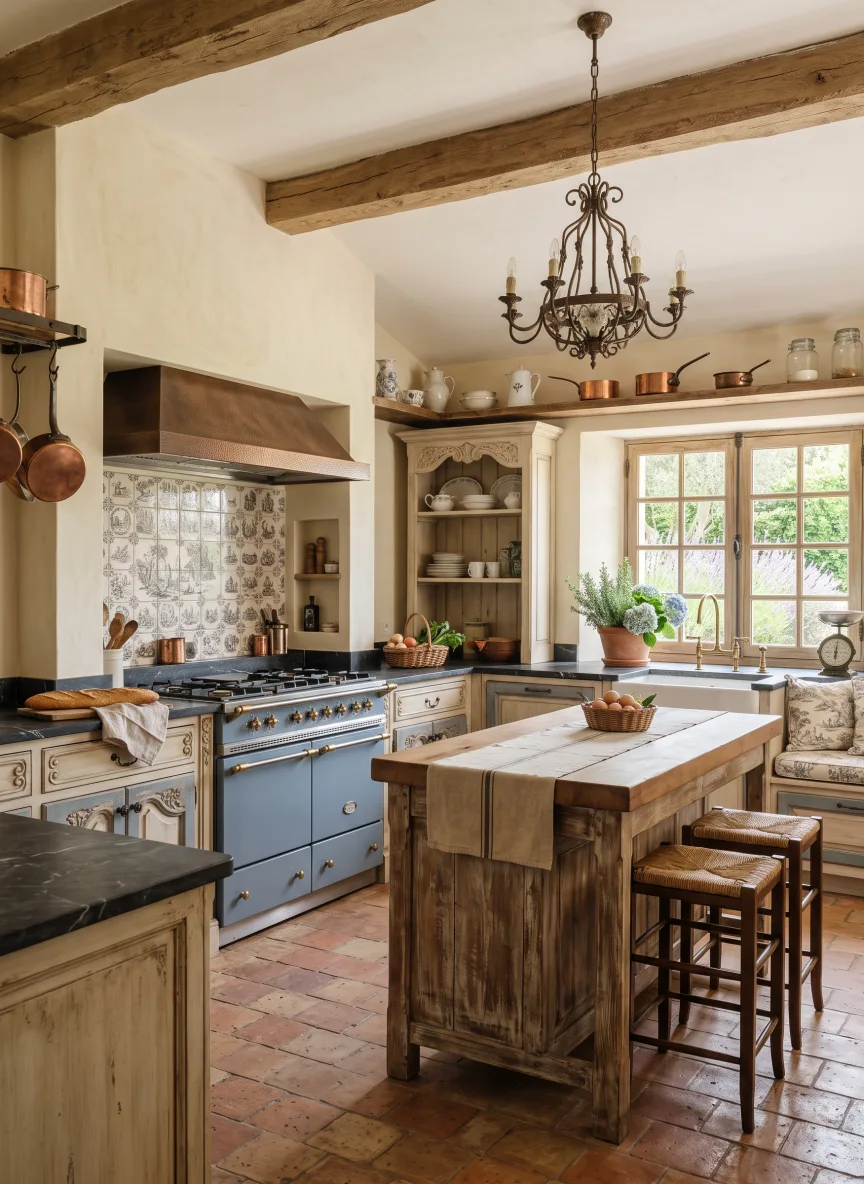 French Country
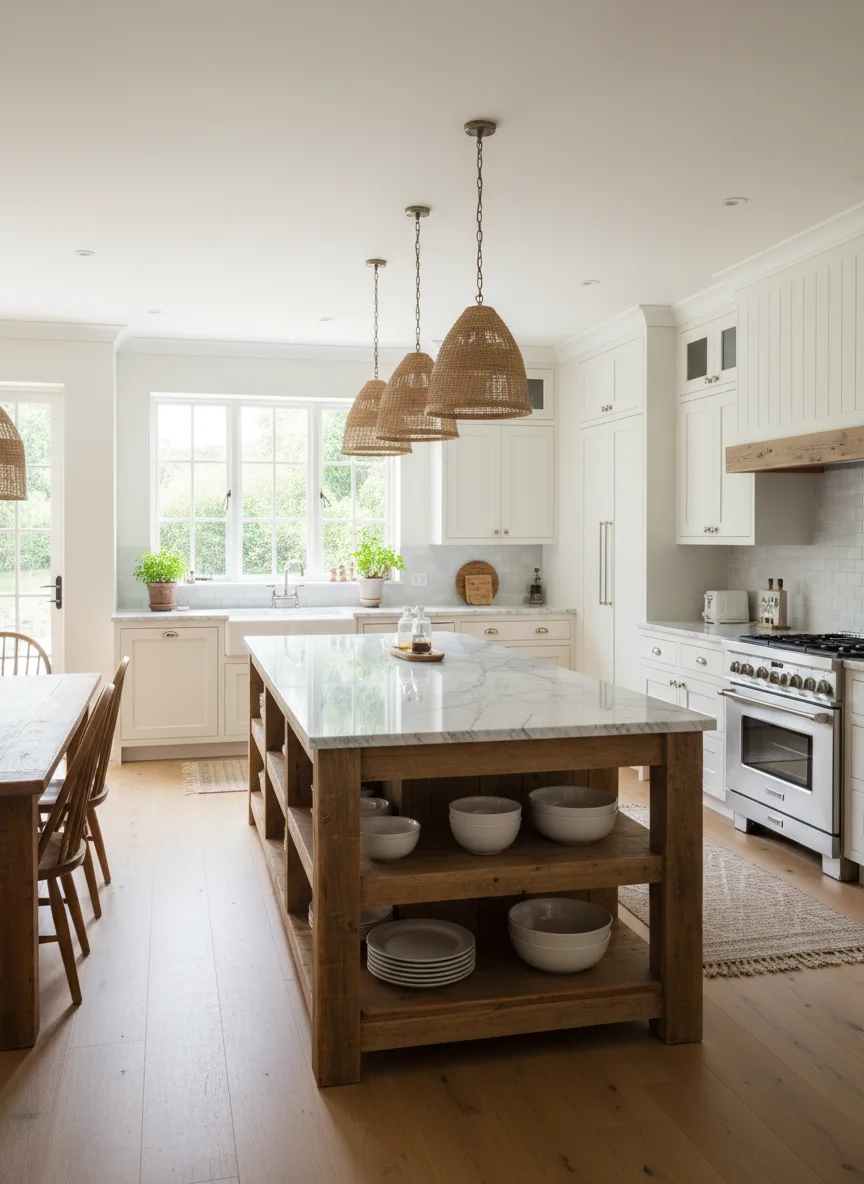 Farmhouse
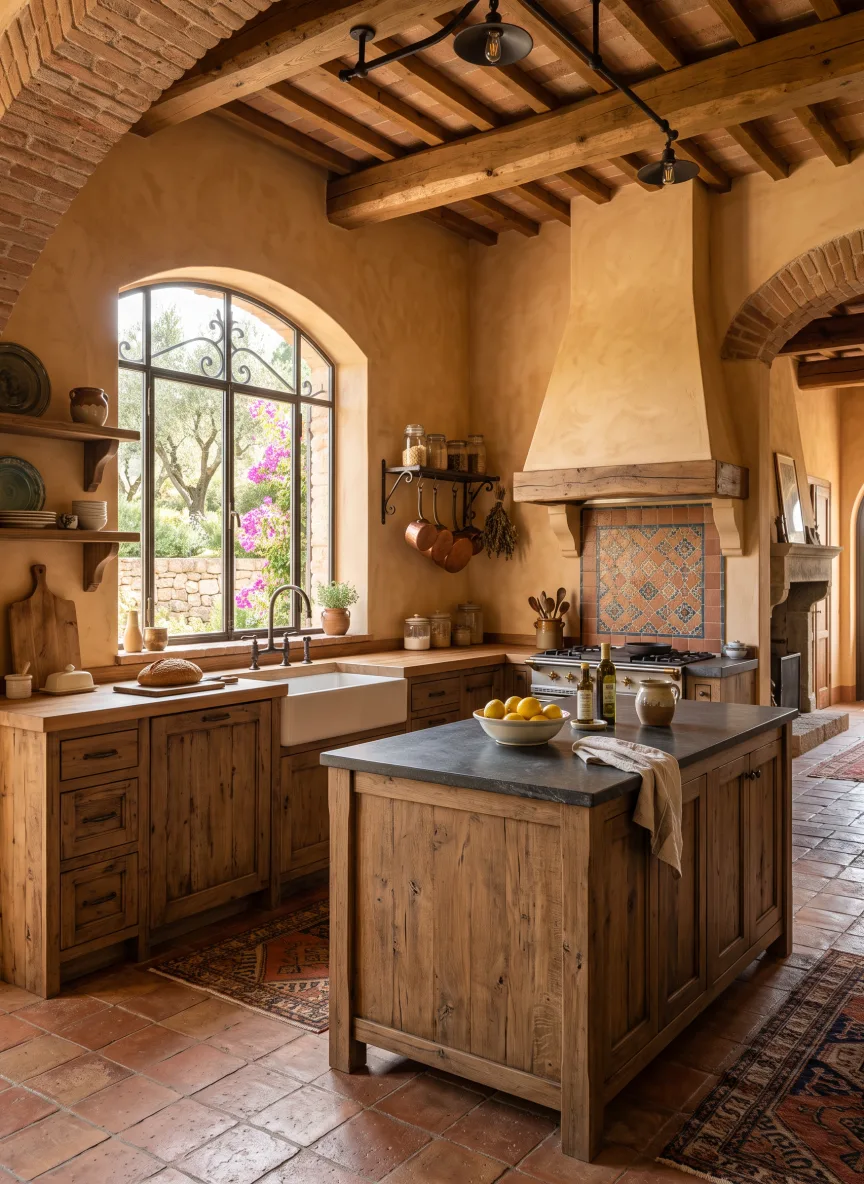 Mediterranean
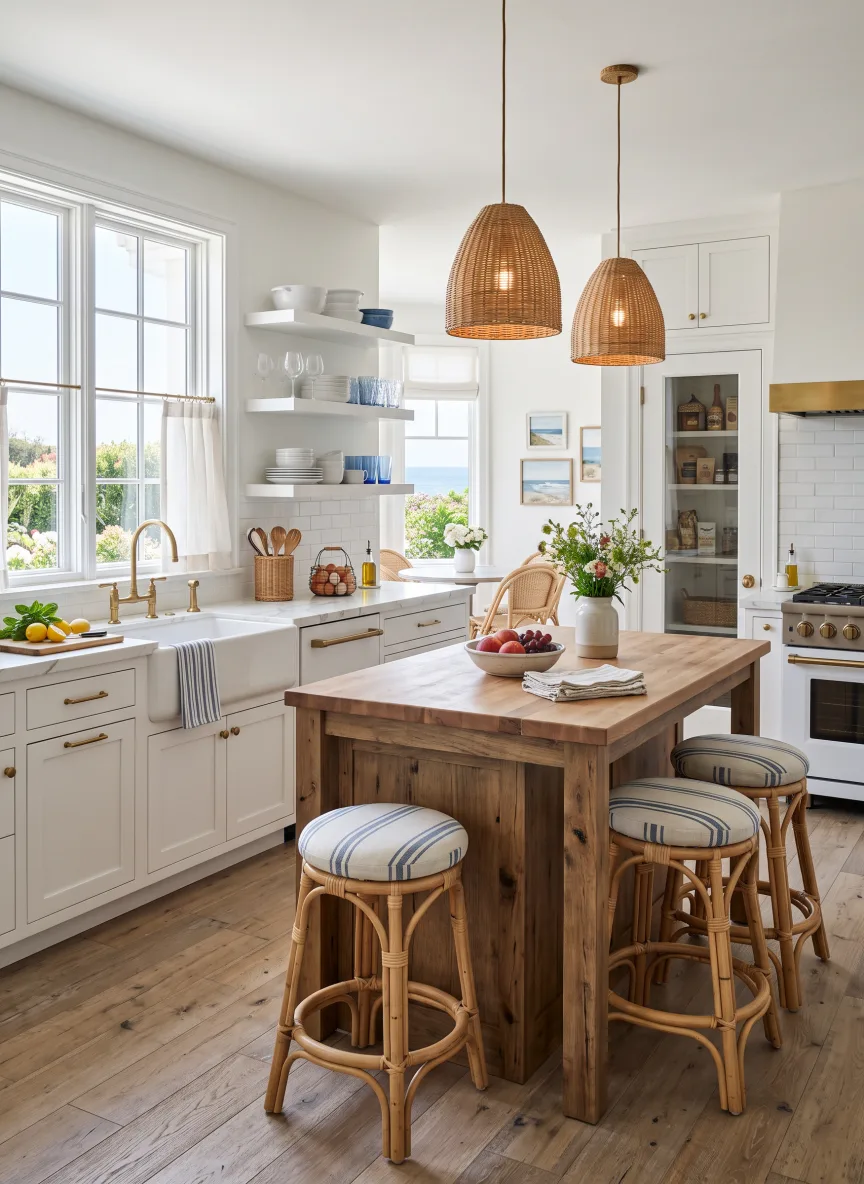 Coastal
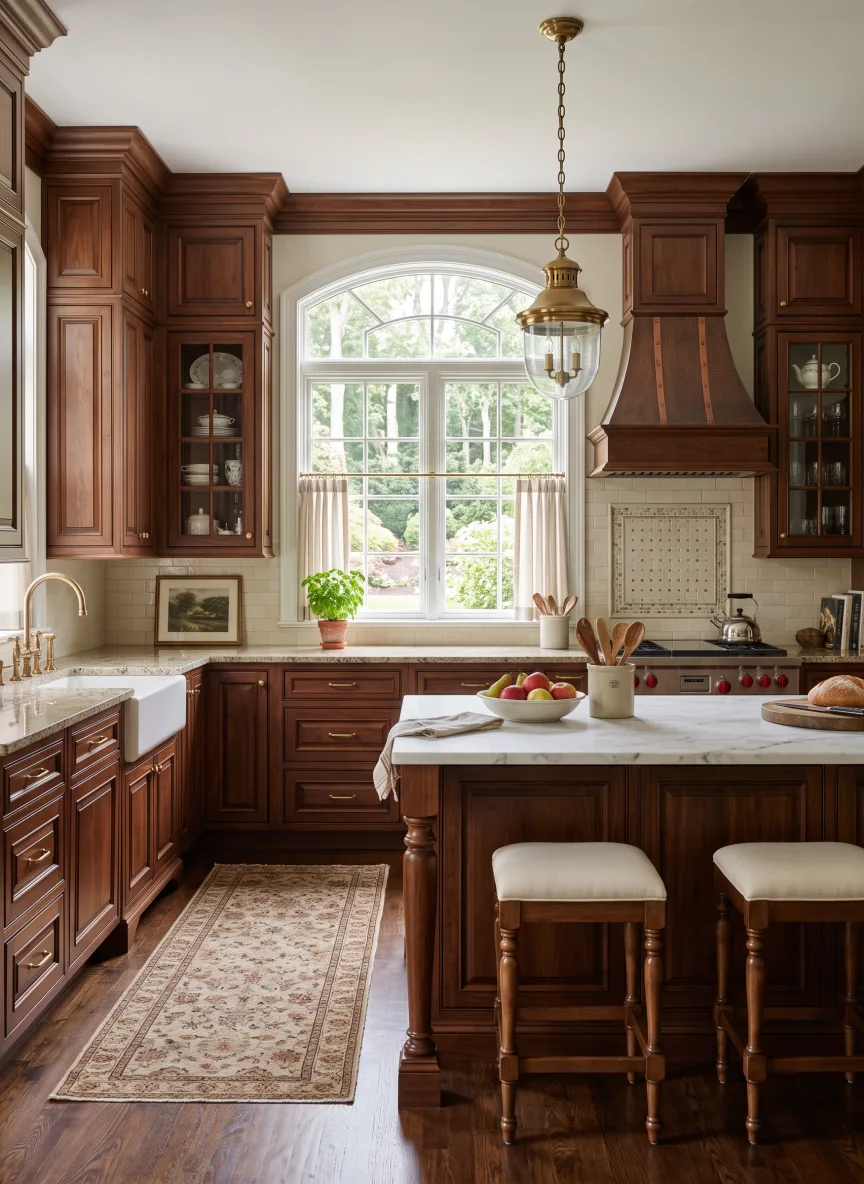 Traditional
Scandinavian
Rustic
Industrial
French Country
Farmhouse
Mediterranean
Coastal
Traditional
Scandinavian
Rustic
Industrial
French Country
Farmhouse
Mediterranean
Coastal
Traditional
Scandinavian
Rustic
Industrial
French Country
Farmhouse
Mediterranean
Coastal
Traditional
Traditional
Coastal
Mediterranean
Farmhouse
French Country
Industrial
Rustic
Scandinavian
Traditional
Coastal
Mediterranean
Farmhouse
French Country
Industrial
Rustic
Scandinavian
Traditional
Coastal
Mediterranean
Farmhouse
French Country
Industrial
Rustic
Scandinavian
Traditional
Coastal
Mediterranean
Farmhouse
French Country
Industrial
Rustic
Scandinavian
Traditional
Scandinavian
Rustic
Industrial
French Country
Farmhouse
Mediterranean
Coastal
Traditional
Scandinavian
Rustic
Industrial
French Country
Farmhouse
Mediterranean
Coastal
Traditional
Scandinavian
Rustic
Industrial
French Country
Farmhouse
Mediterranean
Coastal
Traditional
Traditional
Coastal
Mediterranean
Farmhouse
French Country
Industrial
Rustic
Scandinavian
Traditional
Coastal
Mediterranean
Farmhouse
French Country
Industrial
Rustic
Scandinavian
Traditional
Coastal
Mediterranean
Farmhouse
French Country
Industrial
Rustic
Scandinavian
Traditional
Coastal
Mediterranean
Farmhouse
French Country
Industrial
Rustic
Scandinavian
Trusted by the trade
The people who decide kitchens for a living already work this way
Staged an empty 2-bed in about a minute and listed the photos the same afternoon. Two extra showings that week.
Mara V.
Lists and stages properties
My clients love seeing options before we commit. I send three styles of their own room and let them pick. Closes the deal every time.
Danny R.
Interior designer
As an agent I stage half my listings with this now. Fast and cheap, and the photos genuinely pull more clicks.
Ryan T.
Real estate agent
What customers say
Loved by people redesigning real homes
Hannah P.
Jun 14, 2026
I kept second-guessing colours and furniture. One photo, a few styles, and I instantly saw what actually worked in my space. It saved me an expensive mistake.
Verified Purchase
Devin K.
Jun 9, 2026
I rent, so I cannot renovate, but I wanted to see what my place could look like. It kept my actual room and just reskinned it. We redecorated on a budget.
Verified Purchase
Savannah M.
Jun 22, 2026
My partner and I argued about modern vs cozy for weeks. Seeing both on our real living room, side by side, ended it in five minutes.
Verified Purchase
Tom B.
May 30, 2026
I walked the empty house, snapped photos, and had a realistic before and after for every room the same night. Made picking a direction so much easier.
Verified Purchase
Mara V.
Jun 18, 2026
Staged an empty 2-bed in about a minute and listed the photos the same afternoon. Two extra showings that week, and it paid for itself almost instantly.
Verified Purchase
Ashley R.
May 21, 2026
The short flythrough of the redesigned room gets far more saves than a normal photo set. Easily the best upgrade I have made to my listing.
Verified Purchase
Luke M.
Jun 2, 2026
Bought a fixer-upper and had no vision for it. Tried eight styles on the living room in ten minutes and finally knew what I wanted before calling a contractor.
Verified Purchase
Paige S.
Jun 25, 2026
I am not a designer and this made me feel like one. The 4K downloads are sharp enough to print and show my husband exactly what I mean.
Verified Purchase
Chloe D.
Jun 7, 2026
Used it to plan our nursery. Seeing the actual room in soft, warm styles helped us choose paint and furniture without buying anything twice.
Verified Purchase
Ryan T.
May 28, 2026
As an agent I stage half my listings with this now. Fast and cheap, and the photos genuinely pull more clicks.
Verified Purchase
Emma W.
Jun 20, 2026
Booked a weekend flip and needed ideas fast. Uploaded a photo of every room and had a full mood board by lunch.
Verified Purchase
Danny R.
Jun 11, 2026
My clients love seeing options before we commit. I send three styles of their own room and let them pick. Closes the deal every time.
Verified Purchase
Nina K.
May 24, 2026
Rented a bare flat and wanted to know if it could feel like home. It could. I decorated to match the render and friends keep asking who designed it.
Verified Purchase
Marcus J.
Jun 16, 2026
I run three short-term rentals. The walkthrough videos bumped my views and I am getting booked further out. Worth every credit.
Verified Purchase
Design for 30 days. If it did not help you decide, pay nothing.
Cancel anytime. If you're not happy with your redesigns, we refund you in full, no questions asked.
Redesign my kitchen
Your kitchen today
Finished
See your kitchen finished tonight.
Upload one photo, try every finish you are weighing and download the one you love. Start in the next minute.
- Photoreal pictures of any view
- Every room furnished in one tap
- Unlimited plans and clean downloads
No sign-up form. Check out, and your studio opens instantly.
Your first evening
-
1
Snap your kitchen
One photo from your phone, just as it is today.
-
2
Redesign anything
A whole new style, colours, cabinets, floors or lighting. Just say what you want.
-
3
Keep the one you love
Download it in stunning 4K, ready to share.
Everything included
- 40 credits a month for renders, in Standard, HD or 4K
- Furnish for me and Describe it in words
- Unlimited floor plans
- Unlimited automatic tracing of plan photos
- Clean PNG and PDF downloads, no watermark
- Share links to your plans
- Video walkthroughs, 360 views and CAD export
- Photo redesigns in every style
Guaranteed safe and secure checkout
Good questions. Clear answers.
How do I sign in after I subscribe?
There is no sign-up form. Checkout creates your account from the email you pay with, signs you in straight away and opens your studio. We also email you a link to set a password, so you can sign in from any device.
Can I change just the cabinet colour?
Yes. The kitchen tool opens in Swap materials mode. Describe exactly which surfaces to change and which to keep.
Does this design a new kitchen layout?
This page previews finishes on a photo. For measured layouts, islands and clearances, use the Kitchen planner.
Next weekend, you could be picking the paint, not doubting it.
- Your own kitchen, with the new finishes in place
- Every look you are considering, side by side
- A 30-day money-back guarantee on the whole thing
30-day money-back guarantee Cancel anytime