Can AI redesign a room from a photo?
The photo does most of the work, so it is worth taking a decent one: stand in a corner or doorway and shoot wide, so the frame catches the floor, at least two walls and the main window. From there you choose a direction. restylai ships 24 designer presets, from Scandinavian and Japandi to industrial and mid-century, and each one reworks the furniture, palette and materials while keeping the room's real geometry. If none of the presets is quite it, you can describe your own style in plain words instead, something like warm minimalism with oak floors, linen curtains and brass fixtures, and the AI builds the look from your description. A tour of what different directions produce is in the ideas gallery.
The part that surprises most people is that the first render is a starting point, not a final answer. Every follow-up instruction applies to the design you are currently looking at, so you can refine in steps: swap the sofa for a corner one, darken the floor, clear the clutter off the shelves, try the same scheme in evening light. Each change takes another few seconds, which turns redesigning into a conversation with your room rather than a single roll of the dice. The full toolkit, including virtual staging, material swaps and renovation previews, is on the AI room design page.
The honest test is your own space, because a demo room always looks good. Take one wide photo of the room as it stands today, upload it in the browser, and pick a preset or describe your own style. The first design is free with no signup, so within a minute you can see whether the AI kept your room recognizably yours. It should.
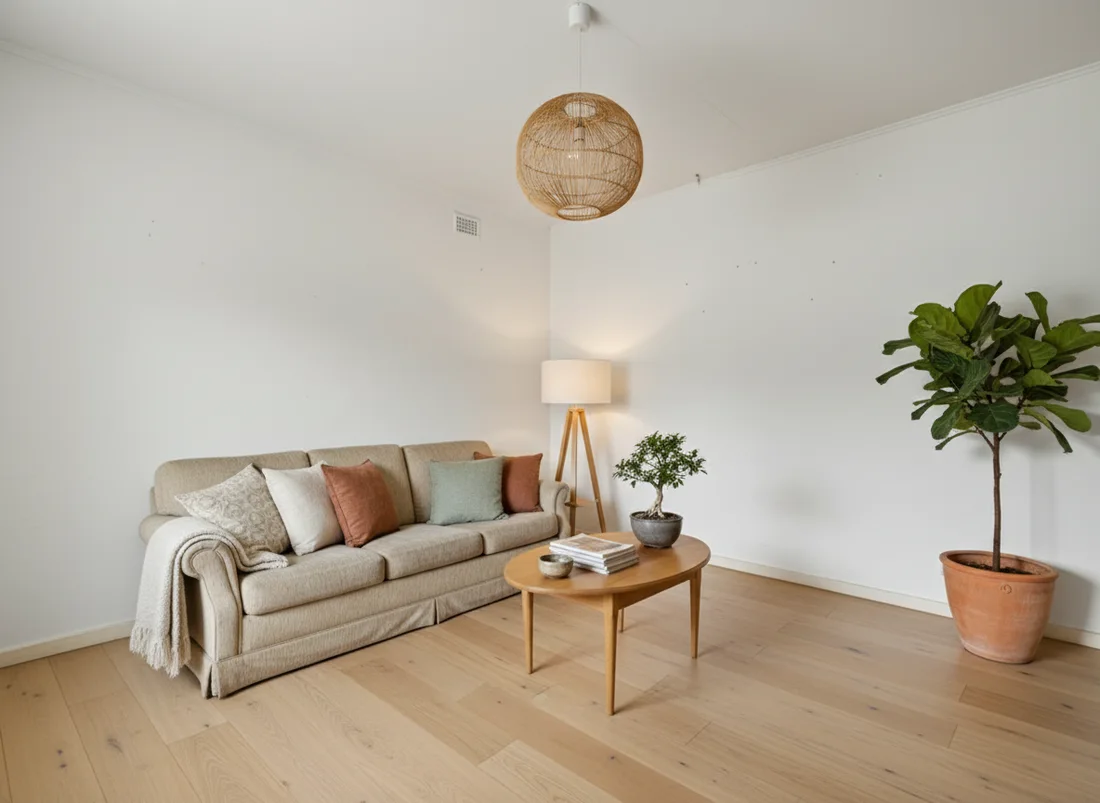 After
After
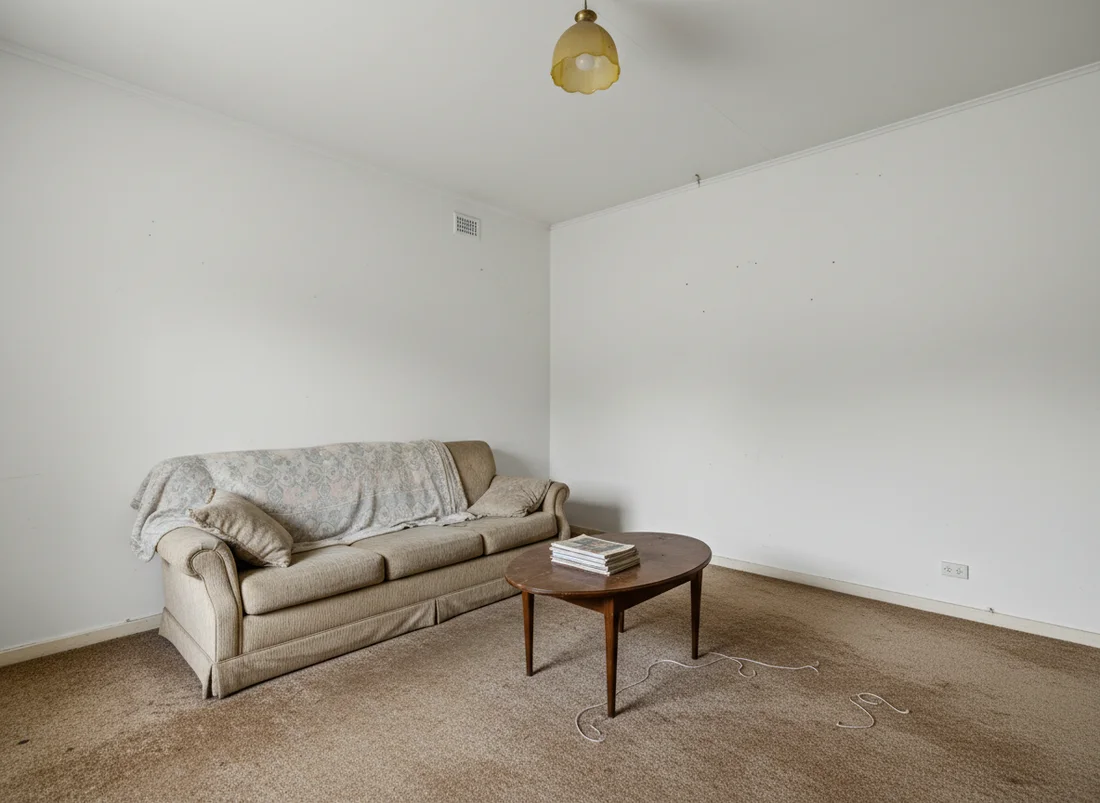 Before
See it on your own room
Your room, redesigned
Upload one photo and watch your room restyled in a wide range of designer looks. Your walls, windows and layout stay exactly as they are.
Try it free, no signupOne photo. In seconds. No signup.
More questions