
Stage the room buyers will receive
Use the original photo as the reference and inspect walls, floors, openings and outlets for unintended changes.
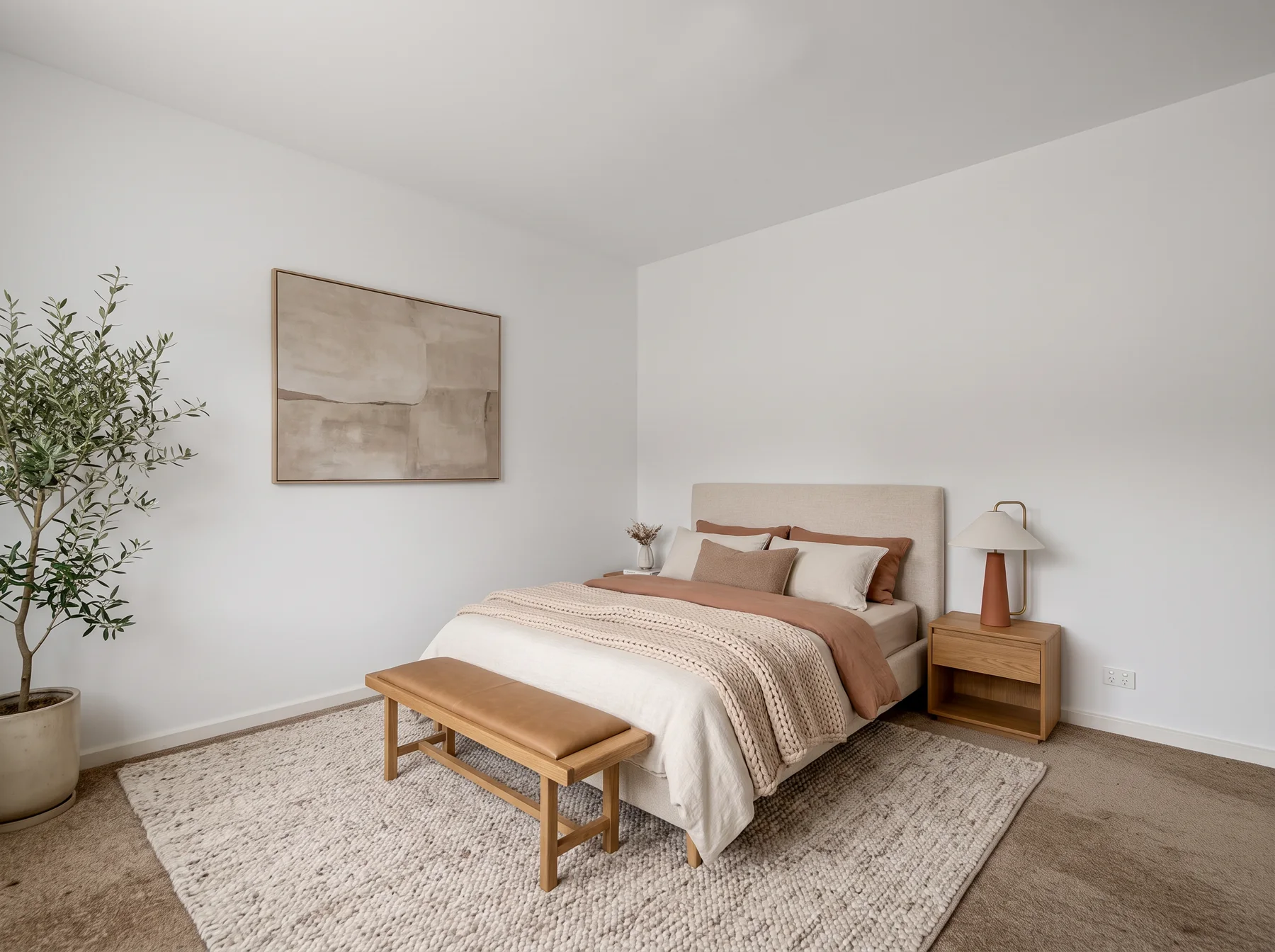
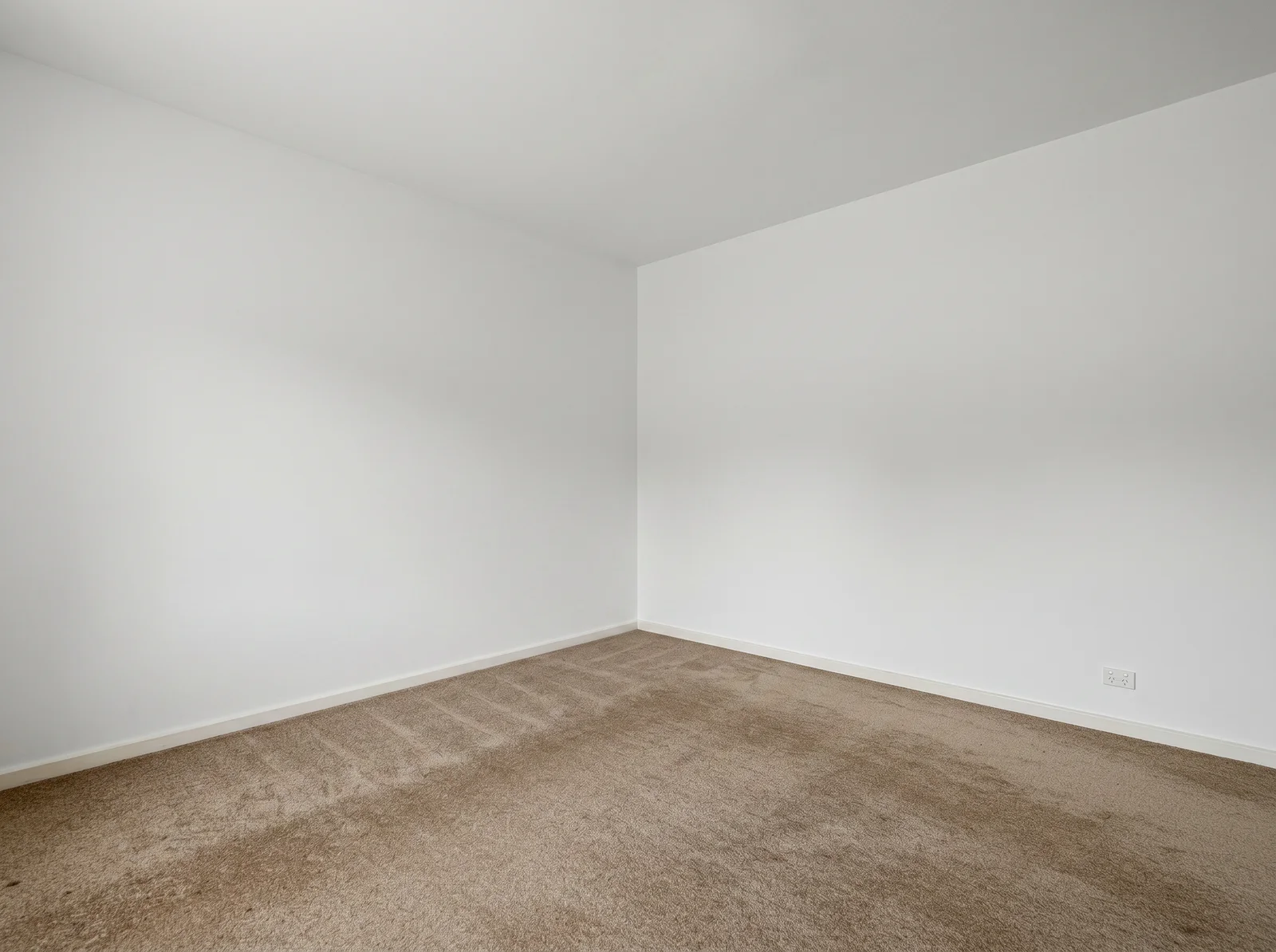
Show how an empty space could feel furnished, using the actual property photo.
One photo in, a whole redesign out
What to look for
Compare the empty room with its furnished concept. Check windows, walls and openings before publishing with a staging disclosure.
Take this idea further
Use plan credits to stage more spaces and refine the furnishing direction. Download clean images for your listing.
Compare plans and creditsYour photo. Your first design.
The useful comparison is your own room. Upload it above and judge the result for yourself.

A picture of the finished room, from the view you choose.

Pick a look and real pieces fill the room.

A photo or PDF of your plan becomes walls you can change.

Unlimited plans, clean downloads and CAD files.
Secure checkout Instant access
Renders, clean downloads and every tool.
800+ rooms rendered with restylai
Includes 10 trial credits. Card required. Cancel anytime.
Video tours arrive with your first paid month.
Includes 10 trial credits. Video tours arrive with your first paid month.
One payment. No subscription.
Secure checkout
Real input, useful output
Start from the actual room. Give the empty space a clear purpose with a furniture concept. Check the generated scale and architectural details against the original before publishing.
Use the original photo as the reference and inspect walls, floors, openings and outlets for unintended changes.
Turn a blank bedroom, living room or office into a space people can understand at a glance.
After your first successful plan payment, paid credits can turn a finished still into a short AI video.
Before
restylai
From vacancy to vision
Good staging does not hide the property. It clarifies scale, purpose and atmosphere so the real room becomes easier to imagine and easier to remember.
Keep architecture and perspective
Add believable furniture and purpose
Publish the still or bring it to life
Design on your own photos, refine the details and download clean results. Cancel anytime.
Both plans include
Credits are shared across renders and paid video. HD, 4K and video use more credits than a standard render; the cost is shown before you render. 4K and video come with PRO, and video starts after your first successful PRO payment, not during the trial.
Commercial use is included on every paid plan. Use your renders for your home, your work, and your business, anywhere you like.
30-day money-back guarantee. Cancel anytime. If you're not happy with your renders, we refund you in full, no questions asked.
Guaranteed safe and secure checkout
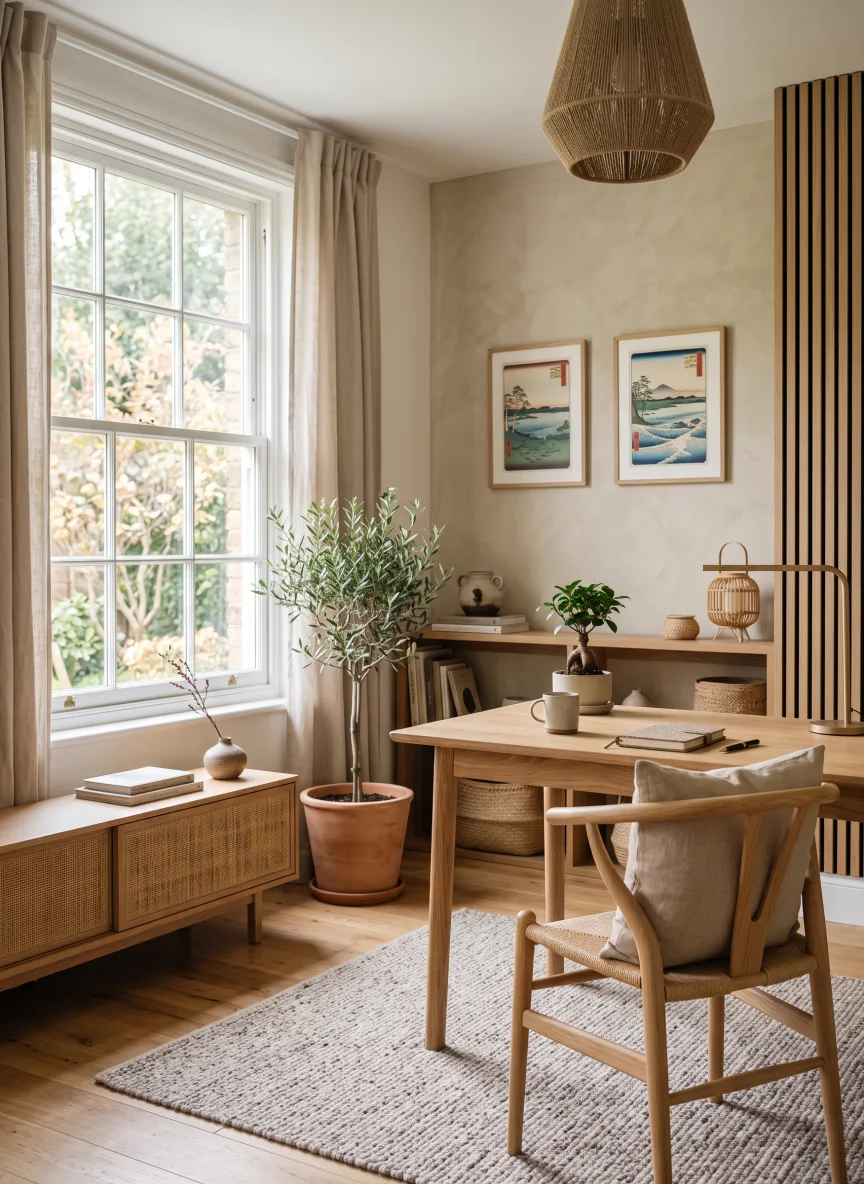
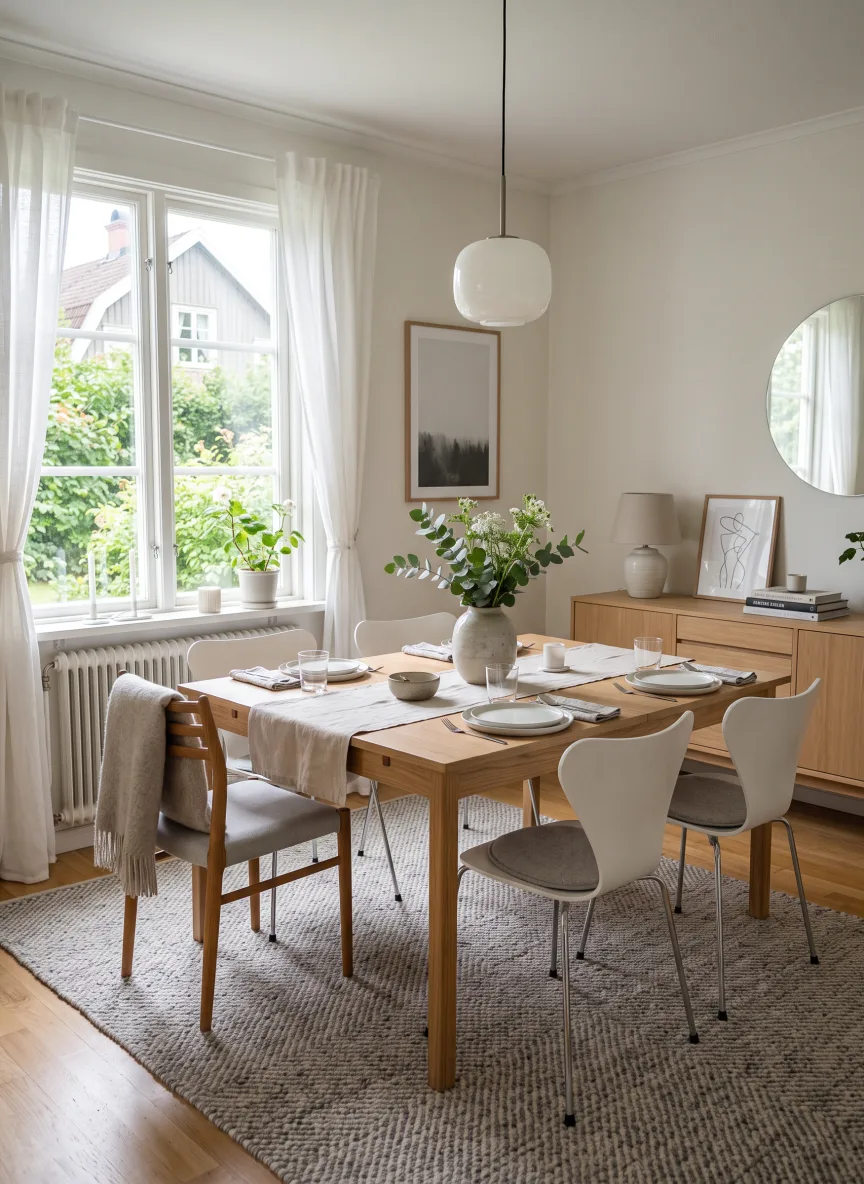
One photo, every look
How it works
Use the same wide, level photo you would place in the listing.
Set the intended use and a design direction that fits the property.
Use the finished still, keep refining it, or turn it into a walkthrough.
The useful comparison is your own room. Upload it above and judge the result for yourself.
Try it with your room