The before-you-buy test
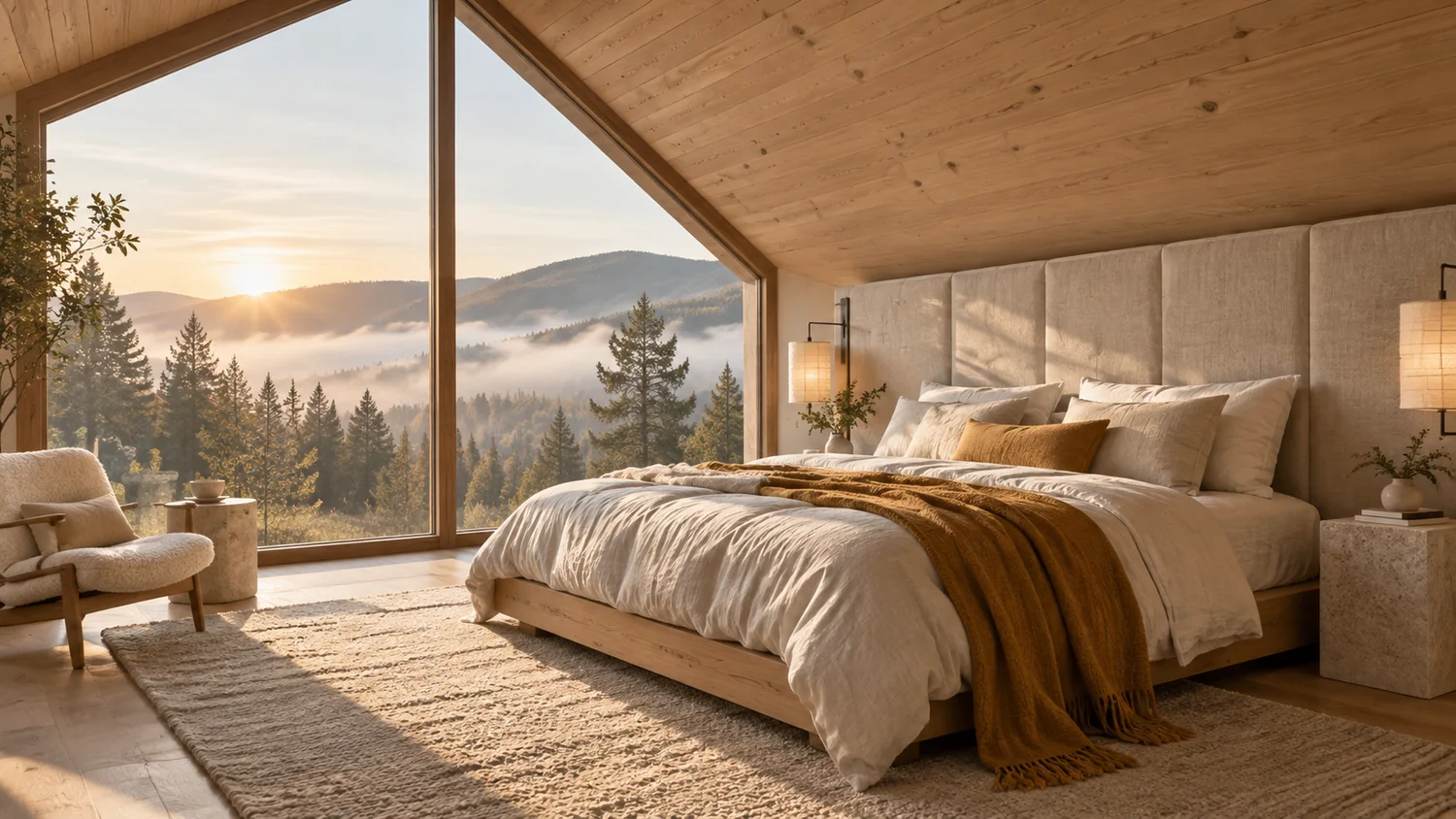
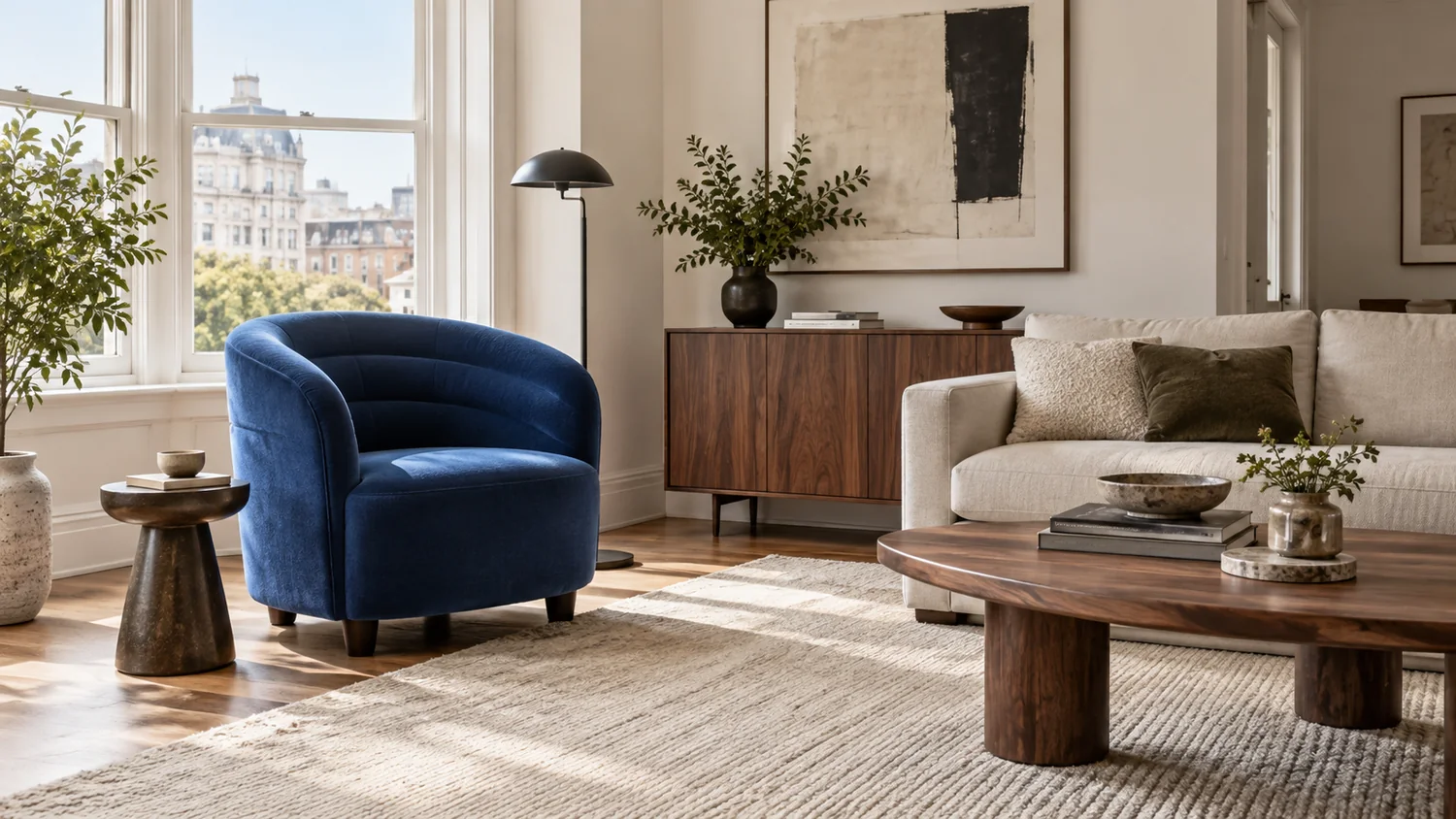
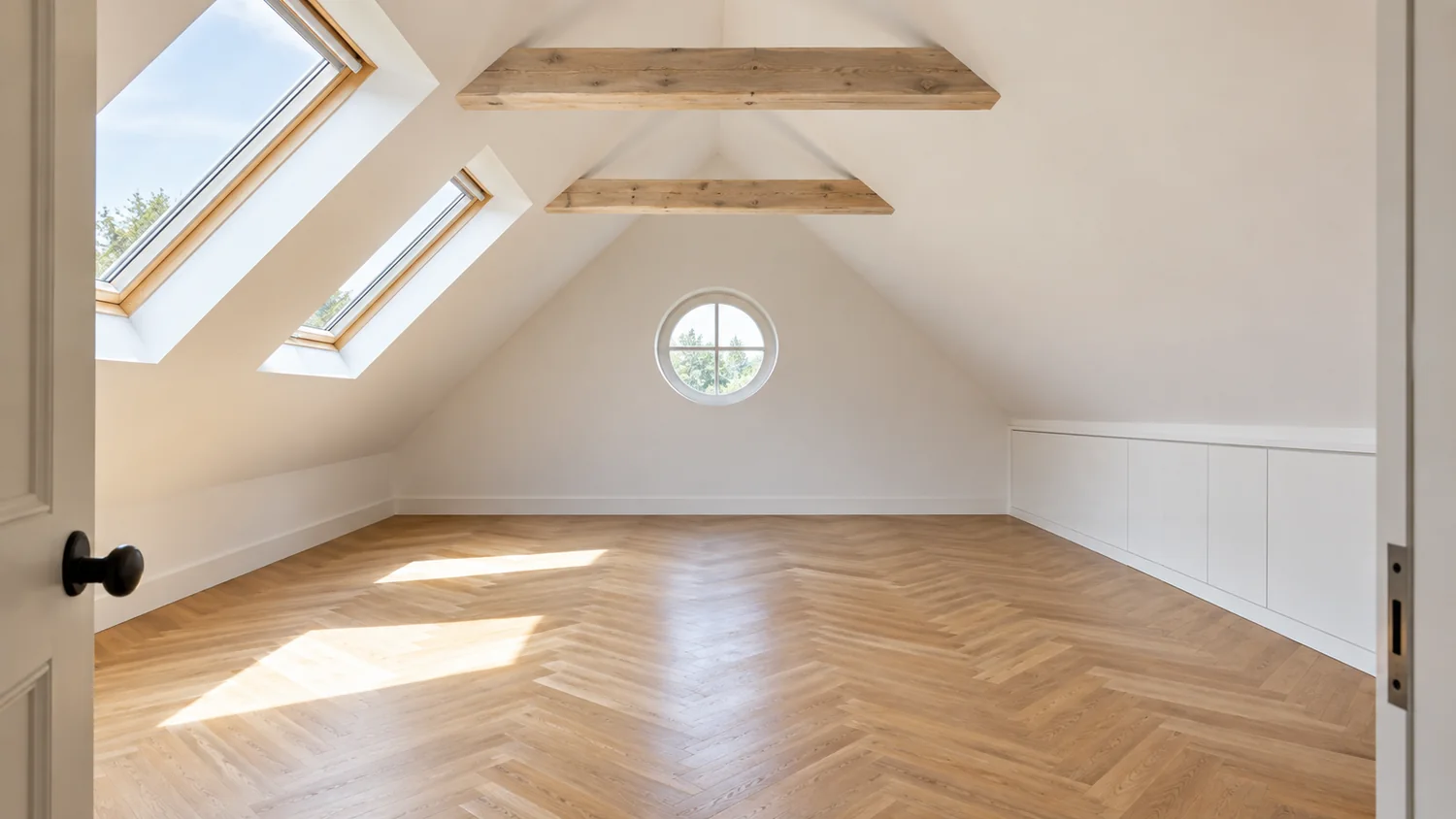
Same room. Two very different futures.
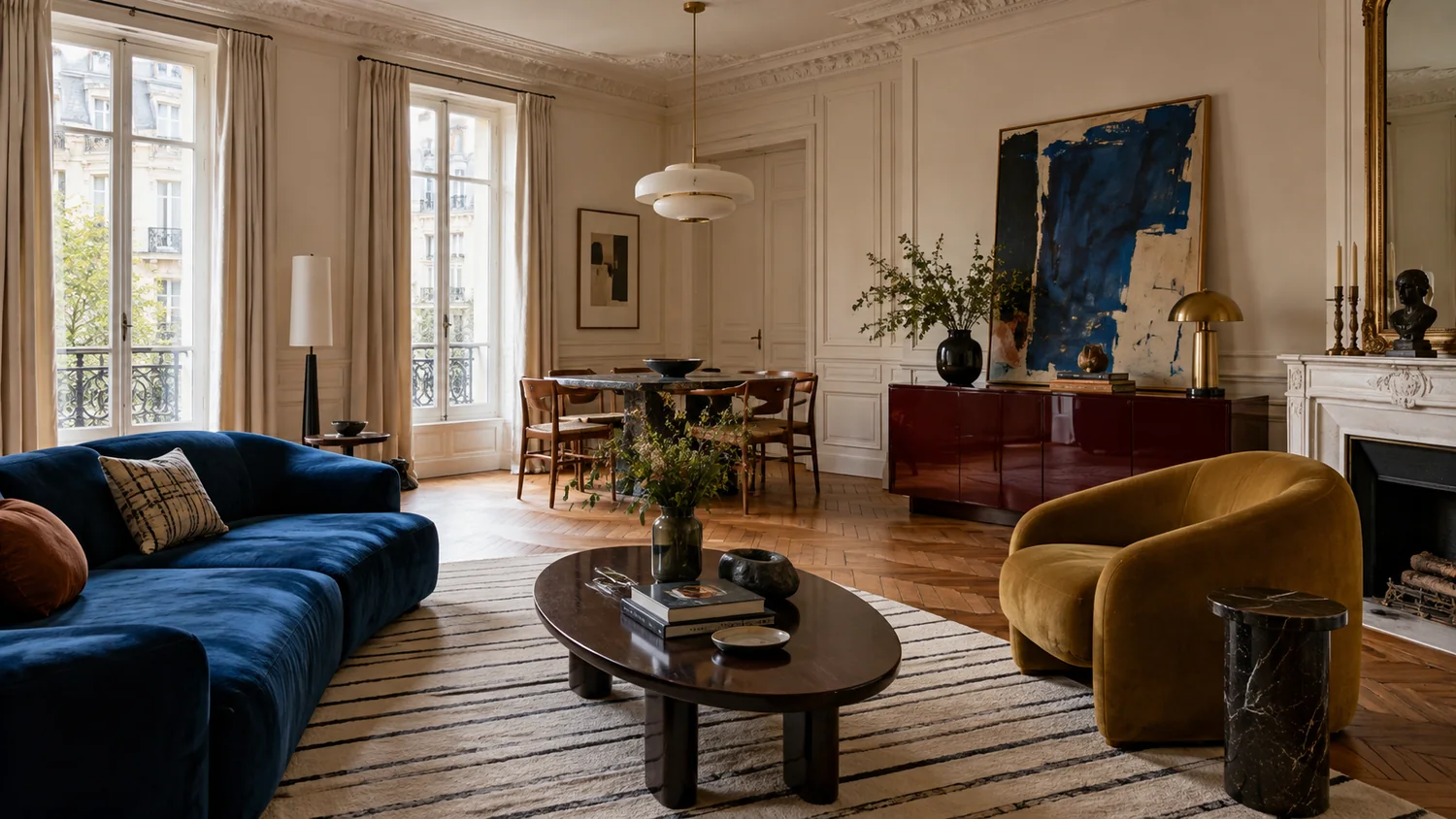
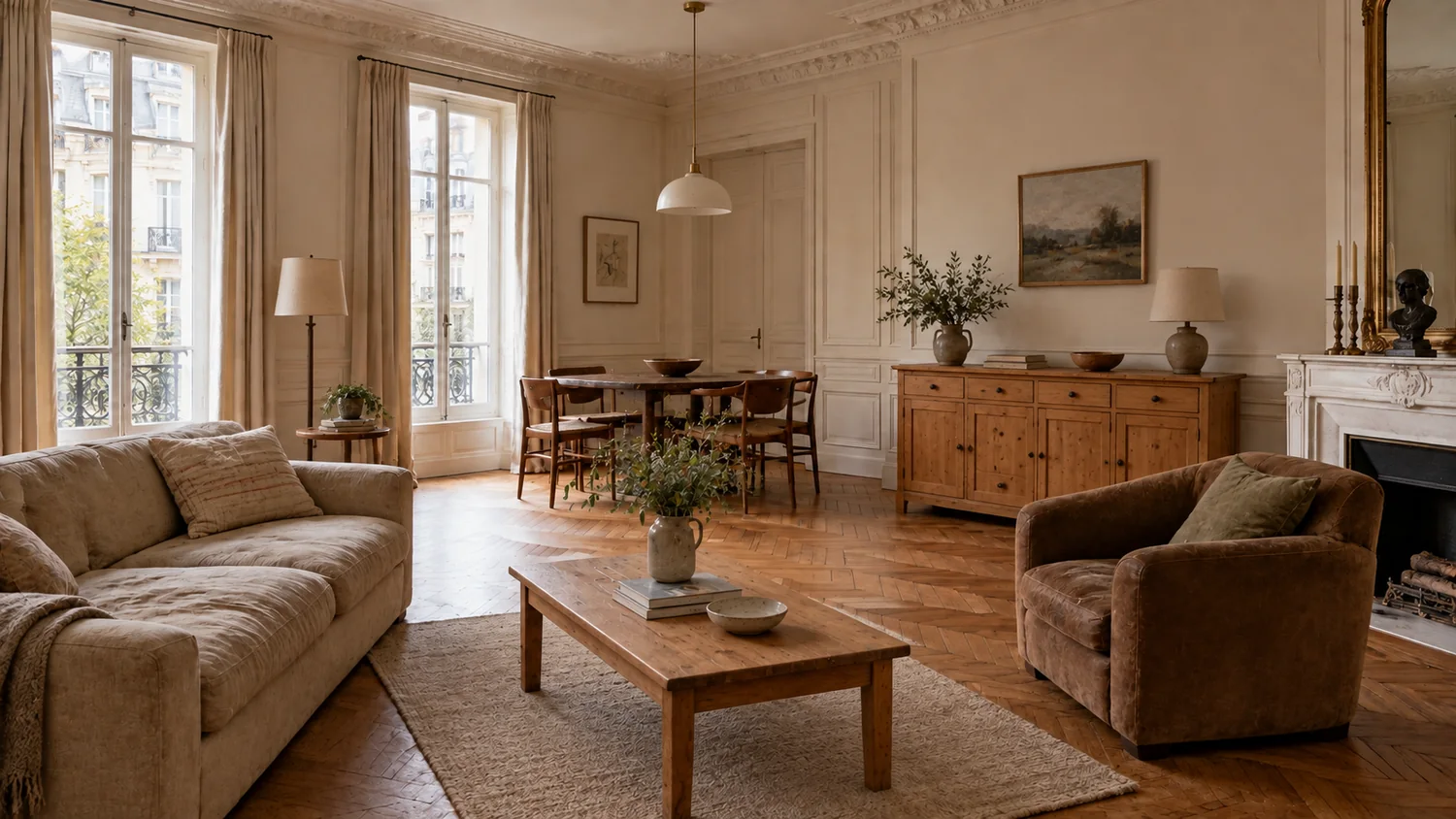
Two possibilities. One familiar room.
Try a different look on your room photo before painting, shopping or moving furniture.
See my room redesignedFirst result before signup Works in your browser
Explore the possibilitiesCompare the possibilities
Sometimes you need to see the opposite to know what you love.
A strong contrast makes preferences clearer. Start with a characterful makeover, compare it with a calmer version, then take the details you like into your next design.
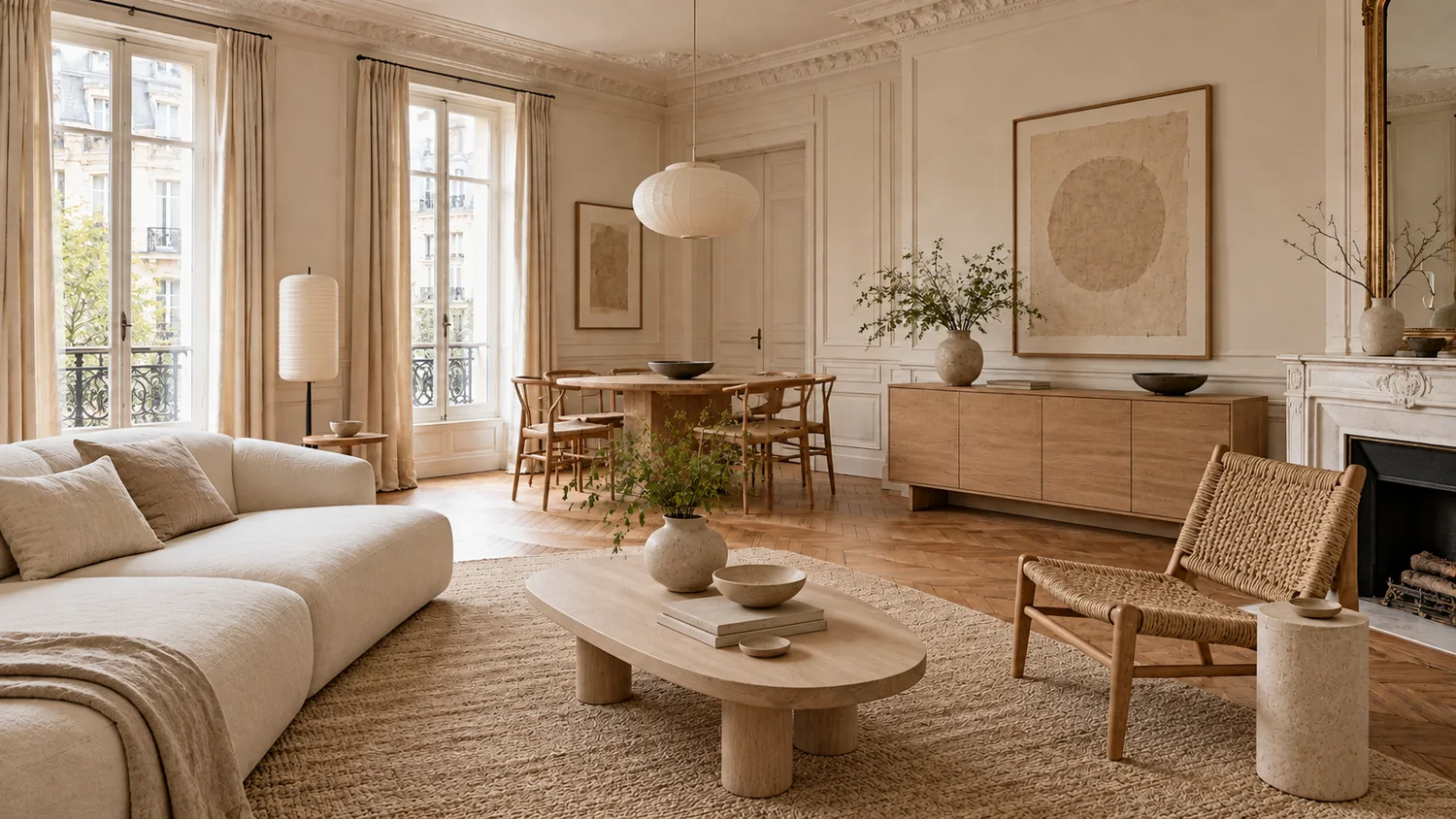 Before
AI-generated examples. Illustrative AI makeovers from the same original photo. Confirm layout, measurements and materials before renovating.
What to look for
Switch between the original and each direction. Identify the furniture and finishes that make the difference.
Take this idea further
Use plan credits to explore contrasting looks and refine the one you want to take into real life.
Compare plans and creditsRethink
Try an unexpected direction
Compare
See a contrasting approach
Refine
Keep the details that work
Now make it yours
Give your space a second possibility.
Your design workspace
Upload a photo of the room you want to change. Start with a style, then keep directing the result.

See your home for real
A picture of the finished room, from the view you choose.

Furnish every room in one tap
Pick a look and real pieces fill the room.

Start from your floor plan
A photo or PDF of your plan becomes walls you can change.

Keep every plan
Unlimited plans, clean downloads and CAD files.

Secure checkout Instant access
Unlock cinematic video walkthroughs Unlock your plan in true 3D isometric Your redesign is ready
Renders, clean downloads and every tool.
- Photoreal pictures of any view
- Every room furnished in one tap
- Unlimited plans and clean downloads
800+ rooms rendered with restylai
Includes 10 trial credits. Card required. Cancel anytime.
Video tours arrive with your first paid month.
Includes 10 trial credits. Video tours arrive with your first paid month.
One payment. No subscription.
Secure checkout
One plan. The whole studio.
Design on your own photos, refine the details and download clean results. Cancel anytime.
- Photoreal pictures of any view
- Every room furnished in one tap
- Unlimited plans and clean downloads
Both plans include
- 40 credits a month for renders, in Standard, HD or 4K
- Furnish for me and Describe it in words
- Unlimited floor plans
- Unlimited automatic tracing of plan photos
- Clean PNG and PDF downloads, no watermark
- Share links to your plans
- Video walkthroughs, 360 views and CAD export
- Photo redesigns in every style
Credits are shared across renders and paid video. HD, 4K and video use more credits than a standard render; the cost is shown before you render. 4K and video come with PRO, and video starts after your first successful PRO payment, not during the trial.
Commercial use is included on every paid plan. Use your renders for your home, your work, and your business, anywhere you like.
30-day money-back guarantee. Cancel anytime. If you're not happy with your renders, we refund you in full, no questions asked.
Guaranteed safe and secure checkout
Good questions. Clear answers.
Can I redesign without renovating?
Yes. Describe a furniture, colour or styling change and specify the architectural details you want to keep. Review the result for unintended edits.
Can I keep refining the result?
Yes. Continue from a generated image and describe your next change. Further generations use your available allowance or credits.
Take the idea further.
Different tools. One connected creative space.