Is there a free AI room design app?
"Free AI room design app" usually hides a catch, and it is worth knowing which catch you are getting. Many tools are free to browse but demand an email, an account, or a card number before they will run their AI on a photo you actually took, so you sign up before you know whether the results look like your room or like a stock render. A browser-based tool skips the app store entirely: nothing to download, no storage taken up on your phone, and the free tier shows you a finished design of your own space before asking for anything.
What you can do on that first free pass is the full engine, not a demo. restylai keeps the real walls, windows, proportions and layout of your photo and redesigns everything inside them: 24 designer styles plus a describe-your-own-style option, virtual staging for empty spaces, decluttering, material swaps for floors, walls and cabinets, renovation previews, and word-driven edits where you simply type what to change. The practical difference between free and paid is the file you walk away with. The watermarked render is enough to judge whether a style suits your space; paid access adds clean HD and 4K downloads, and cinematic video walkthroughs are included in the monthly plan. A fuller walkthrough of how the photo-to-design process works is in our AI room design guide.
The honest way to evaluate any of these tools is on your own photo, because example galleries always show the flattering cases. Take a picture of the space as it is right now, messy corners included, and upload it on the homepage. The first design is free with no signup, and in about a minute you will know whether the tool understands your actual room.
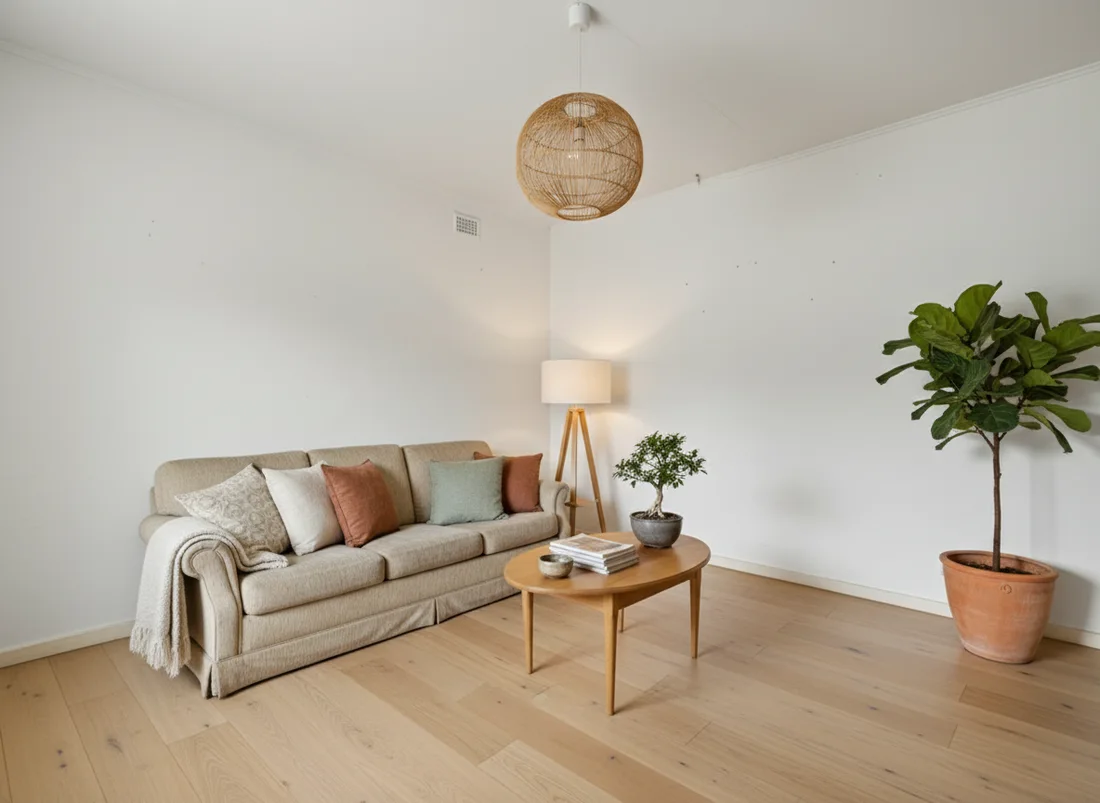 After
After
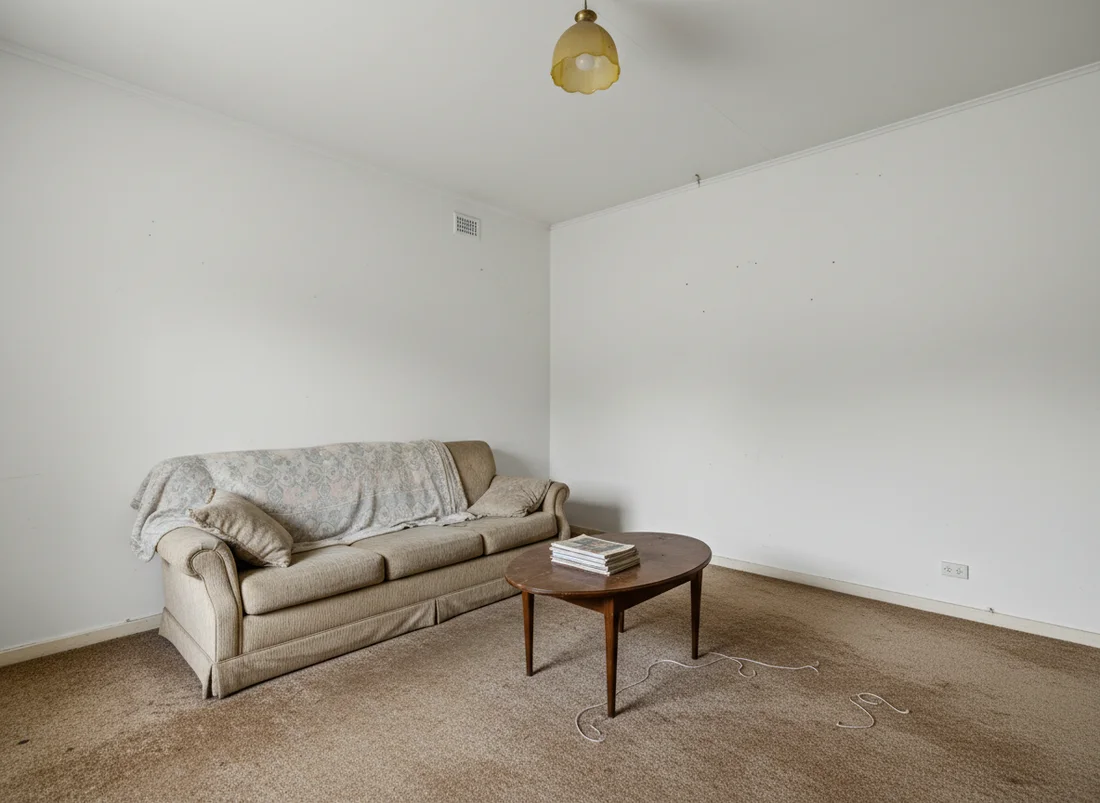 Before
See it on your own room
Your room, redesigned
Upload one photo and watch your room restyled in a wide range of designer looks. Your walls, windows and layout stay exactly as they are.
Try it free, no signupOne photo. In seconds. No signup.
More questions