Can AI remove furniture from a photo?
There are two ways to do it, and they suit different jobs. Declutter is the sweeping option: everything movable comes out at once, so a room full of furniture, boxes and cable tangles comes back as a clean empty shell you can actually look at. Erase is the surgical option: you name the one object you want gone and the AI removes it and reconstructs the hidden part of the scene, the skirting board behind the bookshelf, the run of floorboards under the armchair, matched to the surrounding perspective and light. Because the render works from your real photo, the room's proportions and architecture stay yours rather than being replaced by a generic 3D model. The step-by-step walkthrough with examples is in our guide to removing furniture from a photo.
The most useful trick is the empty-then-restage combo. Declutter first to get the bare room, then stage that clean version in a completely different style, so the old furniture never bleeds into the new look. It is the honest way to answer "what would this room look like as something else entirely", because you are furnishing a true blank slate instead of asking the AI to paint over a sofa that is still there. The staging half of that workflow is covered on the virtual staging page.
The fastest way to judge it is on your own space. Upload a photo of the most cluttered room you have, run a declutter, and see whether the empty version still reads as your room. The first design is free, there is no signup, and it runs in the browser with nothing to download.
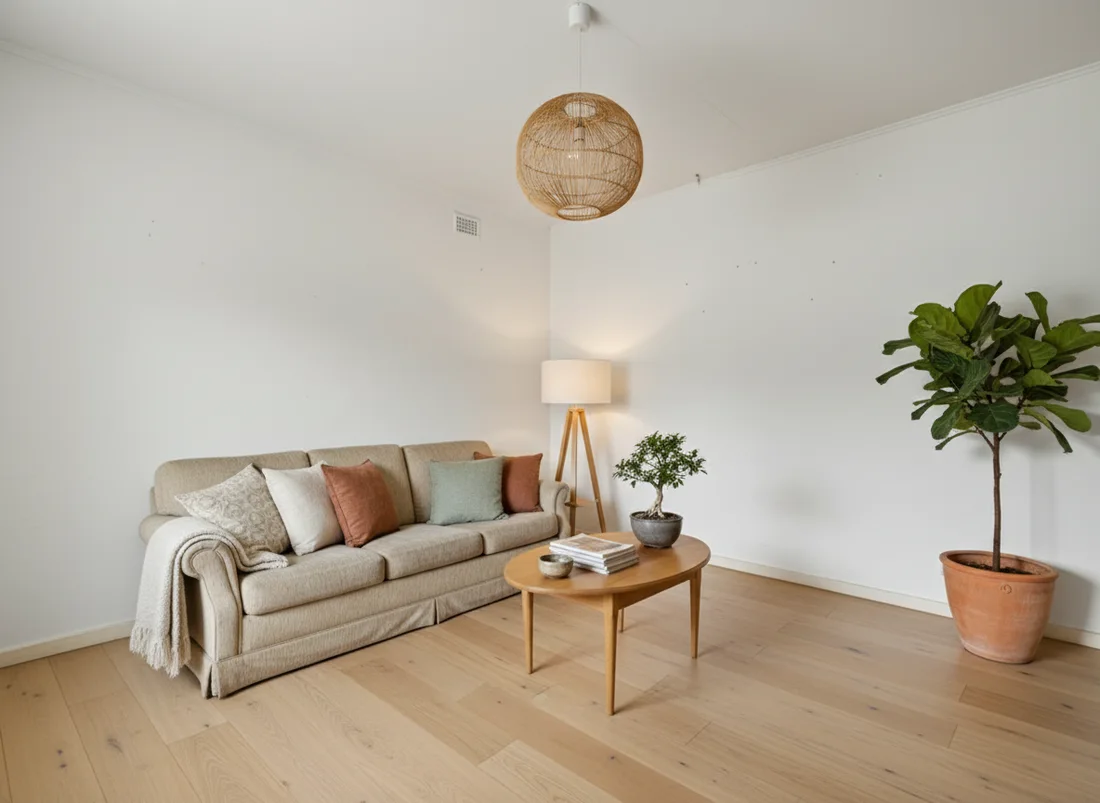 After
After
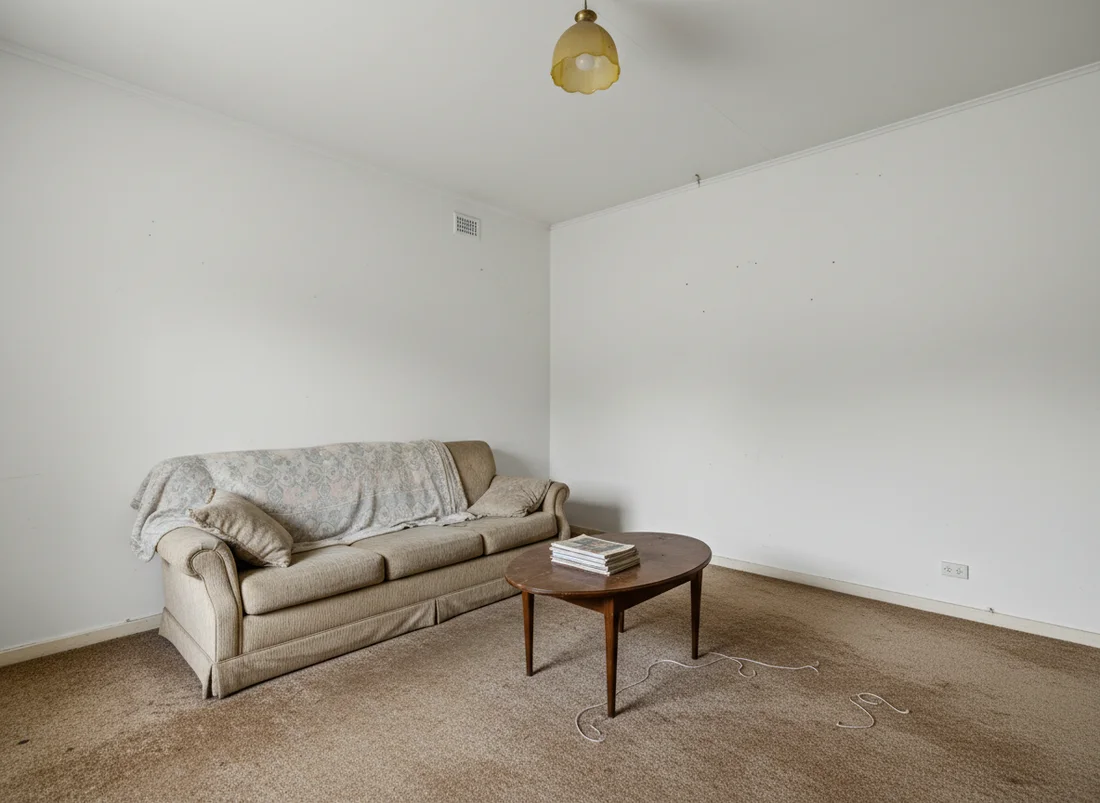 Before
See it on your own room
Your room, redesigned
Upload one photo and watch your room restyled in a wide range of designer looks. Your walls, windows and layout stay exactly as they are.
Try it free, no signupOne photo. In seconds. No signup.
More questions