What photo works best for AI room design?
The corner position matters more than people expect. Shooting from a corner shows two walls meeting, which is how the model reads the depth and angles of the room, and standing back far enough to include the floor anchors the perspective so a new sofa or rug lands where it plausibly could. Chest height is roughly where architectural photos are taken, so vertical lines stay straight rather than leaning. Daylight helps for a similar reason: the AI keeps the direction and warmth of the light it sees, and a room lit by a window will come back looking like your room on a good afternoon, not a showroom under studio lamps.
A few photo types reliably produce weaker results. Extreme close-ups of one wall or one piece of furniture leave the model guessing at the rest of the room, so it invents geometry that was never there. Heavy filters distort the colors and light the AI is trying to preserve. Very dark shots hide texture and detail in the shadows, and there is nothing for the model to work from. And tall portrait crops that cut off the floor remove the single most important surface for judging scale and perspective. If the photo would confuse a friend about what the room actually looks like, it will confuse the model too. For a full walkthrough of the process from photo to finished design, see our guide to AI room design from a photo.
The easiest way to check your photo is simply to use it. restylai's AI room design runs in the browser with nothing to download, and your first design is free with no signup. Upload the shot, pick one of 24 styles or describe your own, and in seconds you will see your actual walls, windows and layout restyled. If the result feels off, step back into a corner, open the curtains, and try one more frame.
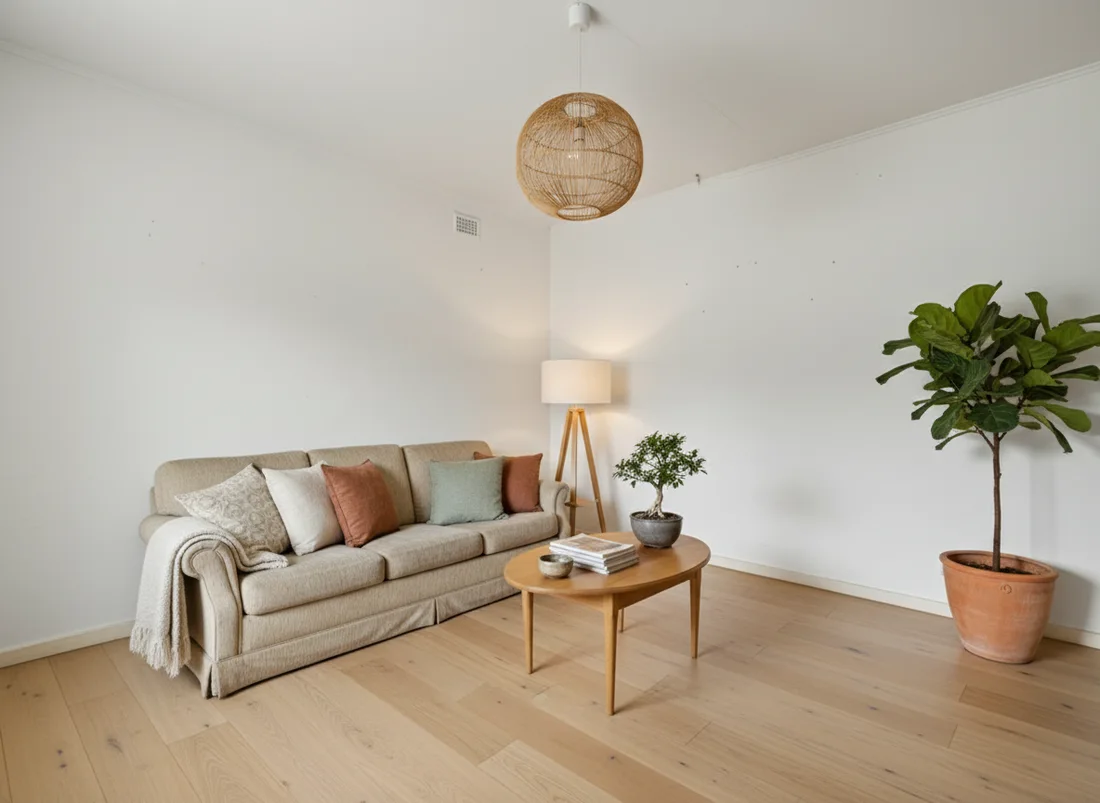 After
After
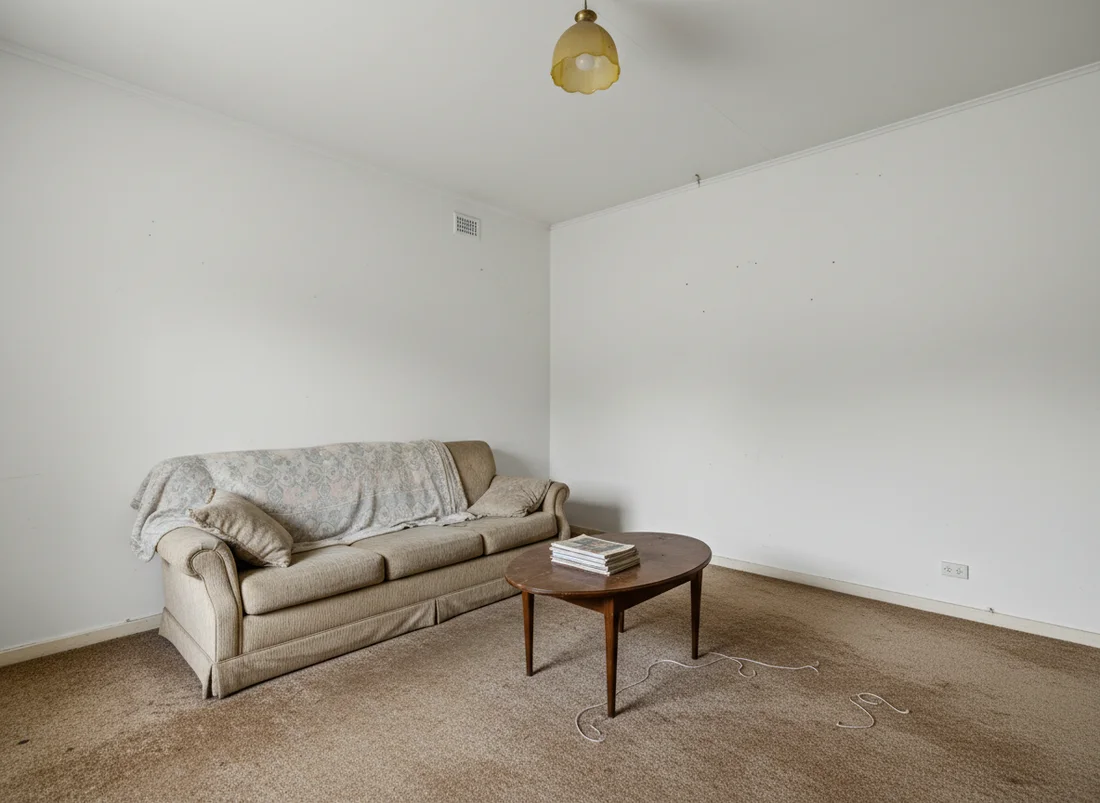 Before
See it on your own room
Your room, redesigned
Upload one photo and watch your room restyled in a wide range of designer looks. Your walls, windows and layout stay exactly as they are.
Try it free, no signupOne photo. In seconds. No signup.
More questions