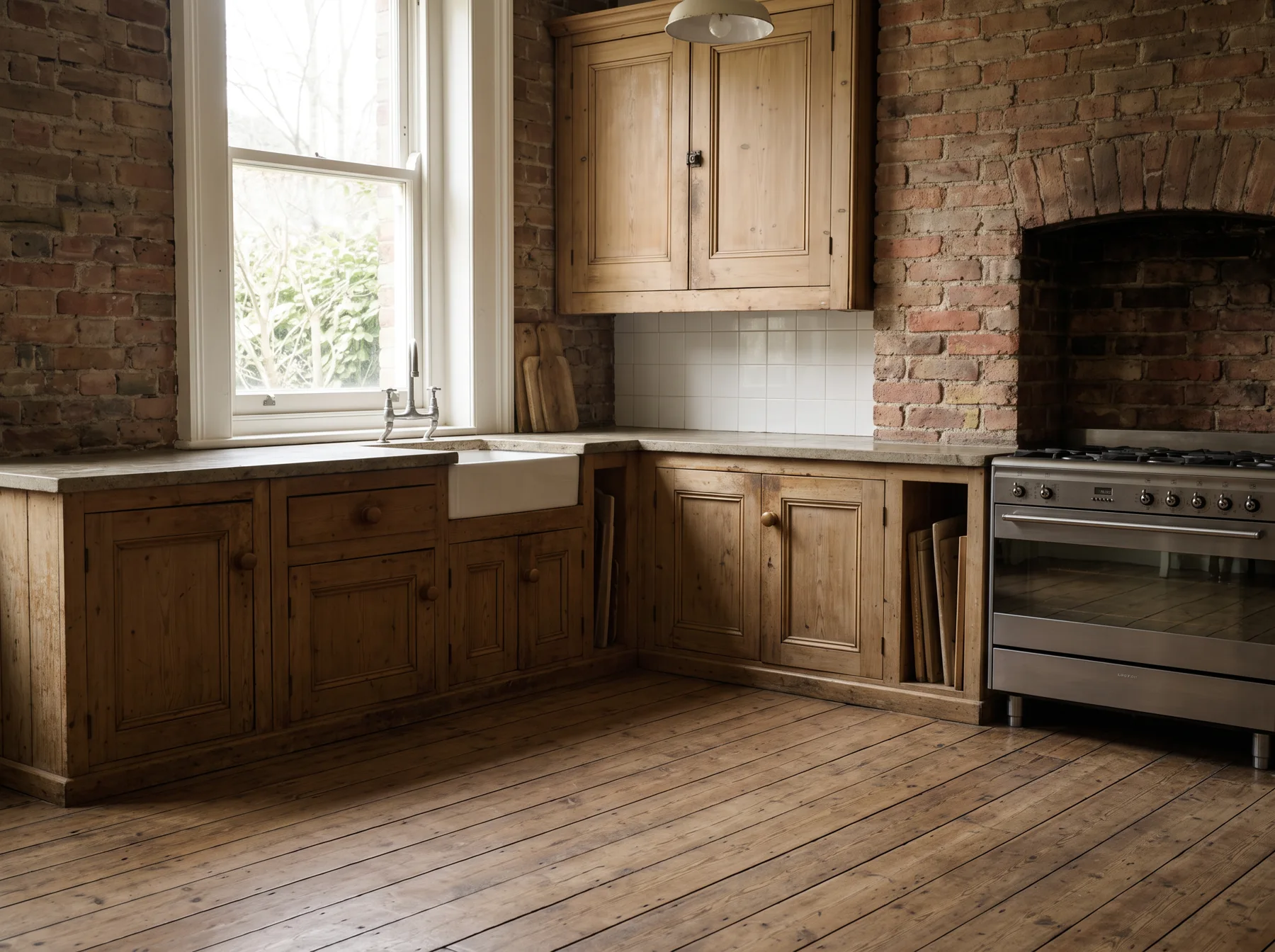
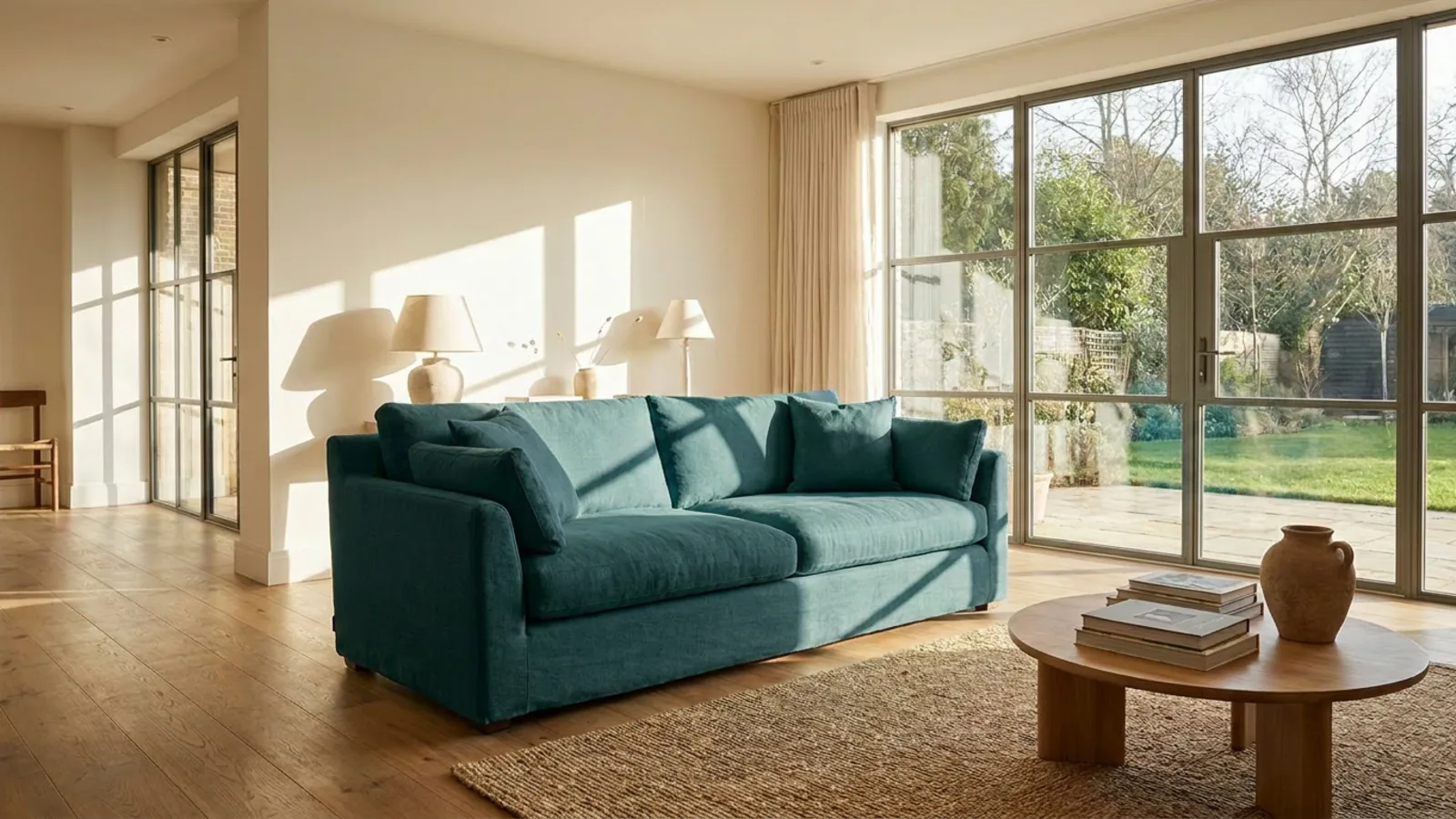
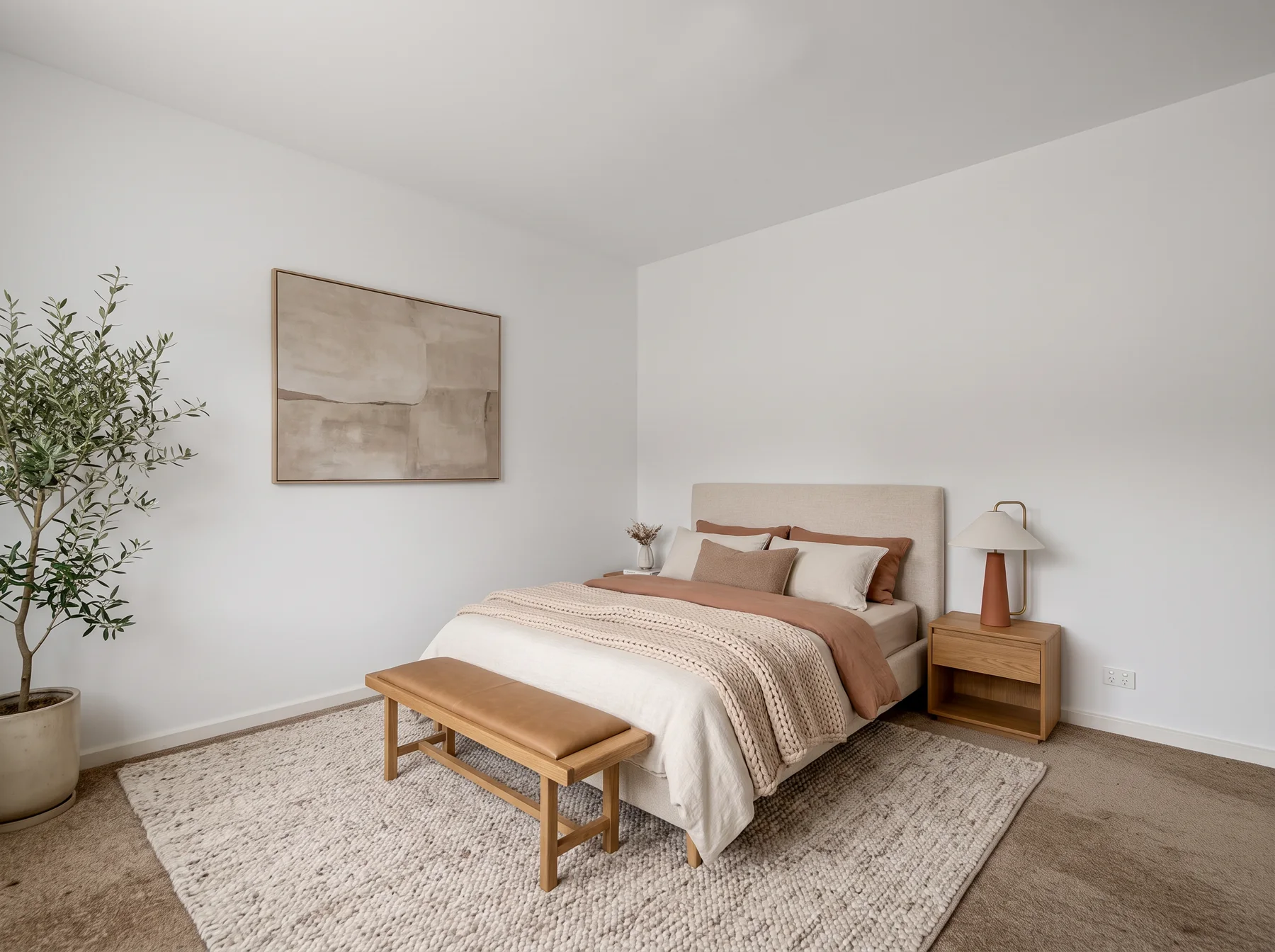
Lose the distraction. Keep the space.
The lamp in the wrong place. The cables. The piece that breaks the composition. Name what should go and see the space without it.
First result before signup Works in your browser
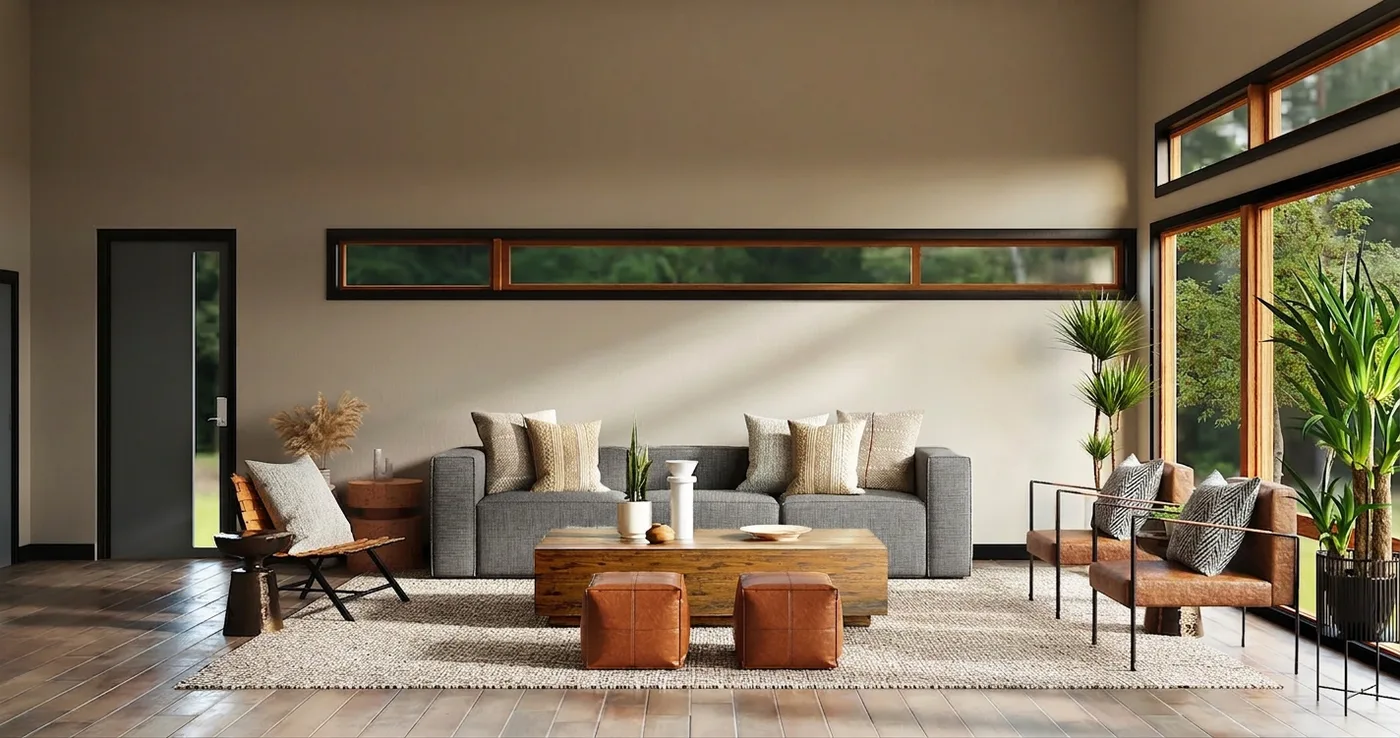
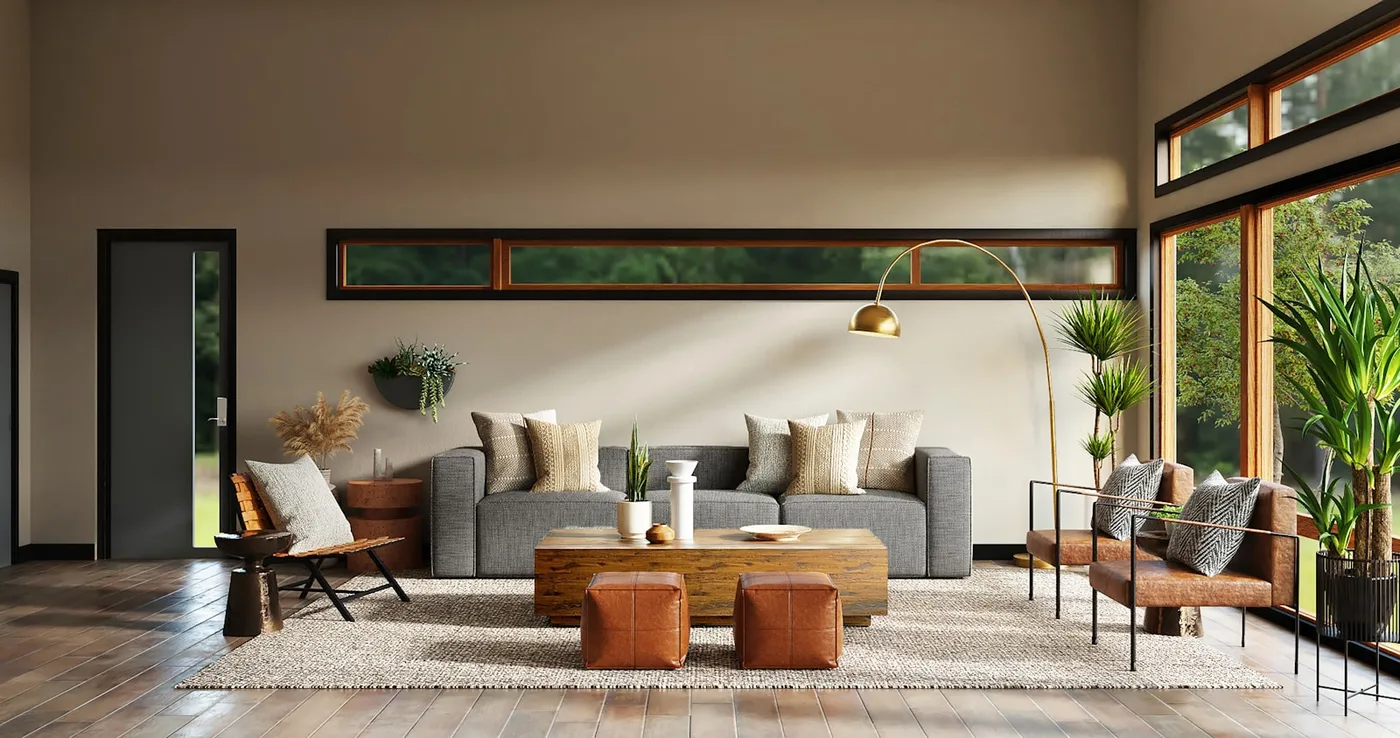
Less, on purpose
Remove one thing, not everything.
Erase targets the objects you name. It differs from Declutter, which clears movable furniture to create an empty-room starting point.
AI-generated examples. AI reconstructs what may be behind removed objects. Inspect the result and disclose material edits when using property images.
Identify
Name the object and its location
Remove
Generate the selective edit
Inspect
Check the reconstructed area
Now make it yours
What would you like to take away?
Your design workspace
Upload your photo, then name the objects to remove in the preselected Erase tool.
What you get
-
Flawless 4K quality. Every texture and shadow, magazine-perfect and yours to keep.
-
Every designer style, every tool. Restyle, stage, renovate, and nail any look you can imagine.
-
Your whole world. Rooms, homes and gardens, cinematic video tours and true 3D.
Unlock cinematic video walkthroughs Unlock your plan in true 3D isometric Your redesign is ready
In breathtaking 4K, with every designer style and every pro tool. Restyle it, stage it, renovate it, then walk through the finished home in cinematic 3D.
Includes 10 trial credits. Card required. Cancel anytime.
Video tours arrive with your first paid month.
One payment. No subscription.
Guaranteed safe and secure checkout
Plans that pay for themselves
Keep designing every month. Every tool, every style, your designs in flawless 4K.
Commercial use is included on every paid plan. Use your renders for your home, your work, and your business, anywhere you like.
Guaranteed safe and secure checkout
Good questions. Clear answers.
Will this empty the whole room?
No. Erase targets the objects in your instruction. Choose Declutter if you want an empty-room starting point.
Does it recover what was really behind an object?
No. The hidden area is reconstructed by AI and may not match the real surface. Review the result before using it.
Take the idea further.
Different tools. One connected creative space.