restylai blog
Copy a Room Style You Found Online Into Your Own Room
Updated July 19, 2026 · by the restylai team

Everyone has the folder. Rooms saved from Pinterest, screenshots from Instagram, a photo of a hotel lobby you loved, all of them a look you want and none of them your actual room. The gap between the saved room and yours is the whole problem: you can see what you want, you just cannot picture it in your space. Copying a room style with AI closes that gap. You give it the look you saved and a photo of your room, and it restyles your space in that direction, keeping your walls, windows, and layout.
This guide covers what "copying a style" really means, the exact step-by-step workflow, what will and will not transfer, how to pick a reference that copies cleanly, and how to handle the tricky cases, a different room type, or copying only the palette.
What copying a room style actually means
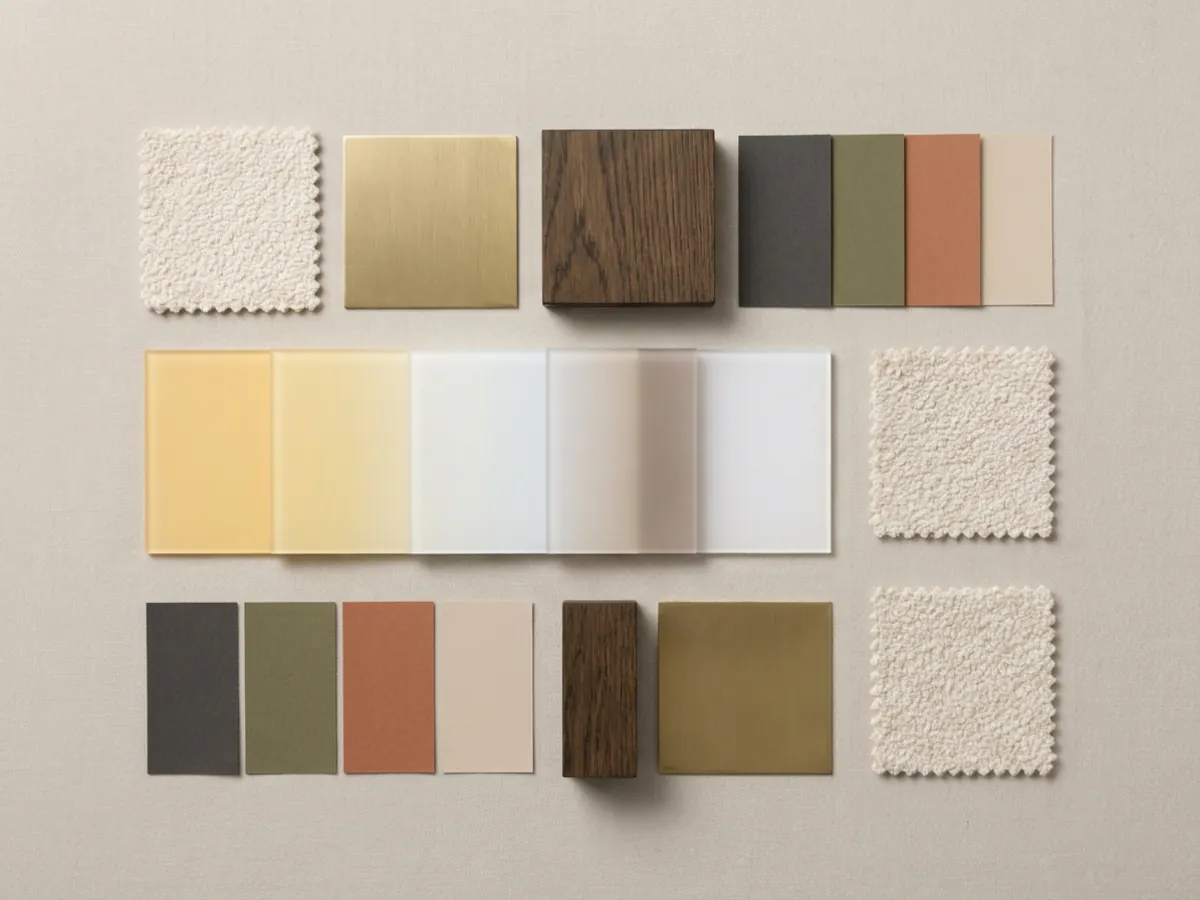
The AI does not copy the photo pixel for pixel, it reads the look out of it. What it extracts is the design language: the color palette, the materials and finishes, the shape and character of the furniture, the lighting mood, and the styling density, how full or how spare the room is. Then it applies that language to your room's own geometry.
That distinction matters, because it is why the result feels like the reference rather than clones it. A corner sofa in the photo may become a straight sofa on your longest wall; the palette and the materials carry over, but the arrangement adapts to your space. You are restyling the room you have in the spirit of the one you saved, which is exactly what you want, since your room is not the same shape as the photo anyway. It works through the same engine that can read the look out of a photo and apply it.
From reference photo to your restyled room, step by step
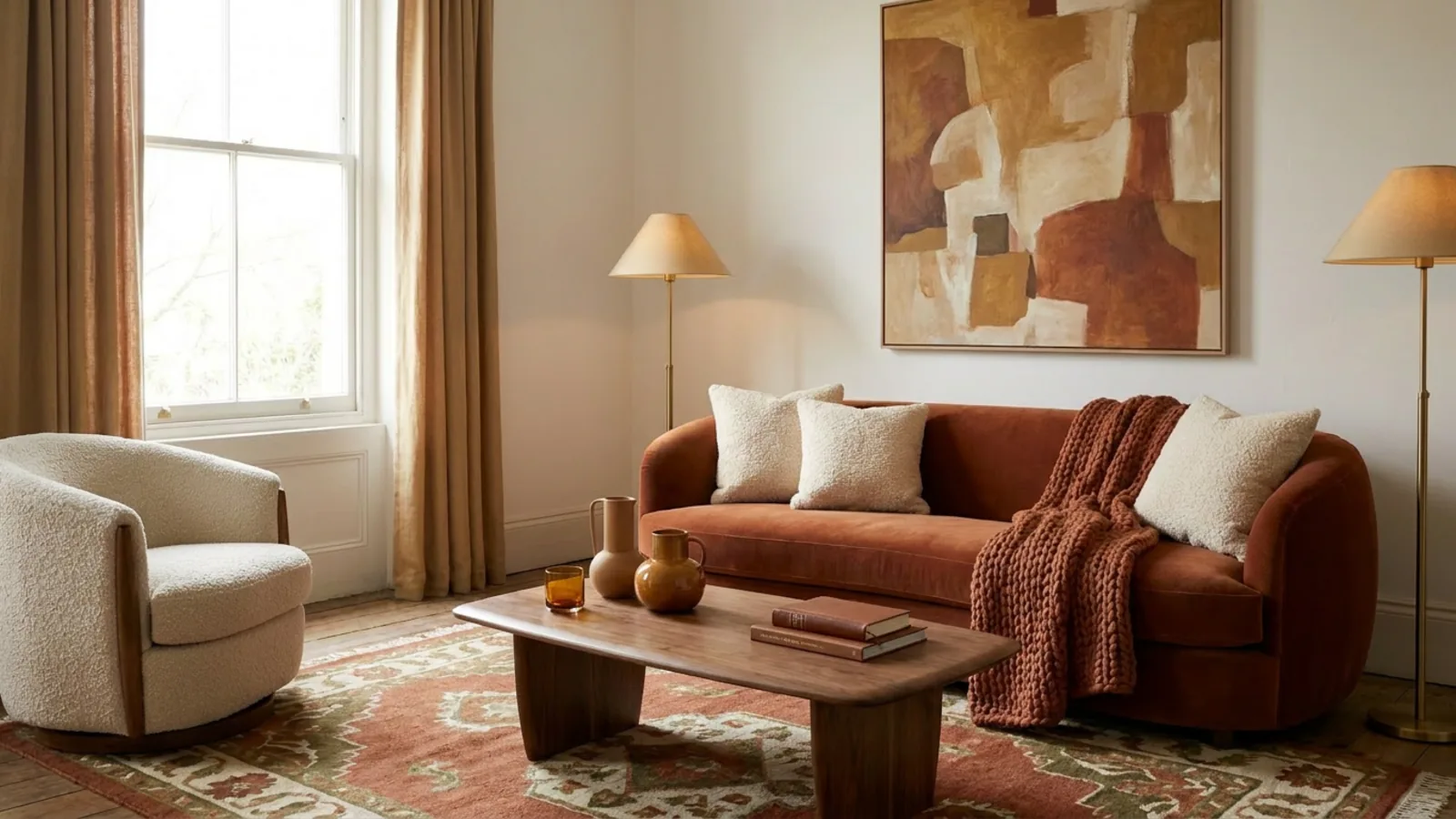
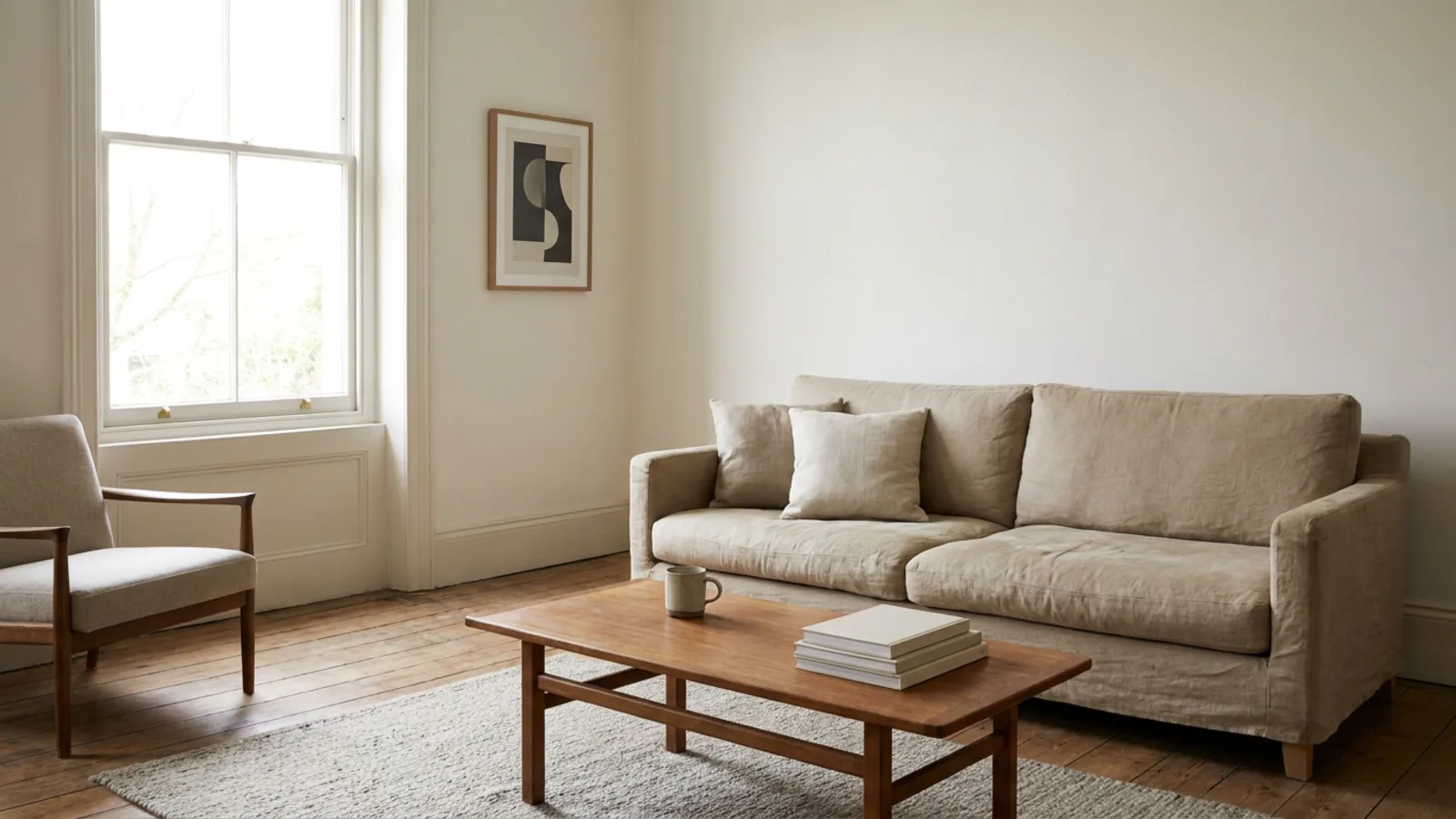 Before
Copied
Before
Copied
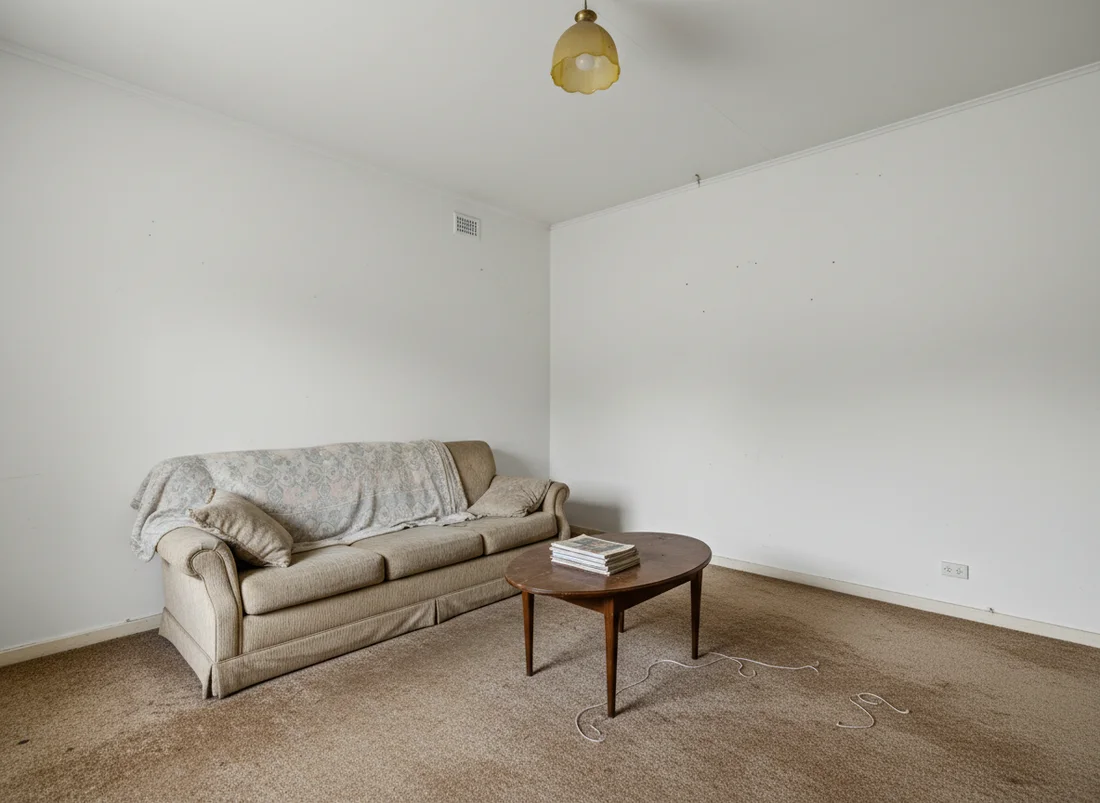
The whole workflow is four steps:
- Photograph your room in daylight, one wide, level shot that shows the floor and at least two walls, so the AI has the full space to work with.
- Add the reference you saved, the room whose look you want to copy.
- Generate, and the tool restyles your room in the reference's palette, materials, and character while keeping your walls, windows, and layout.
- Review and refine, keeping what works and adjusting anything that does not, one change at a time.
That is it. The skill is mostly in the reference you choose and in the refining, both of which are below. The first render is free, so you can run your own saved look on your own room and see whether it lands before doing anything else.
What transfers, what adapts, what stays yours
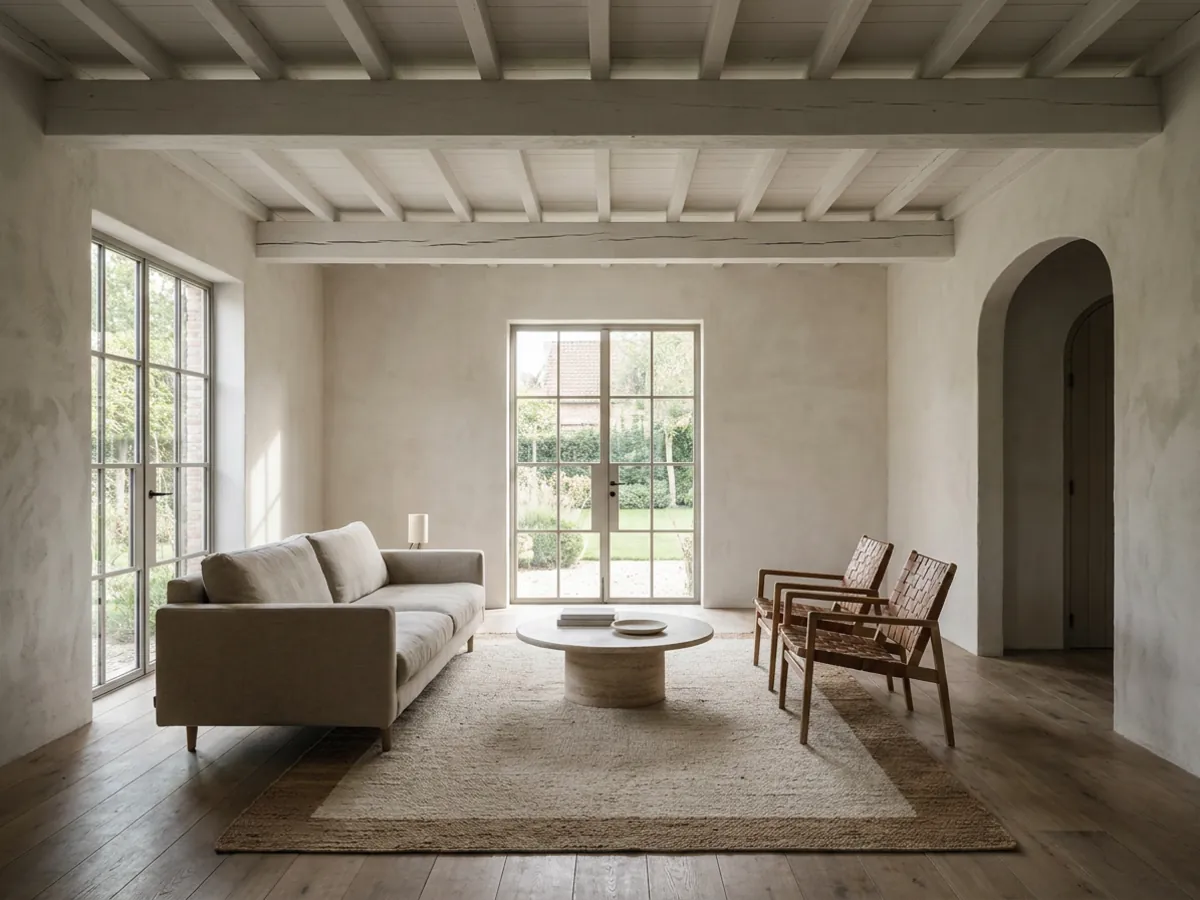
Knowing what carries over sets the right expectation:
- Transfers: the palette, the materials and finishes, the furniture character, and the overall mood. These are the look, and they copy well because they are the essence of the reference.
- Adapts: the layout and scale. A piece in the reference is reinterpreted to fit your room's proportions, because your room is a different shape and the furniture has to actually work in it.
- Stays yours: the walls, windows, doors, ceiling, and the room's real geometry. The architecture is locked, which is what keeps the result recognizably your space rather than a copy of someone else's.
The result feels like the reference rather than clones it, and that is the honest and useful outcome. A cloned photo would not fit your room; a restyle in the same spirit does.
How to pick a reference photo that copies cleanly
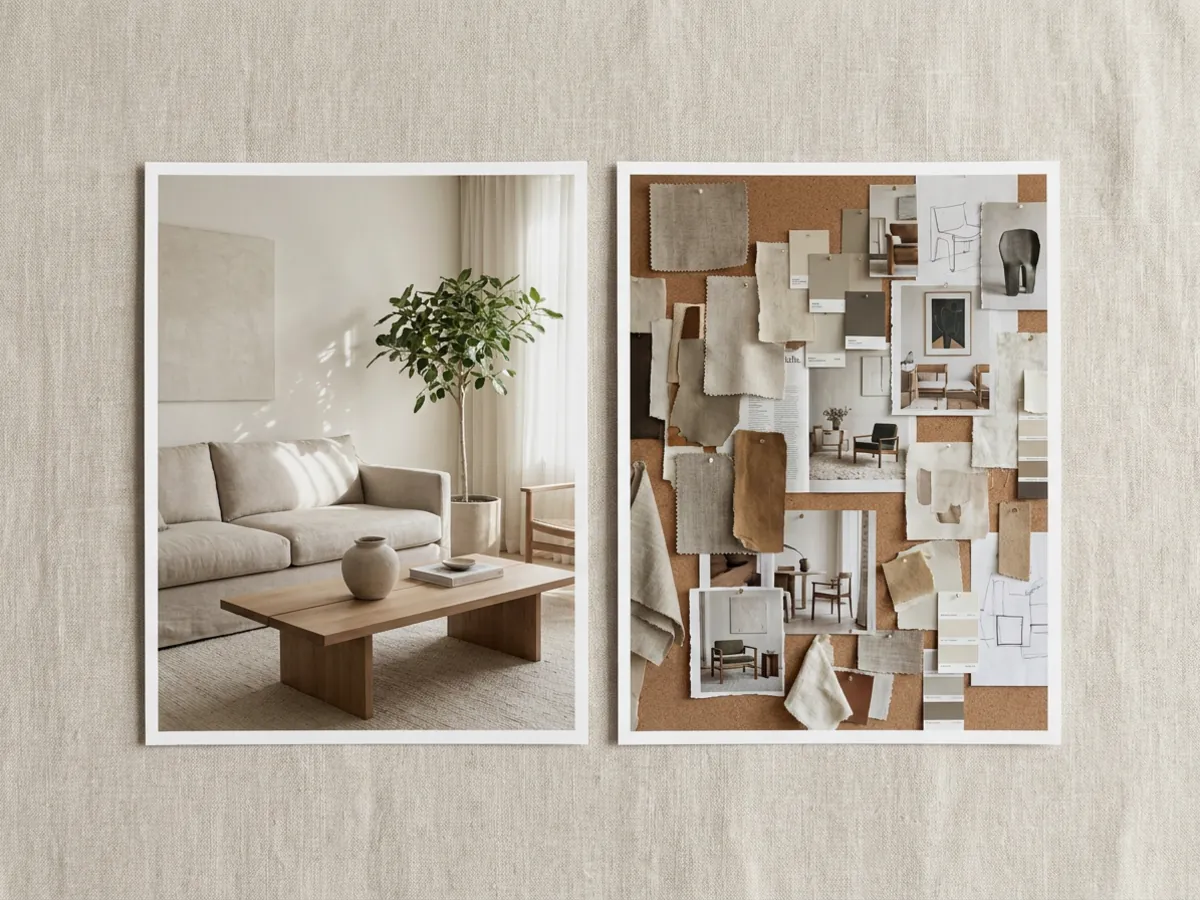
The reference does most of the work, so choose it well. The best reference is a real interior photo with one confident look, ideally the same room type as yours. A clearly Scandinavian living room copies cleanly onto your living room; a single, coherent style gives the AI a clear signal to read.
What to avoid: collaged moodboards with ten looks at once, heavily filtered or color-graded shots where the palette is not the room's real palette, and images so dark or busy that the materials are hard to read. Those give a muddy signal and a muddy result. If your saved look is a moodboard, pick the single strongest room from it and use that. One clear reference beats a busy one every time.
When the reference is a different room type, or you only want the palette
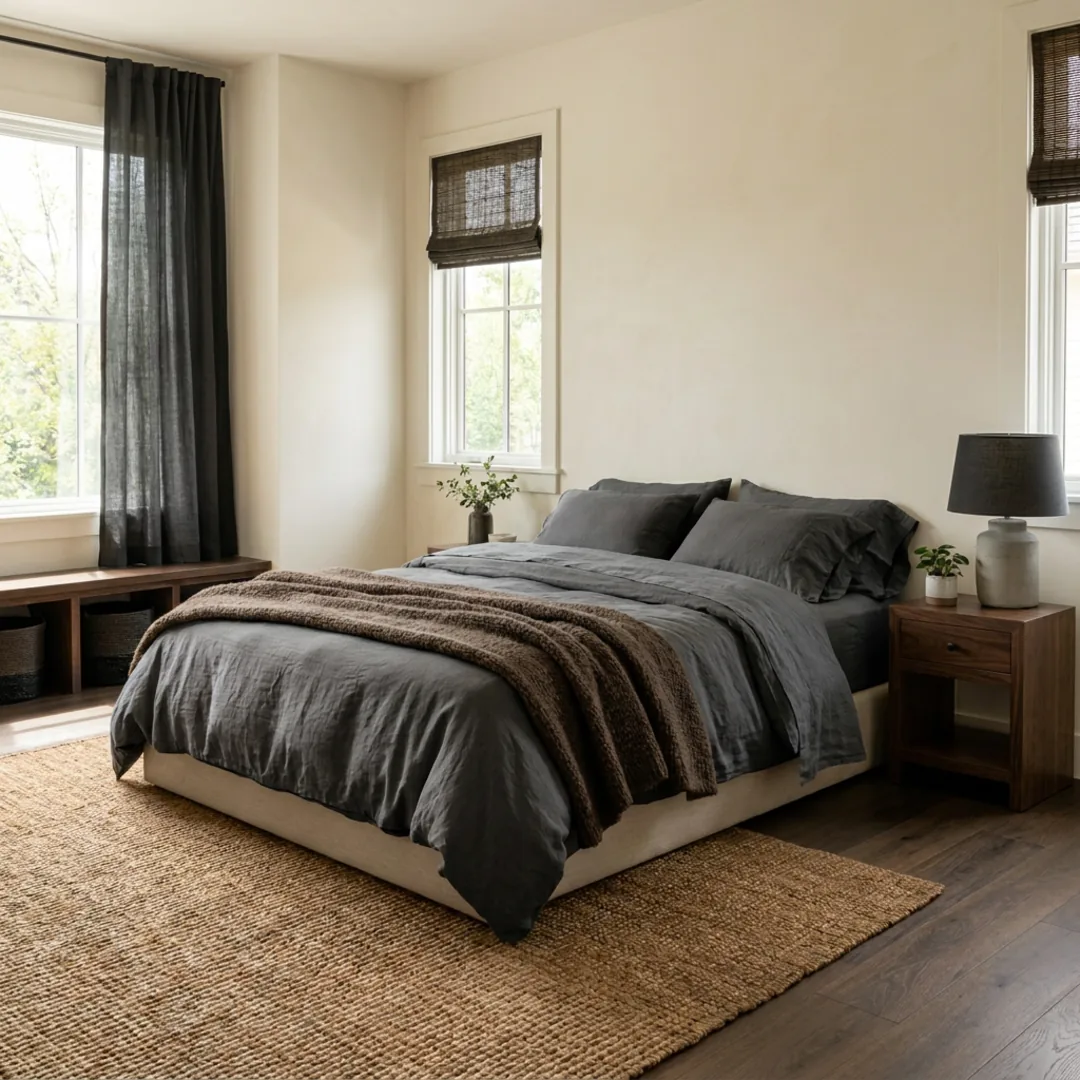
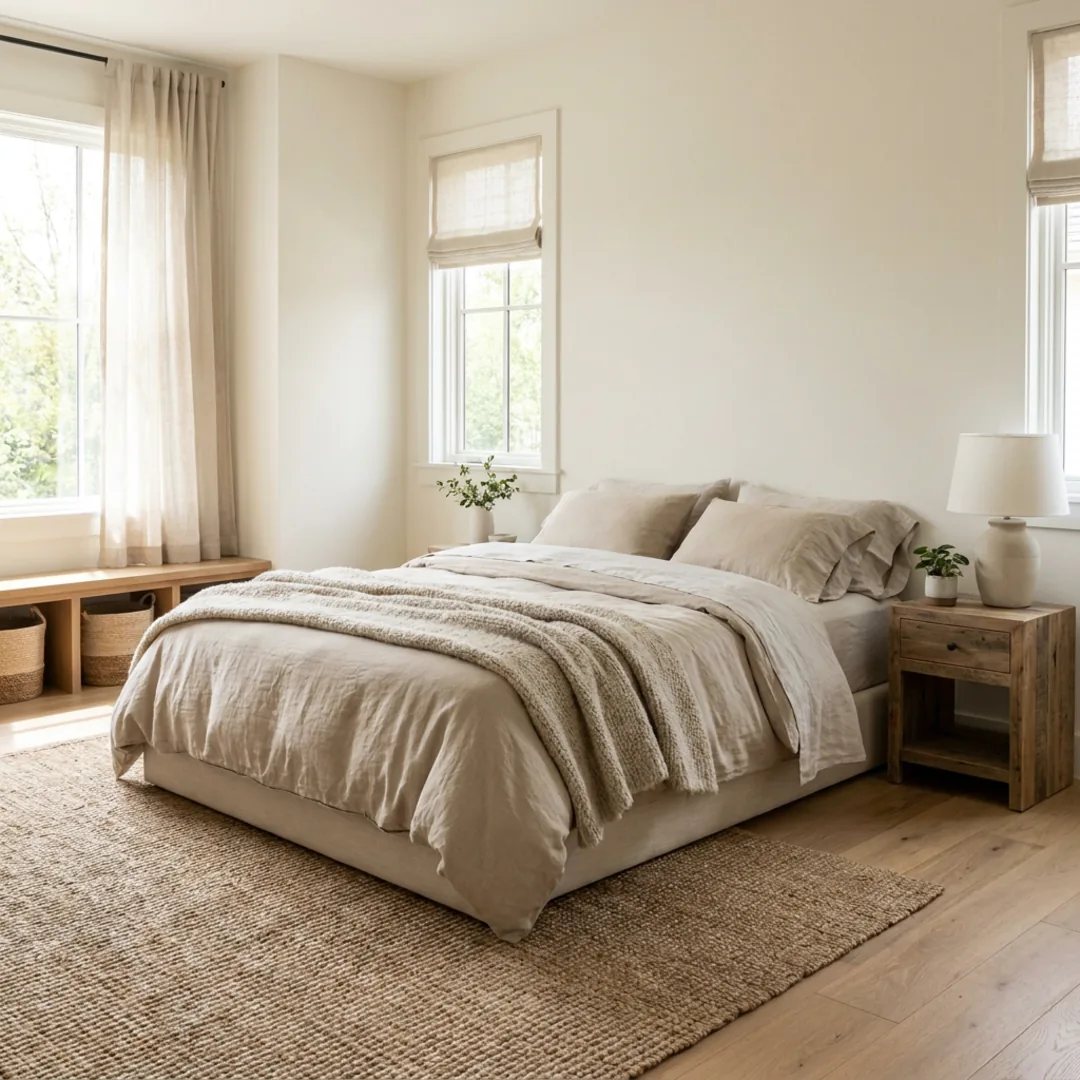 Before
Palette copied
Before
Palette copied
Two common cases need a slightly different approach. If your reference is a different room type, a bedroom look you want on your living room, it still works: the palette, materials, and mood transfer, though a same-room-type reference will always be the most predictable. Use the different-room reference to steer the feeling, then refine the specifics for your space.
If you only want the color story and not the furniture, you can steer the tool toward the reference's palette and finishes while keeping your own pieces, then adjust from there by describing what to change. This is useful when you love the mood of a photo but are keeping your existing sofa or bed. Copy the atmosphere, keep the furniture, and refine the join.
Refine the result: change one thing at a time
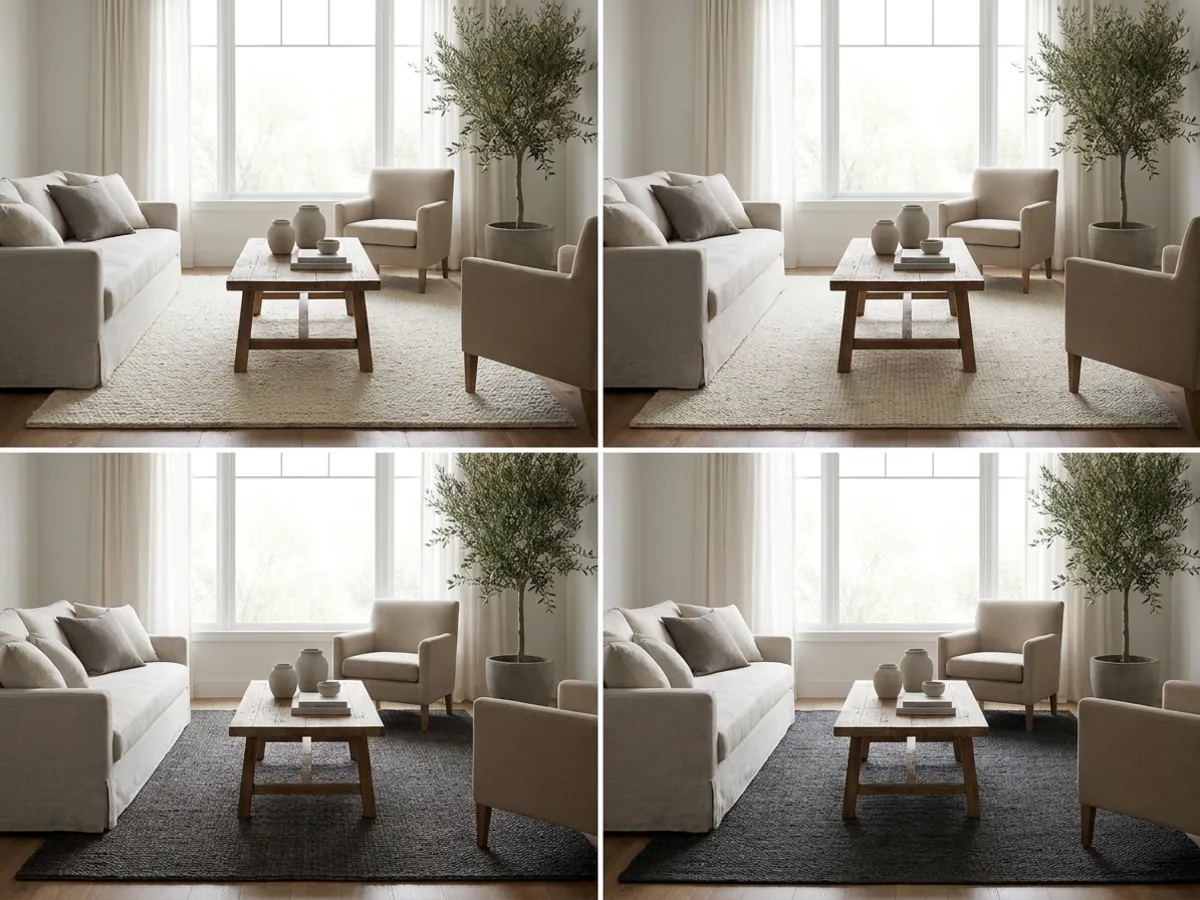
The first render gets you most of the way; refining gets you the rest. Rather than regenerate and hope, keep the parts you like and change only what does not fit, one thing at a time. If the copied floor is a touch too dark, ask for it lighter. If the pendant is too ornate, ask for something simpler. Each instruction applies to the design in front of you, so you build toward a room you would actually live in.
This is where a copy becomes yours. The reference sets the direction; the refining bends it to your taste, your existing pieces, and your room's quirks. A few small adjustments usually turn a good copy into the exact room you were picturing when you saved the photo in the first place.
Copy one style across your whole home
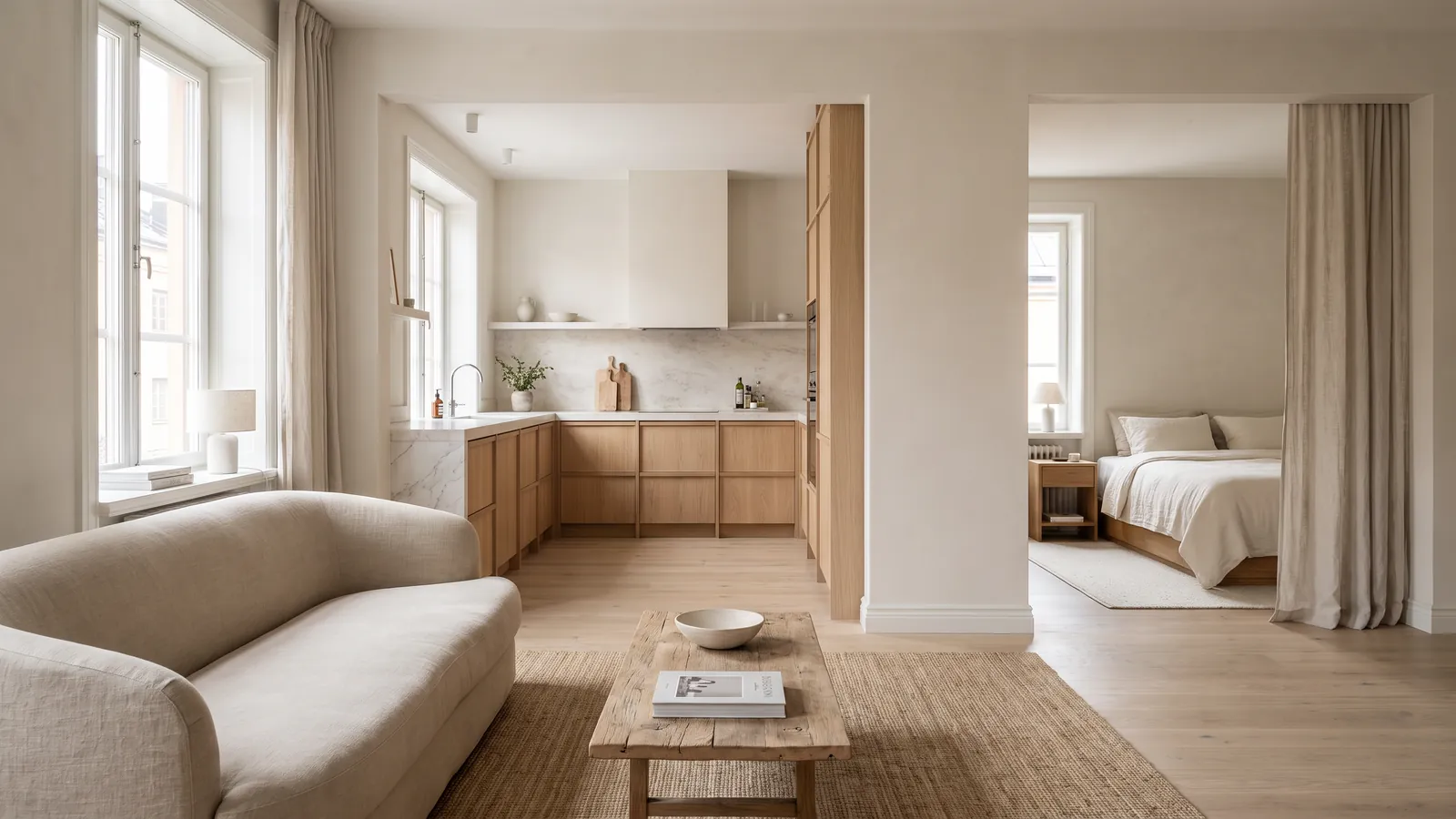
Once you have a look you love, you can carry it through the house so the rooms feel like one home rather than a set of unrelated experiments. Run the same reference, or the same palette and materials, on each room in turn, and refine each for its function. A calm coastal look becomes a bright living room, a restful bedroom, and a fresh kitchen, all clearly related.
Room by room, you can carry the look into a bedroom, apply it to a kitchen, or restyle any room in the same direction. For inspiration to start the folder, browse a Scandinavian living room or a Japandi bedroom.
See your own saved look on your real room
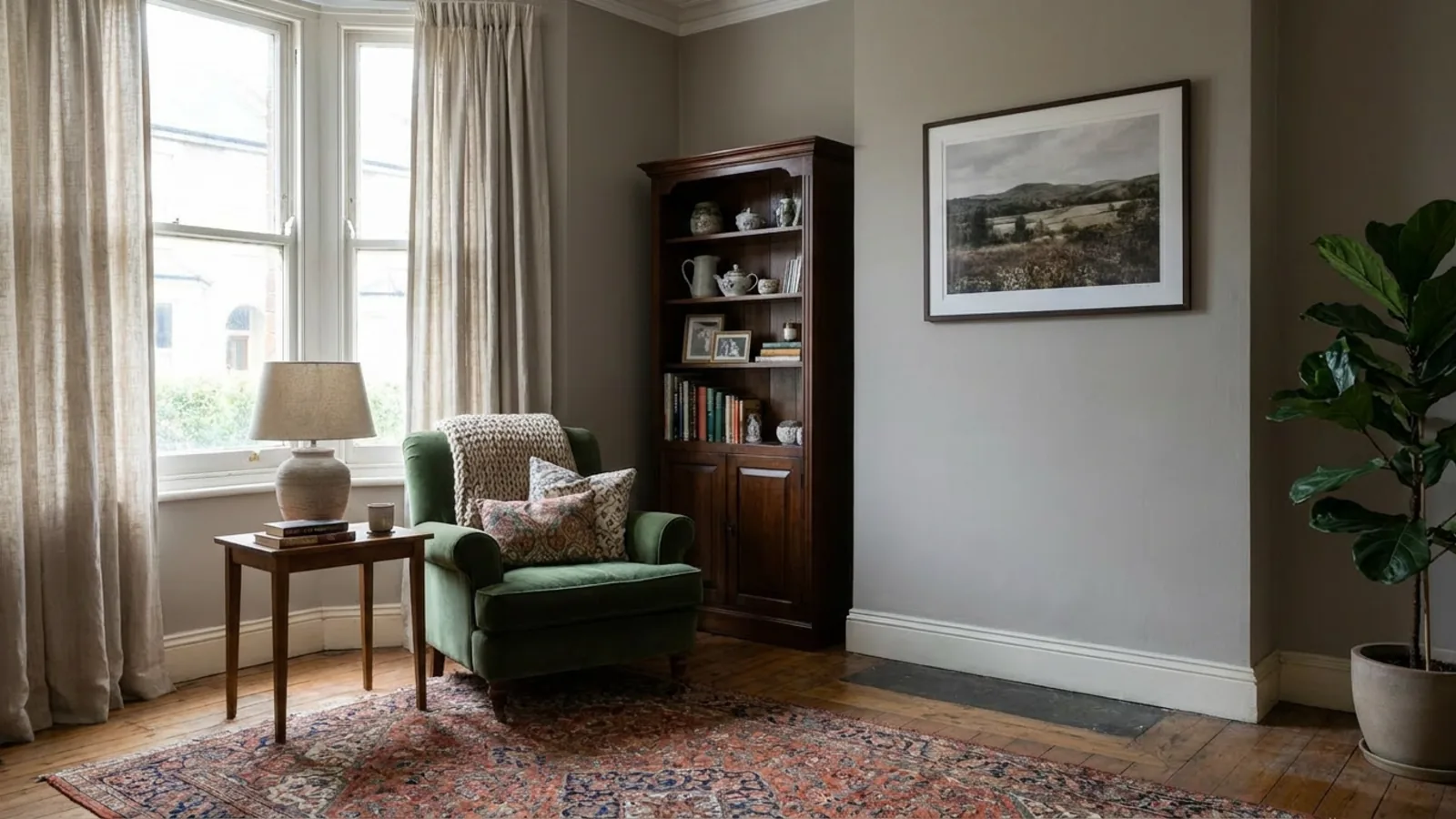
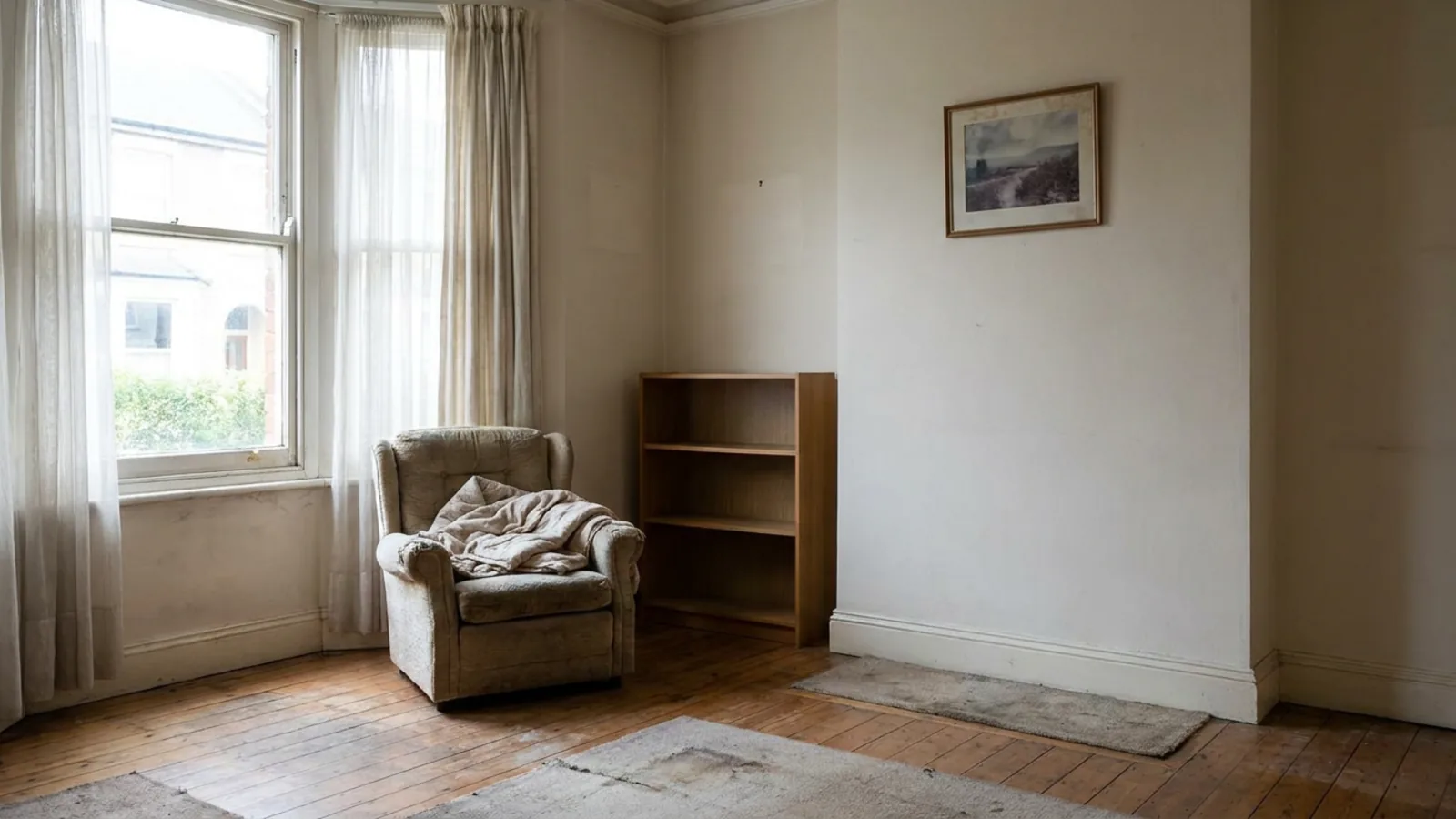 Before
Your look, copied
Before
Your look, copied
The folder has been sitting there long enough. Take one wide photo of the room you want to change, add the look you saved, and see your actual space in it. The first render is free with no signup, so you can find out whether the room you have been picturing works in your space before you buy a single thing. Try it on the room you actually have.
Frequently asked questions
Can AI copy a room style from a picture? +
Yes. Upload your room plus the reference photo and the AI extracts the look, the palette, materials, furniture character and mood, and redesigns your room in that language while keeping your walls, windows and layout.
Will my room look exactly like the Pinterest photo? +
It will feel like it rather than clone it. Placement and scale adapt to your room's geometry, so a corner sofa in the reference may become a straight sofa on your longest wall. Architecture always stays yours.
What reference photo works best? +
A real interior photo with one confident look, ideally the same room type as yours. Strongly styled references transfer cleanly; busy eclectic shots and collaged moodboards blur the result.
Can I use a photo I found on Pinterest or Instagram? +
Yes, as a private reference for your own room. The AI reads the look, not the source, so you are restyling your space in that direction rather than copying the photo itself. One clear reference works better than a collage of several.
Can it copy a style from a different type of room? +
Yes. A bedroom's palette and materials can guide a living room, and the mood transfers even across room types, though a same-room-type reference transfers most predictably. Use a different-room reference to steer the feeling, then refine the specifics for your space.
Can I copy only the colors, not the furniture? +
You can steer it toward the reference's palette and finishes while keeping your own furniture, then refine from there by describing what to change. That is useful when you love the mood of a photo but are keeping your existing pieces.
How many looks can I try on one room? +
As many as you like. Upload your room once and compare different saved references, or a wide range of designer styles, on the same space, so you can see several directions before choosing one.
Do I need an account, and is it free to try? +
You can upload one room and get your first render free without signing up, so you can see your saved look on your actual room before deciding anything. Ongoing use runs on a subscription.
Can I adjust the result afterwards? +
Yes. Every next instruction applies to the design you are looking at, so you can keep the match but ask for lighter floors or a simpler pendant, one change at a time, until it is a room you would build.
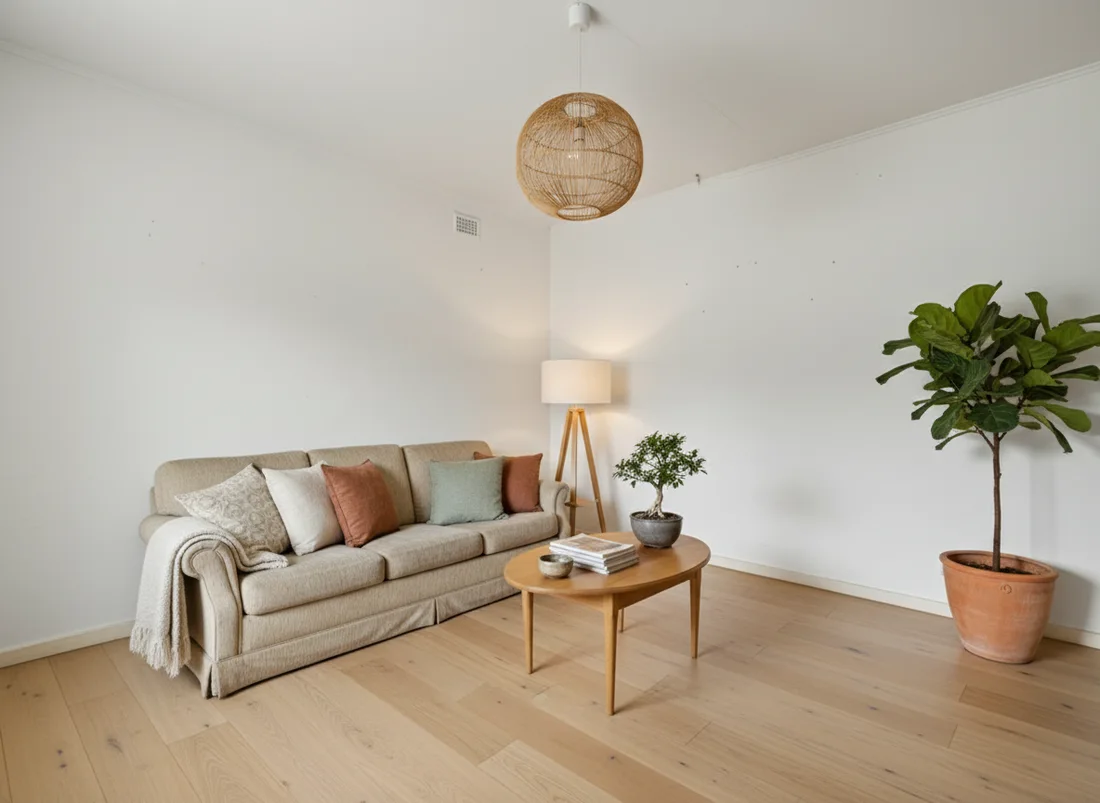 After
After
 Before
See it on your own room
Your room, redesigned
Upload one photo and watch your room restyled in a wide range of designer looks. Your walls, windows and layout stay exactly as they are.
Copy that style to your roomOne photo. In seconds. No signup.