restylai blog
AI Video Walkthroughs for Real Estate From a Photo
Updated July 19, 2026 · by the restylai team
A still photo shows a room. A short video lets someone move through it, and that difference is what stops the scroll. A buyer skimming a feed of flat photos pauses on the one listing that glides through the space, because motion reads as effort, and effort reads as a home worth a closer look. The surprising part is that you no longer need a camera crew or a filming day to get it. One clear photo of a room can become a cinematic walkthrough.
This guide covers the two different ways AI turns a photo into a walkthrough, a step-by-step for making one, why designing the room first matters, what it costs compared to filming, where the clips work hardest, and how to shoot a photo that animates well.
Why a listing video wins the scroll now
Attention online is spent in motion. Feeds autoplay video, portals push their video slots to the top, and a moving clip simply occupies more of the screen and more of a viewer's second-and-a-half of attention than a static image can. For a space, that matters even more than usual, because size, flow, and light are exactly the things a single frame flattens and a moving camera restores.
A walkthrough answers the questions a photo leaves open: how the living room opens into the kitchen, how far the light reaches, how big the place actually feels once you are moving through it. It turns a set of disconnected photos into one continuous, legible place. And because it is generated rather than filmed, the cost and effort that used to gate video, a videographer, a shoot day, gear, are gone. That is the shift worth understanding, and the rest of this guide is how to use it well.
Two ways AI turns a photo into a walkthrough
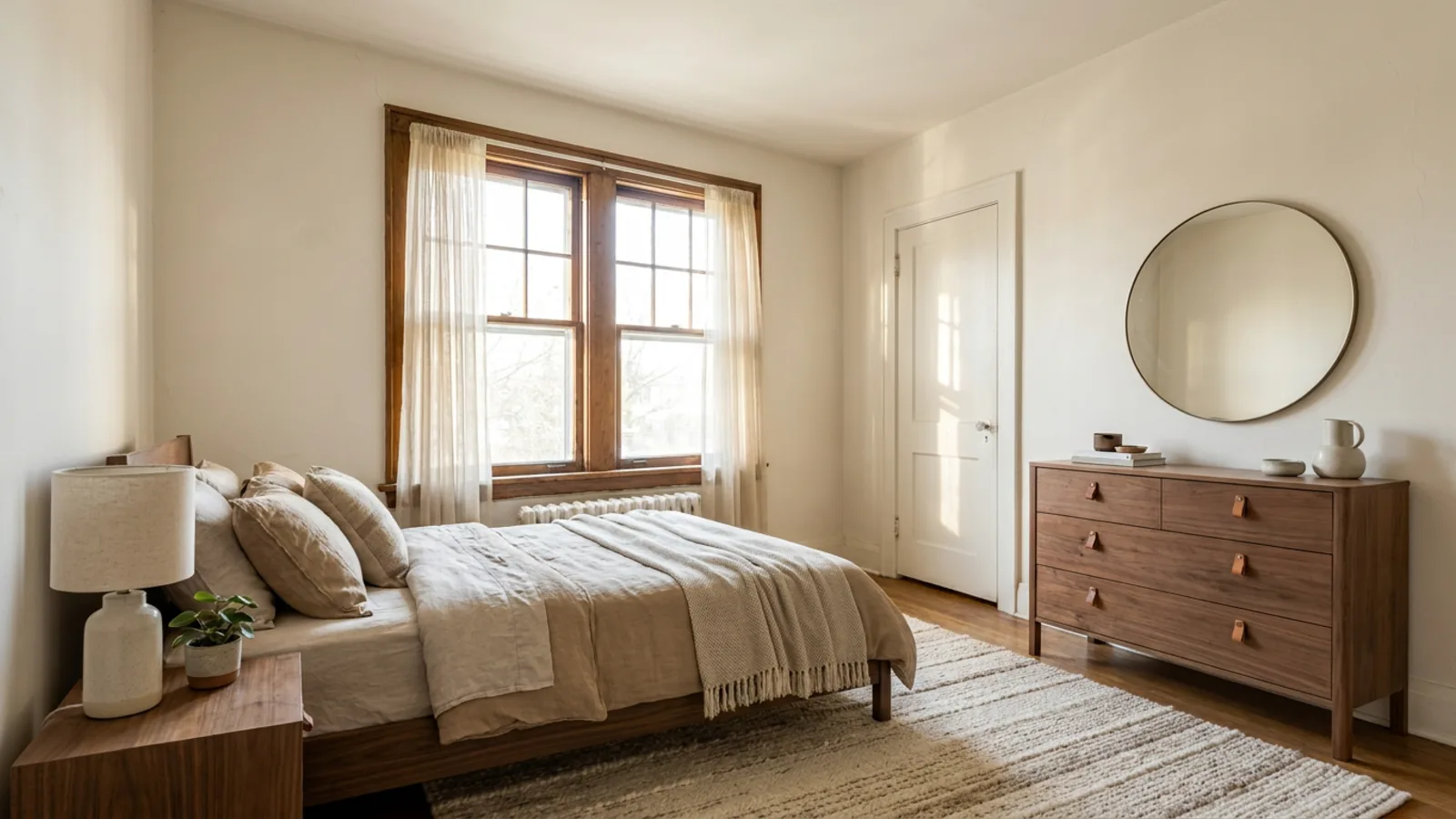
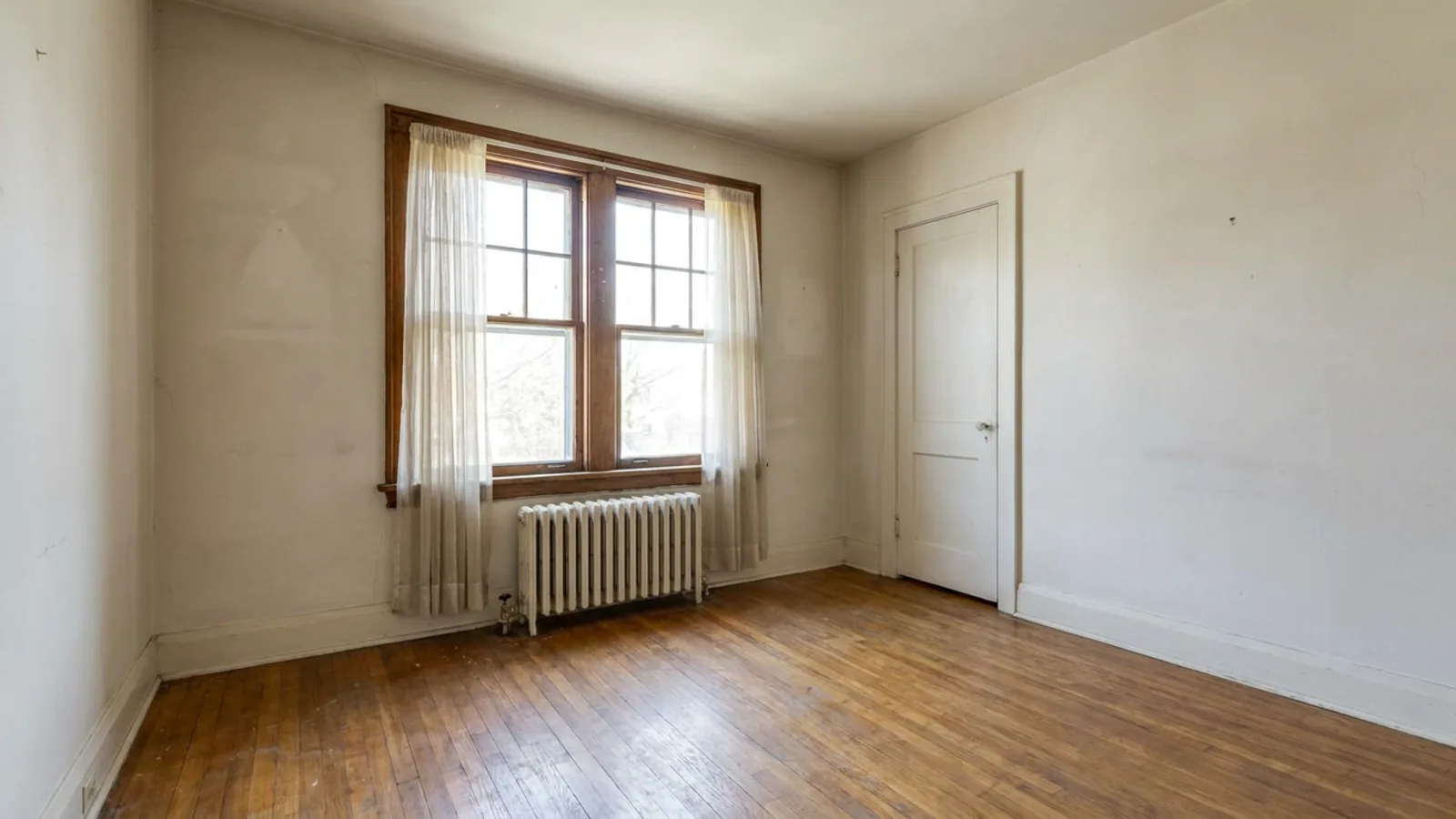 Before
Ready to animate
Before
Ready to animate
This is the distinction most tools blur, and it is worth getting straight. There are two different approaches to turning a photo into a walkthrough:
- A camera move over the real room. The AI reads the depth and layout from your photo and glides a virtual camera through the space exactly as it is, adding motion to the room you already have.
- Redesign or stage, then animate. You restyle or furnish the room first, then turn that finished design into the clip, so the walkthrough shows the space at its best rather than its current state.
restylai takes the second approach: you restyle any room into a new look or stage it, and then that exact design becomes the walkthrough. The reason is simple: a video of a bare or dated room sells nothing, while a video of the styled, aspirational version sells the potential. It is a designed vision presented in motion, which is more persuasive and, as the disclosure section below covers, should always be presented honestly as a render.
The distinction matters because the two methods answer different questions. A camera move over the real room says "here is what exists," which is useful when the space already looks its best. Redesign-then-animate says "here is what this space could be," which is what most rooms actually need, because most rooms are empty, dated, or mid-move when they are photographed. Starting from a design also means you control the whole frame: the palette, the furniture, the light, so the walkthrough is composed rather than merely captured. That is why a designed walkthrough tends to hold attention longer than a plain camera pan over an ordinary room.
How to make a walkthrough from one photo, step by step

The whole process is four steps and takes minutes, not a filming day:
- Upload a clear room photo. One good, well-lit shot of the space is all you need.
- Redesign or stage the space. Restyle it, furnish it, or leave it, so the walkthrough shows the version you want to present.
- Generate the walkthrough with one tap, and the still design becomes a short moving clip.
- Download and post it to the listing, a portal, or social.
No filming, no equipment, no editing suite. If you want to plan the space before you even shoot the photo, you can plan the layout first, and the first render is free to try with no signup, so you can see the whole flow on your own room before committing to anything.
Redesign or stage the room first
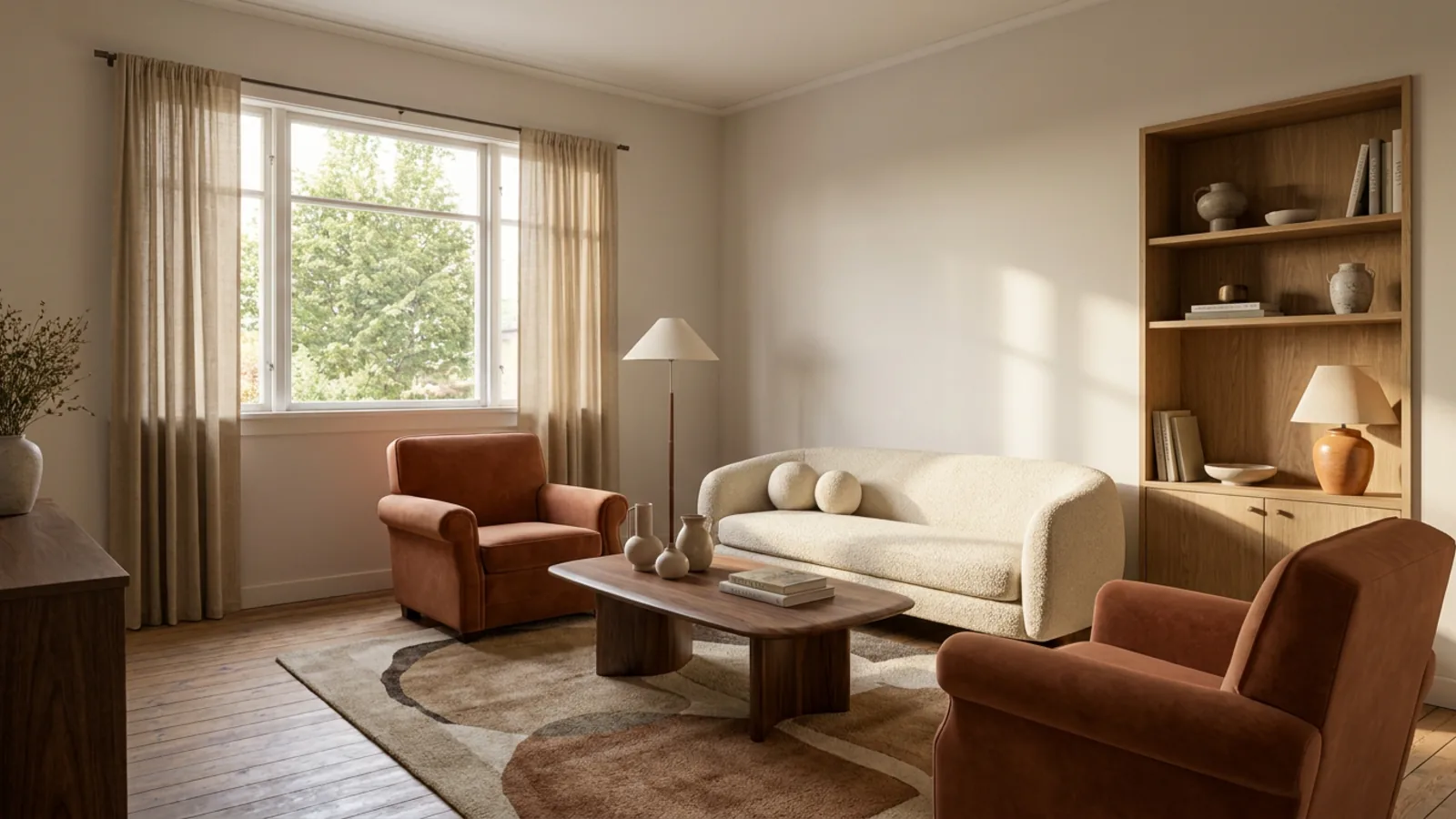
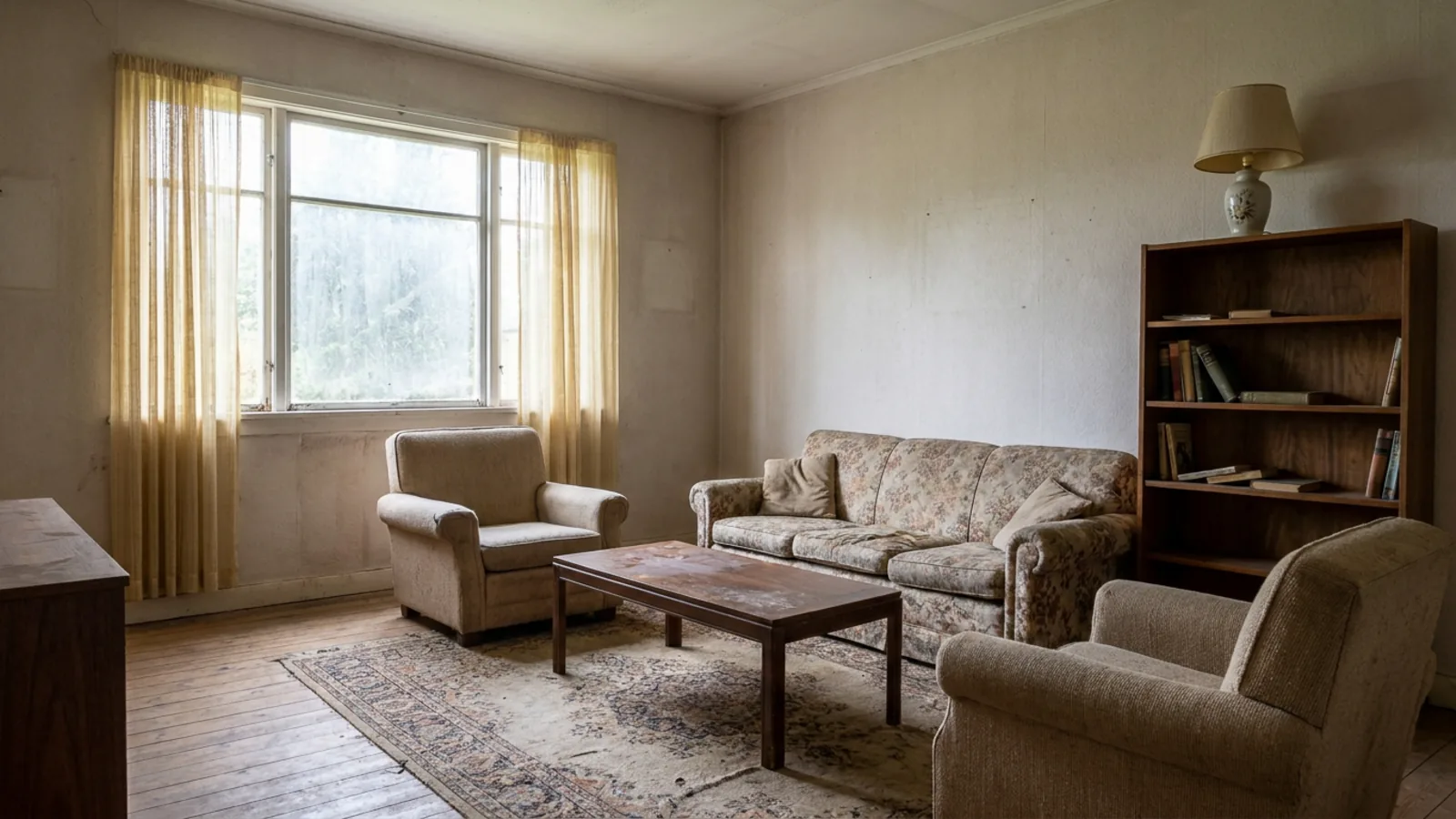 Before
Staged
Before
Staged
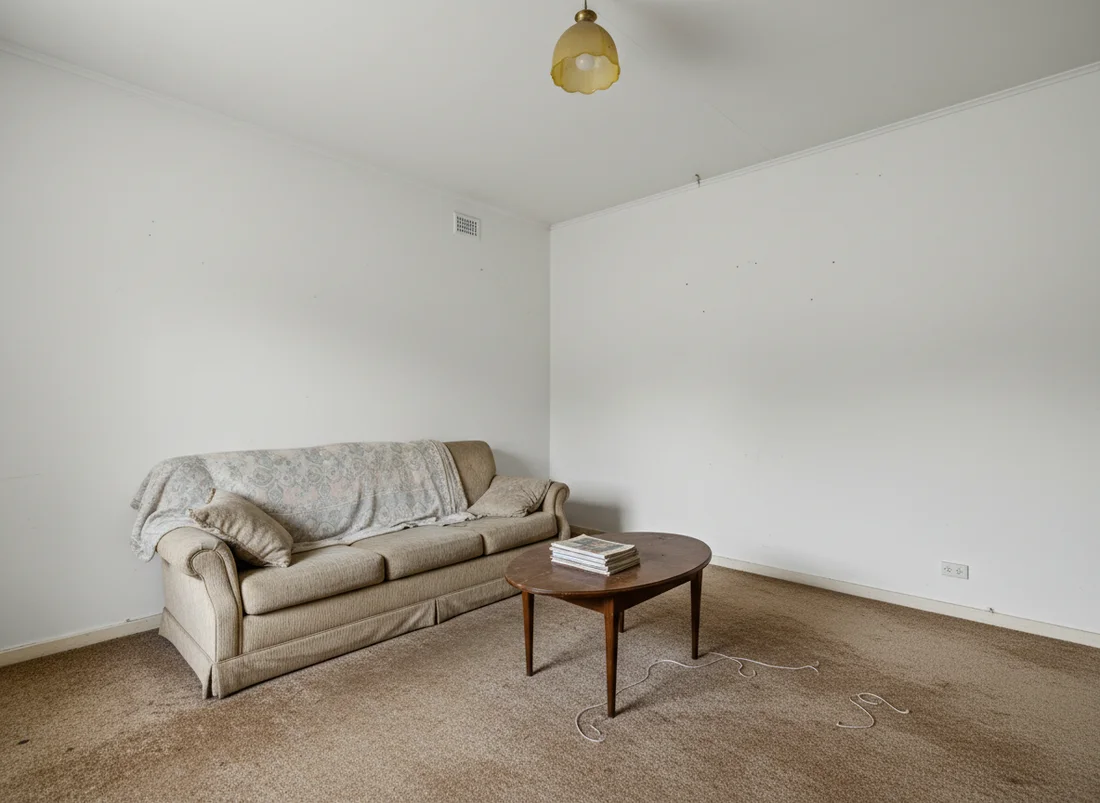
The single biggest factor in whether a walkthrough works is what it is a walkthrough of. Motion over a bare, dated, or empty room just animates the problem. Motion through a warm, styled, fully furnished version of the same room sells the potential, which is what a listing is actually trying to do.
So design the room before you animate it. You can stage the empty room first to furnish it from scratch, or redesign the room from a photo to refresh a tired one, and the same approach works to furnish a bedroom or restyle a kitchen before the clip. The walkthrough then carries that finished design in motion. Just keep it honest: the clip is a designed vision, so present it as one, paired with true photos of the real space.
What it costs, compared
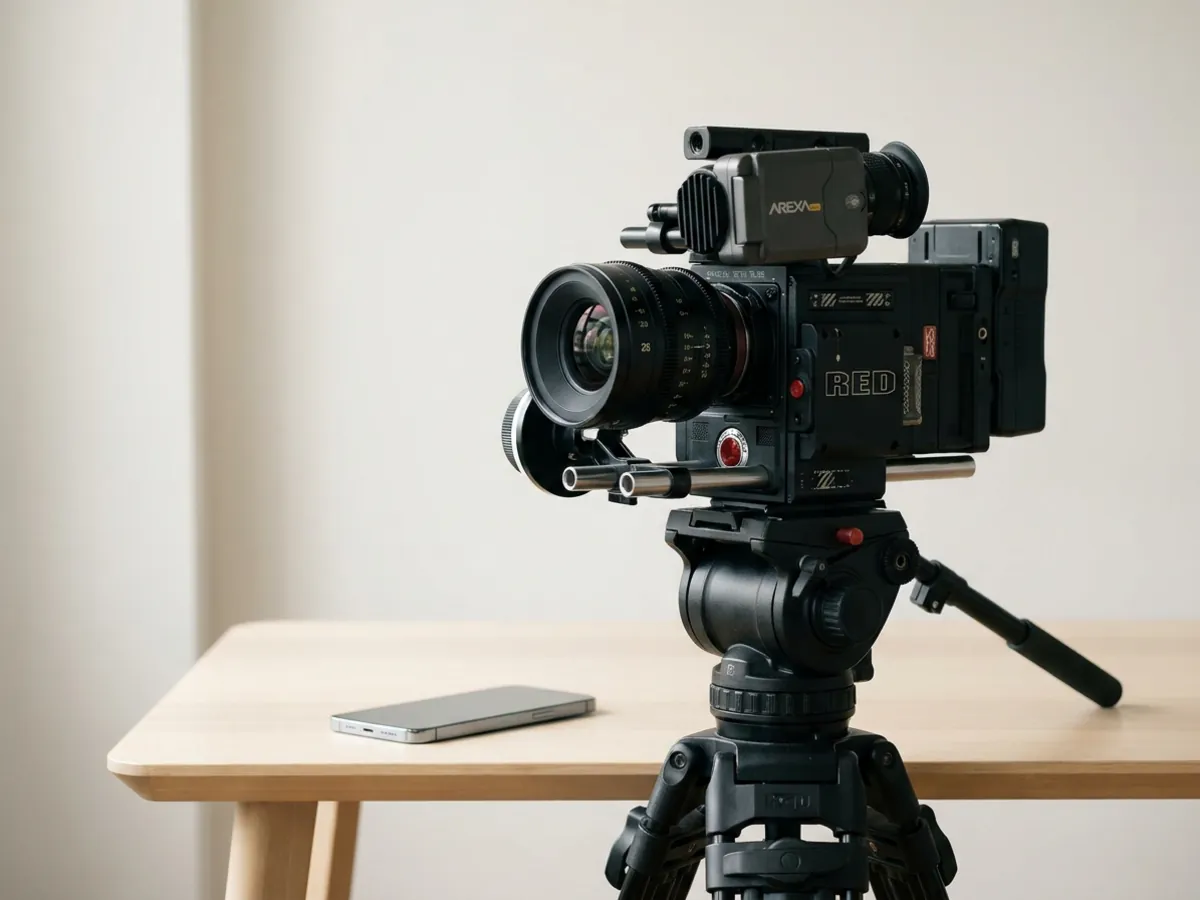
The economics are the whole reason this is suddenly worth doing. Set the options side by side:
- A videographer typically costs a few hundred dollars per shoot, plus scheduling a day and being on site.
- A 3D virtual-tour setup means hundreds of dollars in hardware upfront, plus the time to capture each property.
- An AI walkthrough is included in a subscription, generated from a photo you already have, in minutes, with nothing to film or buy.
The gap is not small, and it is not only money: it is the removal of scheduling, travel, and equipment entirely. That is what makes video practical to do for every space rather than only the flagship ones. You can see the current subscription options on the plans page, and it is worth comparing the interior design tools if you want staging, redesign, and video in one place.
Where the clips work hardest, platform by platform

A short walkthrough earns its keep in more than one place, and a few delivery notes help it land:
- The listing or portal hero. A horizontal clip at the top of the listing gives the space immediate motion where buyers first land.
- Instagram and TikTok. Vertical, a few seconds, loopable, the format built for the feed.
- YouTube Shorts and Reels. The same vertical clip, reused, extends the reach with no extra work.
- Direct messages to interested buyers. A quick clip sent one to one feels personal and immediate.
- Before-and-after storytelling. The current room and the styled walkthrough, side by side, is a compelling little narrative on its own.
The simple rule: vertical for social feeds, horizontal for portals and listings. One generated clip can be framed for both, so a single photo can feed every channel.
Get the best clip: photo and framing tips
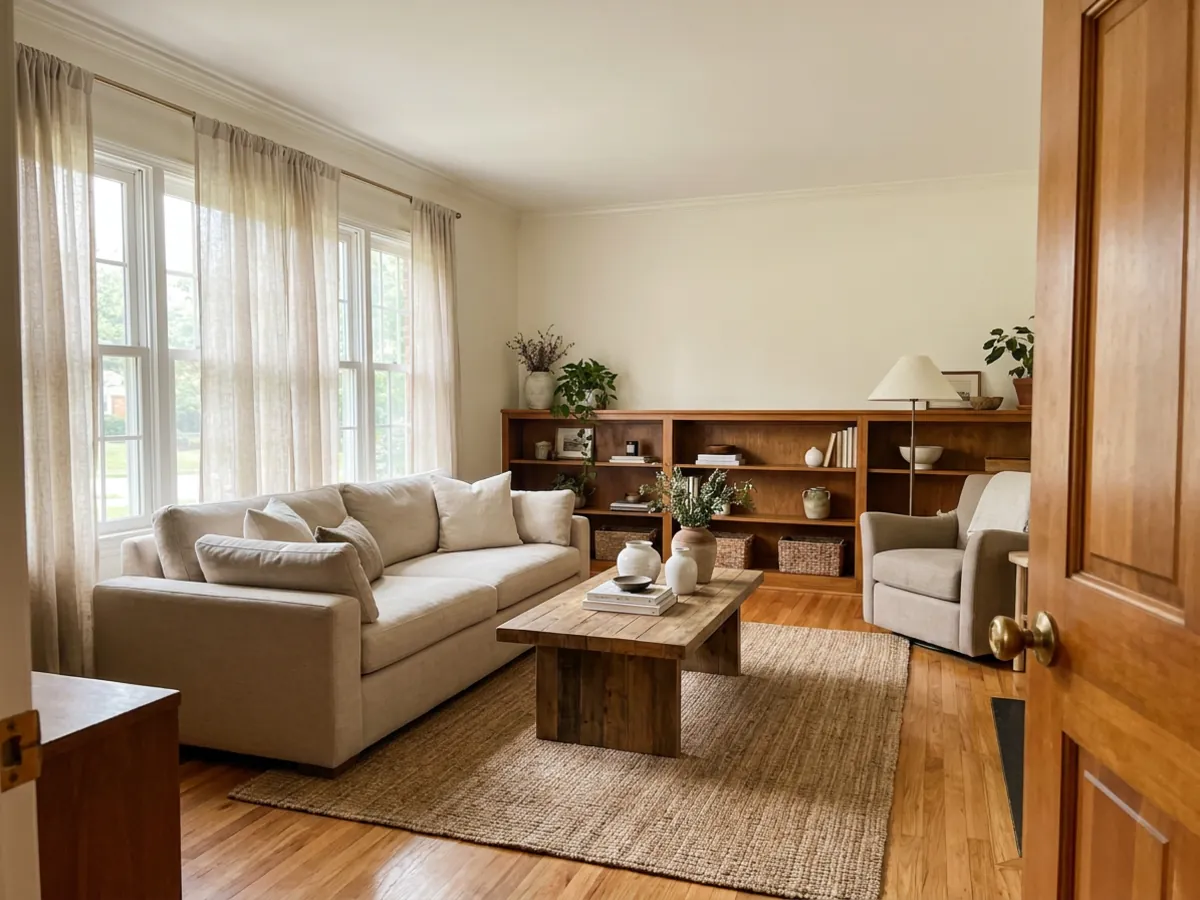
The clip is only as good as the photo behind it, and a few habits make a real difference:
- Shoot for depth. A photo taken from a doorway or a corner, looking into the room, gives the camera somewhere to travel.
- Keep the room tidy. Clutter animates into distracting motion; a clean space glides.
- Use even daylight. Soft, natural light animates far better than harsh shadows or dim rooms.
- Avoid heavy wide-angle distortion. A fish-eye shot bends the walls as the camera moves.
- One room per clip. A single space per walkthrough reads more clearly than trying to cover a whole home in one pass.
Get the input right and the output follows. A tidy, well-lit, depth-rich photo is the difference between a clip that feels cinematic and one that feels off.
Honest limits and disclosure
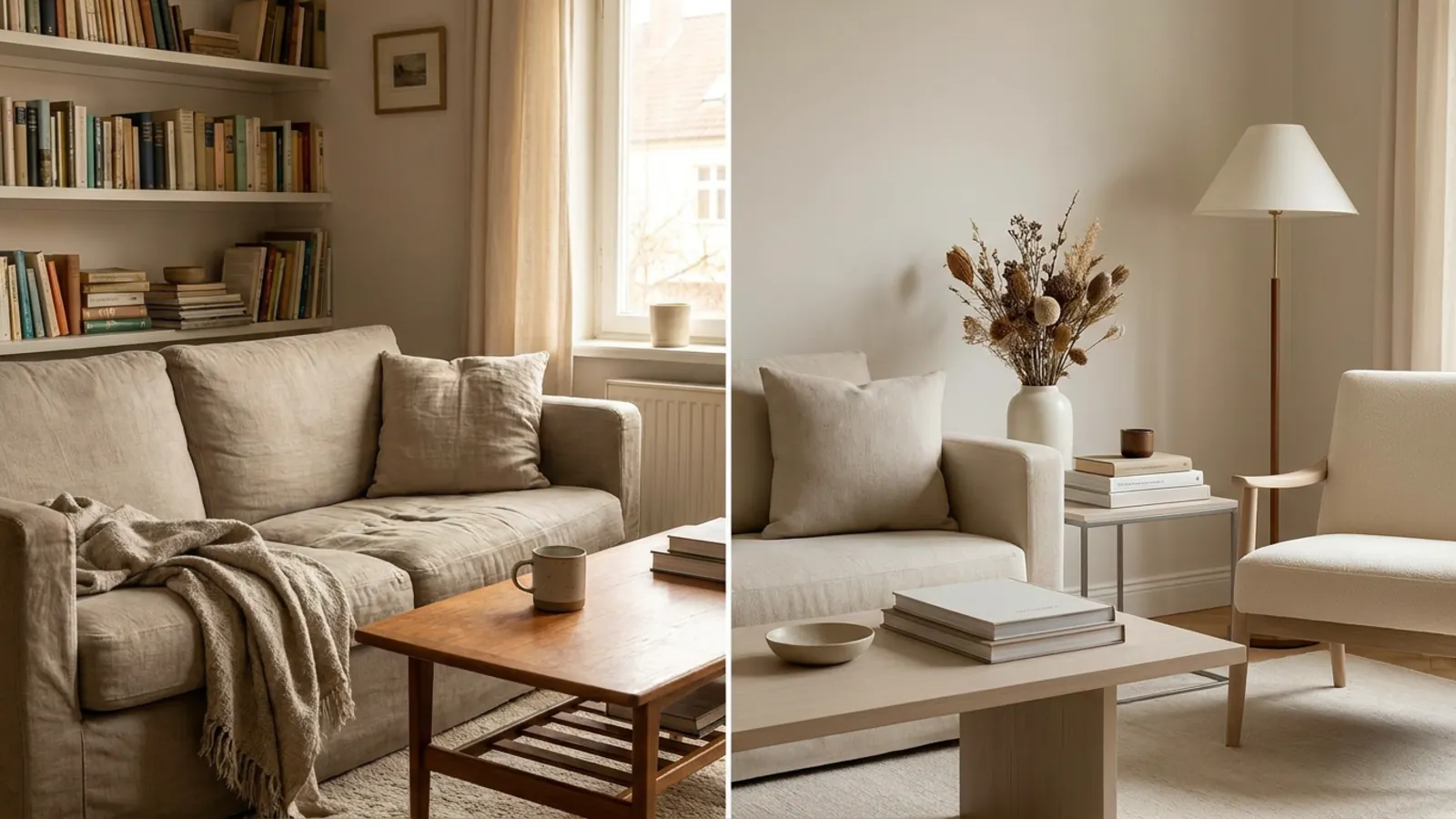
It is important to be clear about what a walkthrough is. It is a cinematic render of a designed room, not a survey of the real one. It shows a vision of the space, styled and furnished the way it could be, and it is generated rather than filmed. Treated as what it is, that is a genuine strength: it lets people feel the potential of a space. Treated as a documentary record, it would mislead.
So the rule is simple and non-negotiable: disclose it as digitally created or virtually staged, the same standard that applies to virtual staging, and never present a redesigned room as the real, current condition. Pair the walkthrough with honest photos of the actual state of the space, so the viewer sees both the potential and the reality. Used that way, an AI walkthrough is a powerful and fair marketing tool. It also pairs naturally with bringing a floor plan alive as a furnished 3D render.
See your own room, in motion
The fastest way to understand a walkthrough is to make one. Take a clear photo of a room, restyle or stage it into the version worth showing, and turn that design into a short cinematic clip. The first render is free with no signup, so you can see your own space in motion before spending anything. For inspiration, browse a modern living room or a Scandinavian living room, then try it on your own room.
Frequently asked questions
Can AI make a video from one photo of a room? +
Yes. The model takes a single image and generates a short, smooth camera move through the space, like a cinematic dolly shot. On restylai you first redesign or stage the room from a photo, then turn that exact design into a walkthrough clip.
How do I turn real estate photos into a video? +
Upload a clear room photo, redesign or stage the space so it shows the version you want to present, generate the walkthrough with one tap, then download and post it. No filming, no equipment, and it takes minutes rather than a shoot day.
What does an AI walkthrough video cost? +
A videographer shoot for one listing typically runs to a few hundred dollars, and a 3D-tour setup means hundreds in hardware upfront. An AI walkthrough is generated from a photo you already have and is included in a subscription, with no filming or gear to buy.
Is it legal to use an AI-staged walkthrough in a listing? +
Yes, when it is disclosed as digitally staged or created, the same standard that applies to virtual staging. Do not present a redesigned room as the real, current condition, and pair the clip with honest photos of the actual space.
Can I use the videos commercially? +
Yes, AI walkthroughs are made to be used in listings and marketing. As with any staged or edited marketing asset, present it honestly as a designed render and keep your published materials truthful about the real state of the space.
How long are the videos, and what format? +
A few seconds of smooth camera movement, cinematic and loopable, which matches how listing clips are actually watched. Vertical framing suits social feeds like Instagram and TikTok, while horizontal suits listing portals.
Do I need to film or use special equipment? +
No. A single clear photo of the room is enough. That is the whole point: there is no videographer to book, no shoot day to schedule, and no 3D-tour camera to buy, just a photo you already have.
What photo works best for an AI walkthrough? +
A tidy room shot from a doorway or corner for depth, in even daylight, without heavy wide-angle distortion, and one room per clip. Giving the camera depth to travel into is what makes the motion feel cinematic rather than flat.
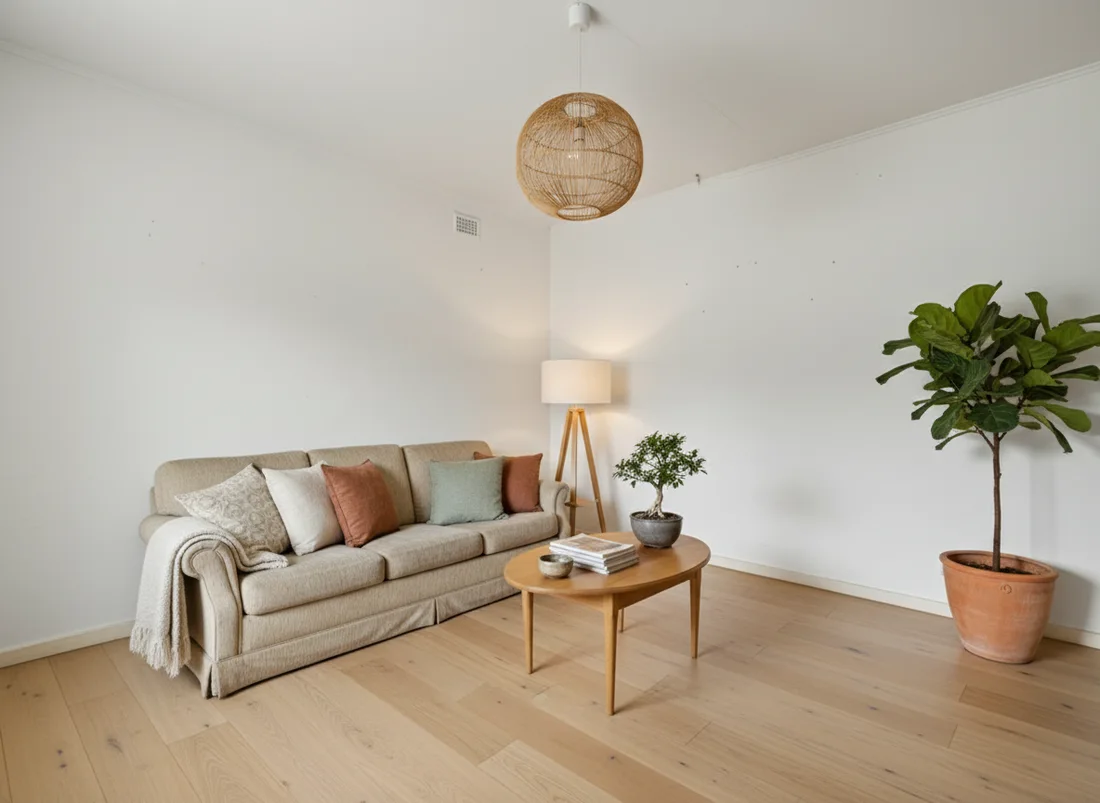 After
After
 Before
See it on your own room
Your room, redesigned
Upload one photo and watch your room restyled in a wide range of designer looks. Your walls, windows and layout stay exactly as they are.
Try it free, no signupOne photo. In seconds. No signup.