restylai blog
How to Stage an Empty Room (Physical, Soft, and Virtual)
Updated July 19, 2026 · by the restylai team
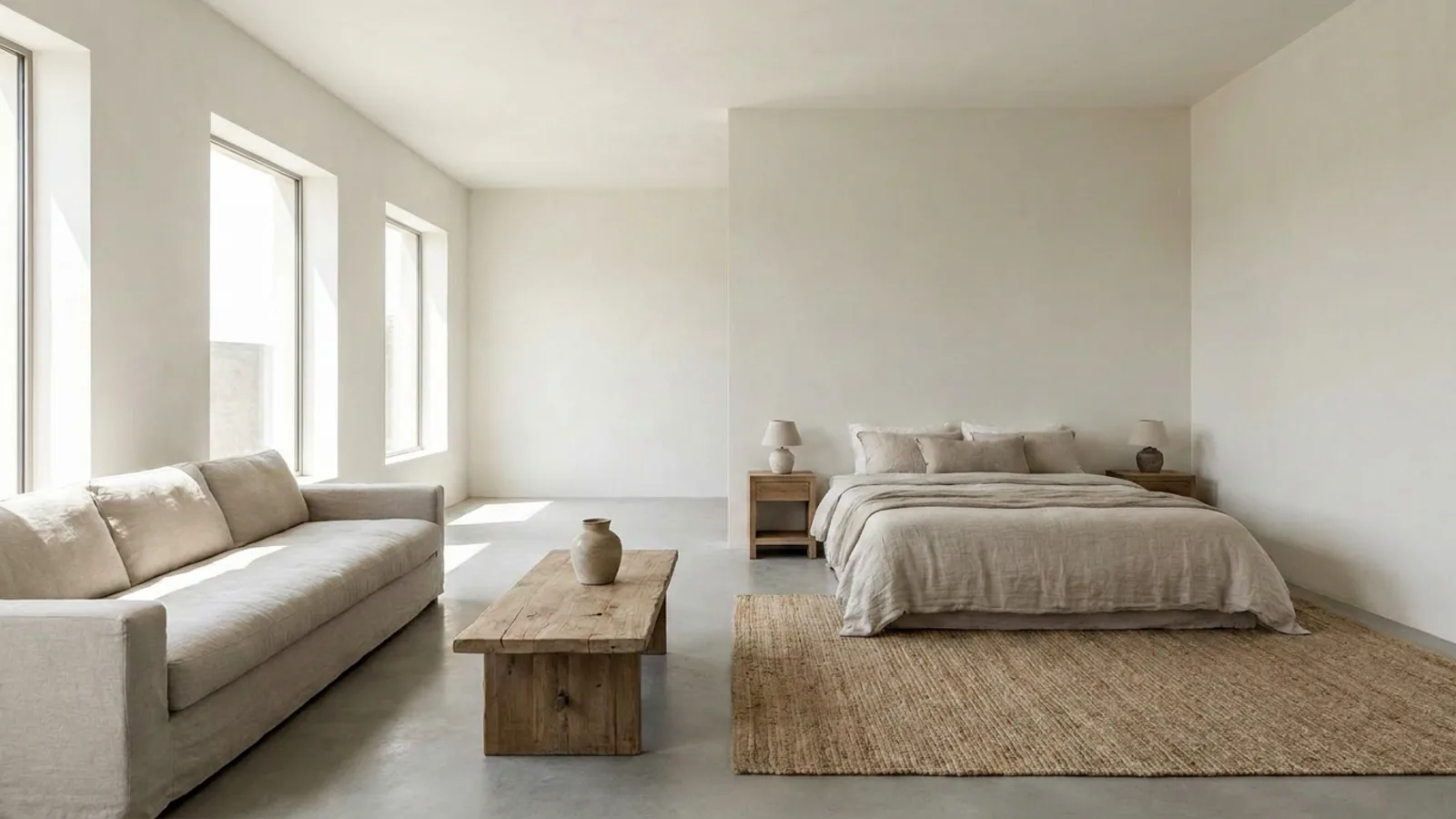
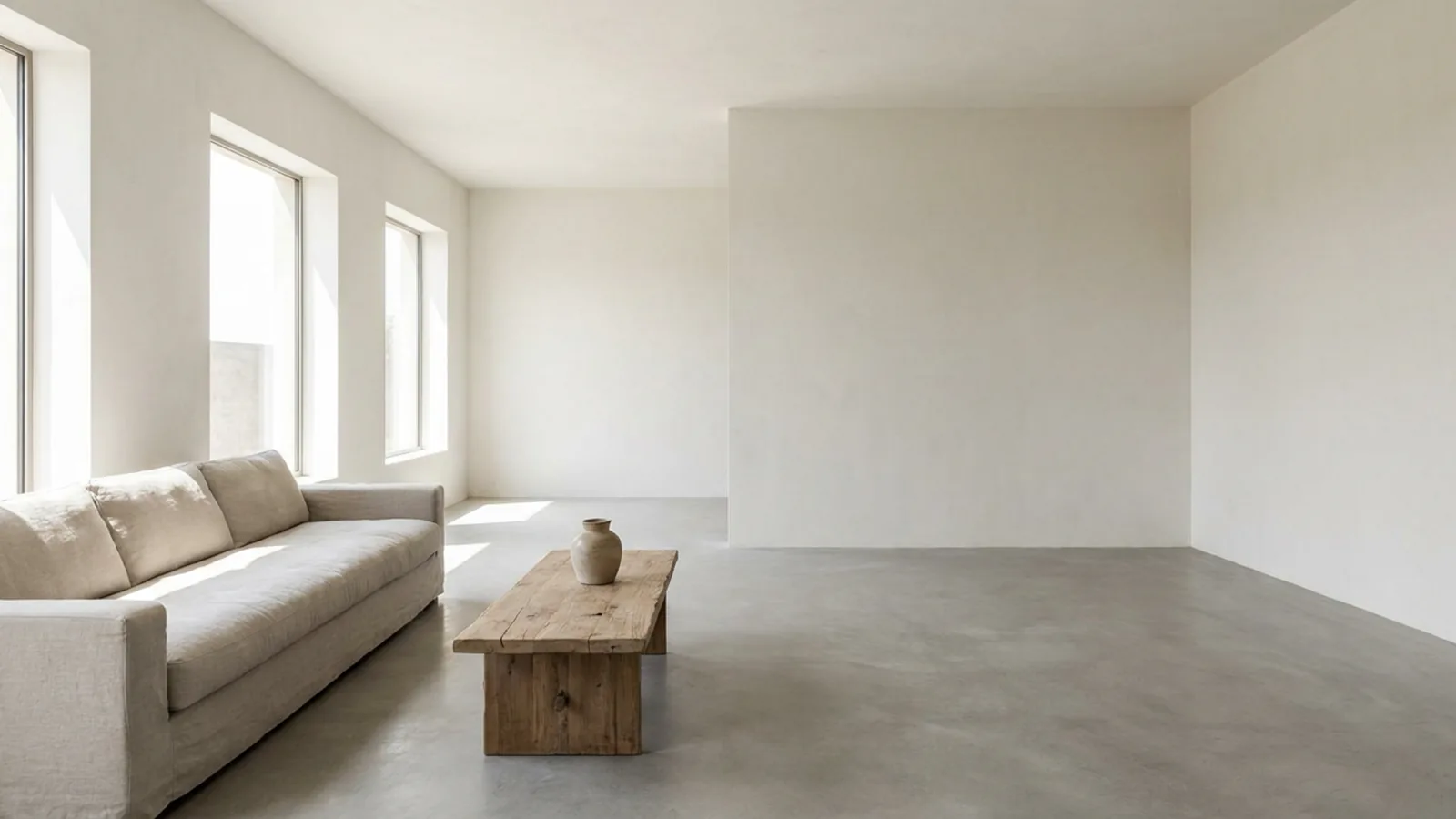 Before
Staged
Before
Staged
Buyers do not buy square meters, they buy a life they can picture, and an empty room gives them nothing to picture with. A bare space reads as smaller and colder than it is, offers no sense of scale or purpose, and photographs almost identically to every other empty room online. Staging fixes that, and you can do it physically, with light decor, or virtually from a single photo. This guide covers all three, so you can pick the one that fits your room, your budget, and your timeline.
Why an empty room is hard to sell
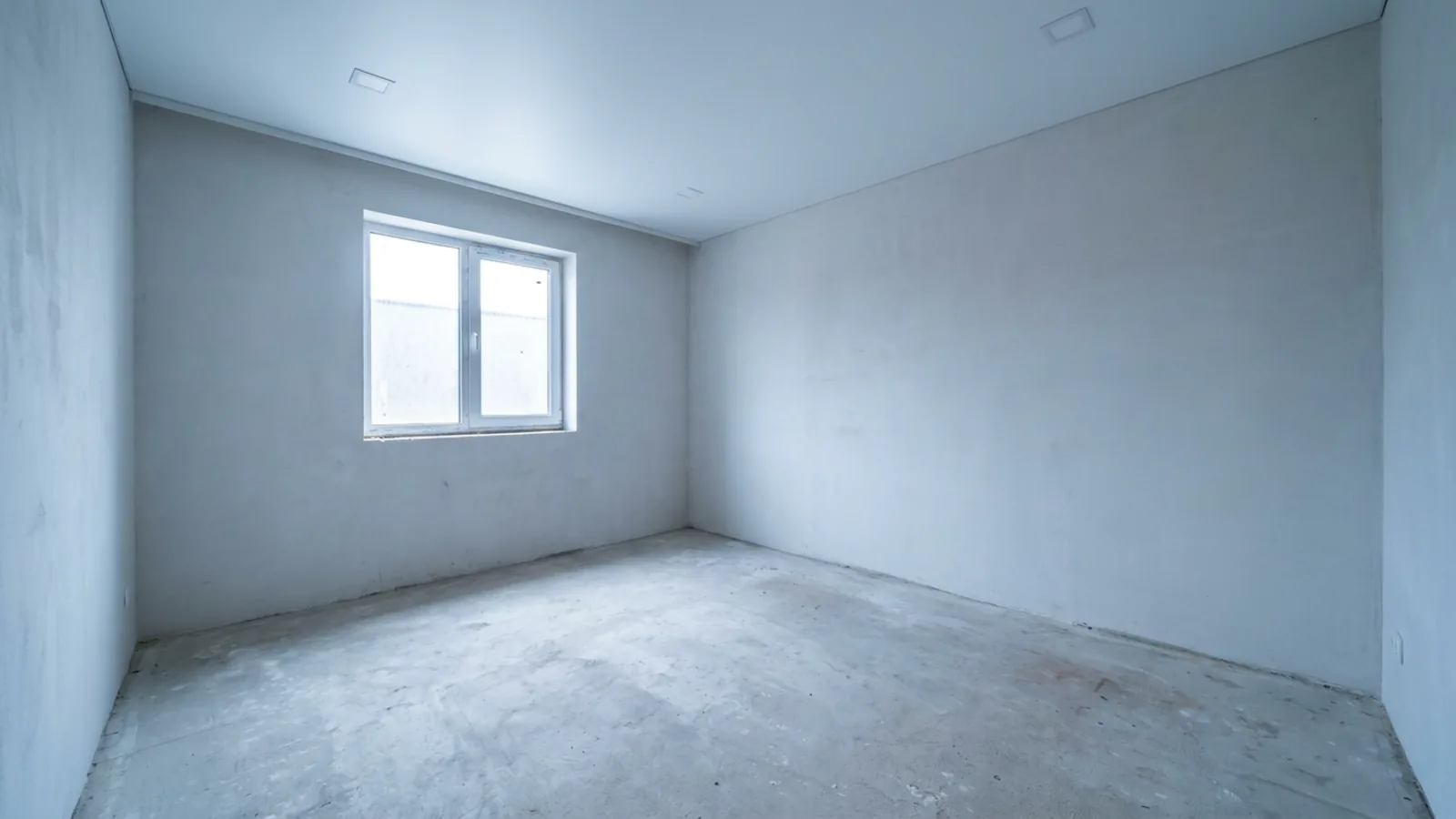
Three things work against a bare room. Without furniture there is no sense of scale, so a perfectly good room can read as cramped or awkward in a photo. There is no sense of function, so a spare room leaves buyers guessing whether it is a bedroom, an office, or a nursery. And there is no warmth, so the space feels like a listing rather than a home. Staged spaces consistently attract more interest than empty ones because they solve all three at once, giving the eye a story instead of a blank box.
Two ways to stage an empty room, and what each costs
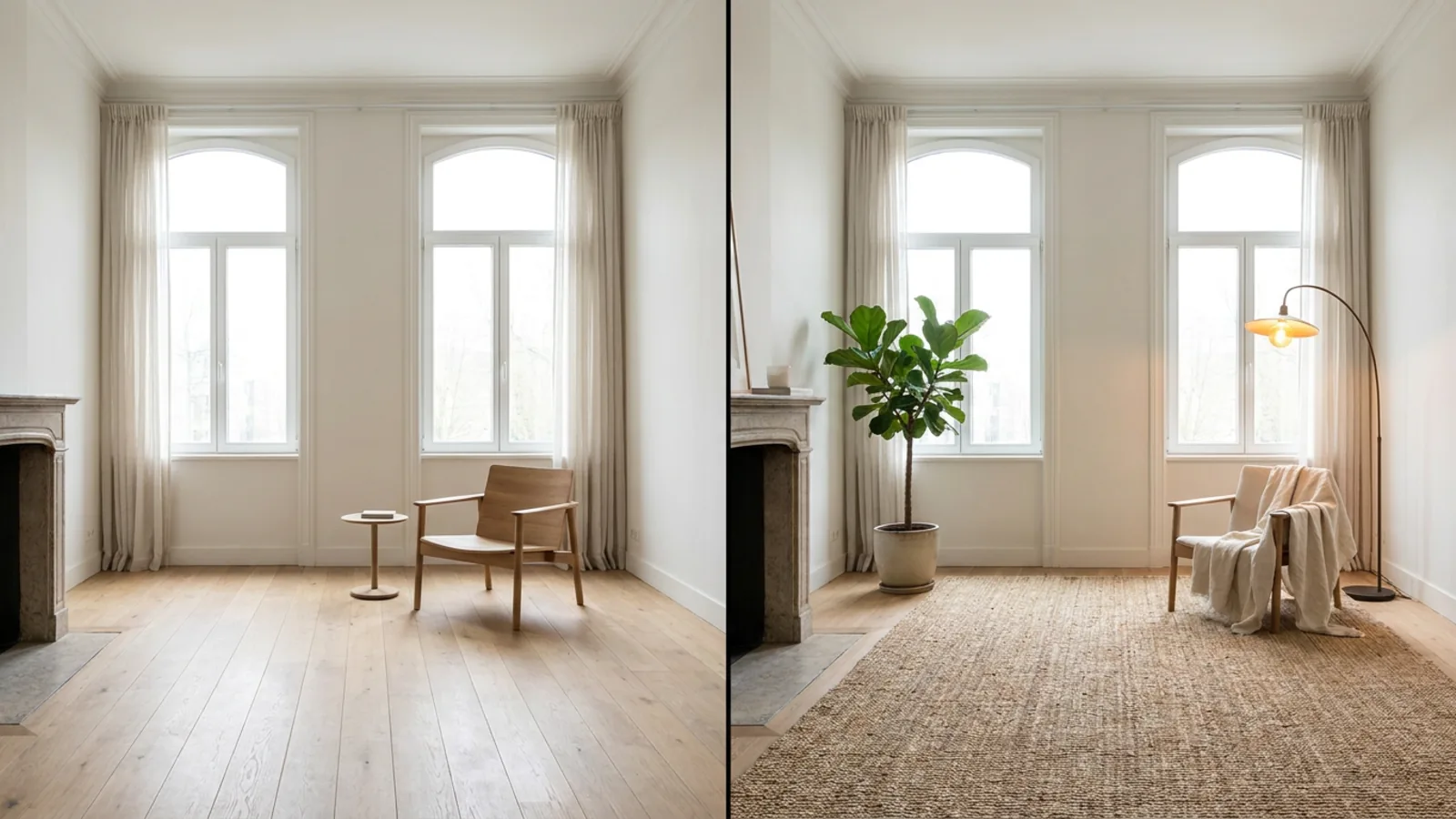
There are really three routes, and they trade cost and physical presence against speed.
| Method | Typical cost | Best when |
|---|---|---|
| Physical staging | $1,500 to $4,000+ per home | Buyers will walk the space in person |
| Soft staging (light decor only) | Much less, DIY-friendly | A small budget and some real pieces to work with |
| Virtual staging | $16 to $40 per photo human-edited, or AI on a subscription with the first render free | Online marketing photos, speed, tight budget |
Physical staging rents real furniture and looks and feels complete at a showing, but it is the most expensive and takes days to arrange. Soft staging, the light-decor option the home-staging guides love, uses a few real pieces, rugs, lamps, and plants, to warm a room cheaply. Virtual staging furnishes the photo digitally, which is by far the cheapest and fastest for the online listing where most buyers look first. Many people combine them, physical for open houses and virtual for the photos.
What furniture each room actually needs
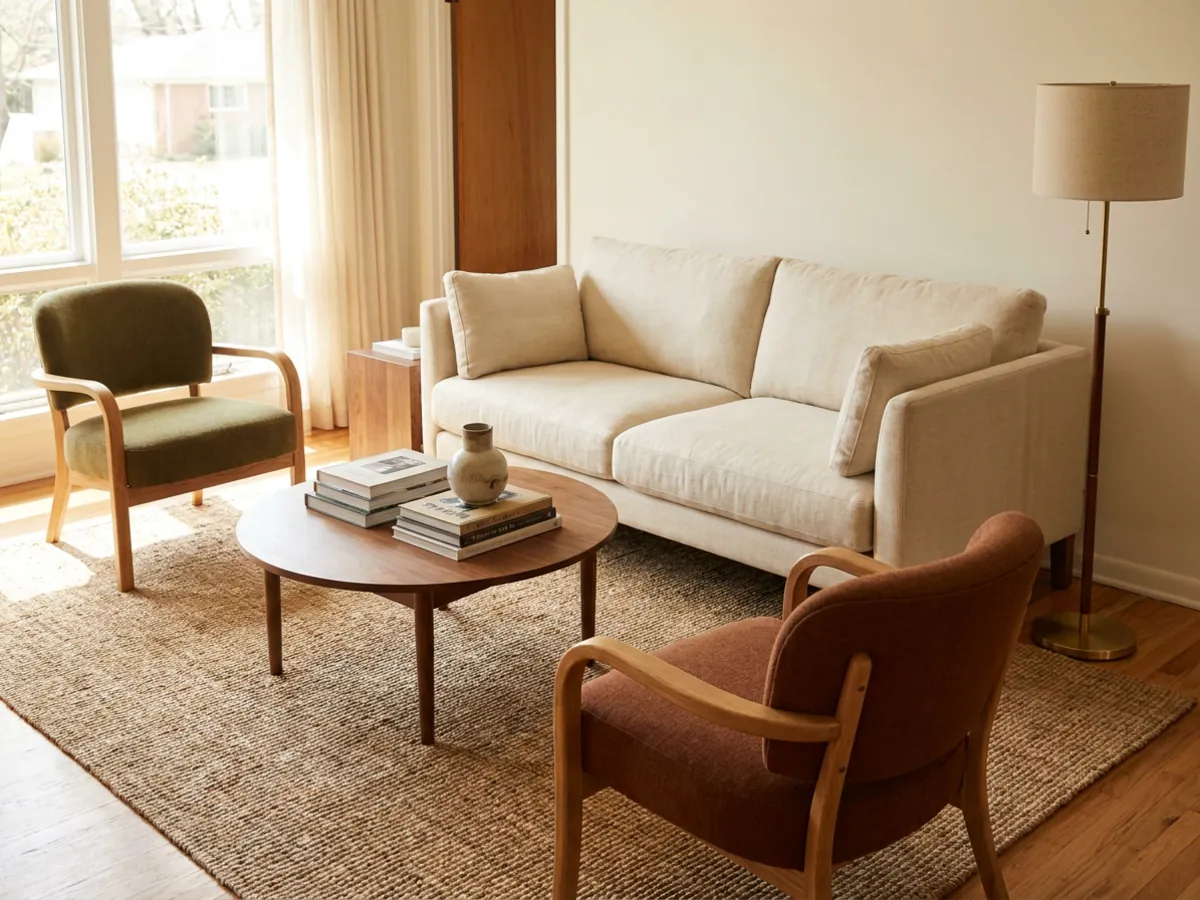
Whether you are placing real furniture or telling an AI what to add, the goal is the same: enough to show scale and flow, not a full showroom. Room by room, the pieces that do the work:
- Living room: a sofa, two accent chairs, a coffee table, a side table, a floor lamp, and an area rug to anchor the seating.
- Bedroom: a bed centered on the main wall, two nightstands with lamps, and a bench or small chair for balance.
- Kitchen and dining: a set dining table with chairs, and a few restrained counter details so the space reads as used, not cluttered.
- Home office or spare room: a desk, a chair, and simple shelving, which also answers the "what is this room for" question a bare space leaves open.
- Entry: a mirror and a console, which make the first impression feel intentional.
The rule across every room is restraint. A few well-scaled pieces that leave the floor visible read as more spacious than a room packed to look full.
How to stage an empty room with AI, step by step
Virtual staging with AI is the fastest route, and it works from the photo you already have:
- Photograph the empty room wide and level (the next section covers how).
- Upload it on the homepage, no signup. The tool detects the empty room and offers staging.
- Pick a broadly appealing style and generate the furnished render in under a minute, with the walls, windows, and layout kept exactly in place.
- Download the HD file on a plan, and optionally add a short video walkthrough of the staged room.
It runs on a subscription for ongoing use, and the first render is free, so you can see the empty room furnished before spending anything. You can stage an empty room or furnish a bedroom the same way, and it keeps the real architecture in every case.
Photograph the room so the staging looks real
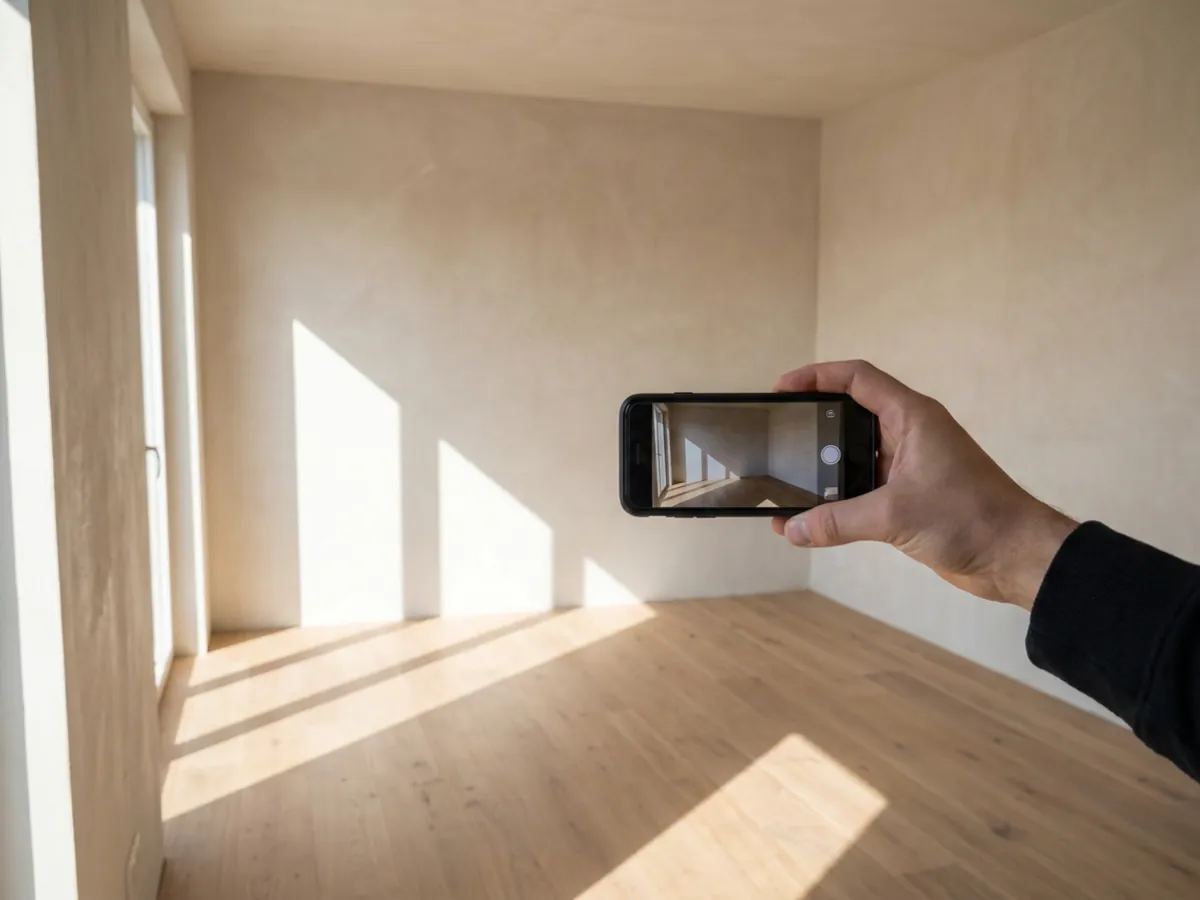
Good input is what makes staging believable, physical or virtual:
- Shoot wide, from a corner, with the phone at about chest height, so you capture the floor and at least two walls.
- Open the curtains and turn on the lights for even, bright exposure.
- Hold the camera level and shoot in landscape, which matches how listings display.
- No filters, and wipe the lens, since smears and heavy edits both degrade the result.
A clean, wide, level, well-lit photo gives an AI honest detail to furnish, and gives a physical stager an accurate sense of the space.
Pick a style that helps buyers picture themselves
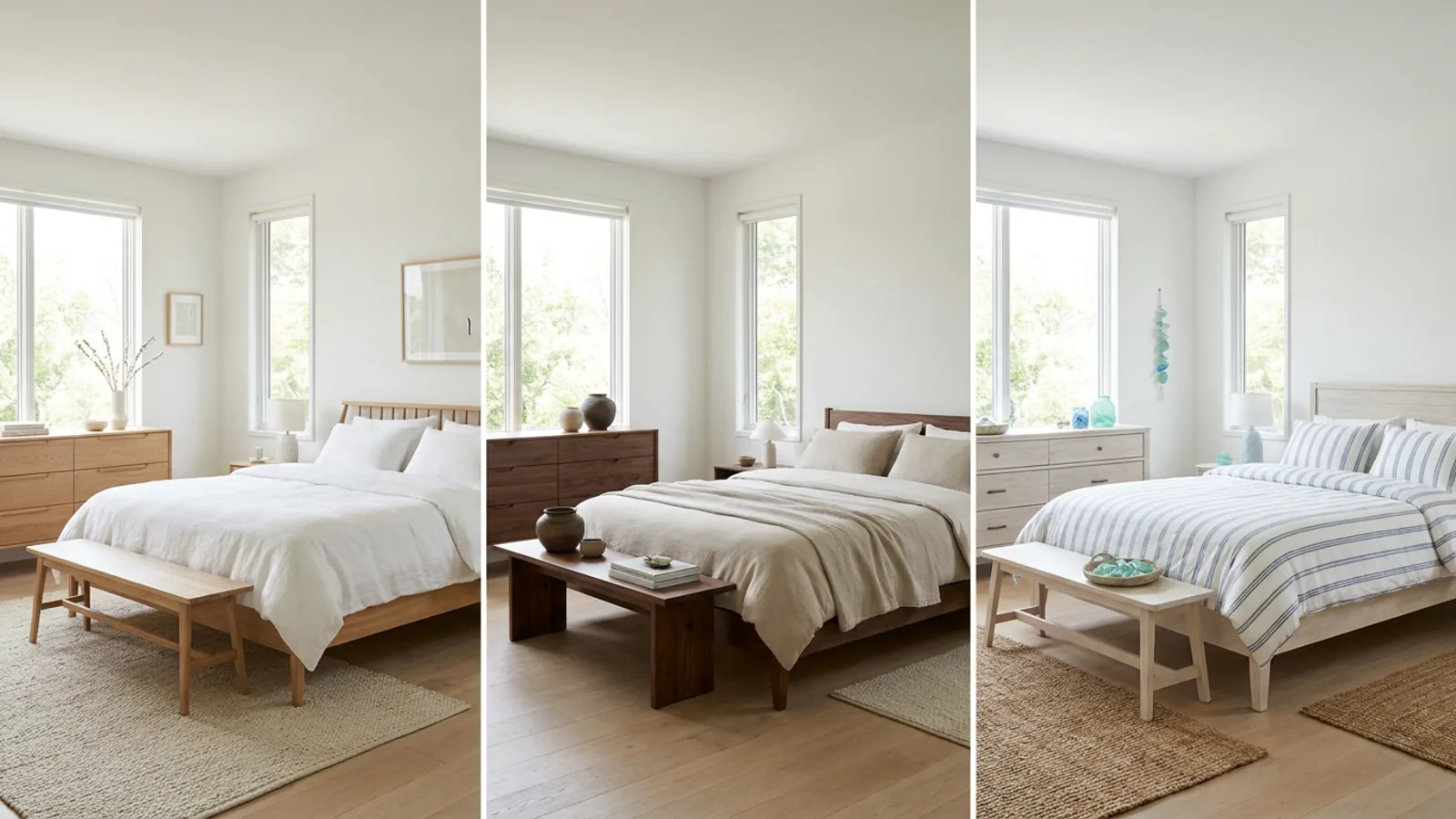
For staging, broadly appealing beats bold. Bright, uncluttered styles like Scandinavian, Japandi, and coastal photograph well and let the widest range of viewers imagine themselves in the space. A highly personal or strongly themed look does the opposite: it draws attention to someone else's taste and makes self-projection harder, which is the whole job of staging.
The advantage of virtual staging here is that you can try several styles on the same photo before choosing, so you are not committing to one look sight unseen. Browse a Scandinavian living room or a coastal bedroom and test it on your own empty room.
When the room is not empty: declutter first
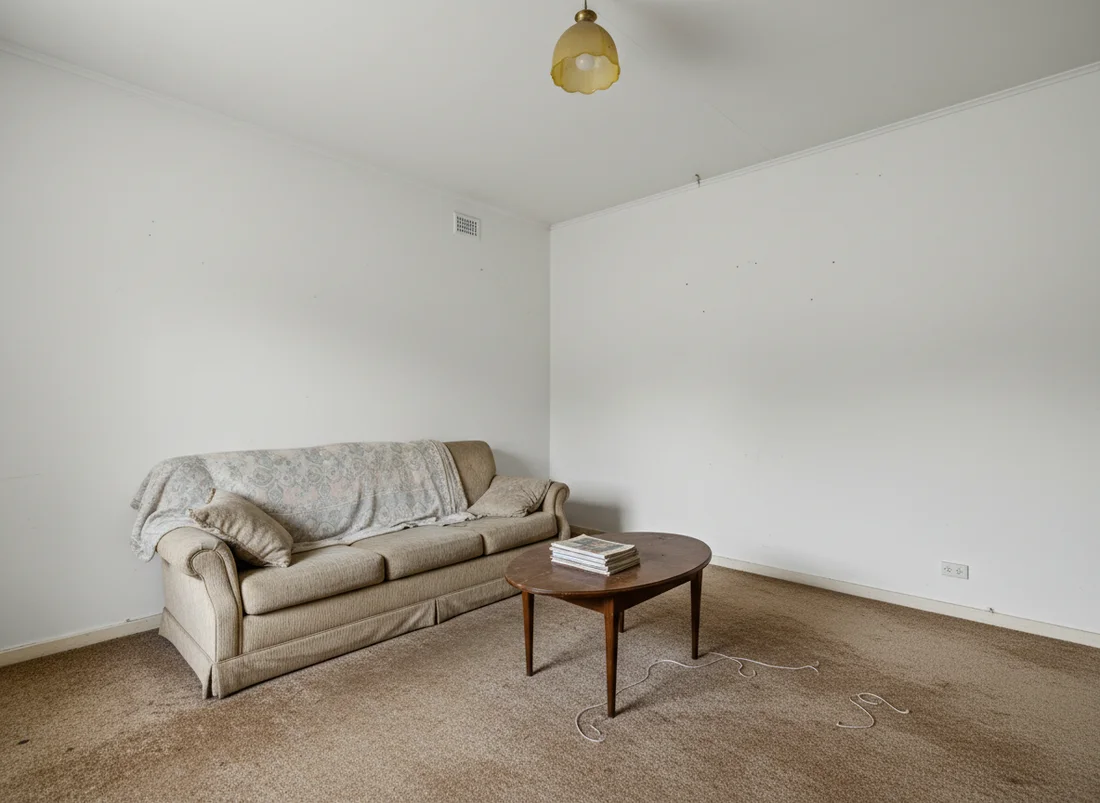
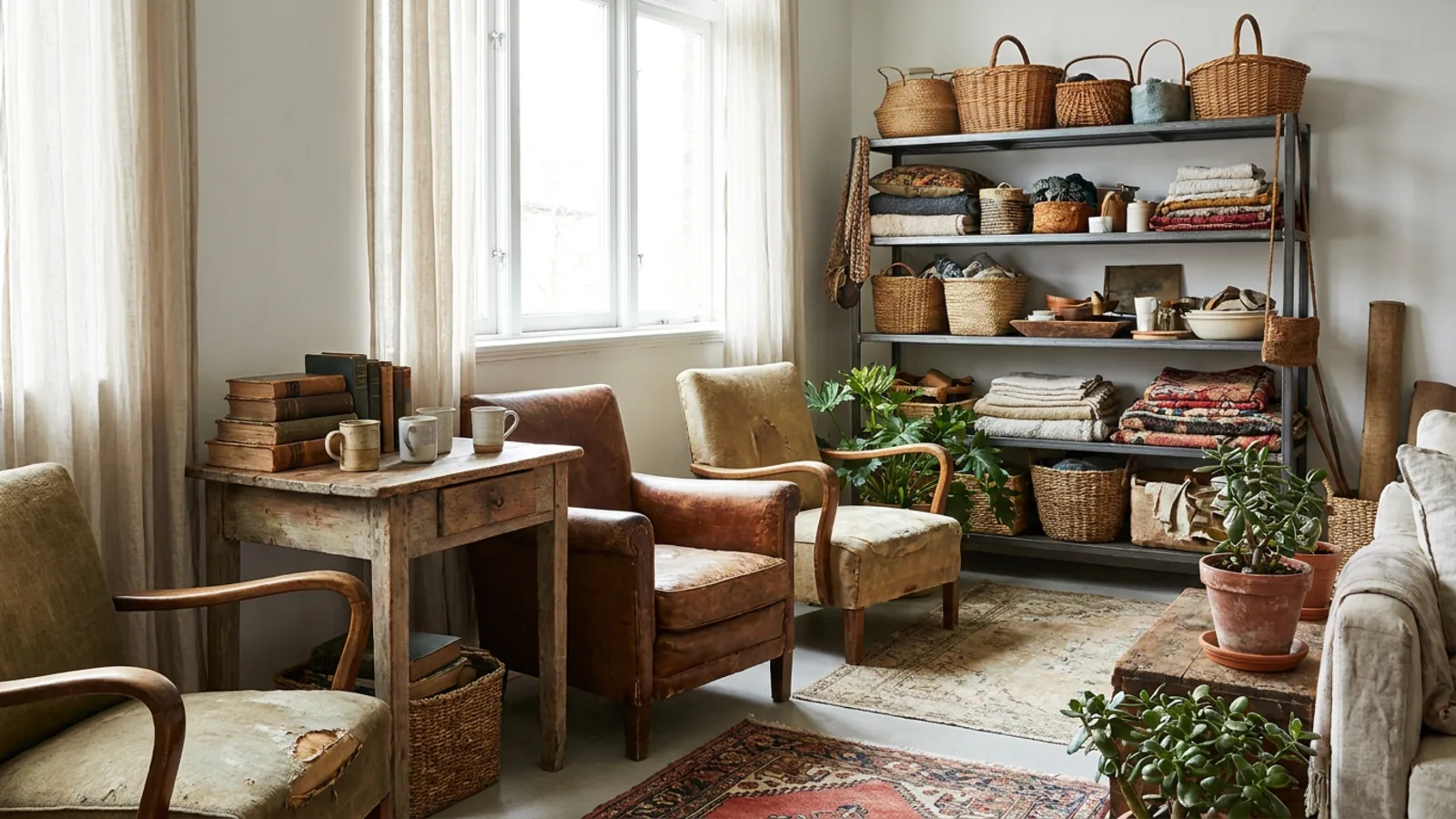 Before
Cleared
Before
Cleared
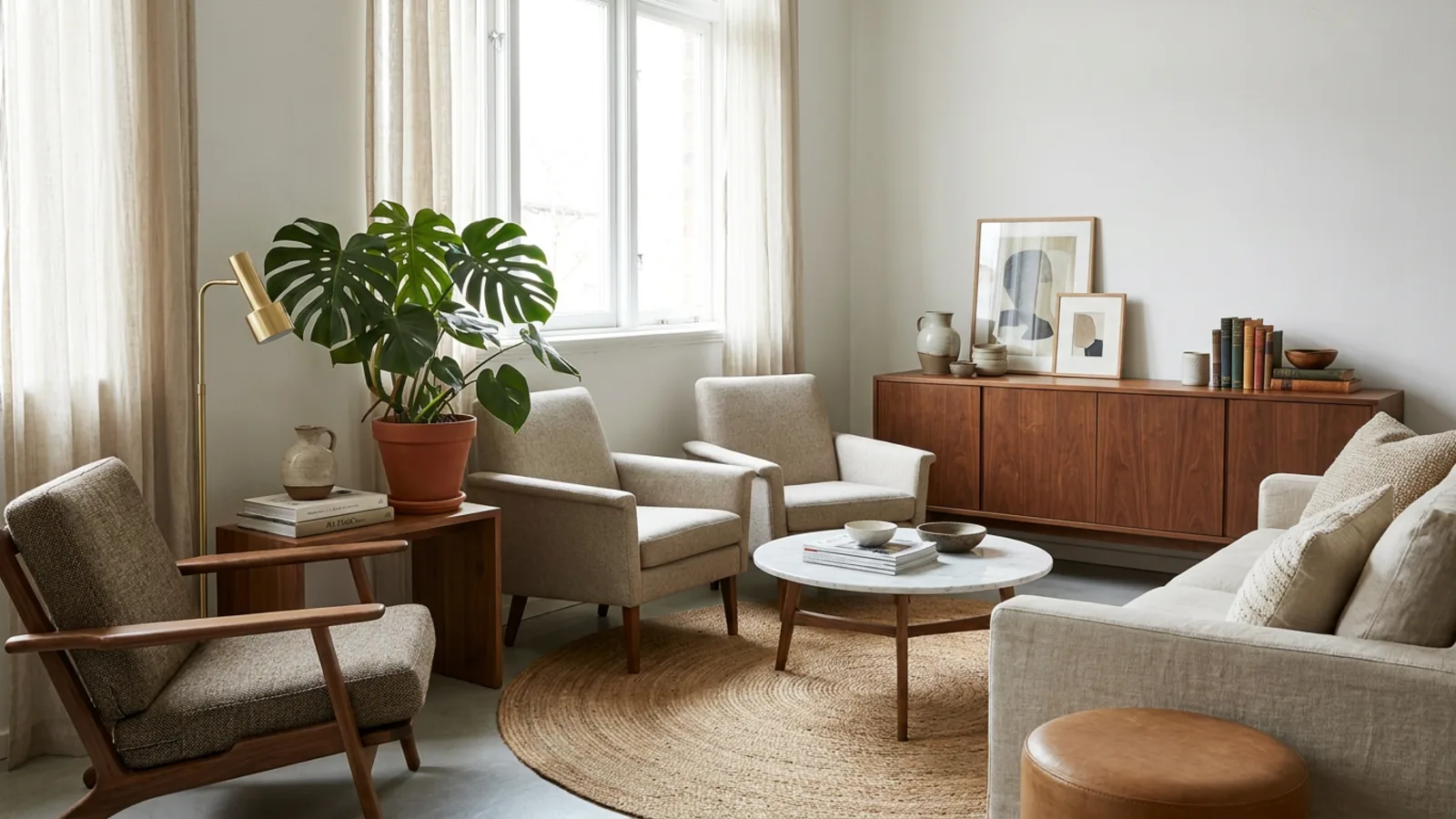
If the room is lived-in rather than empty, the honest move is two steps: clear it to a clean base, then stage that. AI can remove the existing furniture from the photo, giving you the same blank canvas as an empty room, which you then furnish in the style you want. This declutter-then-stage flow is how you get a consistent, uncluttered listing from a home someone still lives in, without physically moving anything out.
Disclosure and MLS rules for virtual staging
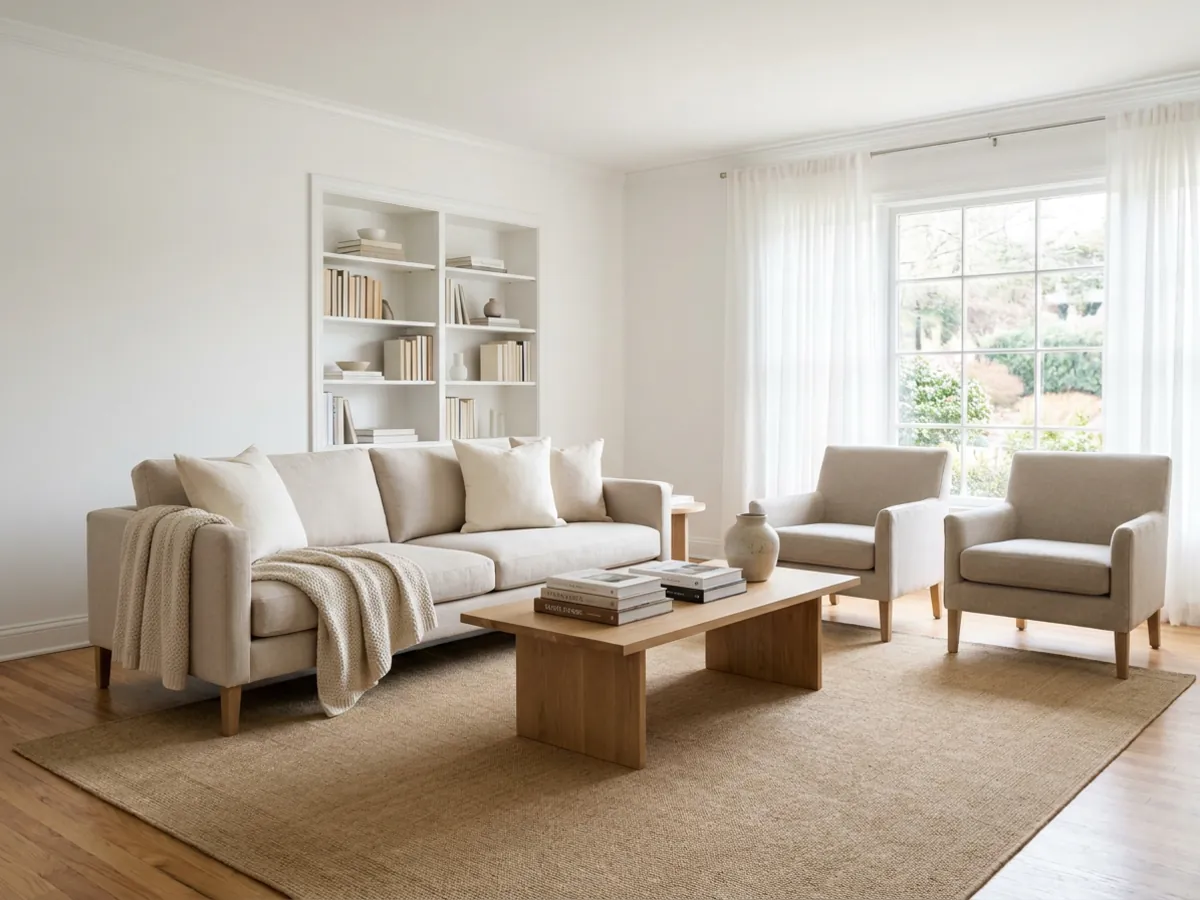
Virtual staging is widely accepted, and the rule that keeps it legitimate is disclosure. Label virtually staged photos clearly, keep at least one true empty photo of the room in the set so nothing is hidden, and never use staging to disguise a defect or misrepresent the space. Most MLS systems and portals require disclosure of digitally altered images, and some local rules have tightened on this recently, so check what applies where the property is listed. Staging is meant to help a buyer picture the room's potential, not to mislead them about its condition, and keeping that line is what protects both the sale and your credibility.
Empty-room staging checklist
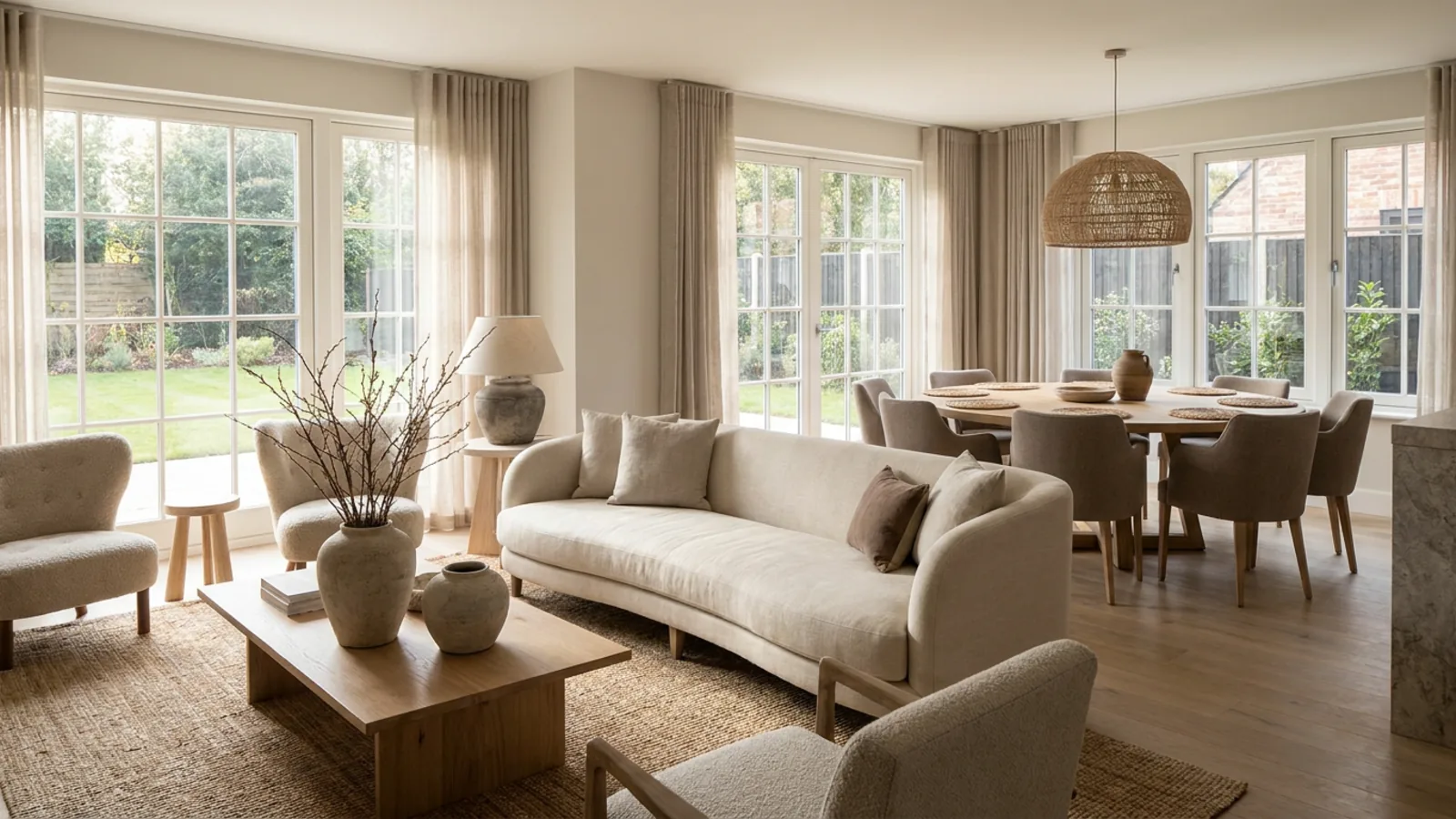
The whole flow in one scannable list:
- Clean and neutralize the room, and clear anything that distracts.
- Shoot wide and level from a corner, in good light.
- Stage or restyle, physically, with soft decor, or virtually from the photo.
- Keep it minimal and consistent, a few well-scaled pieces per room in one broadly appealing style.
- Disclose any virtual staging and keep a true empty photo available.
See your own empty room staged, free, and judge the result on your actual space before deciding anything.
Frequently asked questions
How do you stage an empty room? +
Clean and neutralize the room, then add the few furniture pieces that define it, a sofa and seating in a living room, a centered bed in a bedroom, so viewers can read the scale and purpose. Keep it minimal, shoot wide and level in good light, and you can do this physically, with light decor, or virtually from a single photo. The goal is to give the eye a story, not to fill every corner.
How much does it cost to stage an empty house? +
Physical staging commonly runs $1,500 to $4,000 or more per home. Traditional human-edited virtual staging is about $16 to $40 per photo. AI virtual staging is the cheapest, running on a subscription with the first render free. The right choice depends on whether buyers will see the furniture in person or only in the listing photos.
How do I stage a house with no furniture? +
Two low-cost routes work. Soft staging uses a little real decor, rugs, lamps, plants, and a few borrowed pieces, to warm the space cheaply. Virtual staging furnishes the photo digitally from a single upload, so you get a fully furnished listing image without owning or moving any furniture. Both avoid the cost of full physical staging.
Which rooms should I stage first? +
Prioritize the first room buyers see, plus the living room and the primary bedroom, since those carry the most weight in a listing. Add the kitchen or dining area next if the budget allows. A spare room benefits from staging too, because furniture answers the "what is this room for" question a bare space leaves open.
What furniture style sells best? +
Bright, uncluttered, broadly appealing styles like Scandinavian, Japandi, and coastal photograph well and let the widest range of viewers picture themselves in the space. Highly personal or strongly themed looks do the opposite, drawing attention to someone else's taste. With virtual staging you can try several styles on the same photo before choosing.
Do I have to disclose virtual staging? +
Yes. Label virtually staged photos clearly, keep at least one true empty photo of the room in the set, and never use staging to hide a defect. Most MLS systems and portals require disclosure of digitally altered images, and some local rules have tightened recently, so check what applies where the property is listed. Disclosure protects both the sale and your credibility.
Does AI virtual staging change the room itself? +
No. Good virtual staging keeps the walls, windows, doors, and layout exactly as photographed and only adds furnishings, so the result is a believable, honest view of the real room. That is also what disclosure rules require: staging may show a room furnished, but it must not alter the space or hide its condition.
Can I stage a room that already has furniture? +
Yes. Remove or declutter the existing furniture from the photo first to get a clean base, then stage the look you want. AI can clear a lived-in room to a blank canvas and restage it, which is how you get a consistent, uncluttered listing from a home someone still lives in without physically moving anything.
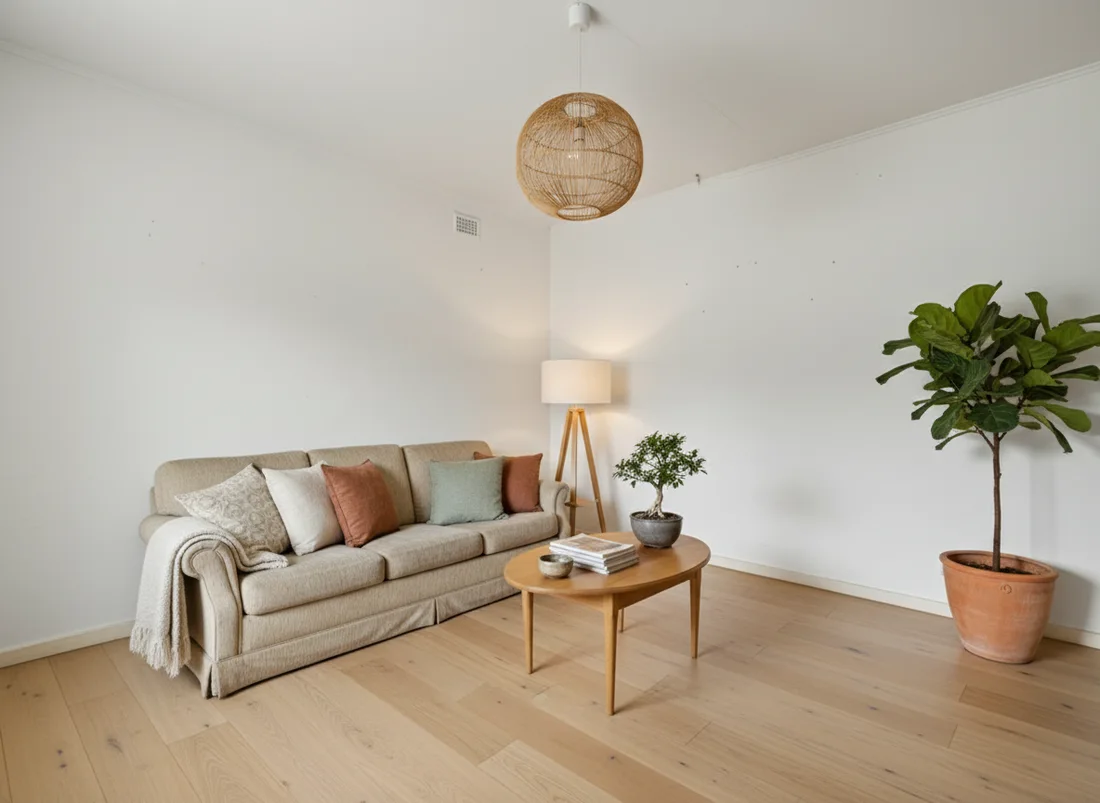 After
After
 Before
See it on your own room
Your room, redesigned
Upload one photo and watch your room restyled in a wide range of designer looks. Your walls, windows and layout stay exactly as they are.
Stage your empty roomOne photo. In seconds. No signup.