restylai blog
Fix Real Estate Listing Photos With AI (2026 Guide)
Updated July 19, 2026 · by the restylai team

The three fixes that sell a room you already have
Most listings do not need better rooms, they need better photos of the rooms they have. When a listing photo underperforms, it usually fails on one of three things: flat, dull light; personal clutter; or a single distracting object pulling every eye. All three are fixable from the photo you already took, without a reshoot.
One rule frames everything below, so it is worth stating before the how-to: you fix how the room is presented, you never misrepresent its condition. Warming the light, clearing your own clutter, and erasing a stray cable are fair game. Hiding a defect or changing the room is not. Keep that line and AI photo editing is one of the cheapest, fastest wins in real estate. Cross it and it becomes a liability. Everything here stays on the right side of it.
Fix one: dull daylight becomes a warm, natural glow

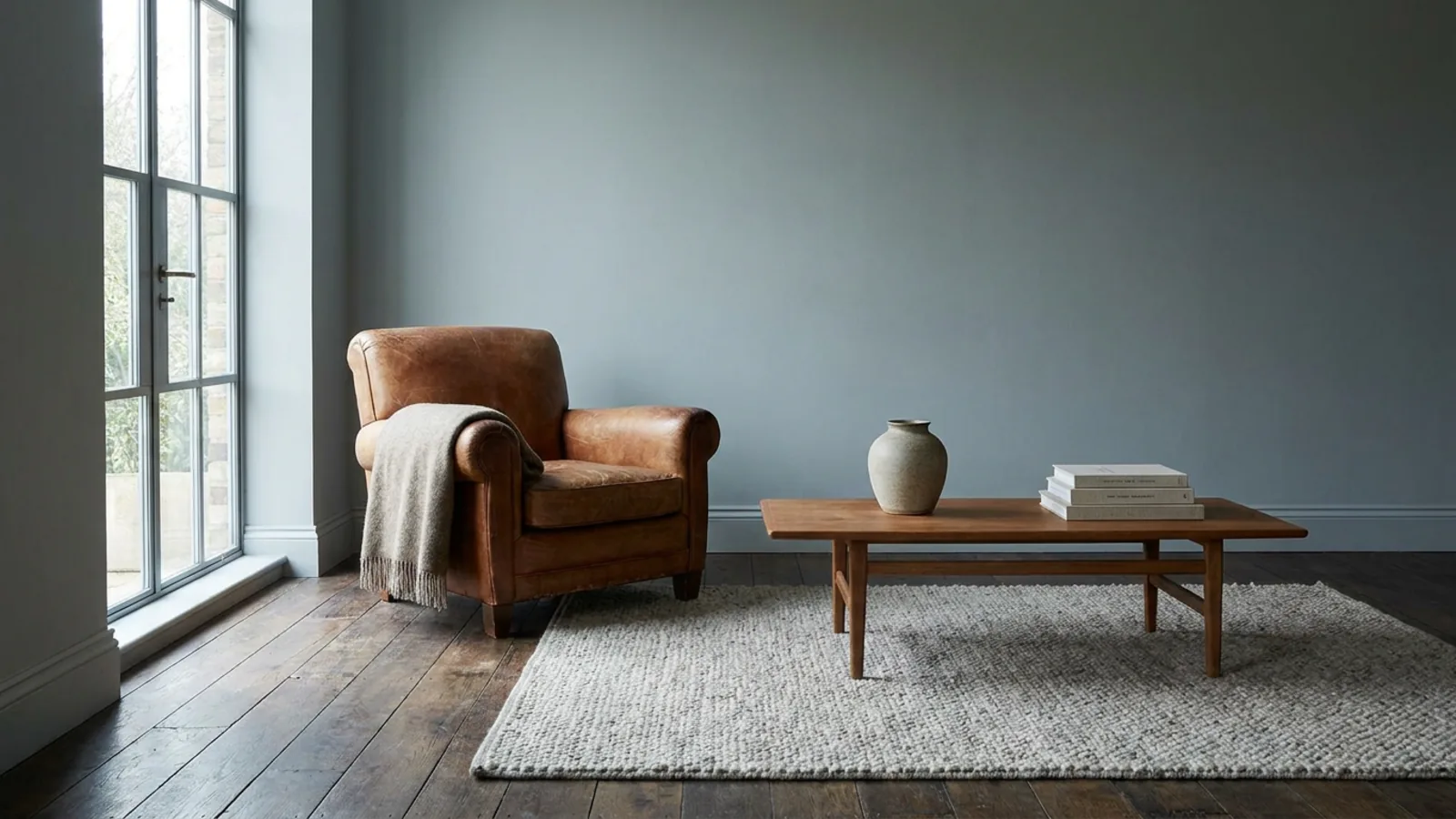 Before
Relit
Before
Relit
The single biggest difference between a photo that gets clicked and one that gets skipped is light. AI relighting warms flat midday light toward a soft, even, golden tone and lifts dim corners, while leaving the architecture, furniture, and finishes exactly as they are. The room does not change; it just looks the way it does on its best afternoon.
Be honest about the limit, because this is where trust is won. Relighting improves mood and evenness, it does not invent detail the camera never captured. A genuinely underexposed frame, a blown-out window with no data behind it, or a motion-blurred shot is still better retaken. Relighting rescues a flat photo, not a broken one.
Fix two: clear the personal clutter, keep the real room
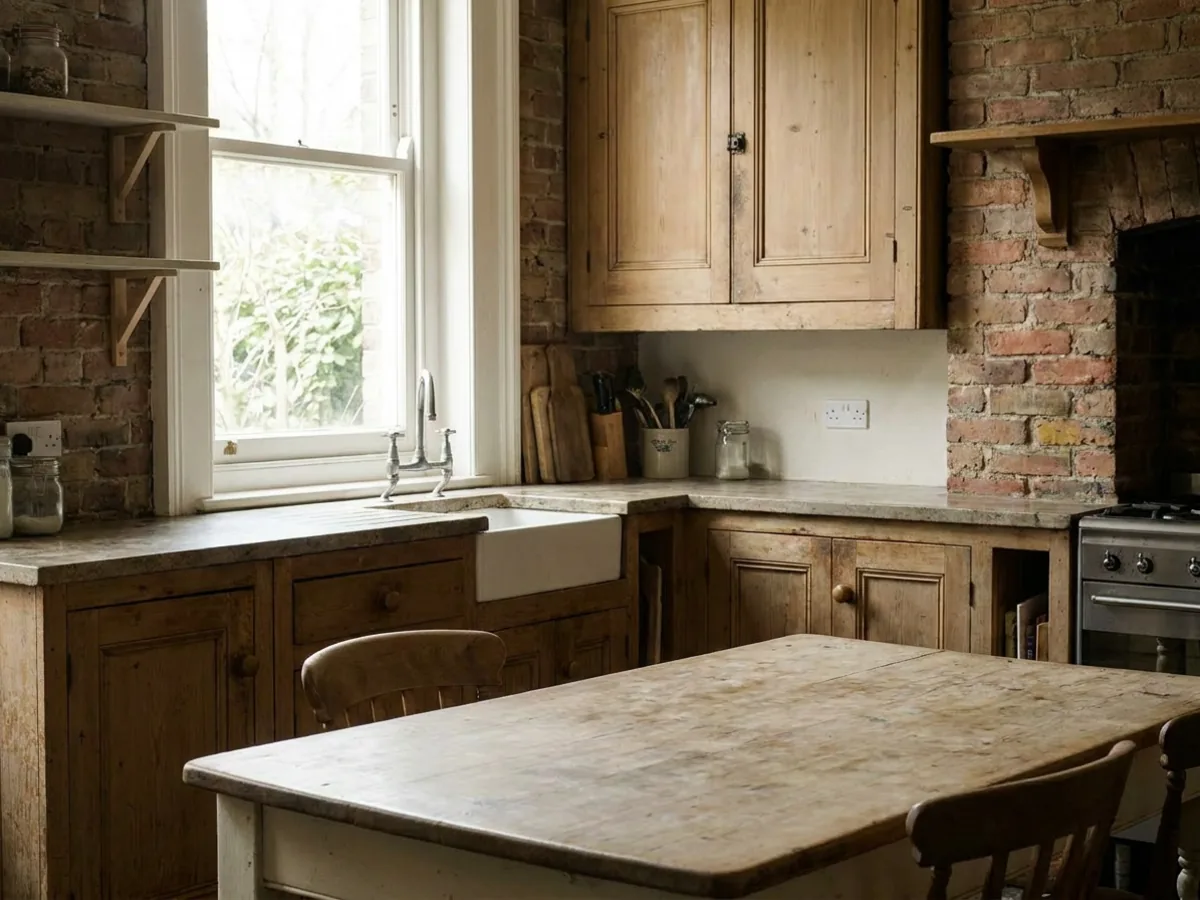
 Before
Decluttered
Before
Decluttered
A lived-in room full of mail, toiletries, laundry, and countertop pile-ups makes it hard for a viewer to see the space itself. Decluttering removes that personal noise and presents the real room, with the actual furniture and finishes left in place. It is the difference between a buyer seeing your things and a buyer seeing their potential home.
The honesty line is clear and easy to hold: removing your belongings is fine, removing a permanent feature or a defect is not. Clear the clutter, keep the condition. If a room is empty rather than cluttered, or so over-full that clearing it is not enough, the next step is removing furniture or virtual staging rather than a simple declutter.
Fix three: erase the one thing pulling every eye
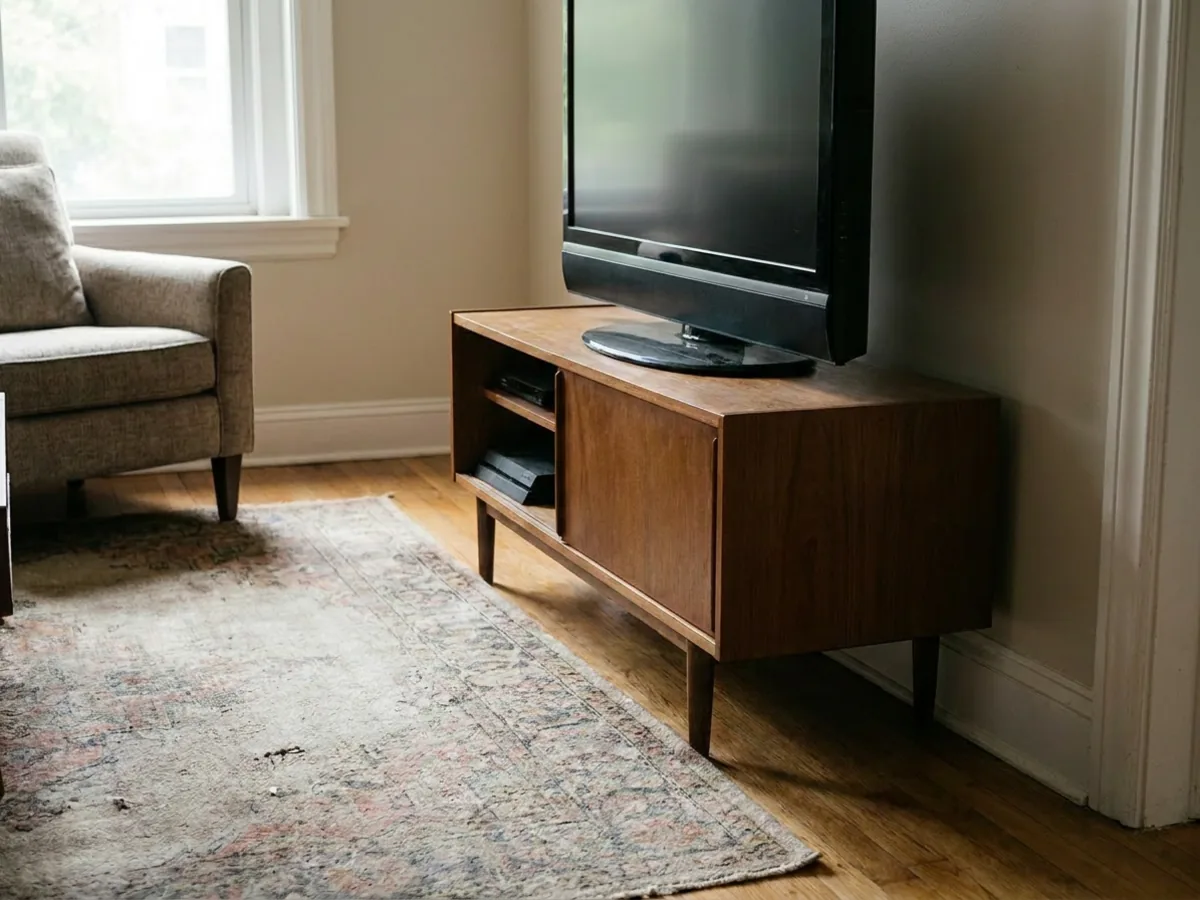
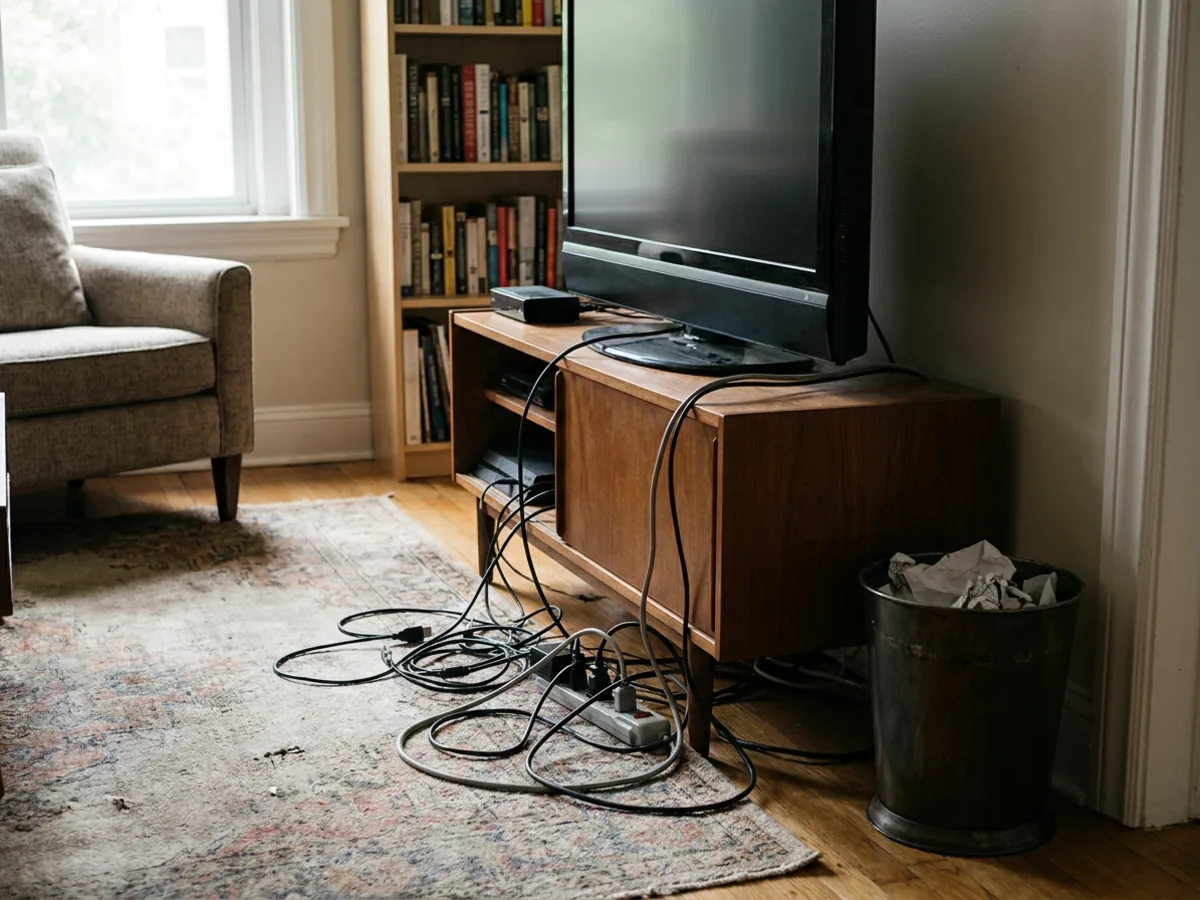 Before
Erased
Before
Erased
Sometimes a photo is fine except for one thing: cables under the TV, a bin, a stray cord, a pet bowl. A surgical erase removes that single distraction and rebuilds what was behind it, while the rest of the photo stays exactly as shot. It is the cheapest fix of the three and often the highest impact, because one wrong object can undo an otherwise strong photo.
The boundary is the same as before: erase clutter and minor temporary objects, never damage, stains, or condition issues a buyer is entitled to see. It works best on small, isolated objects against a simple background. A distraction that overlaps busy detail may be cleaner to reshoot than to edit.
What a photo fix can and cannot do
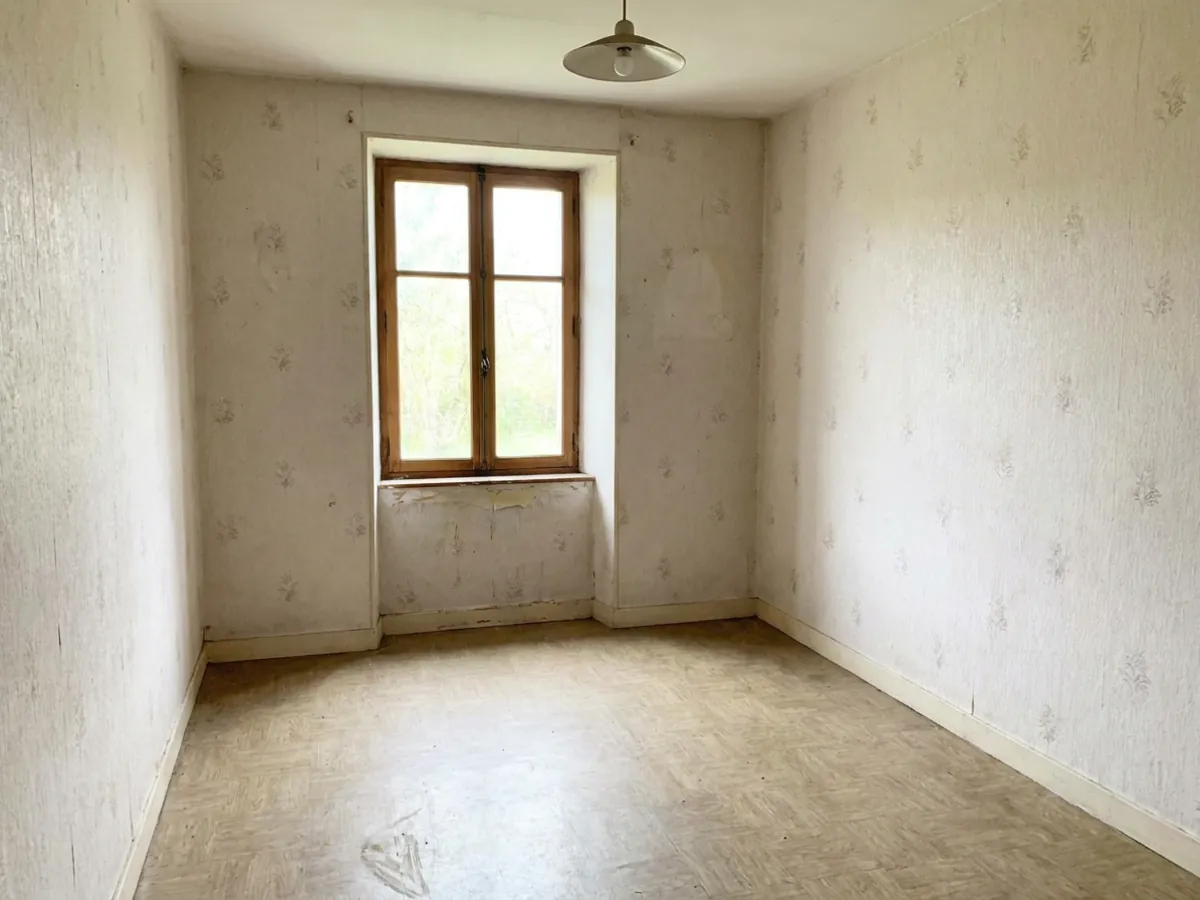
Setting expectations honestly is what separates a tool you trust from one that oversells. Fixes that present the same room better are fair and low-risk: light and warmth, color, your own temporary clutter, one stray object. A buyer walking through would see the same room, just as they saw it in your best photo.
What a photo edit should not be used for: hiding damage, water stains, or cracks; disguising dated permanent finishes; changing the layout or the apparent size of a room; or faking a view. Those cross from presentation into misrepresentation. Exterior work such as sky replacement or day-to-dusk conversion is a separate category of editing and out of scope here, since the focus is interior rooms. The simple test for any edit is the one in the next section.
What you are allowed to edit, and what you must disclose in 2026
 Before
Disclosed
Before
Disclosed
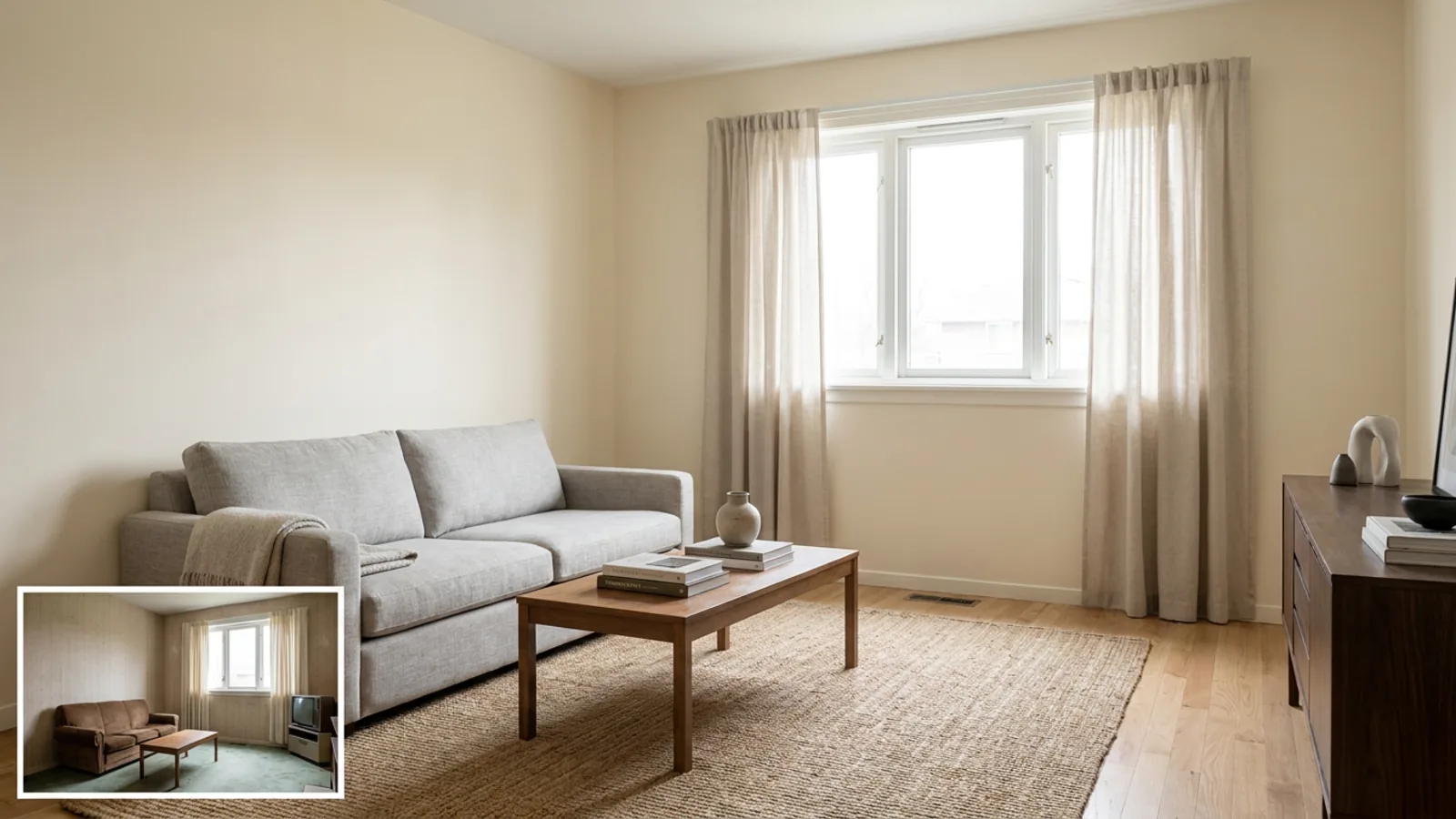
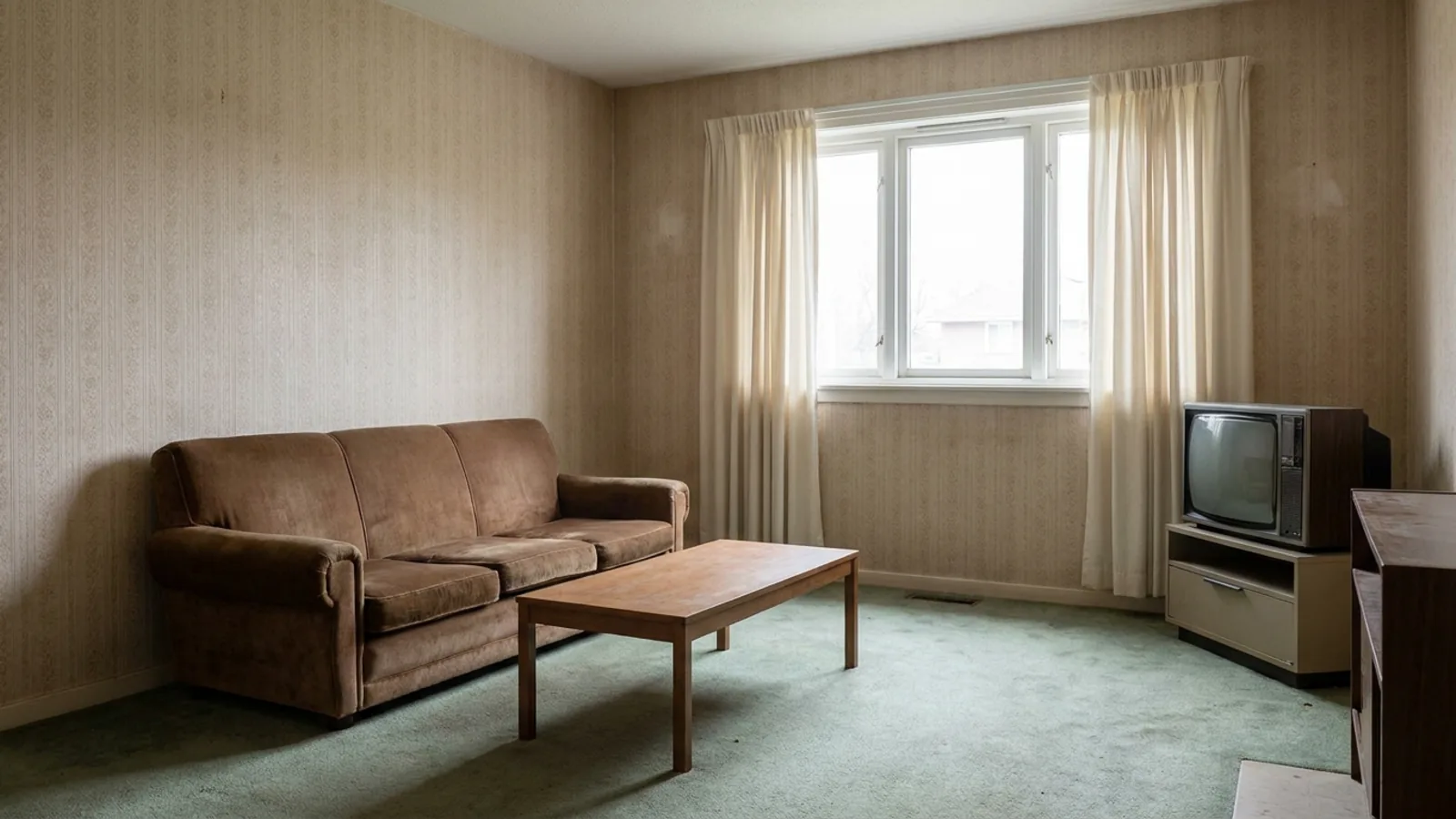
The practical test travels everywhere: if an edit changes what a buyer would see on the walkthrough, disclose it. Cosmetic corrections such as brightness, color, and removing your own temporary clutter generally do not require disclosure, because the room is unchanged. Adding or removing content, restyling finishes, or virtual staging generally do require disclosure, because the image now shows something the room does not.
Local rules are formalising that principle. California introduced a requirement, effective in 2026, that digitally altered marketing images carry a conspicuous notice and that the original unaltered photo be available, and more states are likely to follow. Guidance from the National Association of Realtors and the rules of most MLS boards call for clear disclosure on the image itself, not only in a caption that may not survive syndication, and non-compliance can carry penalties. The safe rule is short: label the edited image, keep the original available, never hide condition, and check the rules that apply where the property is listed. This is general guidance, not legal advice.
A photo-fixing workflow that takes minutes

You do not need to edit every photo. A fast, honest workflow:
- Pick the two or three photos a buyer sees first, usually the cover shot, the main living space, and the kitchen. Those carry the click.
- Fix by impact: light first, since it changes the most, then clutter, then the single worst object.
- Keep every original file unedited and side by side, so you can disclose and compare.
- Download the HD version, and where an edit adds or removes content, disclose it.
The tool works from a single uploaded photo and returns a result in under a minute, and the first render is free, so you can judge the quality on your own worst photo before spending anything. For the underlying tooling, see the interior design software behind it.
When to restyle the room instead of just fixing the photo
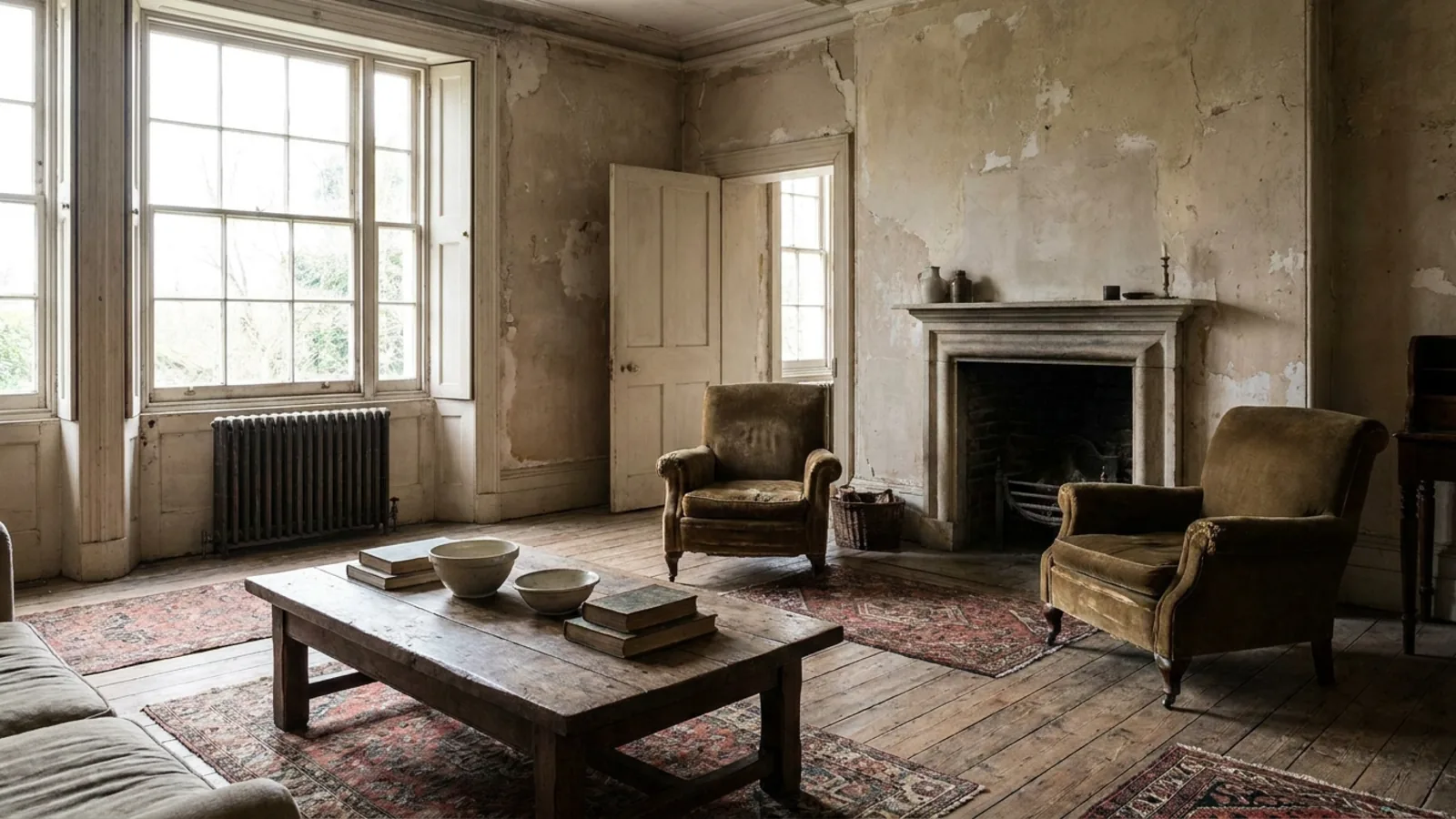 Before
Restyled
Before
Restyled
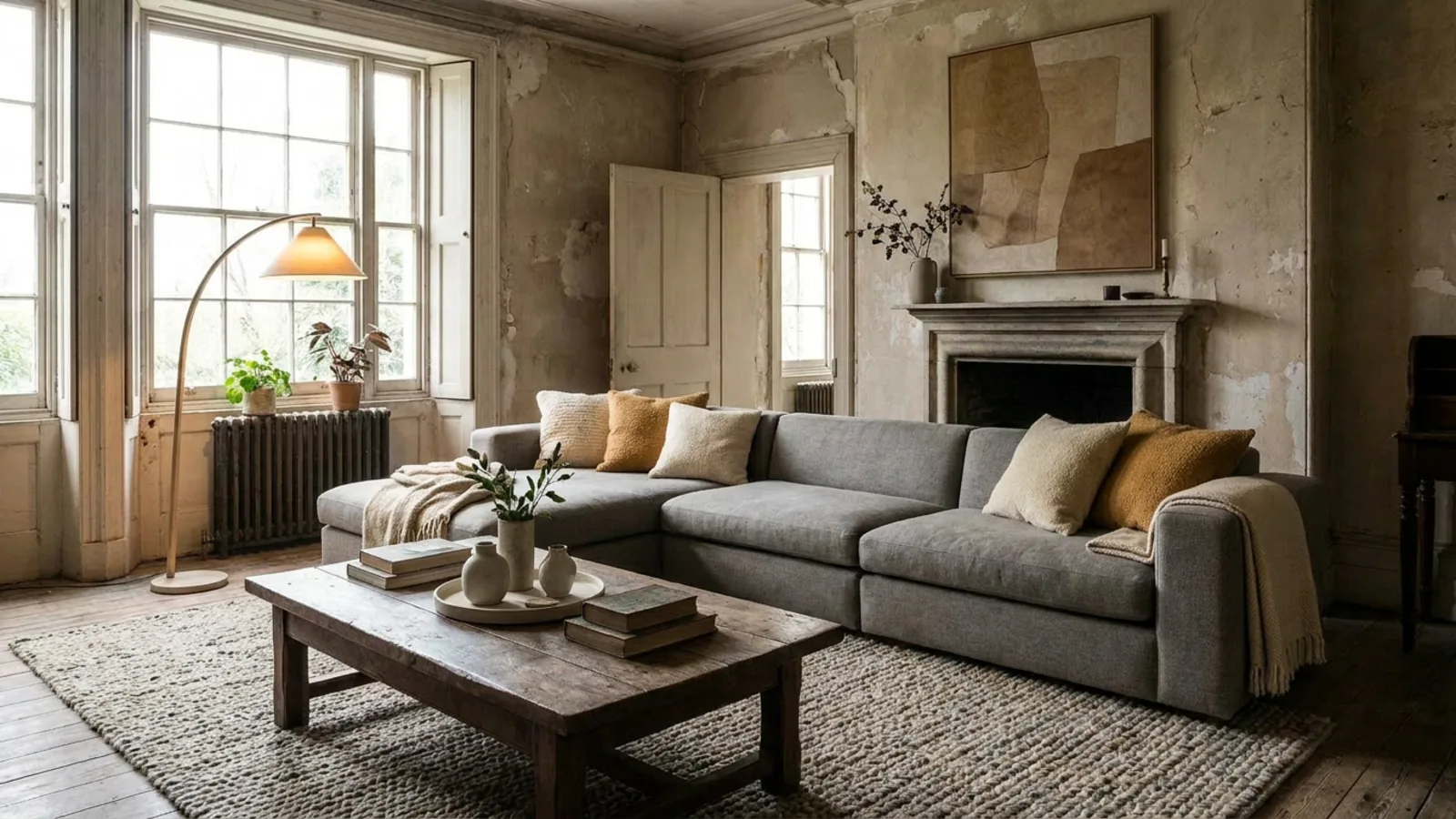
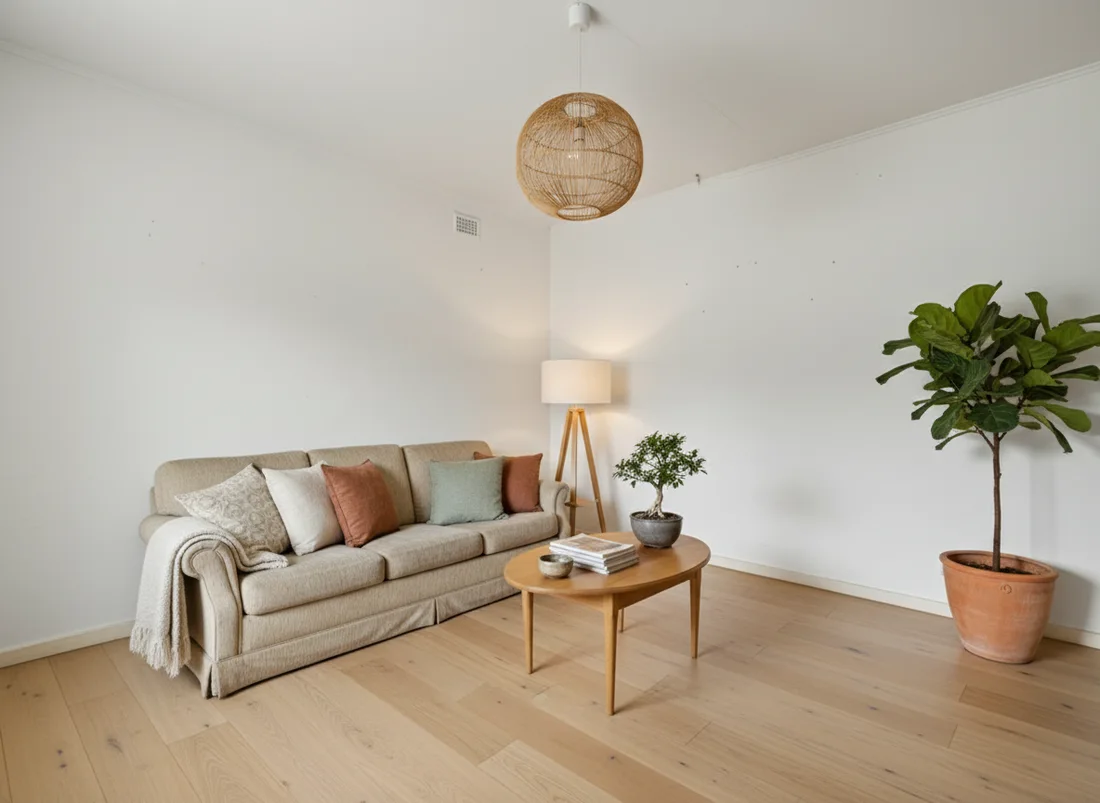
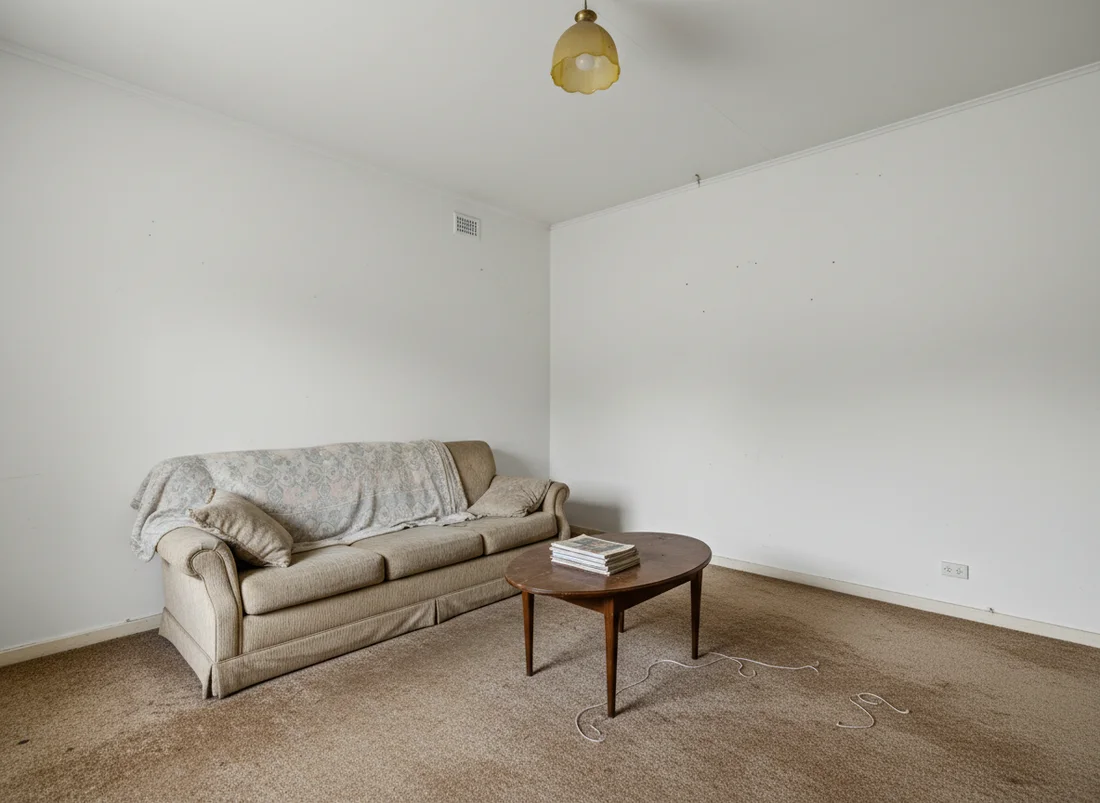
Sometimes the photo is not the problem, the room reads as tired or is empty, and a fix cannot carry it. That is where restyling and staging do more than a photo edit can. You can restyle a dated room into a current look, redesign it from one uploaded photo, stage an empty room, or refresh a tired kitchen or show a bedroom in a calmer look.
The honesty frame carries over: restyling changes finishes and furnishings, so like virtual staging it must be disclosed. Used openly, it lets a buyer see a dated space at its potential, which a photo fix alone cannot show. For a look to copy, browse a modern kitchen or a bright Scandinavian living room.
Start with your worst photo
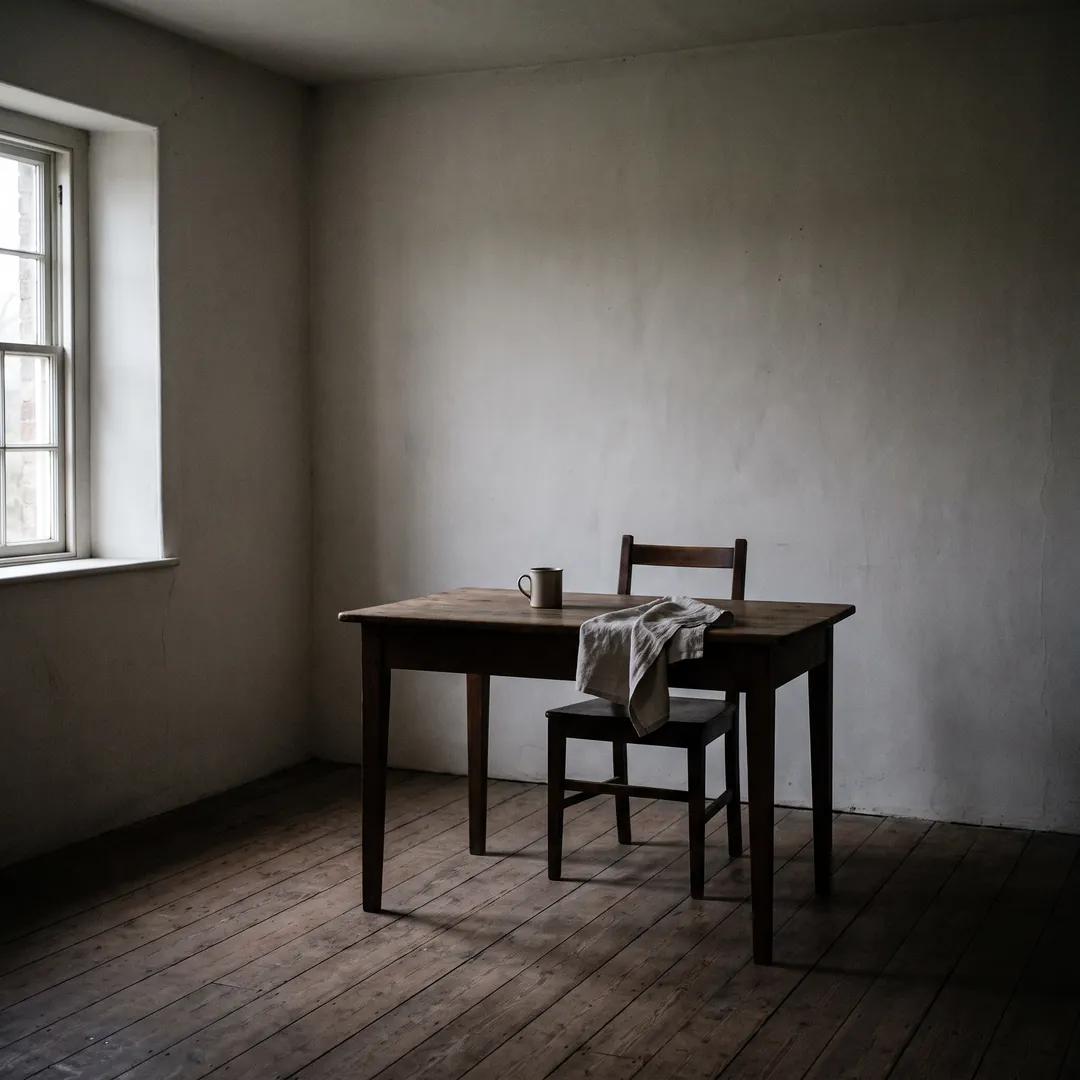
The fastest way to find out whether this is worth it is to test the single weakest photo in the set, the one that makes the whole listing look tired. One free render is enough to see whether a relight, a declutter, or an erase turns it around, with no signup and nothing spent. If your worst photo comes back looking like the room's best day, the rest of the set is easy. Try your first render free and start there.
Frequently asked questions
Can I fix listing photos with AI without reshooting? +
Yes. If the room itself is fine and only the photo lets it down, AI can warm flat light, clear your personal clutter, and erase a single distracting object from the photo you already took, so a reshoot is usually unnecessary. A genuinely blurry or badly underexposed frame is still better retaken.
Can AI brighten a dark listing photo? +
AI relighting can even out flat, dull light and add natural warmth without changing the room, which makes most dim photos read brighter and more inviting. It improves the light that was captured rather than inventing detail the camera missed, so a very underexposed shot may still need reshooting.
Can AI remove clutter or an object from a real estate photo? +
Yes. AI can clear everyday clutter like mail, toiletries, and countertop pile-ups, and it can erase a single stray object such as cables or a bin, while leaving the real furniture and finishes in place. Removing your own belongings is fine, removing damage or a permanent feature is not.
Is it legal to edit real estate listing photos? +
Editing photos is legal, and a growing set of rules require you to disclose edits that change what a buyer would see in person. California introduced a requirement, effective in 2026, for a conspicuous notice on digitally altered marketing images and access to the original, and most MLS boards and NAR guidance require clear disclosure too. Cosmetic corrections like light and color usually do not need disclosure; adding or removing content usually does. Check the rules in your area.
What is the difference between fixing a photo and virtual staging? +
A photo fix improves how the real room is shown, better light, less clutter, one object gone, with the room unchanged. Virtual staging adds furniture or restyles finishes, which changes the content of the image and generally must be disclosed. Use a photo fix for a furnished room that just photographs poorly, and staging for an empty or very dated room.
What photo works best for AI editing? +
A clear, reasonably lit, straight-on shot of the real room gives the best result, because the AI has honest detail to work with. Keep the walls, windows, and layout in frame and untouched, and you can test quality on one photo with a free first render before deciding.
How much does it cost to fix listing photos with AI? +
The first render is typically free, so you can judge quality before paying, and AI tools then run on a subscription. Human-edited services are usually charged per photo, often around $10 to $30 per photo, so the DIY route is far cheaper across a set of photos.
 After
After
 Before
See it on your own room
Your room, redesigned
Upload one photo and watch your room restyled in a wide range of designer looks. Your walls, windows and layout stay exactly as they are.
Fix your listing photosOne photo. In seconds. No signup.