restylai blog
See a Sofa in Your Room Before You Buy It (Two Photos, One Render)
Updated July 19, 2026 · by the restylai team
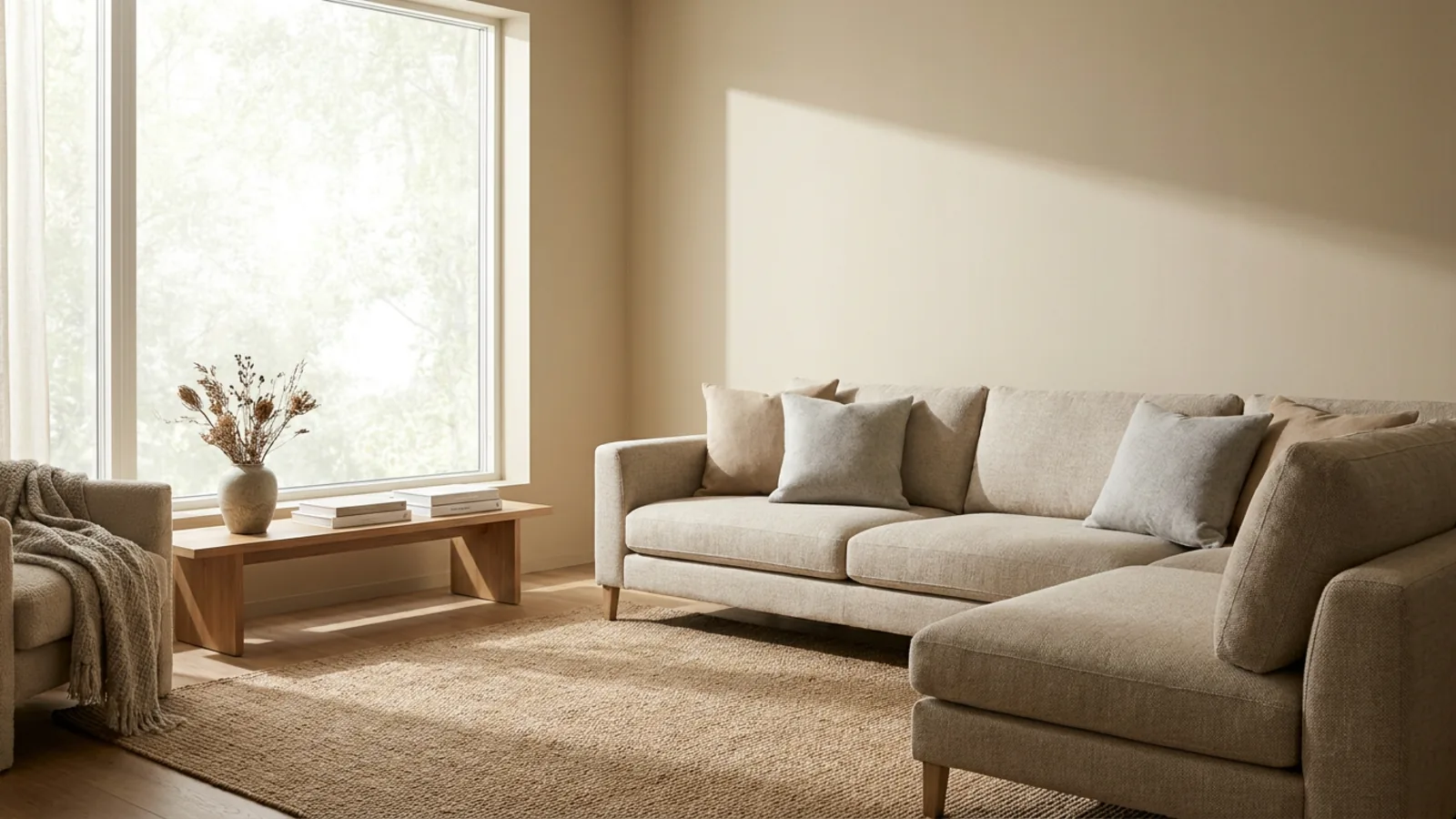
A sofa in the showroom and the same sofa in your living room are two different pieces. The store's lighting, the scale of the space around it, and the neutral backdrop all flatter it, and none of that comes home with the delivery. That gap is why furniture is one of the most-returned things people buy, and returns on large items are expensive and slow. Seeing the piece in your own room first closes the gap, and you can do it from two photos.
This guide covers how the two-photo method works, what it can and cannot answer, how to shoot for an accurate result, how it compares to AR apps and 3D viewers, and how to place more than just a sofa.
Why furniture looks different at home than in the store
Showrooms are built to sell. The lighting is warm and even, the piece sits in a generous, uncluttered space, and there is nothing of yours next to it for scale. At home, the light is different, the room is a real size with real proportions, and the piece has to sit next to your existing floor, walls, and other furniture. A sofa that looked perfectly scaled in the store can dominate your actual room, or a color that read as warm grey can go cold against your floor.
The specific things people misjudge are always the same: how deep a sectional actually is once it is against the wall, how much visual weight a dark piece adds to a small room, how a color that read as warm grey turns cold against the floor you already have, and whether there is still room to walk once the piece is in. A showroom answers none of these, because it removes the one thing that decides them, your actual room.
None of that is visible until it is delivered, which is exactly when it is hardest to undo. Large furniture is slow and costly to return, and many pieces cannot be returned at all once assembled, so the decision effectively has to be right the first time. Seeing the piece composited into a photo of your real room, in your light, next to your things, answers the questions the showroom hides before any of that is at stake.
See furniture in your room in two photos
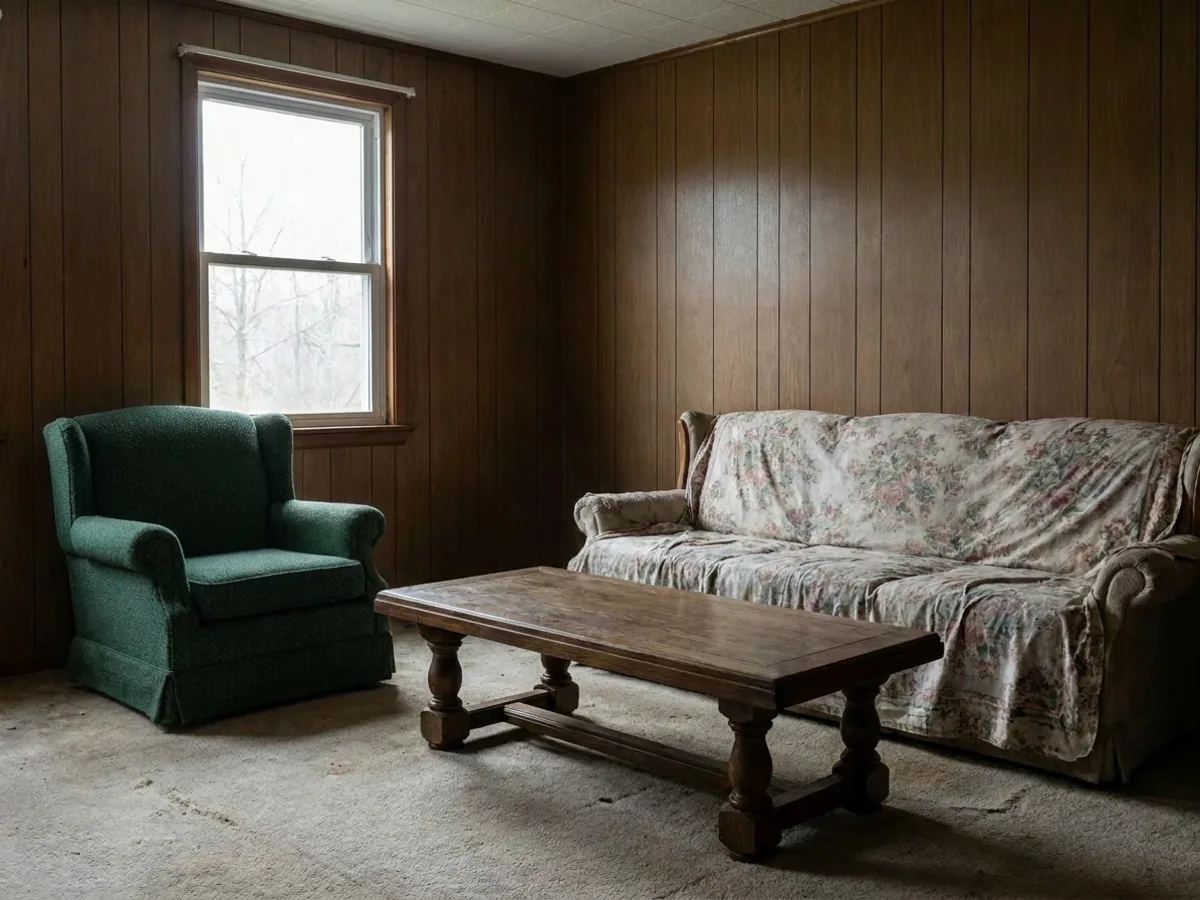
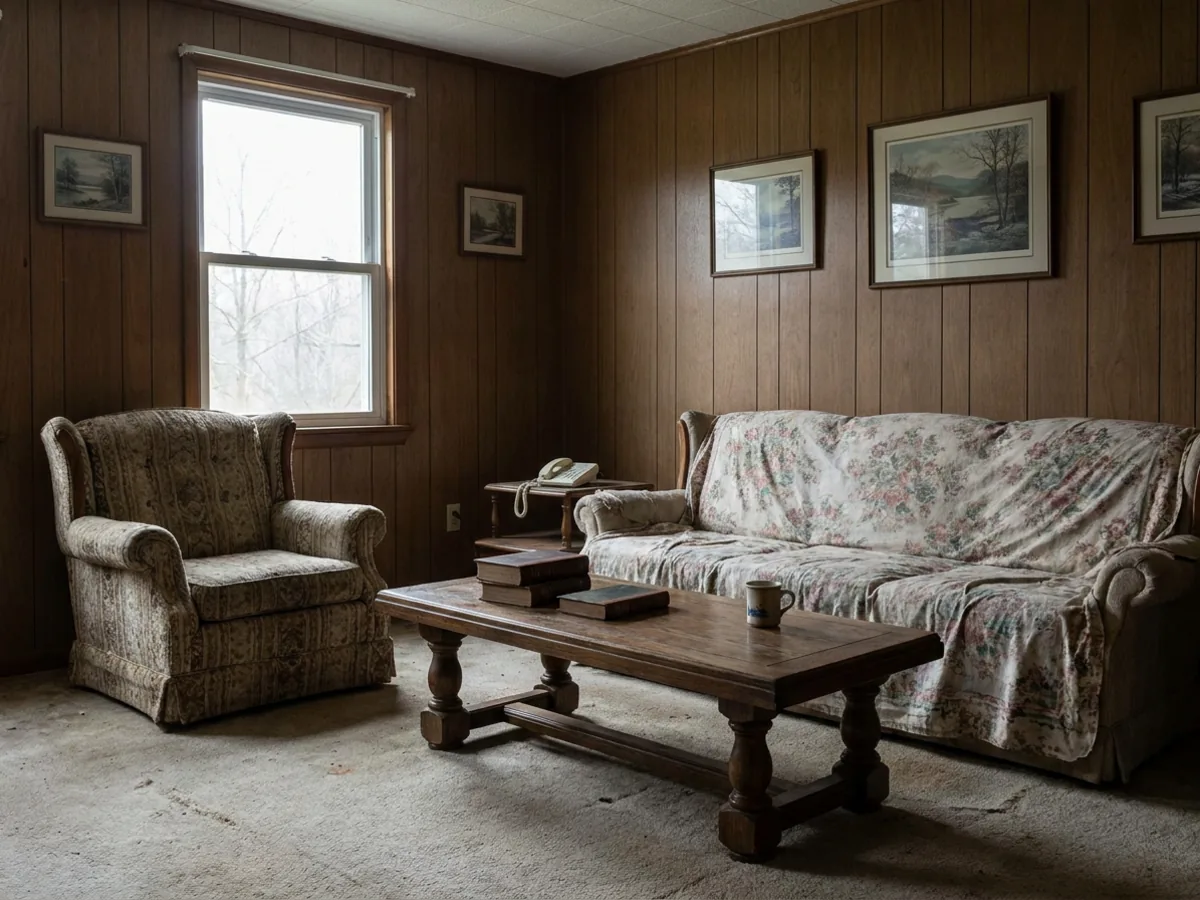 Before
Placed
Before
Placed
The method is simple: you provide two photos, and the AI does the rest.
- A wide photo of your room, showing the spot where the piece will go.
- The product photo from the store page, ideally a clean front or three-quarter view.
- Generate, and the AI places the piece into your room with matched perspective, lighting, and shadows, keeping the piece's real design and everything already in your room.
What comes back is your actual room with the real product sitting in it, not a generic mock-up. It works from any clear product image, so you can pull the photo straight from the retailer's page. To furnish a whole space rather than place one piece, stage an empty room from a single photo instead.
What an AI preview answers, and what it does not
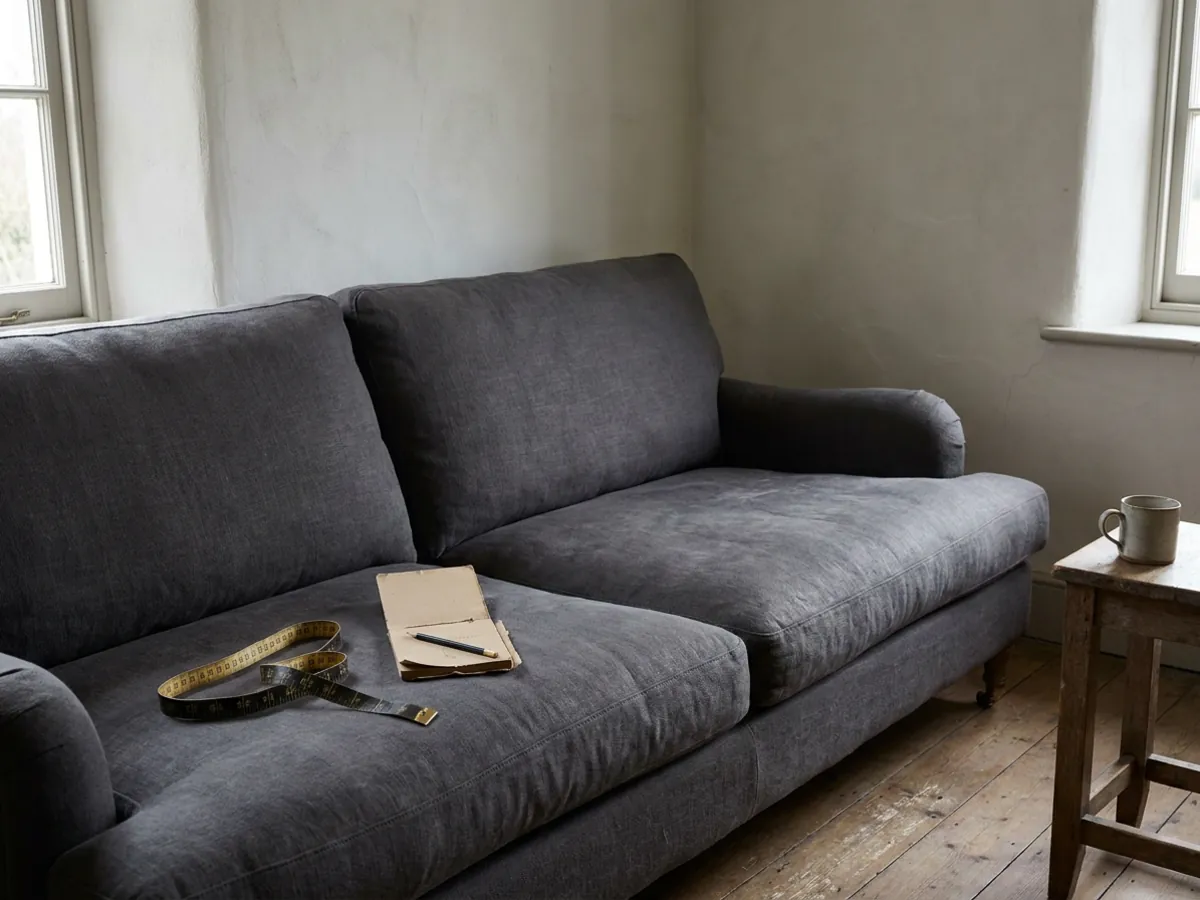
The key is to separate two questions: will it look right, and will it fit. An AI preview answers the first one well. Color, shape, whether the piece dominates the room or sits comfortably, whether it works with your floor and your other furniture, all of that is visible at a glance, and those are the questions that actually make people hesitate.
What it does not replace is a tape measure. The render matches scale plausibly from your photo, which is enough for the visual decision, but for a tight fit, a piece squeezing into an alcove or past a doorway, you should still check the listed dimensions against your space. Use the render for the look, and the tape for the fit. Between them they cover the whole decision.
How to get an accurate result: the photo and product checklist
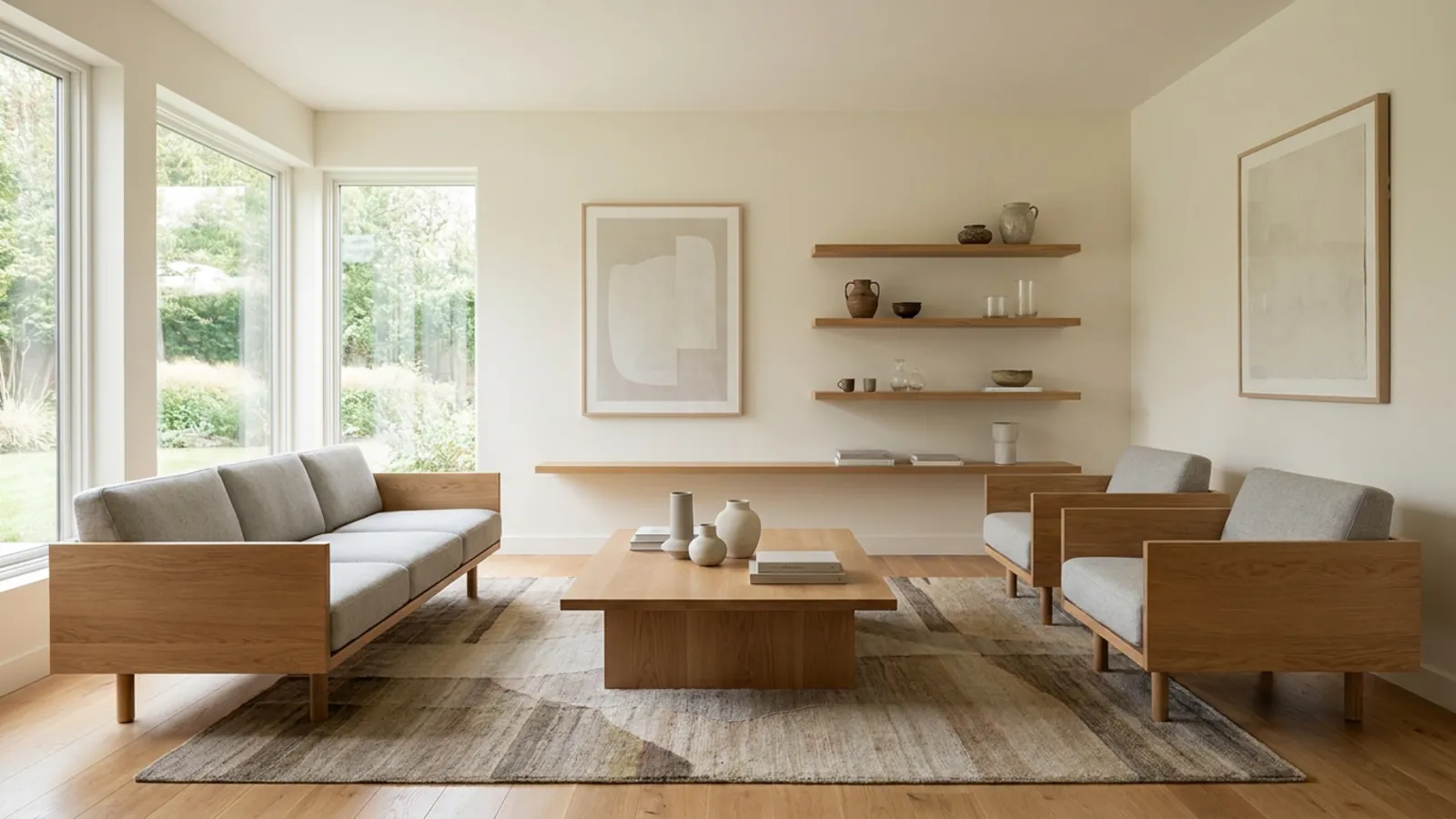
A good result depends on two good inputs:
- Room photo: shoot wide and straight-on from a corner, in daylight, so the perspective is honest. Avoid a fish-eye or ultra-wide phone mode, which distorts scale, and include the floor and the wall where the piece will sit.
- Product image: use a clean front or three-quarter view on a plain background, the standard retailer shot. A cluttered lifestyle photo with the piece half-hidden gives the AI less to work with.
- Test a couple of variations rather than trusting the first placement, so you can see the piece from the angle you actually live with.
Honest inputs give an honest preview. A distorted room photo or a busy product shot is the main reason a render looks off, and both are easy to fix before you start.
AI render vs AR apps, 3D viewers, and painter's tape
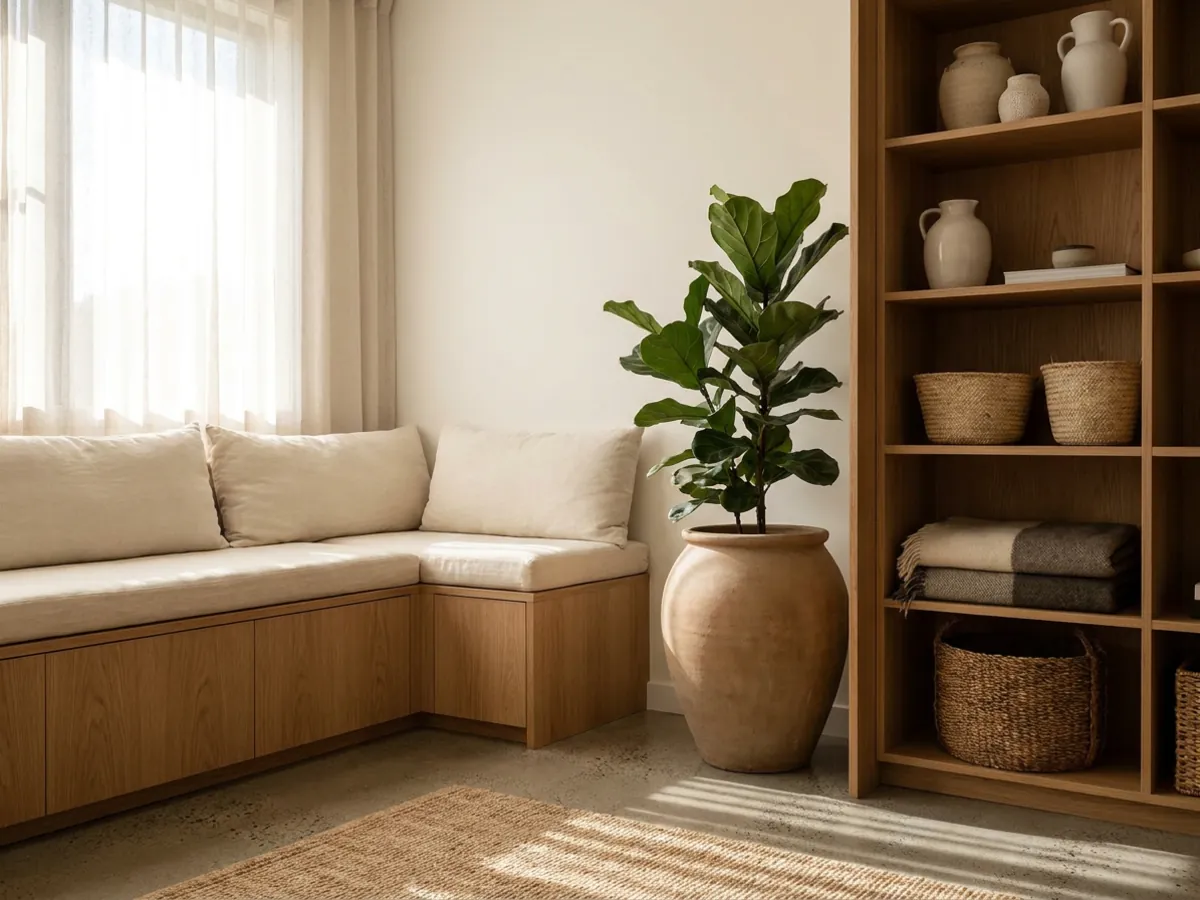
There are a few ways to preview furniture, and they answer slightly different questions:
- Retailer 3D viewers and AR apps place a 3D model in a live camera view. They are good for rough scale and are limited to the pieces that retailer has modeled, and the models often look plainly digital next to your real room.
- Painter's tape and paper templates outline the footprint on your floor, which answers fit but shows you nothing about how the piece looks.
- A realistic AI photo render composites the actual product into a photo of your real room with matched light and shadow, so it looks like a photograph rather than a model, and it works with any piece from any store.
The honest split: tape is best for fit, and a realistic render is best for look, which is the question most people are actually stuck on. Use both if the fit is tight.
Beyond sofas: rugs, beds, dining tables, and wall art
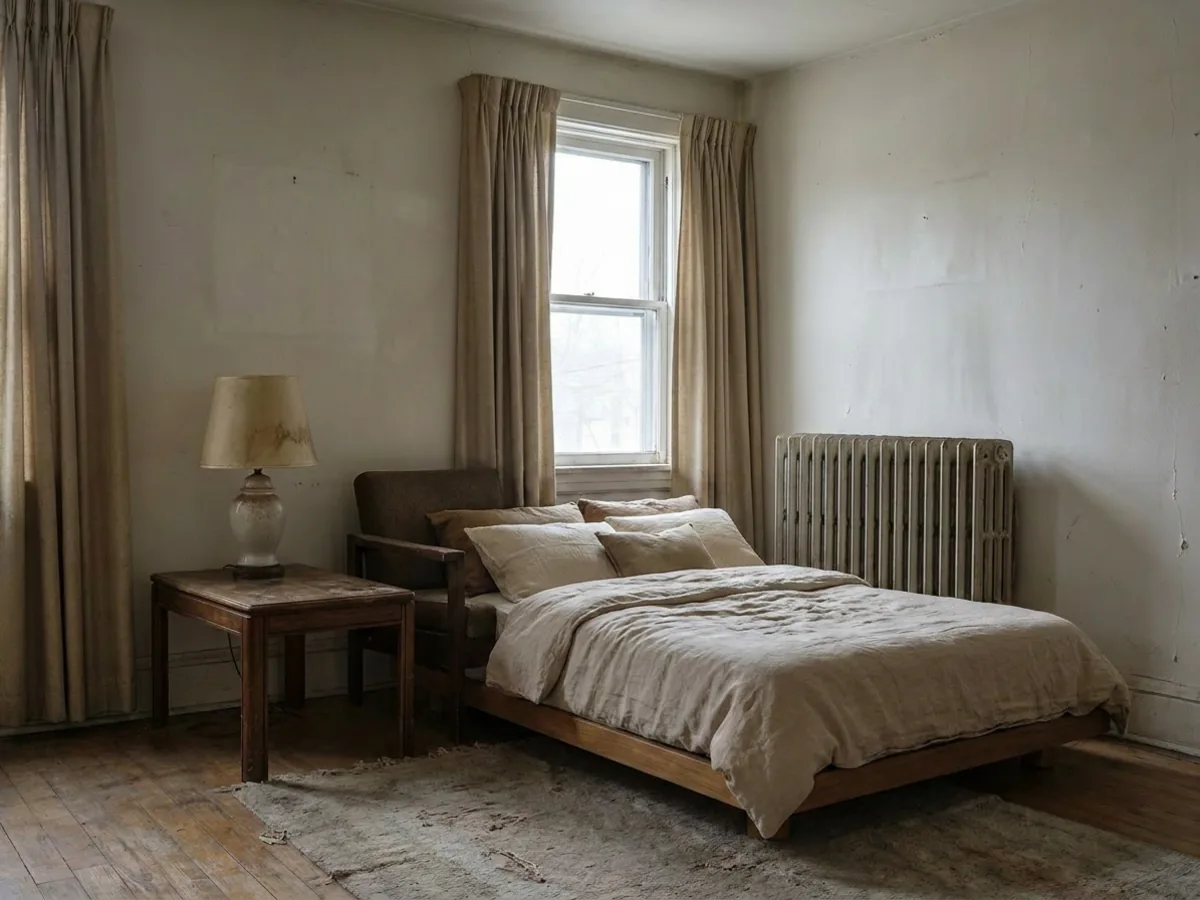
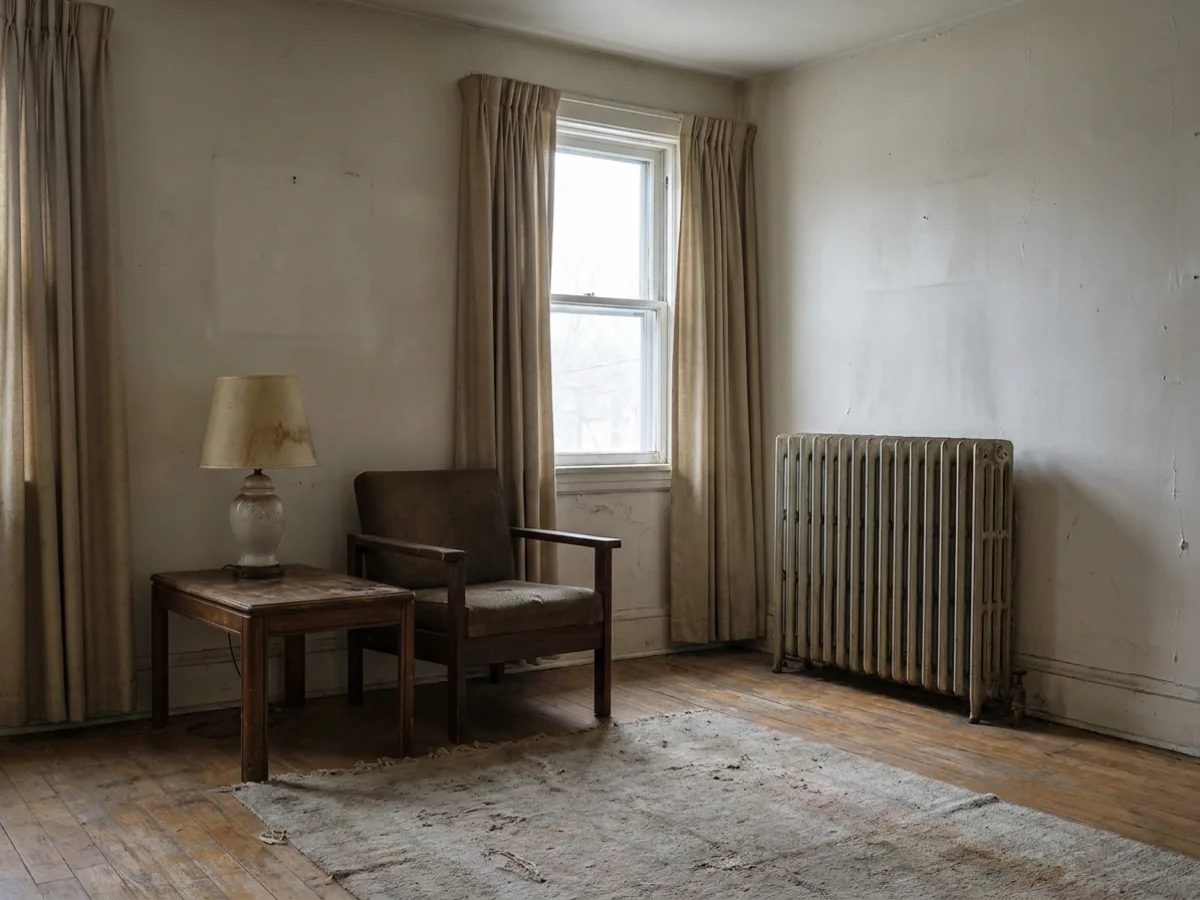 Before
Placed
Before
Placed
The two-photo method is not just for sofas. It works for any piece where scale and fit against your room are the question:
- Rugs, where the size relative to the seating is the whole decision and the easiest thing to get wrong.
- Beds, to check a frame and headboard against the wall and the room, before you see a new bed in your bedroom.
- Dining tables, where clearance around the chairs matters as much as the table itself.
- Wall art, to judge scale and placement above a sofa or a console before you hang anything.
It is especially useful for the pieces that only work in relation to something else. A console table has to sit right under the art above it, a pair of nightstands has to balance the bed, a gallery wall has to be scaled to the sofa beneath it. Those pairings are hard to judge from two separate product pages and easy to judge in a single render where you see them together. Anything you would hesitate to buy because you cannot picture it in the space is a candidate. You can also restyle the kitchen the same way or redesign the whole room rather than place one piece.
Compare your finalists side by side
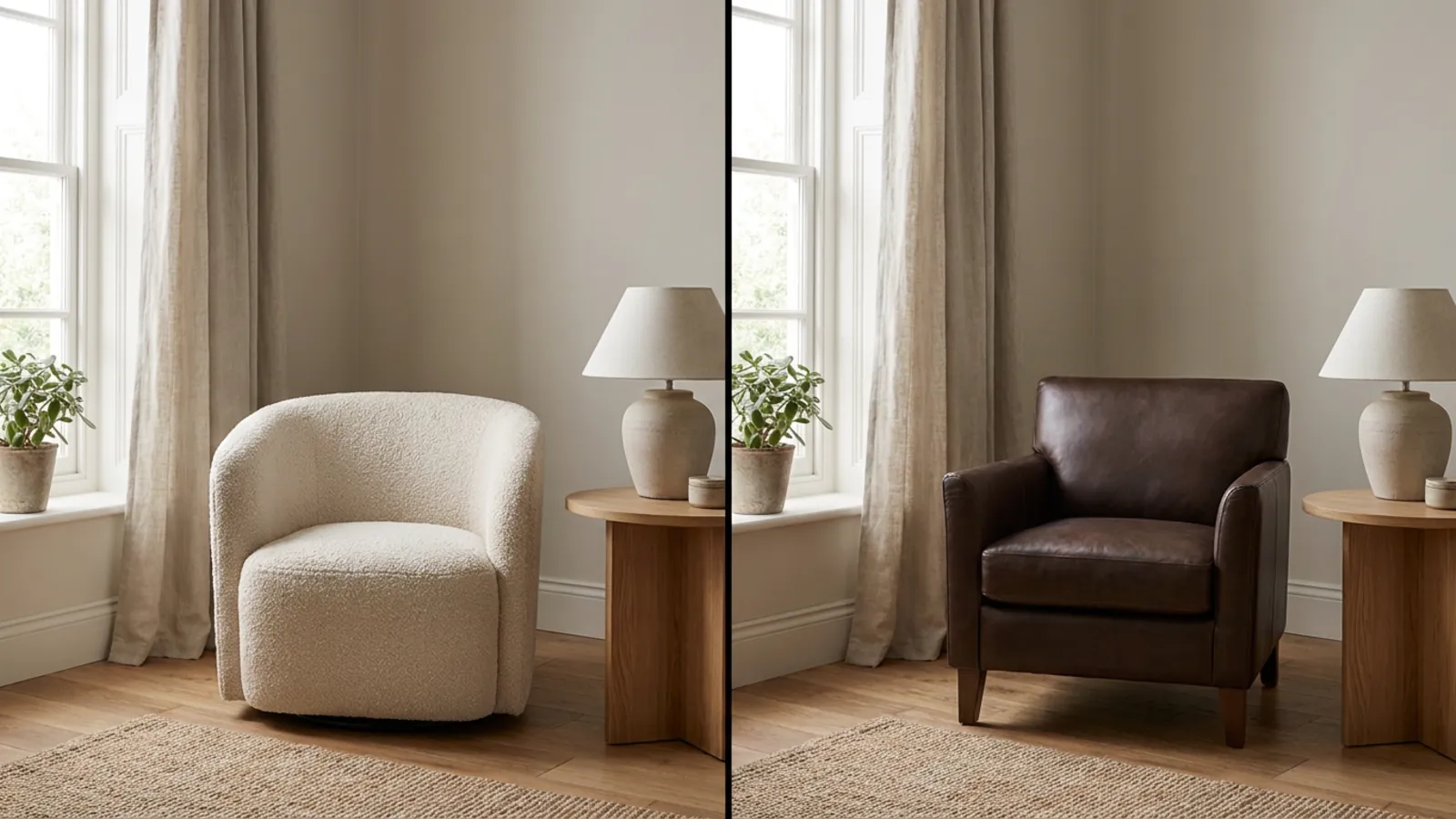
The decision gets easy when you stop imagining and start comparing. Place each candidate, two sofas you are torn between, two rug sizes, in the same spot in the same photo, then view them together. The winner is usually obvious in seconds, which is exactly the call that returns policies make expensive to get wrong.
Comparing on your own room also removes the showroom bias: you are judging both pieces in the light and against the surroundings they will actually live in, not in two different flattering store displays. The same trick settles size questions, not just piece-versus-piece ones. If you cannot decide between a two-seater and a three-seater, or a five-by-eight rug and a larger one, render both in the same spot and the right scale becomes obvious. Shortlist to two, render both, and let your own room decide.
Refine the placement by describing a change
 Before
Adjusted
Before
Adjusted
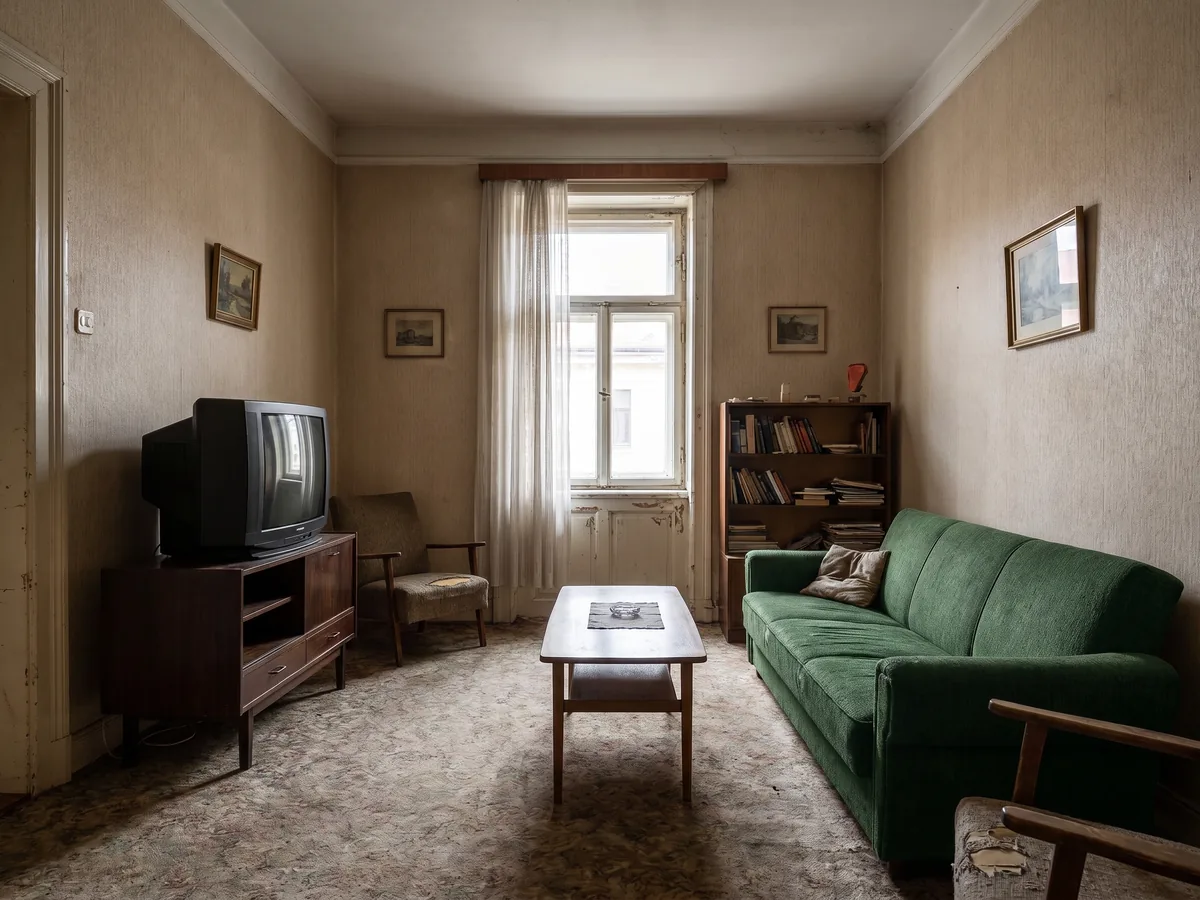
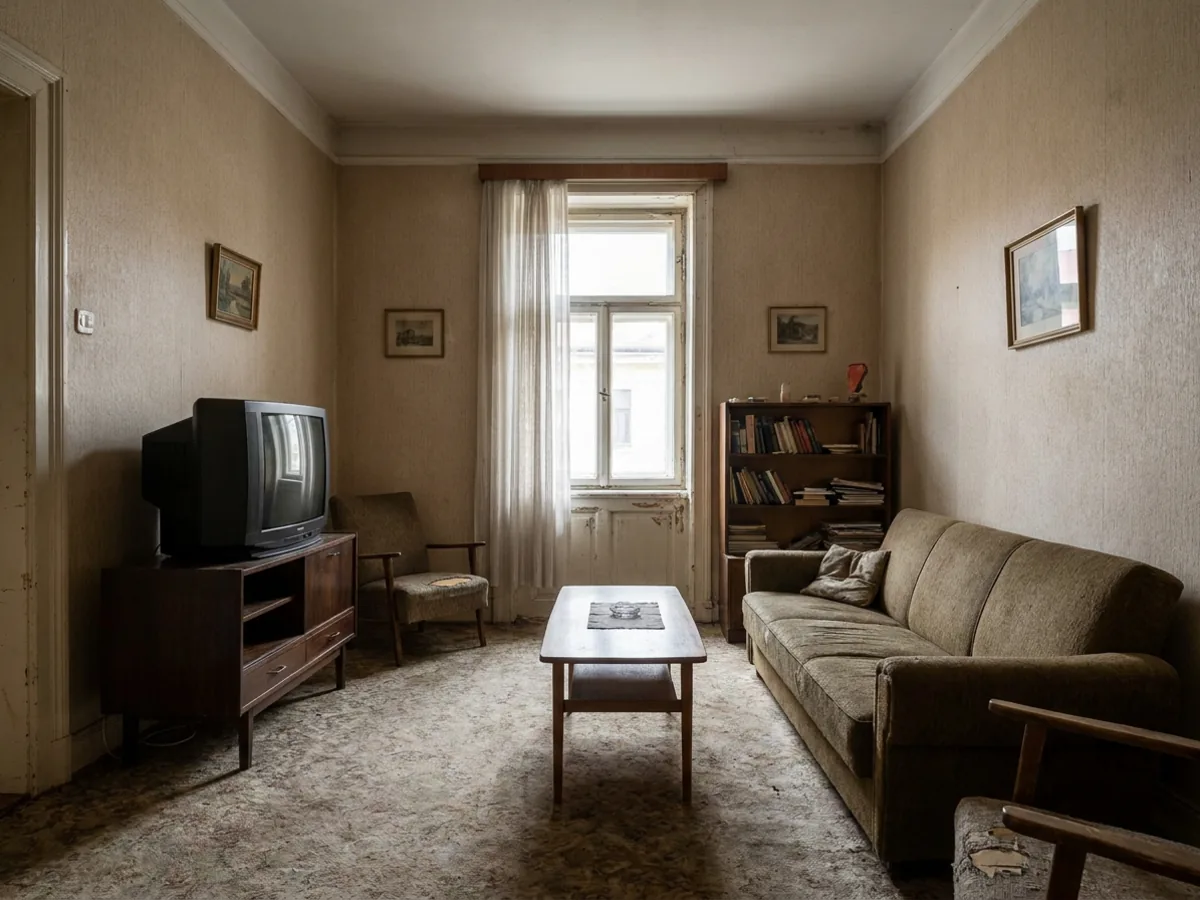
If the first placement is close but not quite right, you do not start over, you describe the change. Move the chair closer to the window, angle the sofa toward the fireplace, try the rug one size larger. Each instruction applies to the render in front of you, so you can dial in the exact placement the way you would nudge a real piece around the room. For the wider set of instructions, editing a room photo with words covers it, and if layout is the real question, a free floor planner helps you plan how it all fits.
See your own room, not a showroom
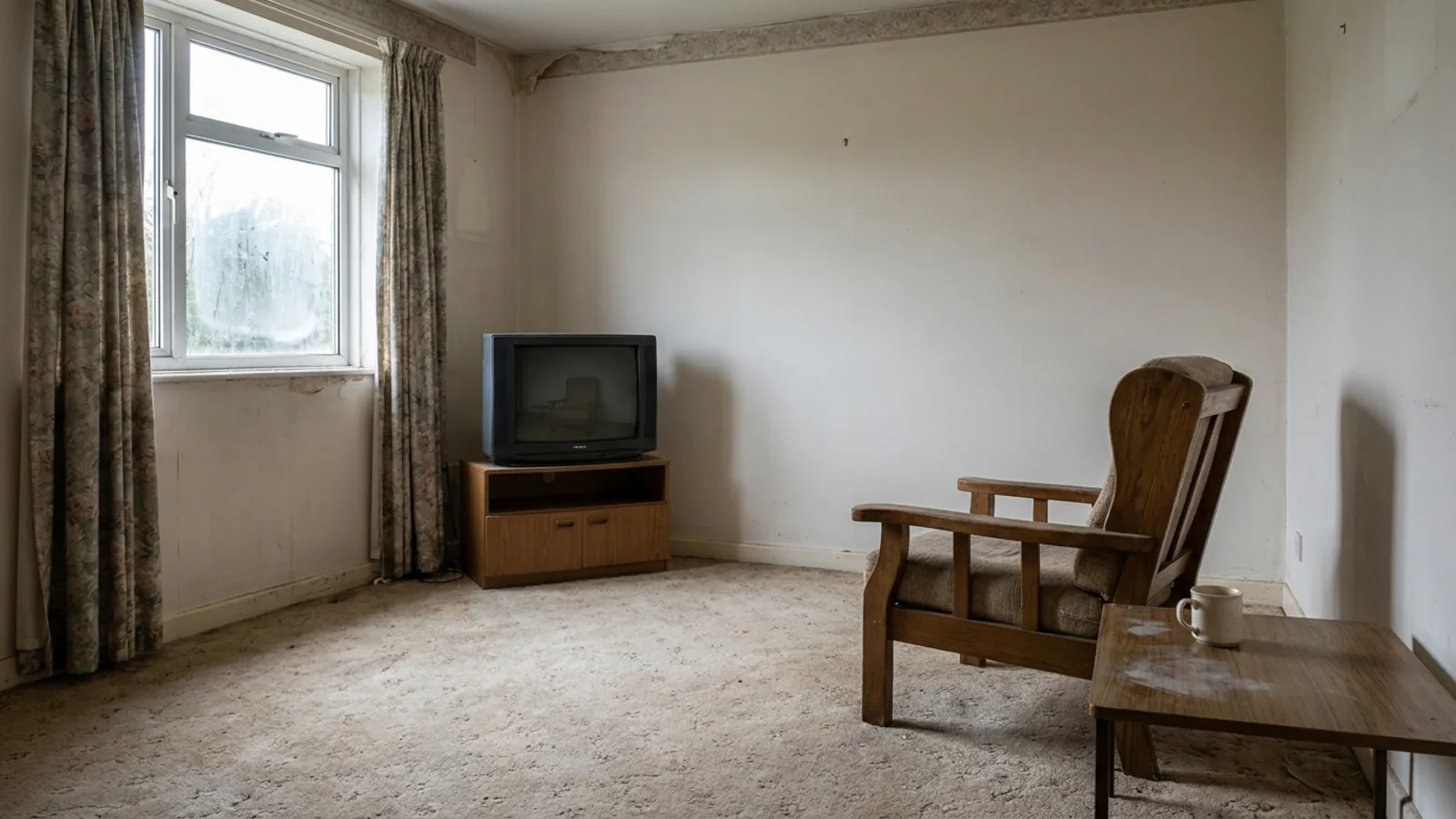 Before
In your room
Before
In your room
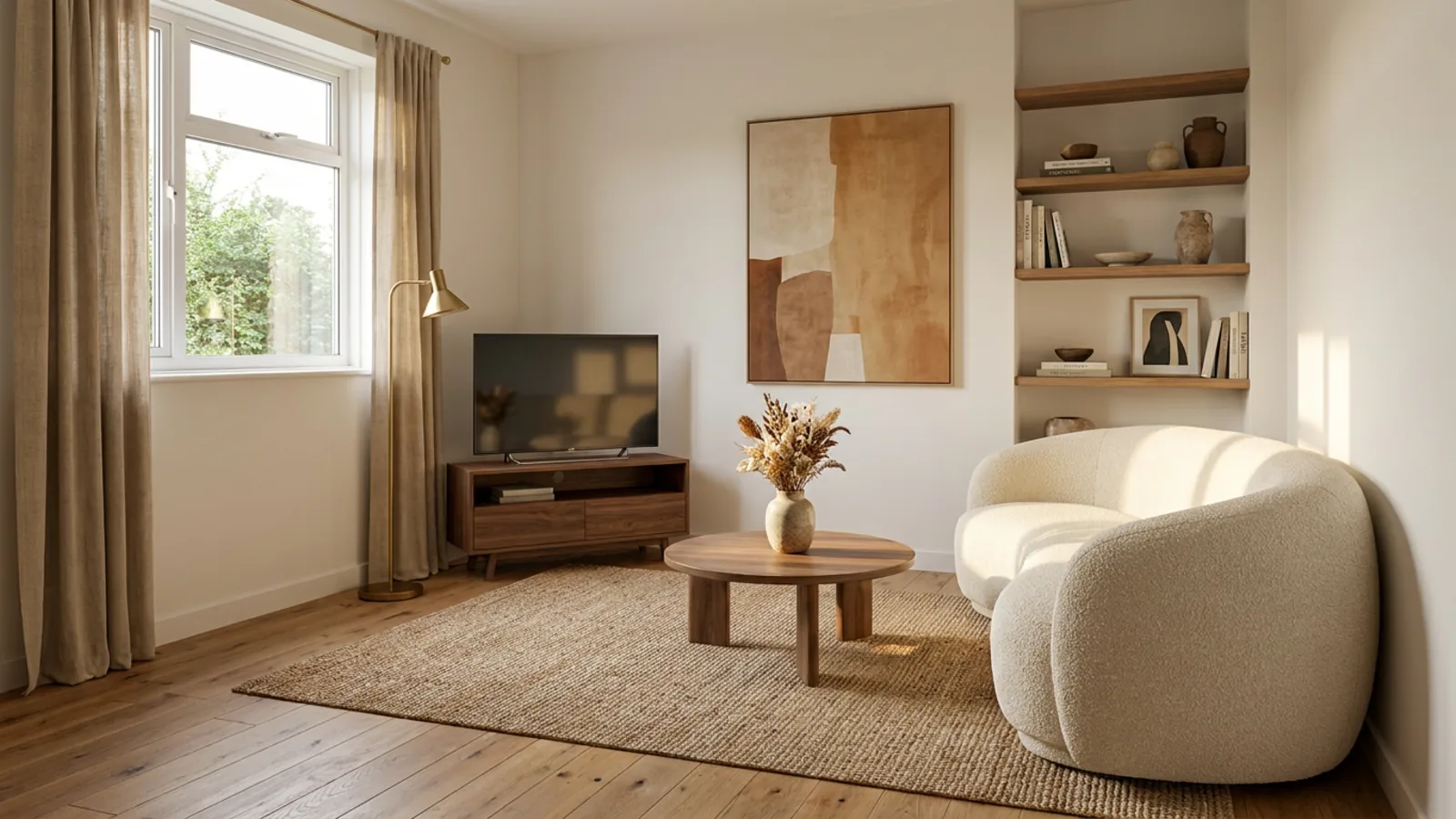
The best way to judge a piece you are about to buy is to see it where it will live. Take a wide photo of the spot, add the product shot from the store page, and look at the real thing in your real room before you commit. The first render is free with no signup, so you can rule out an expensive mistake at no cost. For the wider field of tools, see the best AI interior design tools, or try our AI room design tool on your own room now.
Frequently asked questions
How can I see furniture in my room before buying it? +
Upload a wide photo of your room and the product photo from the store page to restylai. The AI places the piece into your room with matched perspective, lighting and shadows, keeping the piece's real design and everything already in your room, so you see the real product in your real space.
What photo works best for a furniture preview? +
Shoot your room wide and straight-on from a corner in daylight, including the floor and the wall where the piece will go, and avoid ultra-wide or fish-eye modes that distort scale. For the product, use a clean front or three-quarter view on a plain background, the standard retailer shot. Honest inputs give an honest preview.
Is the size in the render accurate? +
The scale is matched plausibly from your photo, which answers the visual questions: color, shape, whether the piece dominates the room. For a tight fit, squeezing past a doorway or into an alcove, still check the listed dimensions against your space. Use the render for the look and a tape measure for the fit.
Can I see a rug, bed or dining table in my room, not just a sofa? +
Yes. The same two-photo method works for rugs, beds, dining tables and wall art, any piece where scale and fit against your room are the question. Rugs in particular are the easiest thing to get wrong by size, and seeing one to scale in your room settles it.
How is this different from AR furniture apps? +
AR apps and retailer 3D viewers place a digital model in a live camera view, which is good for rough scale but limited to the pieces that store has modeled, and the models often look plainly digital. A realistic AI render composites the actual product into a photo of your real room with matched light and shadow, so it looks like a photograph and works with any piece from any store.
Can I compare two sofas in the same spot? +
Yes. Place each candidate in the same corner in the same photo and compare the renders side by side. Judging both in your own light removes the showroom bias, and the winner is usually obvious in seconds, which is exactly the decision returns policies make expensive to get wrong.
Can I adjust the placement after the first render? +
Yes. If the first placement is close but not right, describe the change instead of starting over: move the chair toward the window, angle the sofa toward the fireplace, try the rug one size larger. Each instruction applies to the render in front of you.
Is there a free way to try furniture placement? +
The first render is free with no signup: upload your room, add the product shot, and judge the placement on your own space. Ongoing use runs on a subscription, so you can rule out an expensive mistake before paying anything.
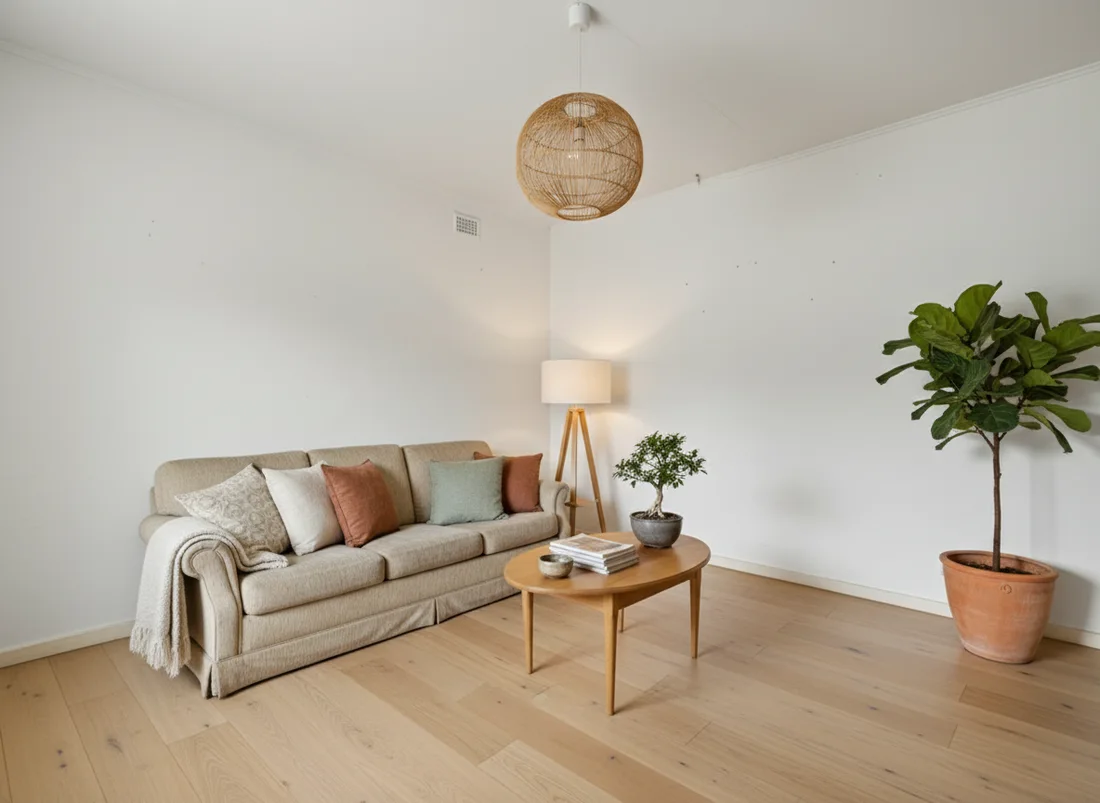 After
After
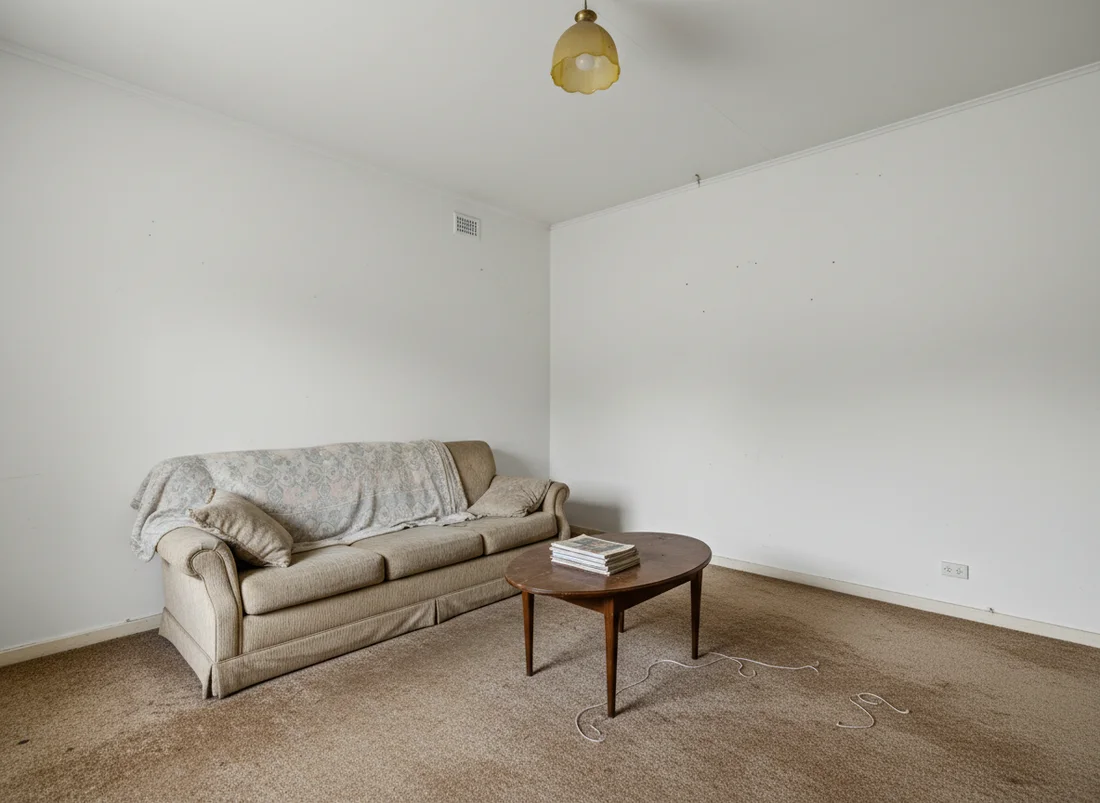 Before
See it on your own room
Your room, redesigned
Upload one photo and watch your room restyled in a wide range of designer looks. Your walls, windows and layout stay exactly as they are.
See it in your roomOne photo. In seconds. No signup.