restylai blog
Best AI Interior Design Tools (2026): Free and Paid
Updated July 19, 2026 · by the restylai team
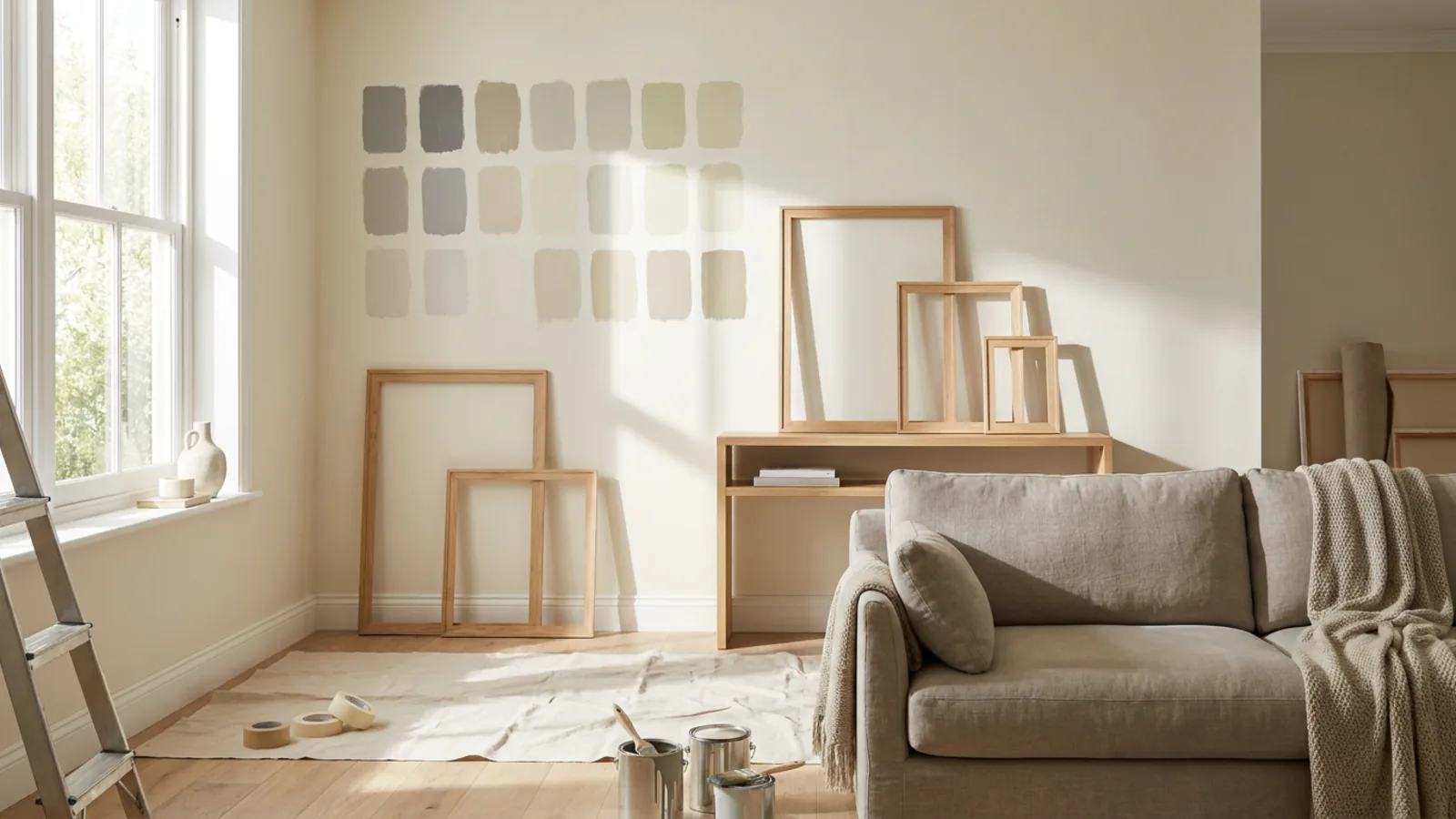
Short answer: there is no single best AI interior design tool, because the field does several different jobs and the right pick depends on which one you need. Rather than rank brand names, this guide sorts the options by the job to be done, gives you an honest checklist to judge any tool, and shows real before-and-after renders along the way. If you just want to see your own room in a new style, the fastest place to start is a try-first tool that redesigns a real photo before you sign up.
There is no single best tool, start from the job
Most roundups on this query rank a dozen tools from best to worst. That framing is the problem. A tool that is excellent at staging an empty listing can be the wrong choice for previewing a kitchen renovation, and a professional CAD-grade renderer is overkill if you just want to see your living room in a new palette. The useful question is not which tool is best, it is which tool is best for what you are actually trying to do.
Here is the field sorted by job, with the well-known options in each category named as neutral examples, not ranked or rated, and a note on where restylai fits.
| Job to be done | What to look for | Well-known options | Where restylai fits |
|---|---|---|---|
| See your own room in a new style | Tests on your photo before paying, keeps your layout | RoomGPT, InteriorAI, restylai | Free first render, no signup, layout locked |
| Stage an empty room | Realistic furniture, keeps the real walls and windows | ReimagineHome, Spacely, restylai | Staging on every plan, including the free try |
| Preview a renovation or material change | Changes only the surfaces you name, keeps the room | restylai and a handful of photo tools | Material swaps, renovation preview, floor plan to 3D |
| Professional or architectural work | Sketch-to-render, 3D and CAD workflows | Foyr Neo, studio-grade renderers | Not the target, use a pro tool |
| Casual inspiration | Fun and fast, quality is secondary | Free mobile apps | Use one to gather ideas, then test them for real |
The rest of this guide walks each job in turn. First, though, a checklist you can apply to any tool on the list, so you are judging on the things that matter rather than on marketing.
How to judge any AI interior design tool
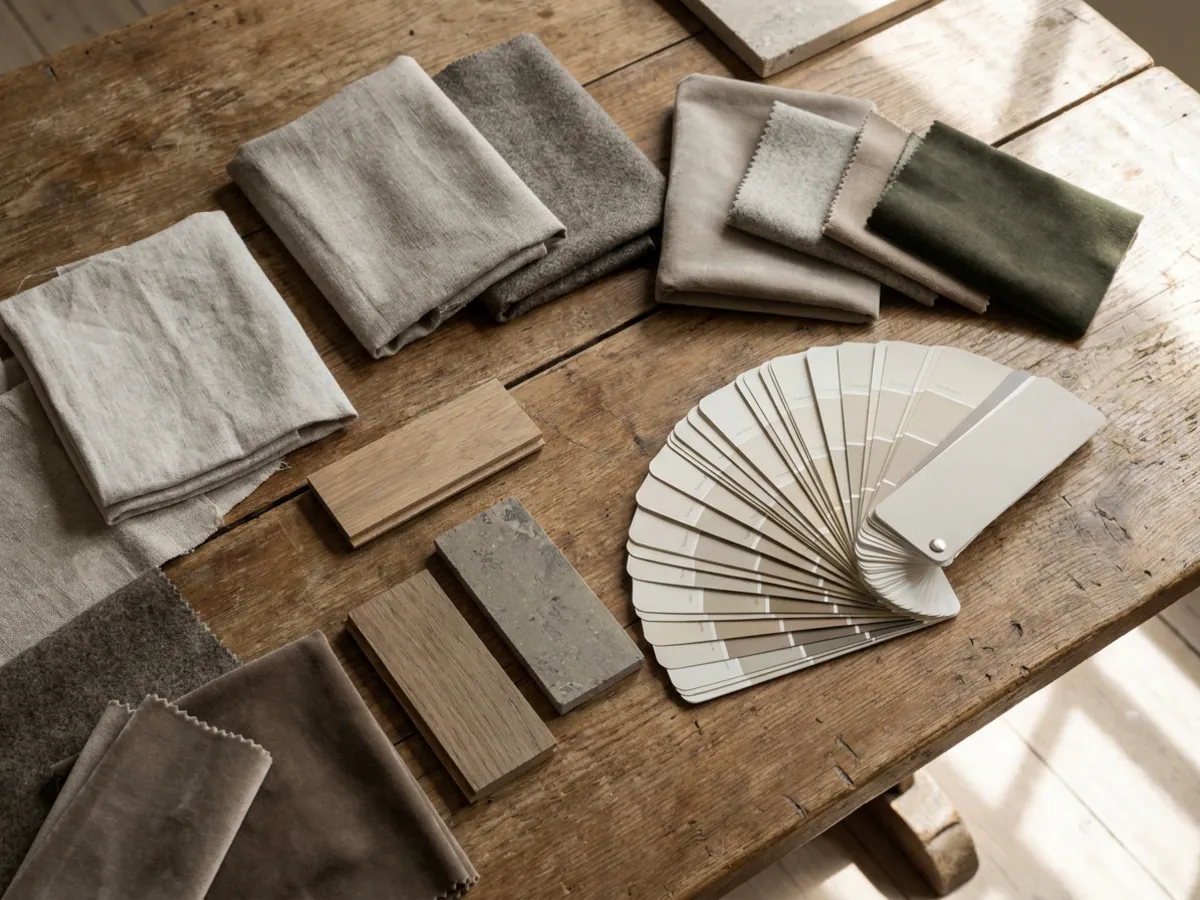
You do not need a scoring spreadsheet or a fake tested-14-tools methodology to pick well. Five honest checks separate a tool you can decide from a tool that just makes pretty pictures.
- Does it show you a result before you sign up? The only render that tells you anything is your own room. A tool that asks for an account and a card before you see a single result is asking you to commit on faith.
- Does it keep your real walls and layout? Your windows, doors, and proportions should stay exactly where you photographed them. If the output is a beautiful room that is not yours, it answers nothing about your space.
- Are the styles real design directions or generic presets? Look for a wide range of recognizable styles, plus the option to describe a look in your own words, rather than three vague filters.
- What export quality do you get, and behind which plan? A clean, high-resolution download is what makes a render usable for a listing or a print. Check where that sits before you buy.
- What does it cost to go past the free look? Free watermarked previews are common. What matters is what a clean result costs, and whether that is a fair price for how often you will use it.
Run those five checks on any tool, on your own photo, and you will learn more in five minutes than from any ranked list.
What to expect from a free AI interior design tool
Free is the most searched-for thing in this category, so it is worth being clear about what free actually means, because it varies a lot. There are three common versions, and knowing which one you are looking at saves a lot of frustration.
- Free after signup. You create an account and get a small number of renders before a cap. This is common, but it means committing your details before you can judge the quality on your own room.
- Free with a watermark. You see a full result on your own room, stamped, and pay to remove the mark and download it cleanly. This is the most honest kind of free, because you evaluate the real output before paying.
- Free but generic. Some free tools redesign a demo room or drift away from your actual space, so the free result is inspiration rather than a render of your room. Useful for ideas, not for a decision.
The version worth seeking out is a free render of your own room, ideally before signup, even if it carries a watermark. That is a genuine test. A free tier you can only reach after handing over an account, or that will not faithfully render your real space, tells you far less. On restylai the first render is free with no signup and shows your actual room, watermarked, so you are judging the real thing before any commitment.
Try-first redesign: your own room, before you pay
This is the job most people mean when they search for an AI interior design tool: upload a photo of a room you already have and see it in a new style. RoomGPT and InteriorAI are the category originators here, and a wave of tools followed. The thing that separates them in 2026 is not the underlying image quality, which has largely converged, but whether you can try it on your own room first and whether the result stays your room.
What good looks like: you upload a photo with no signup, pick a style or describe one in your own words, and get a photorealistic version of your actual space in under a minute, with the walls, windows, and layout intact. The catch: many tools put that first render behind an account, a card, or a watermark you cannot remove, so you commit before you know if the quality suits your room.
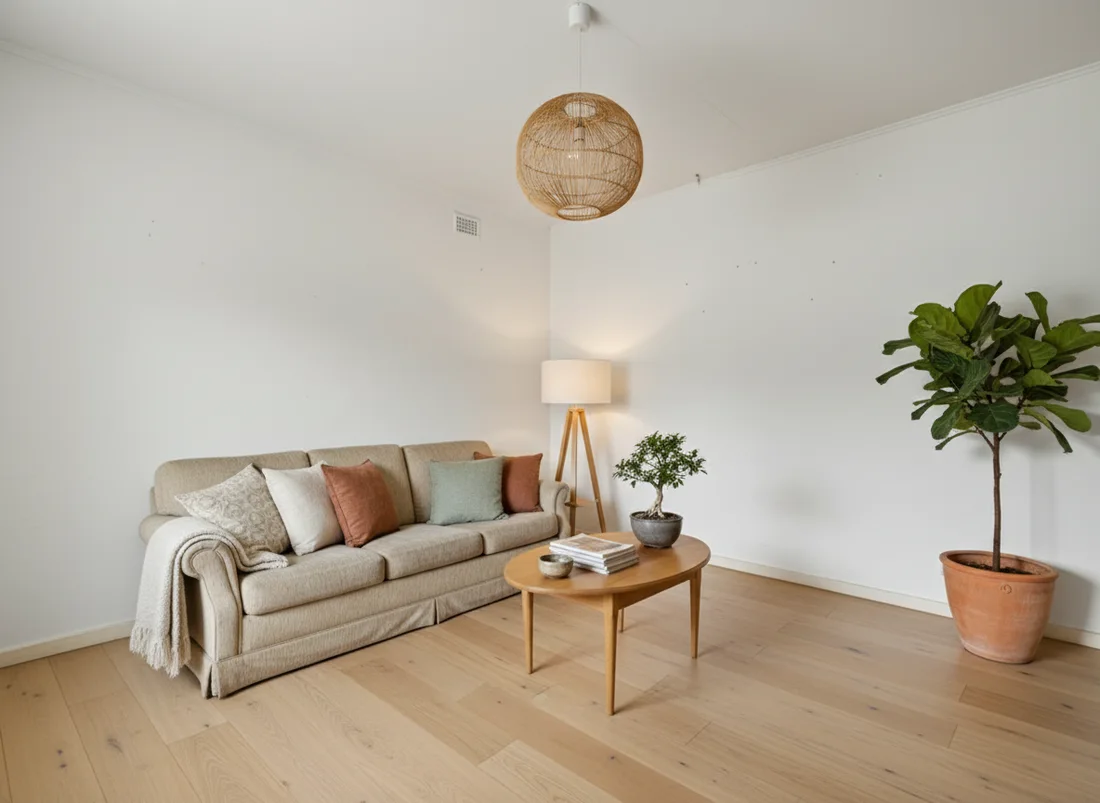
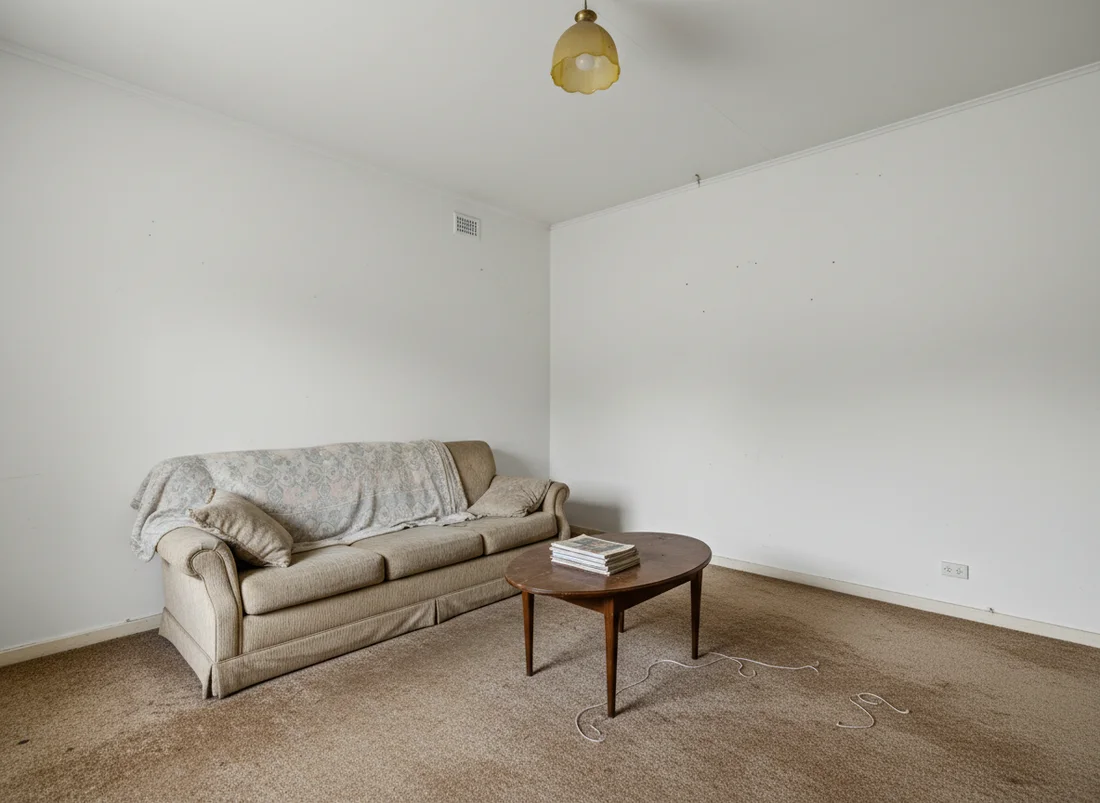 Before
After
Before
After
restylai is built around this job: see your own room redesigned free on the homepage with no signup, in a wide range of designer styles or a look you type yourself, with the structure locked so the result is recognizably your space. You can preview a full room redesign, restyle a kitchen, or redesign a bedroom the same way. If you are weighing the two big originators specifically, the RoomGPT alternative breakdown and the InteriorAI alternative guide cover those comparisons in detail.
Virtual staging for an empty room
An empty room is famously hard to sell from a photo. Buyers cannot read the scale or purpose of a bare space, so staging matters, and doing it virtually is a fraction of the cost of renting furniture. Tools like ReimagineHome and Spacely built their names on this job, and it is one of the clearest wins for AI in property.
What good looks like: you upload a photo of the empty room and the tool furnishes it with realistic, appropriately scaled pieces while keeping the exact walls, windows, and flooring. The catch: some staging tools invent architecture or produce furniture that floats or clips, which is worse than an honest empty room, so check that the output respects the real space.
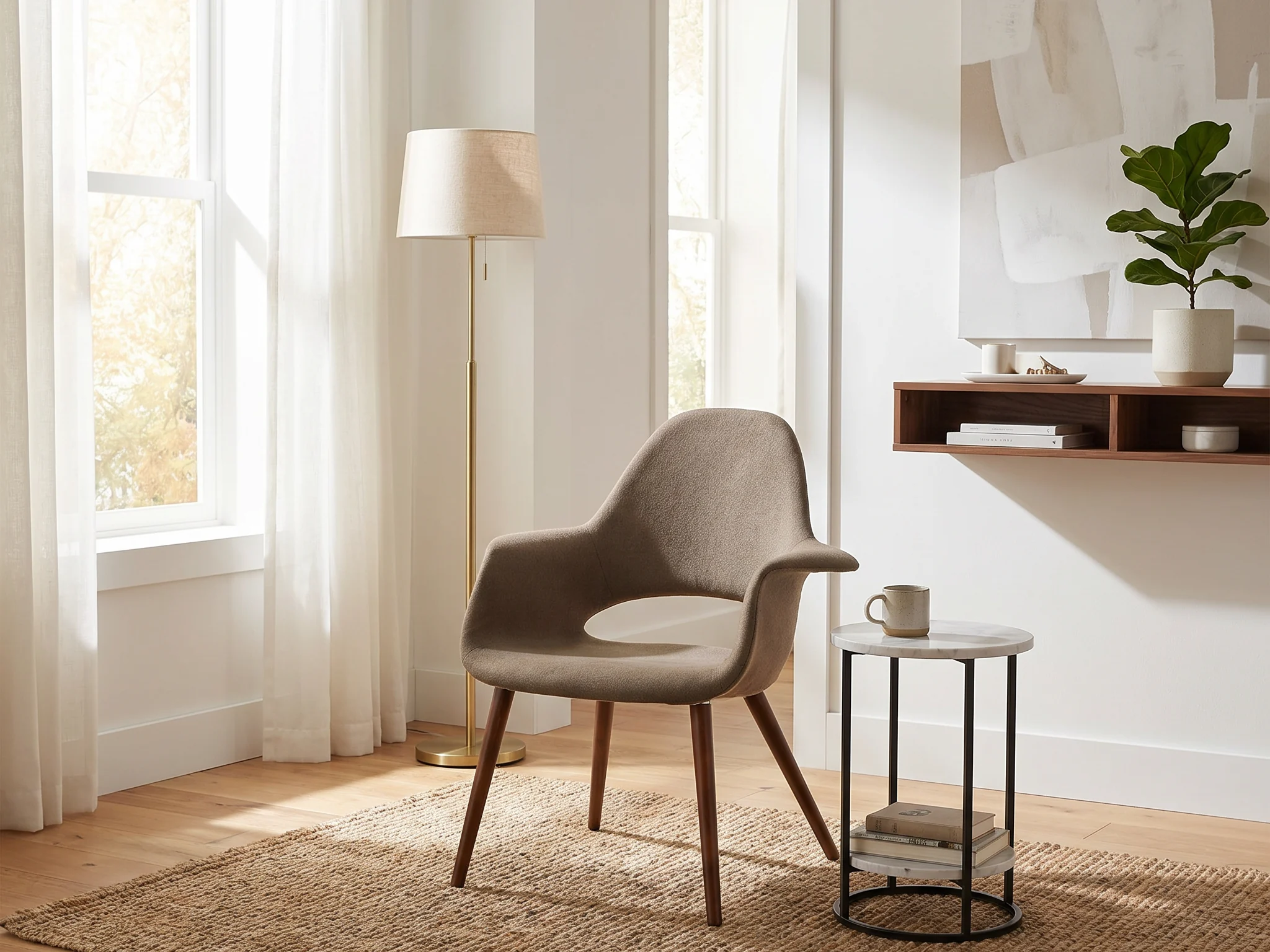
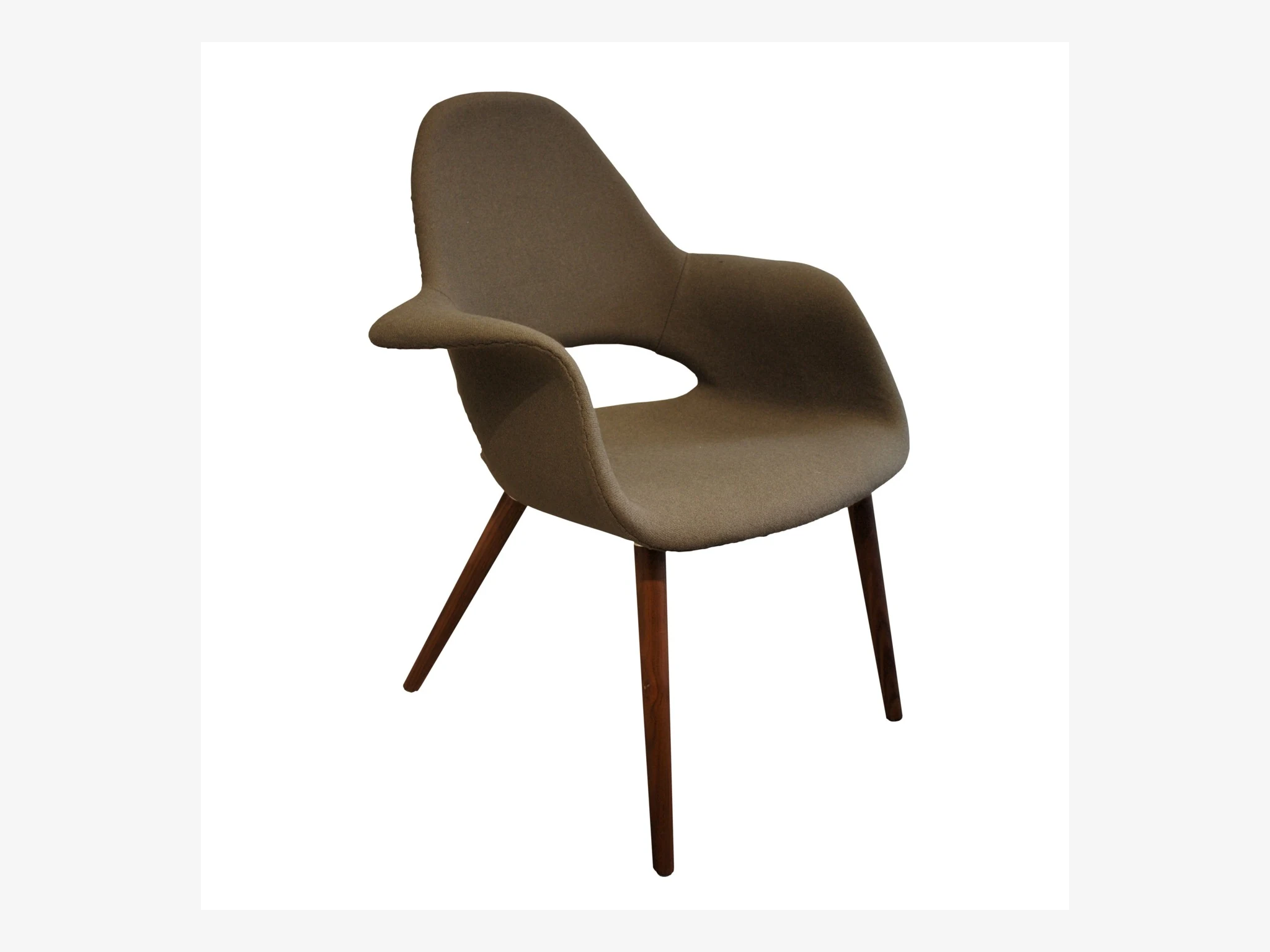 Before
Staged
Before
Staged
restylai stages empty rooms on every plan, including the free first render, and detects an empty room automatically so it offers staging rather than a restyle. For the full economics of the job, see the virtual staging cost guide and the dedicated virtual staging page. If your starting point is a lived-in room rather than an empty one, removing the furniture first gives you a clean base to stage.
Renovation and material previews
A different job again: not redecorating, but previewing a change to the room itself. New flooring, a repainted wall, different cabinet fronts, or a full renovation of a tired space. This is where a tool that changes only the surfaces you name, and keeps everything else exactly as photographed, earns its place, because the whole point is an honest before-and-after of your real room.
What good looks like: you name the change, for example the floor to light oak or the cabinets to matte navy, and only that surface changes, in your room's own light. The catch: a tool that restyles the whole room when you only wanted new floors has told you nothing about the actual decision in front of you.
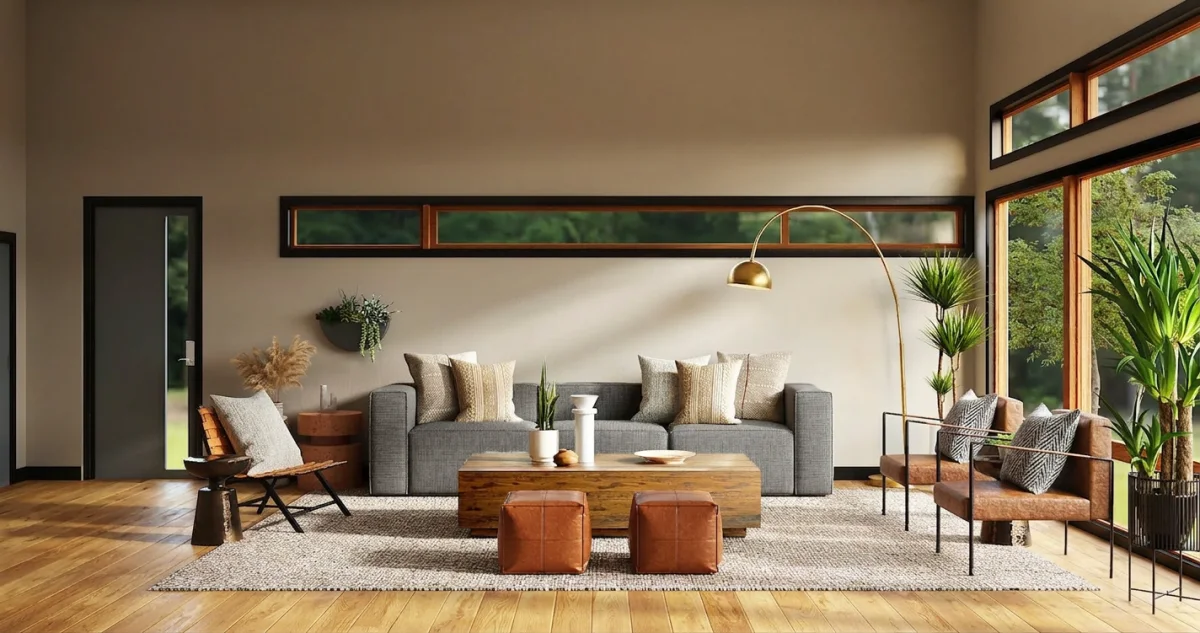
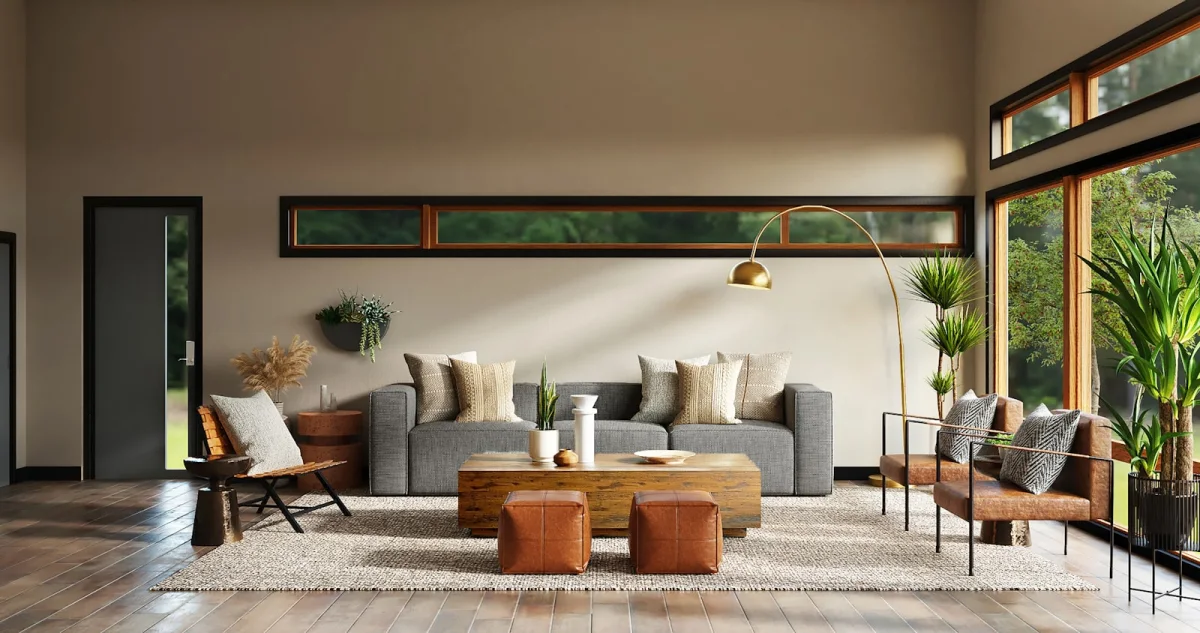 Before
New materials
Before
New materials
restylai handles this as its own mode: preview a renovation, swap materials, or turn a floor plan into a 3D render. Because each change applies to the design you are looking at, you can layer them, renovate first, then restyle the furnishings on top, one honest step at a time.
Pro and architectural workflows
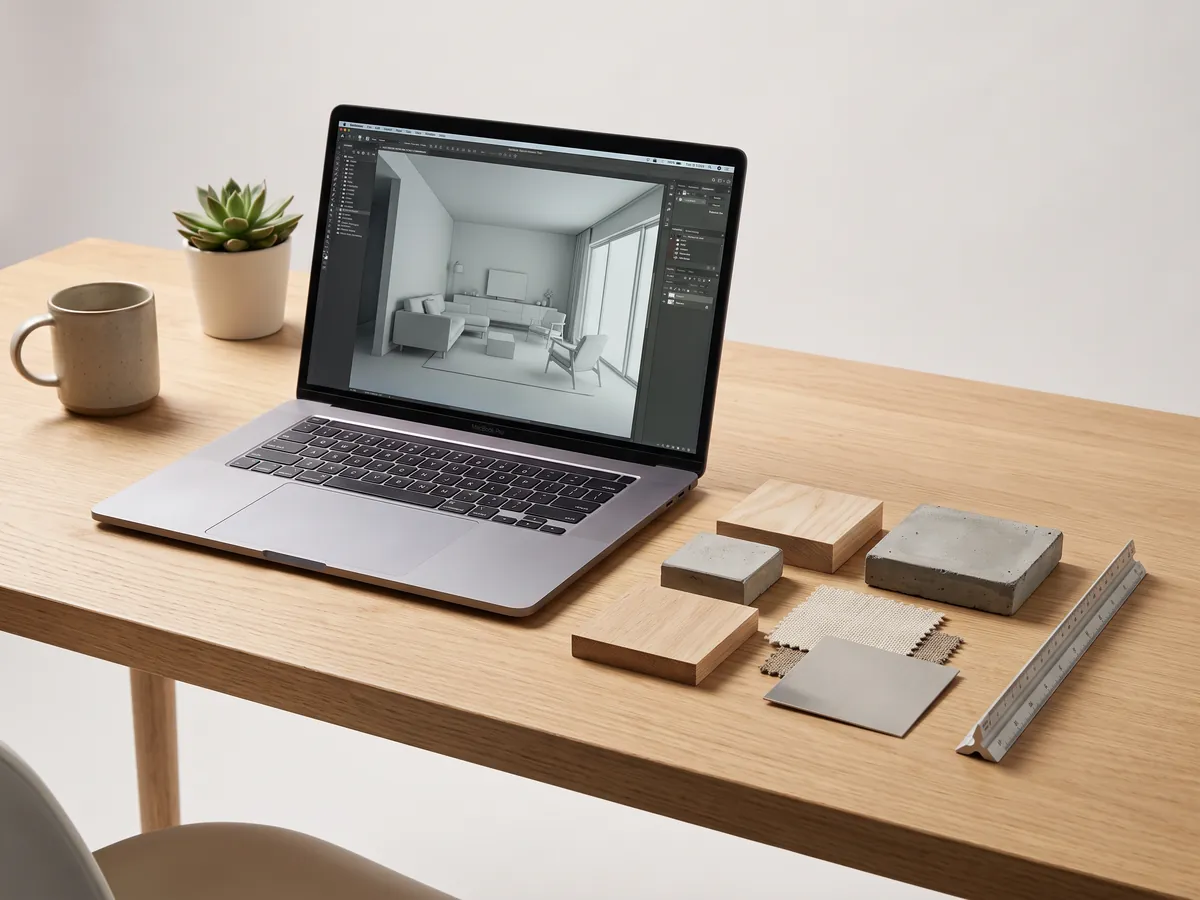
At the professional end, the job is different and so are the tools. Designers and architects work from floor plans, sketches, and 3D models, need precise control, and often integrate with CAD. Foyr Neo and studio-grade renderers are built for that, with model-based workflows rather than photo-to-photo restyling.
What good looks like: sketch-to-render, real 3D control, and output good enough for a client presentation. The catch: a steep learning curve and professional pricing, which is exactly the wrong trade for someone who just wants to see their bedroom in a new style. If your work genuinely lives here, it is worth comparing dedicated interior design software rather than a consumer photo tool.
Casual mobile apps for early inspiration

Free mobile apps redecorate a photo with loose, playful results. They are fun, fast, and good for gathering ideas on the sofa, and they set expectations at roughly what they cost, which is nothing.
What good looks like: quick, entertaining variations that help you notice what you are drawn to. The catch: they often do not keep your real room, so the output is an idea board rather than a decision. The sensible workflow is to use one to find a direction, then take that direction into a faithful tool that renders your actual space, so you are deciding on the real thing.
Video walkthroughs: the newest capability
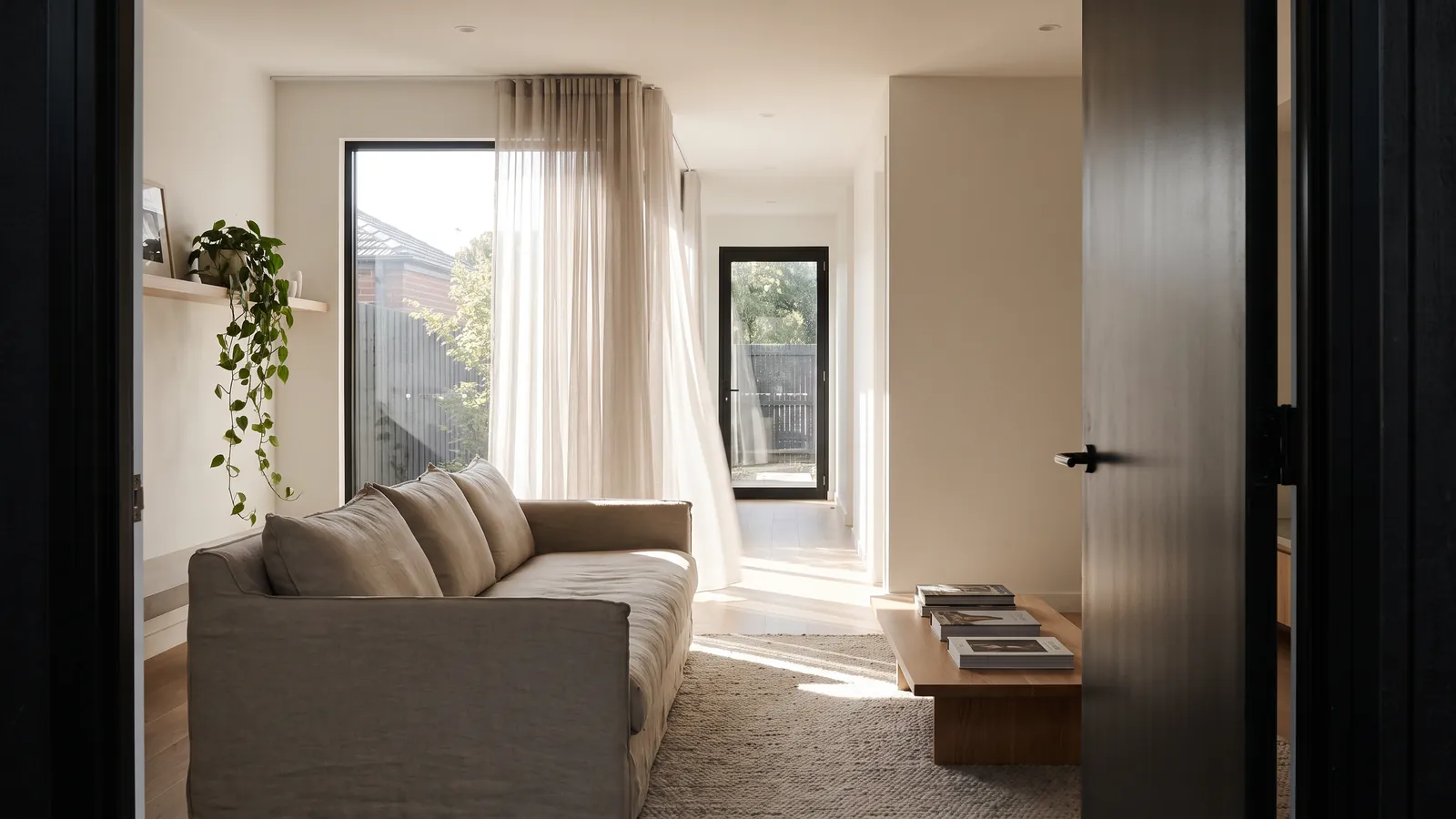
The capability that genuinely separates the current generation from the 2023 tools is video. After you restyle or stage a room from a photo, some tools can now turn that exact design into a short cinematic walkthrough, a smooth camera move through the space. It is the most shareable asset this category produces, ideal for a listing, a social post, or a message to someone you are designing for.
What good looks like: a smooth, believable move through the redesigned room, generated from the still, without a videographer or a shoot. The catch: video sits on different plans across tools, sometimes only the most expensive one, so check where it lives before you count on it. restylai includes cinematic walkthroughs from its Pro plan, and the video walkthrough guide covers how it works.
AI interior design or a professional designer?
A fair question sits under this whole comparison: if you are going to design a room, should you use any of these tools or just hire a designer? They answer different questions, and the honest answer is often both, in sequence.
An AI tool answers "what could this room look like" in under a minute and for very little, so it is the fastest, cheapest way to explore directions, test a palette, and rule options out before you spend on anything physical. What it does not do is source real products to your budget, manage trades, solve an awkward structural problem, or take responsibility for the outcome. A designer brings judgement, taste honed over many projects, supplier relationships, and project management, and a designer's time can run to thousands, as the interior designer cost guide lays out in full.
The sensible workflow for most people is to use AI first to land on a direction you are confident about, then decide whether the project is big enough to warrant a professional. For a single room refresh, the AI render may be all you need. For a whole-home renovation or anything structural, use the render to brief a designer clearly, which usually makes their time cheaper and their work sharper because you arrive knowing what you want.
So which should you pick?
Match the tool to the job. If you want to see your own room in a new style, start with a try-first tool that redesigns a real photo before signup, since it costs nothing to find out whether the quality suits your space. If you are staging an empty listing, use a tool built to keep the real architecture while it furnishes. If you are previewing a renovation, pick one that changes only the surfaces you name. If you do professional, model-based work, use a pro renderer. And if you are just gathering ideas, a casual app is fine, as long as you test the promising ones for real before you spend.
A designer's time can still cost thousands, as the interior designer cost guide lays out, so AI is a cheap, fast way to answer the "what could this room look like" question before you commit to anything. The honest test is the same for every tool on this page: try it free on your own room, no signup, and judge the result on your actual space. To browse finished looks first, see a Scandinavian living room or a Japandi bedroom, or start from the ideas hub.
Frequently asked questions
What is the best AI interior design tool overall? +
There is no single winner; it depends on the job. If you just want to see your own room in a new style, a try-first all-in-one that redesigns a real photo before signup is the easiest place to start, because you can judge the quality on your actual space before paying. For staging, renovation previews, or professional work, a tool built for that specific job is the better pick.
Is there a genuinely free AI interior design tool? +
Yes. A few tools let you redesign a real photo of your space for free, usually with a watermark on the result. restylai gives you your first design free with no signup, and paid plans unlock clean HD and 4K downloads. Free is the honest way to test whether a tool keeps your actual walls and layout before you pay.
What is the best AI interior design tool for beginners? +
For most people who just want to see their own room in a new style, a try-first all-in-one is the easiest place to start, because you upload one photo and get a redesign in under a minute without learning software. Pick a tool that shows you a result before asking for a signup or a card, so you judge the quality on your own space rather than a demo room.
How much do AI interior design tools cost? +
It ranges widely, from free watermarked previews up to per-room or monthly subscription pricing. restylai is a subscription with a free first render, so you can try it before paying, and paid plans add clean HD and 4K downloads; the current options are on the plans page. Competitor pricing spans free previews up to monthly subscriptions in a similar range.
Do these tools keep the real room, or invent a new one? +
The good ones keep your actual walls, windows, proportions and layout and only change the finishes and furnishings. That is the whole point of designing from a photo. Some cheaper generators drift and invent a different room, so test one of your own photos and check that the architecture matches before you trust it.
Can AI interior design replace a professional designer? +
No. It answers the "what could this room look like" question quickly and cheaply, but a designer still adds judgement, sourcing, and project management that software does not. Use AI to explore directions fast, then bring a professional in if the project warrants it.
What can AI interior design tools actually do in 2026? +
Beyond a straight restyle, current tools can stage an empty room with furniture, declutter a busy one, swap materials like flooring and cabinets, preview a renovation, turn a floor plan into a 3D view, and even render a short video walkthrough. Not every tool does all of these. restylai covers a wide range of designer styles plus a describe-your-own option, staging, decluttering, material swaps, renovation previews, floor-plan-to-3D and video.
After
Before
See it on your own room
Your room, redesigned
Upload one photo and watch your room restyled in a wide range of designer looks. Your walls, windows and layout stay exactly as they are.
Try it free, no signupOne photo. In seconds. No signup.