restylai blog
InteriorAI Alternative in 2026: Try Your Room Free
Updated July 19, 2026 · by the restylai team
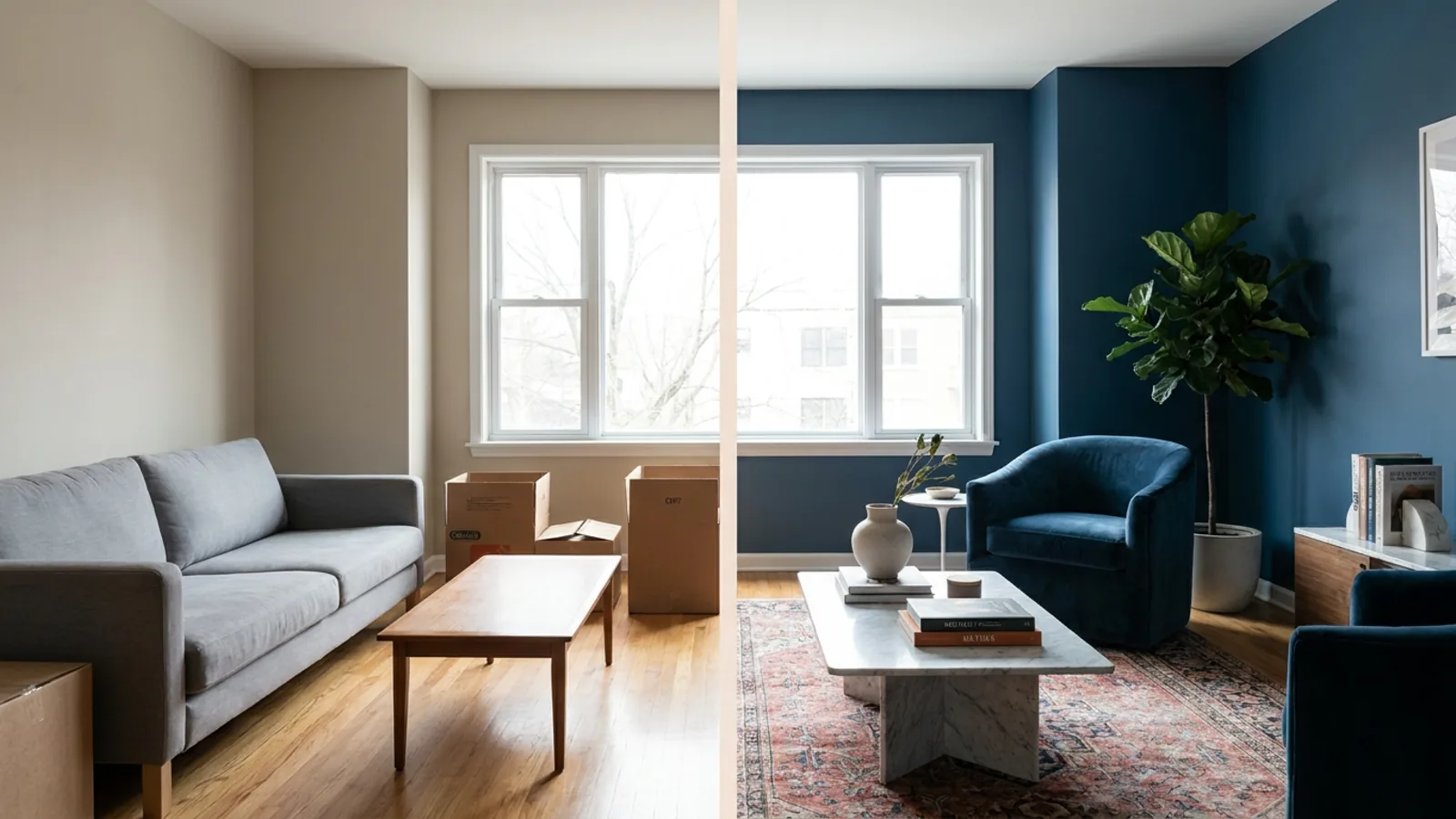
Short answer: InteriorAI is the original AI interior design tool and still produces good renders, but as of July 2026 it starts at $49 a month month-to-month, gates video and VR walkthroughs to its higher tiers, and has no free way to test it first. If you want to see your own room redesigned before paying, or you want video without the top-tier price, there are better fits. restylai lets you restyle your own room free with no signup, then subscribe if it convinces you.
Why people are looking for an InteriorAI alternative in 2026
The reason is almost always the same: InteriorAI moved to a paid-only entry and no longer lets you try it before you pay. Interior style is personal and room-specific, so being asked to subscribe before seeing your own space in the tool feels backwards, the way buying paint before seeing a test patch would. People go looking for a substitute they can judge on their actual room first, and ideally one where video does not sit behind the most expensive plan.
This guide compares the options on the things that actually decide quality, not just price, keeps an honest note on who should stay with InteriorAI, and ends with a two-minute test you can run on your own room at no cost.
What actually decides quality in an AI interior tool
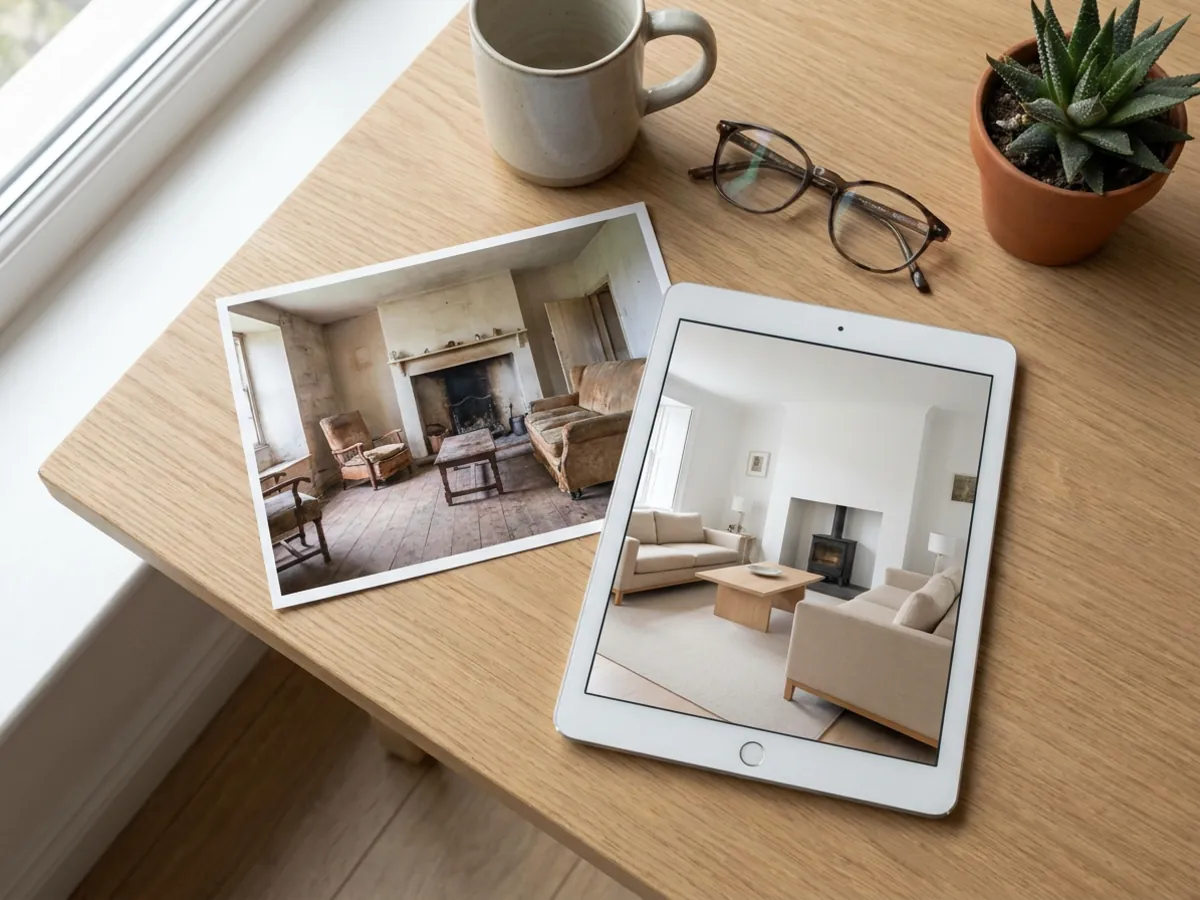
Brand and price are the easy things to compare and the least useful. These are the criteria that decide whether a render is something you can actually act on.
- Can you test it on your own room? Every gallery looks good. The only render that tells you anything is your room, in your light, with your awkward corner.
- Does the architecture stay put? Walls, windows, doors, and proportions should stay exactly where you photographed them. If the tool invents a new room, the result is inspiration, not a decision.
- What does video actually cost? A cinematic walkthrough of the redesigned room is the most shareable thing this category makes, and the price for it varies enormously between tools.
- How wide is the style range? You want enough looks to find yours, plus the option to describe a style in your own words rather than pick from a fixed menu.
- What resolution do you get, and behind which plan? A clean high-resolution download is what makes a render usable for print or a listing, so it matters where that sits.
- How much signup friction is there? Whether you can see a result before creating an account changes how honestly you can compare tools at all.
Where InteriorAI is strong, and where it now falls short

Credit where it is due. InteriorAI defined this category and remains a serious product, with a large style library, sketch-to-render, and VR walkthroughs that heavy users genuinely rely on. If your work is high-volume rendering or daily sketch-to-render, it is a capable professional tool.
The shortfall is the entry. As of July 2026, its Pro plan is $49 a month month-to-month with no free tier, so you commit before you see your own room, and its video and VR walkthroughs sit on the higher Premium and Ultra plans rather than the entry one. For an agency rendering hundreds of images, that ladder can make sense. For someone redesigning a couple of rooms or previewing one listing, it is professional pricing for a consumer-sized job. Competitor pricing shifts, so treat those figures as observed in July 2026 and check the current page before deciding.
Is InteriorAI worth it in 2026?
For the right user, yes. If you render at volume, rely on sketch-to-render or VR walkthroughs, and are comfortable paying a professional subscription for a professional tool, InteriorAI earns its place and does its job well. It was first to this category for a reason, and its depth still shows at the top end.
For everyone else, the honest answer is that you should find out before you pay, and that is exactly what InteriorAI no longer lets you do. Being asked to subscribe at a professional monthly rate before you can see your own room in the tool is a lot to ask of someone who wants to redesign a couple of rooms or preview one listing. The tool may well be worth it for your project, but the only way to know is to see your space rendered, and since InteriorAI removed that free look, the practical move is to run the same room through a try-first tool first and compare. If the free result is good enough to decide from, you have saved a subscription you did not need to gamble on. If it is not, you have lost nothing and can go back to InteriorAI with more confidence.
restylai: the same job, a different philosophy
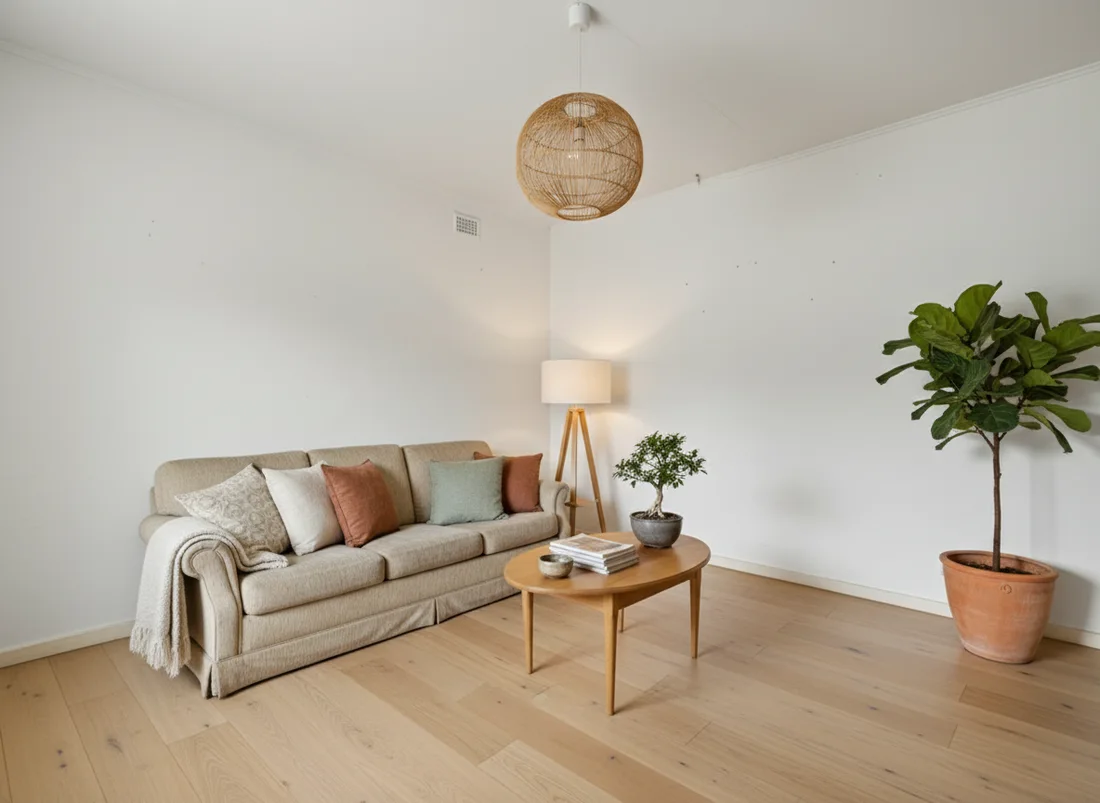
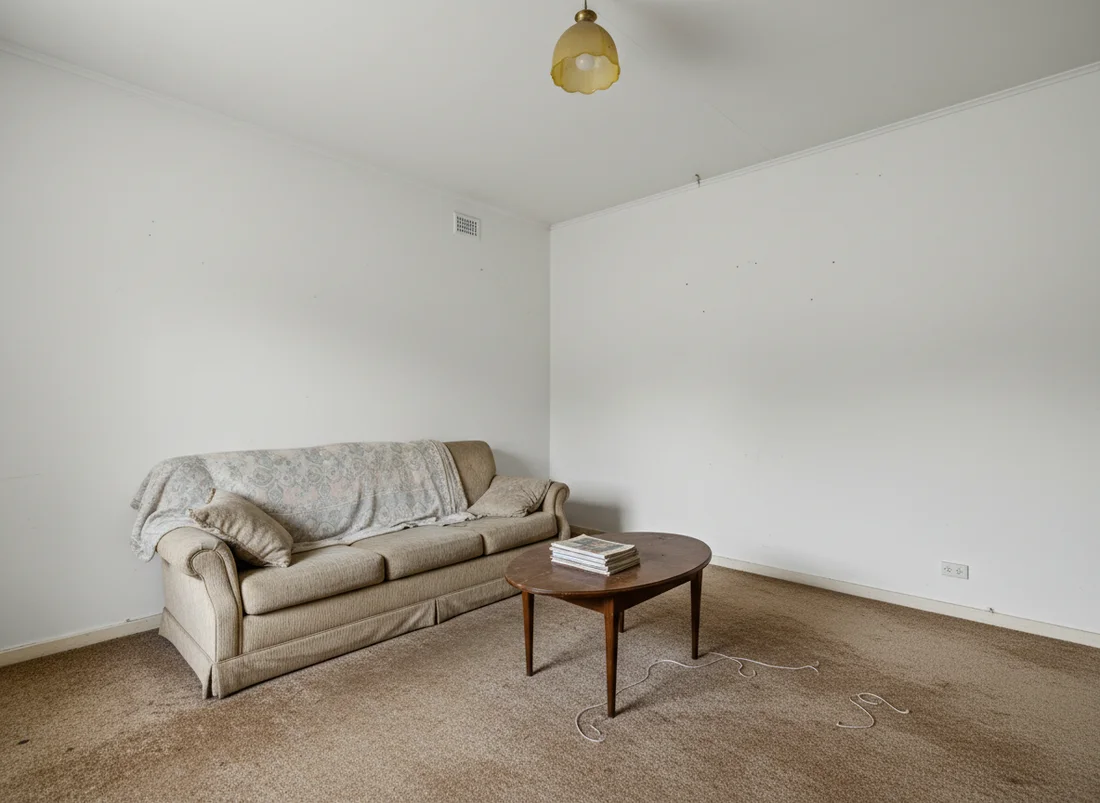
restylai takes the opposite bet: show the quality first, charge after. You upload a photo on the homepage with no signup, the tool reads the room and picks the right mode, and you see your actual space restyled in about ten seconds, in a wide range of designer styles or a look you describe in your own words. You can then turn a redesigned room into a cinematic video walkthrough. Testing is free, and it is a subscription with a free first render and a 30-day money-back guarantee, so the try-first path costs nothing.

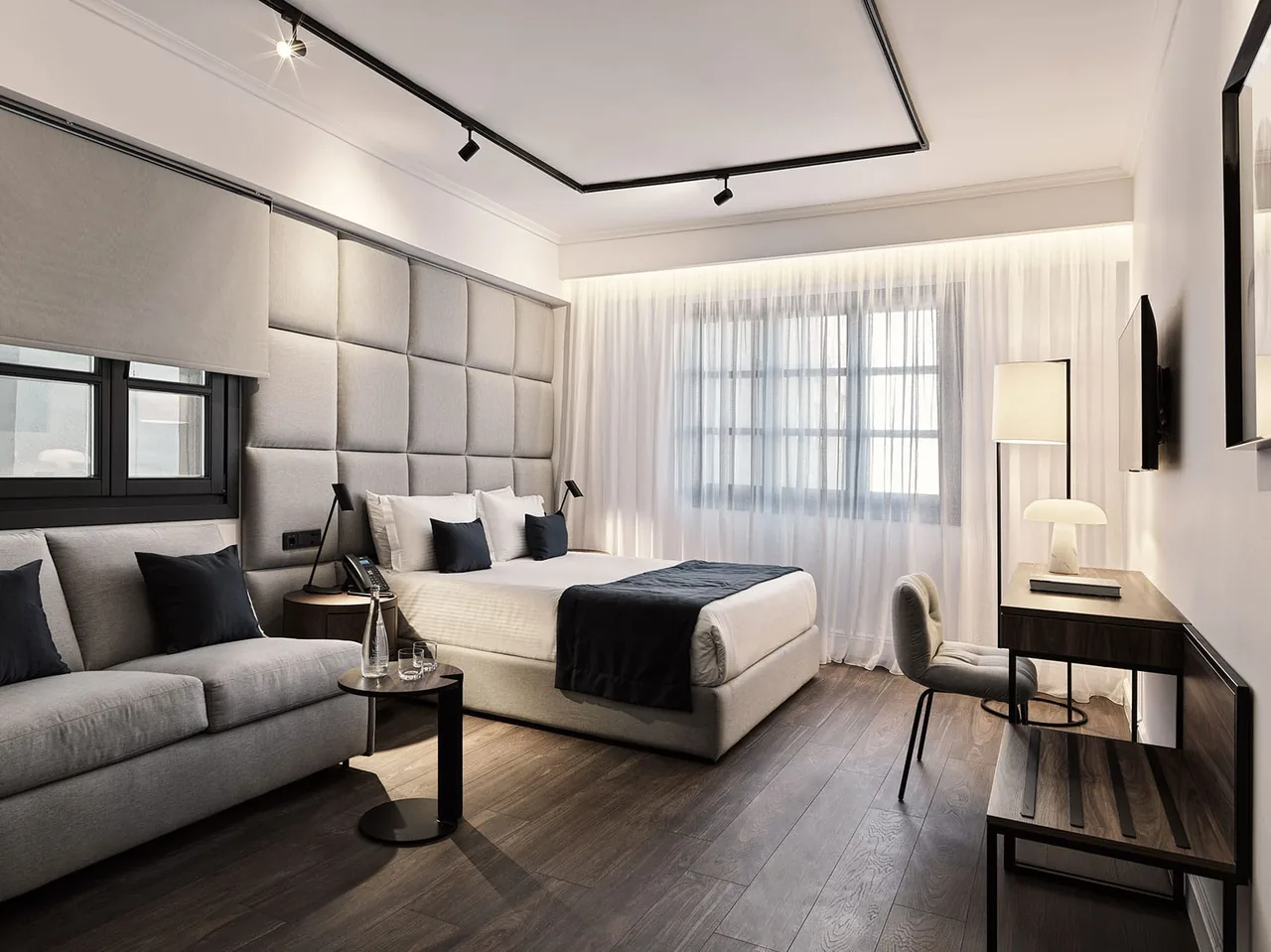 Before
After
Before
After
The philosophy shows up in how it treats your room. It locks the walls, windows, and layout by explicit instruction and applies the style to furnishings and finishes only, so the render is recognizably your space. It also treats your typed words as commands rather than decoration: say what should change and only that changes, on the design you are looking at. You can redesign a room while keeping its layout, restyle a kitchen, or redesign a bedroom the same way.
Pricing, compared plainly
Here is the comparison on the things a price actually buys, with InteriorAI's figures as observed in July 2026 on month-to-month billing. Its annual billing lists a lower effective monthly Pro price, so month-to-month is the fair like-for-like against a monthly plan.
| InteriorAI (as of July 2026) | restylai | |
|---|---|---|
| Try on your own room first | No free tier | Free first render, no signup |
| Entry plan | Pro, $49 a month | Subscription, see the plans page |
| Video walkthroughs | Higher tiers only | Included from the Pro plan |
| Virtual staging and declutter | Higher tier | Every plan, including the free try |
| Floor plan to 3D | Not offered | Yes |
| Describe your own style, edit by instruction | Editing on the upper tier | Every plan, including the free try |
| Commercial use | Included | Included on every paid plan |
The headline is not that one is cheaper by a fixed amount, since prices move. It is the shape of the offer: InteriorAI asks you to pay before you see anything and puts video on an upper tier, while restylai lets you see your own room first and includes video lower down.
Feature by feature: free testing, layout, video, styles, downloads

Walking the criteria from earlier, one at a time:
- Free testing. This is the clearest split. InteriorAI has no free tier, so you cannot see your own room before paying. restylai gives you a free first render with no account, which is the honest way to judge quality.
- Layout and architecture. Both aim to respect the room, and this is where careful instruction matters more than the underlying model. restylai locks walls, windows, and proportions explicitly, so the render stays your room rather than a lookalike.
- Video. Both can produce a walkthrough. The difference is where it sits: InteriorAI keeps it on the higher tiers, restylai includes it from the Pro plan.
- Style range. Both offer a wide library. restylai adds a describe-your-own-style option, so you are not limited to presets, and it applies the look to furnishings while keeping your architecture.
- Downloads. Clean high-resolution downloads are what make a render usable for a listing or print. On restylai those come with any paid plan, with commercial use included.
On raw output, the practical truth is that a good render depends more on how carefully a tool instructs the model, for example locking your layout and obeying your words, than on the brand name on the subscription. That is a claim you can check yourself in two minutes, which is the point of the test below. If you want the fuller picture, it is worth comparing dedicated interior design software as well.
One more practical difference sits under all of these: how you refine a result. On a preset-driven tool you regenerate and hope the next attempt is closer. When a tool takes your words as instructions, you can keep the parts you like and change one thing at a time, lighter floors, a simpler light fixture, a different rug, on the design already in front of you. For anyone who iterates, that turns a series of lucky guesses into an actual editing process, and it is a bigger day-to-day quality difference than any single render comparison.
Who should still pick InteriorAI
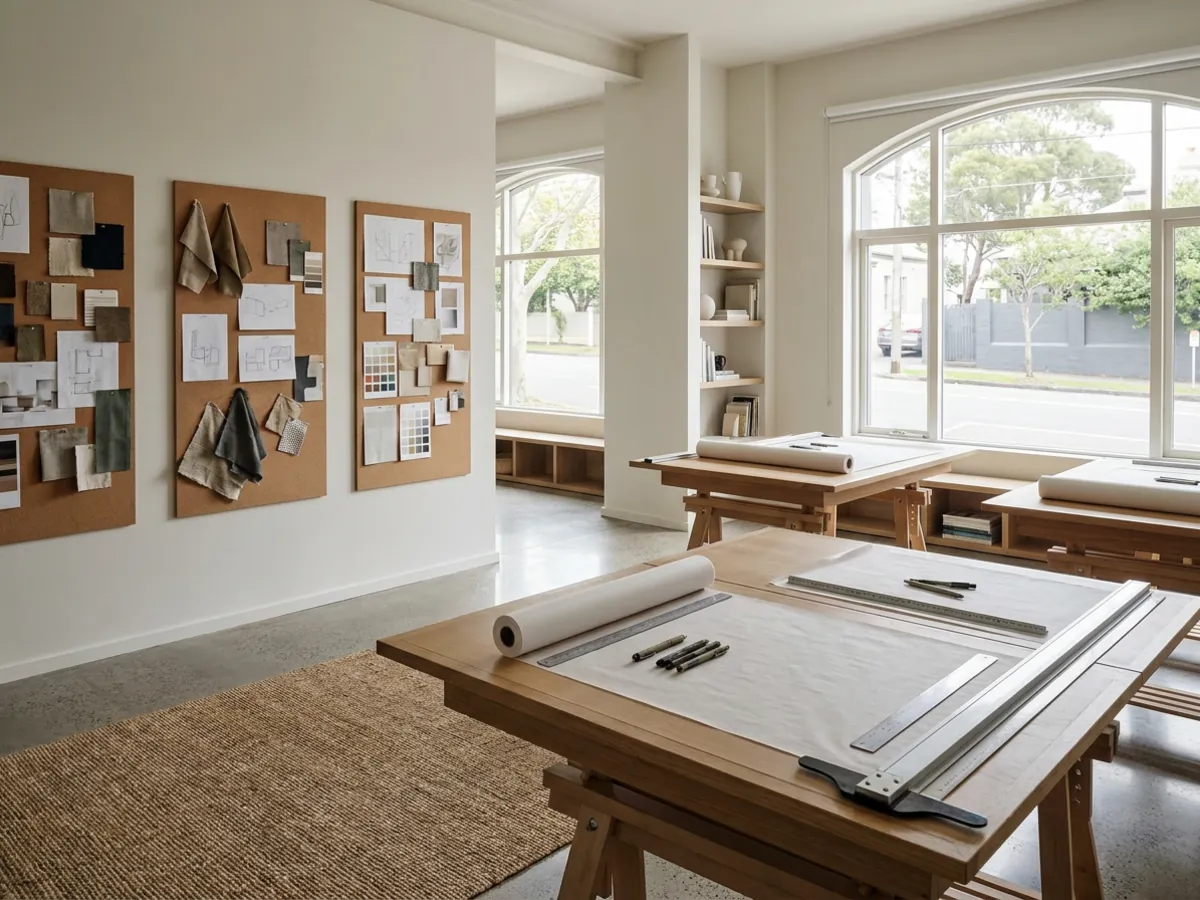
Fair is fair. If you render at very high volume, rely specifically on VR walkthroughs, or use sketch-to-render workflows every day, InteriorAI's upper tiers are built for exactly that and are a reasonable choice. It is a professional tool that earns its price for professional use. If you are anyone else, redesigning your own rooms, refreshing a space, or preparing one listing, the honest move is to run the test below before committing to a monthly plan you cannot preview.
The two-minute test on your own room
You do not need to cancel anything or take anyone's word for it. The comparison takes about two minutes:
- Take one photo of the room you care about, wide and roughly level, in decent daylight.
- Upload it on the homepage free, with no signup, and pick a style or describe the look you want.
- Judge the render of your actual room. If it convinces you, subscribe. If it does not, no account was created and nothing was lost.
That is the whole case. Restyle your own room free, no signup, and compare it against anything else you are considering. To browse finished looks first, see a modern kitchen worked up in full or a Japandi bedroom. If you are also weighing the other big name, the RoomGPT alternatives guide covers that comparison, and the best AI interior design tools roundup puts the whole field side by side.
Frequently asked questions
How much does InteriorAI cost in 2026? +
As of July 2026, InteriorAI starts at $49 a month on its Pro plan month-to-month, with video and VR walkthroughs on the higher Premium and Ultra tiers. There is no free tier, so you subscribe before rendering your own room. Competitor pricing shifts, so check the current page before deciding.
What is the best free InteriorAI alternative? +
restylai lets you upload a photo and see your own room restyled before you sign up, on the homepage with no account. The first render is free, so you can judge the quality on your actual room and only subscribe if it convinces you.
Is a cheaper AI interior design tool lower quality? +
Not necessarily. A good render depends more on how carefully a tool instructs the model, for example locking your walls and layout and obeying your words, than on the price of the subscription. The reliable way to judge is to test a tool on your own room rather than on its gallery.
Which tool is best for video walkthroughs? +
If video matters, check which plan it sits on, because that varies widely. InteriorAI keeps walkthroughs on its higher tiers, while restylai includes cinematic video walkthroughs in its monthly plan, which makes turning a redesigned room into a short film far more affordable.
Does InteriorAI still have a free tier? +
As of July 2026, no. InteriorAI is paid-only in its monthly plan upward, so there is no way to render your own room for free first. That removed free tier is the main reason people look for an alternative they can test before paying.
Can I keep my room's layout when I redesign it? +
Yes, with a tool built for it. restylai keeps your walls, windows, doors, and proportions fixed and changes only the finishes, furniture, and styling, so the result is recognizably your room. You can redesign a room while keeping its layout and then refine it one instruction at a time.
Do I need to sign up to try an InteriorAI alternative? +
Not with restylai. You upload a photo on the homepage and get your first render with no account and no card, so you can see your own room redesigned before deciding whether to subscribe.
Can an AI interior tool turn a redesign into a video? +
Yes. After you restyle or stage a room from a photo, restylai can generate a short cinematic walkthrough of that exact design, included in the monthly plan. It is the most shareable asset in this category and no longer needs a videographer.
Does InteriorAI have a free trial? +
As of July 2026, InteriorAI does not offer a free tier or a free trial; it is paid in its monthly plan upward, so you subscribe before rendering your own room. A try-first alternative like restylai gives you a free first render with no account instead, which is the closest thing to trying the job before you pay. Competitor terms change, so check the current page too.
Is InteriorAI worth it in 2026? +
For high-volume rendering, sketch-to-render, or VR walkthroughs, InteriorAI is a capable professional tool that earns its subscription. For someone redesigning a couple of rooms or previewing a listing, it is professional pricing for a consumer-sized job, and since it removed free testing you cannot preview the quality first. The sensible move is to test the same room in a try-first tool before committing to a monthly plan.
 After
After
 Before
See it on your own room
Your room, redesigned
Upload one photo and watch your room restyled in a wide range of designer looks. Your walls, windows and layout stay exactly as they are.
Try it free, no signupOne photo. In seconds. No signup.