restylai blog
ReimagineHome Alternatives 2026: Free and Paid Compared
Updated July 19, 2026 · by the restylai team

Short answer: ReimagineHome is a capable tool, especially for real-estate virtual staging and exteriors, but people look for an alternative when they want to see a result before signing up, prefer flat pricing over per-image credits, or want one tool that covers redesign, staging, and video. This guide names the real alternatives, compares them on the facts, and lets you try your own room free on the page. Competitor details change often, so treat the specifics here as observed in 2026 and verify the current facts on each tool's site.
Why people look for a ReimagineHome alternative
ReimagineHome earned its reputation on property work, and it is genuinely good at it. The reasons people go looking for something else tend to come down to three things, none of which is a knock on what it does well.
- They want a result before they sign up. Interior style is personal and room-specific, so seeing your own space in a tool before creating an account is the honest way to judge it.
- They prefer flat pricing to credits. Per-image credit metering makes it hard to know what a project will cost, especially if you like to iterate. A flat monthly plan is easier to reason about.
- They want one tool for the whole job. Redesign, staging, decluttering, material swaps, floor-plan-to-3D, and video walkthroughs are separate jobs, and doing them in one place beats stitching several tools together.
Is ReimagineHome free, and what does it cost?
Pricing is one of the main reasons people compare, so it is worth setting out plainly, with the caveat that tools change their terms often, so confirm the current details on ReimagineHome's own site before deciding. As observed in 2026, ReimagineHome runs on a credit model: you sign up, typically get a limited number of free credits to start, and then buy more through packs or a plan, with each render spending credits.
Two things follow from that model, and both are common reasons to look for an alternative. First, you sign up before you see a result, so the free credits are spent evaluating rather than deciding. Second, per-image credit pricing makes the cost of a project hard to predict, especially if you like to iterate, because every attempt draws down the balance. If you would rather see a render of your own room before creating an account, or prefer a flat monthly price you can reason about, a credit model is exactly what pushes you toward a flat-priced, try-first tool. None of this makes ReimagineHome a poor tool, it is well regarded for property work, it simply explains who tends to switch and why.
What to look for in an alternative

Before comparing names, decide what you are comparing them on. Five criteria separate a tool you can rely on from one that just looks good in a gallery.
- Can you see a result before paying or signing up? The only render that matters is your own room, in your light.
- Flat pricing or credit metering? Flat monthly pricing is predictable; credits can add up quickly if you iterate.
- Does it keep your real walls and layout? Your windows, doors, and proportions should stay exactly where you photographed them.
- Does it cover the whole job? Redesign, staging, decluttering, and video in one place, or just one trick.
- What is the export quality? A clean, high-resolution download is what makes a render usable for a listing or a print.
restylai: try before you sign up
restylai is the try-first option. Upload a photo on the homepage with no signup, and the tool reads the room, picks the right mode, and renders your actual space in a wide range of designer styles or a look you describe in your own words, in under a minute. It keeps the walls, windows, and proportions from your photo and restyles within them, so the result is recognizably your room. It uses flat monthly subscription pricing rather than per-image credits, the first render is free to try, and video walkthroughs are included on the higher plans.

 Before
After
Before
After
You can redesign a room you already live in, try AI kitchen design or AI bedroom design, or upload a photo and try it free right now.
ReimagineHome alternatives compared at a glance

Here is how the well-known options line up, with cells filled only where the fact is widely observable and marked as varying where it genuinely does. Verify the current details on each tool's own site before deciding.
| Tool | Result before signup | Pricing model | Keeps real layout | Video | Best for |
|---|---|---|---|---|---|
| restylai | Yes, no signup | Flat subscription | Yes, layout locked | Yes, higher plans | Trying your own room, all-in-one |
| ReimagineHome | Signup | Credit-based | Restyle and staging | Varies | Real-estate staging and exteriors |
| RoomGPT | One render after signup | Freemium | Restyle only | No | A quick basic restyle |
| Interior AI | No free tier | Subscription | Yes | Higher tiers | Professional and volume work |
| Spacely AI | Varies | Varies | Redesign and staging | Varies | Quick redesign and staging |
| Collov AI | Varies | Varies | Redesign and staging | Varies | Real-estate redesign |
| HomeDesigns AI | Varies | Varies | Redesign and staging | Varies | Redesign and staging modes |
ReimagineHome vs restylai, head to head
If you have narrowed the choice to these two, here is the direct comparison on the differences that actually change how you work.
- Trying it first. ReimagineHome asks you to sign up, then spends credits. restylai gives you a first render on the homepage with no account, so you evaluate the quality on your own room before committing.
- Pricing model. ReimagineHome meters per image with credits, so a project's cost is hard to predict. restylai uses a flat monthly subscription, so iterating does not run up a bill.
- Keeping your room. restylai locks the real walls, windows, and proportions and restyles within them, which matters most when you are deciding rather than gathering inspiration.
- Breadth. Both do redesign and staging. restylai also covers decluttering, material swaps, floor-plan-to-3D, and video walkthroughs from the same upload, so one tool handles the whole job.
- Best fit. ReimagineHome is a strong choice for high-volume real-estate work, especially exteriors and staging pipelines. restylai fits people who want to try before they pay, prefer predictable pricing, and want redesign and video in one place.
Neither is simply better; they are built for slightly different users. The question is whether you value a volume-oriented staging pipeline or a try-first, flat-priced, all-in-one tool for your own space.
The other alternatives, reviewed
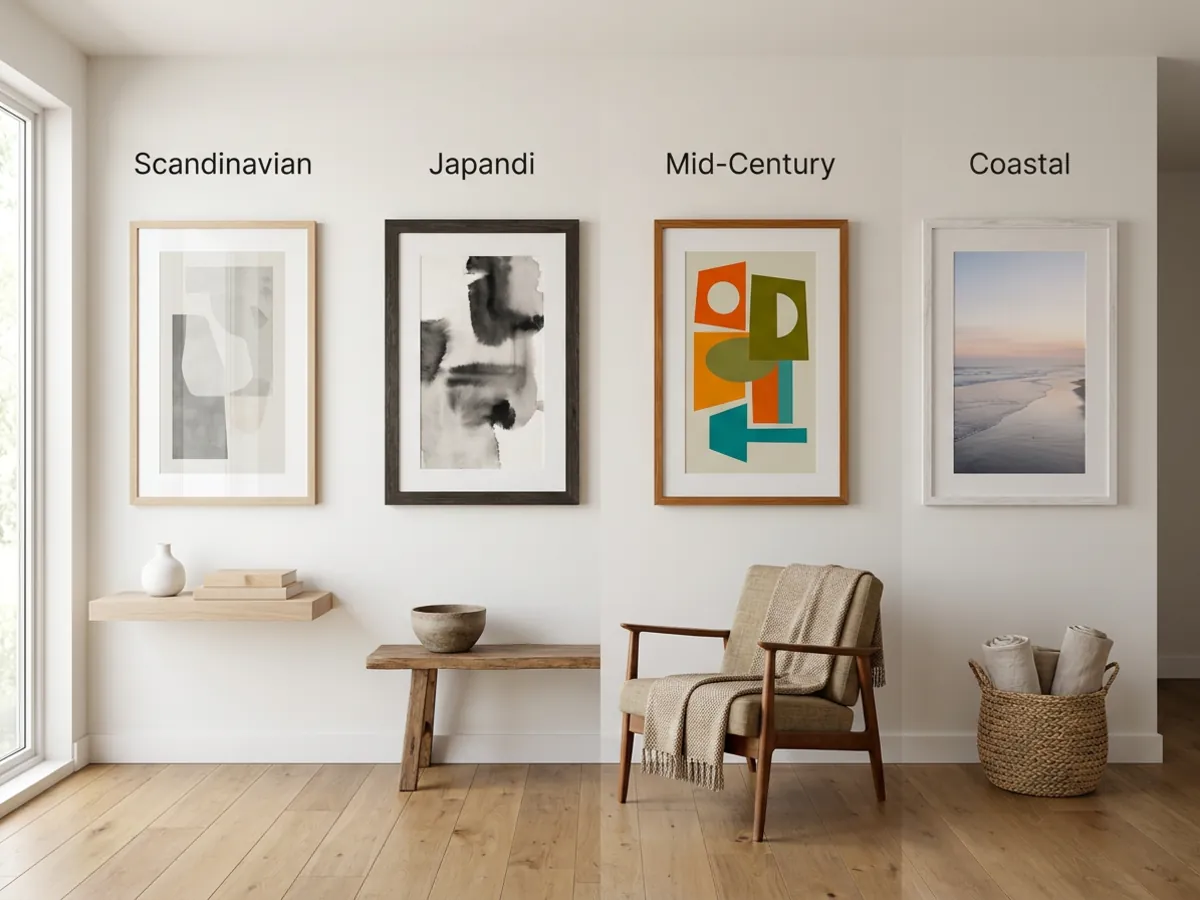
A short, honest note on each, at the level of what it is known for rather than specifics that change month to month.
- RoomGPT. The tool that made AI room design famous. Good for a quick basic restyle, but it stayed a single-purpose product while the category added staging, floor plans, and video. See the RoomGPT alternative breakdown.
- Interior AI. The original, with professional features like sketch-to-render and VR, aimed at heavier users, with a paid-only entry. See the InteriorAI alternative for the detail.
- Spacely AI. Focused on fast redesign and staging. A reasonable pick if speed is your priority and you are comfortable working within its own signup and pricing flow, which, like most tools here, you should confirm on its current site.
- Collov AI. Leans toward real-estate redesign and staging workflows, so it suits property use more than a personal room refresh. Check its layout preservation on your own photo, since faithful architecture is what makes a listing render honest.
- HomeDesigns AI. Offers redesign and staging across several modes, positioning itself as a general all-rounder. As with the others, the useful comparison is not the feature list but whether it keeps your real room and lets you judge a result before paying.
For any of them, the fair test is the same: run one of your own photos through it and check the five criteria above. A feature list on a homepage tells you what a tool claims; your own room tells you what it actually does. That is the one comparison no roundup, including this one, can do for you, which is exactly why the free before/after on this page is worth trying before you decide.
Virtual staging or personal redesign: which fits your job
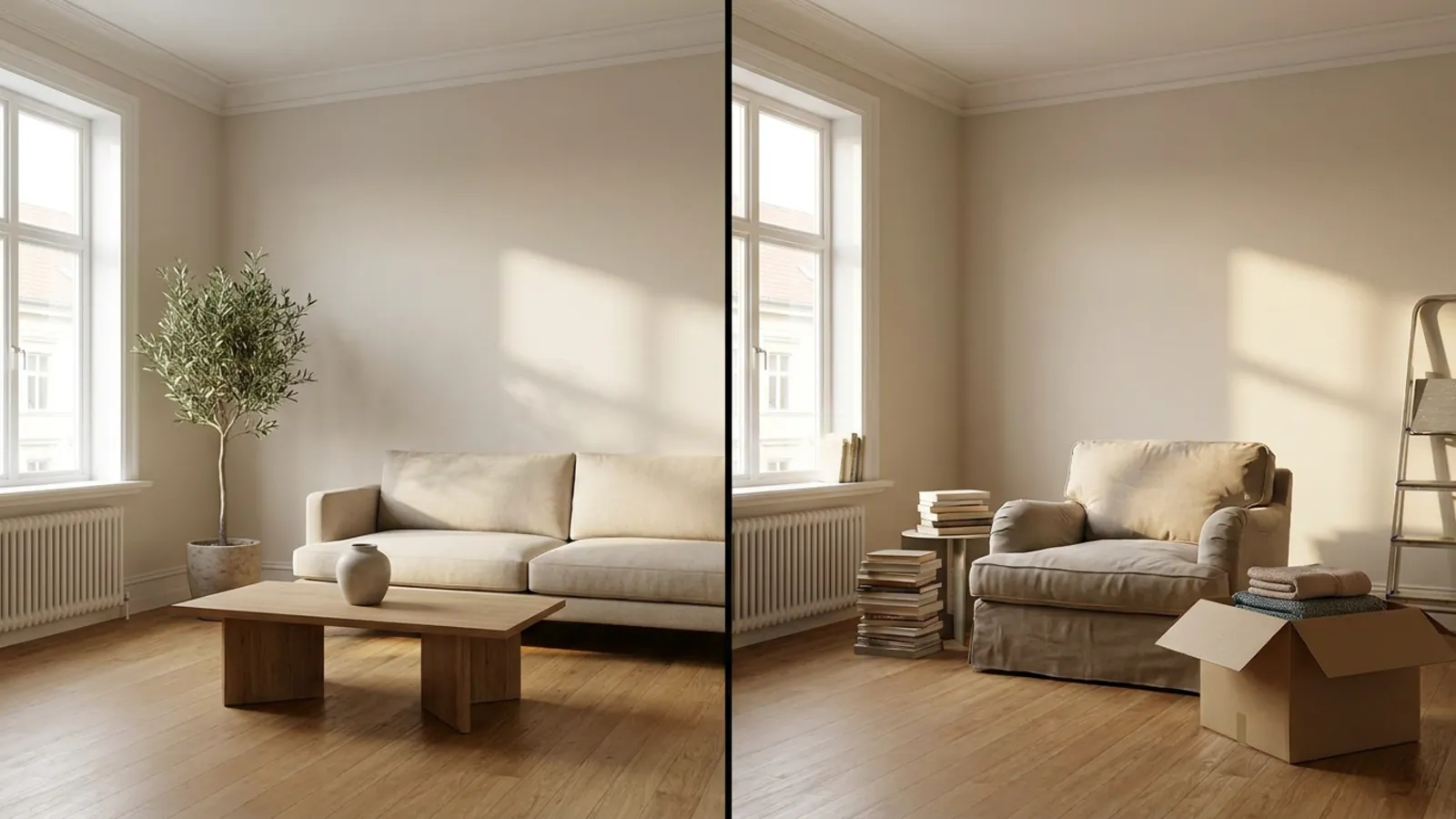
Some of these tools are built primarily for staging empty rooms for a listing, and others for redesigning a room someone lives in. The jobs look similar but pull in different directions.
Staging an empty room is about furnishing a bare space realistically so buyers can read its scale and purpose, while keeping the real architecture. For the full economics, see the virtual staging cost guide and the virtual staging page. Redesigning a lived-in room is about seeing your own space in a new style or previewing a change, which is a decision tool for the person who lives there. restylai handles both from the same upload, and if your starting point is a cluttered room, you can remove the furniture first to get a clean base.
What ReimagineHome does not do, and what to check for

Rather than list shortcomings, treat this as a checklist to confirm on any alternative you consider, because these are the gaps that most often matter:
- A result before you sign up. Confirm you can see your own room rendered before creating an account.
- Layout preservation. Check that the tool keeps your real walls and windows instead of generating new architecture that does not match your room.
- Video walkthroughs. If you want a moving walkthrough of the redesigned space, confirm the tool offers it and on which plan.
- Flat pricing. Decide whether you want predictable monthly pricing or are comfortable with per-image credits.
restylai is built to answer all four: a free first render with no signup, locked layout, video on the higher plans, and flat subscription pricing. You can also turn a floor plan into a 3D render or preview a renovation from the same upload.
How to switch in a few minutes
You do not need to export anything or cancel a plan to try an alternative. The honest comparison takes a few minutes:
- Photograph the room in good light, wide and roughly level.
- Upload it on the homepage with no signup, and pick a style or describe the change you want in words.
- Review the free result of your actual room, then subscribe only if you want unwatermarked exports and video.

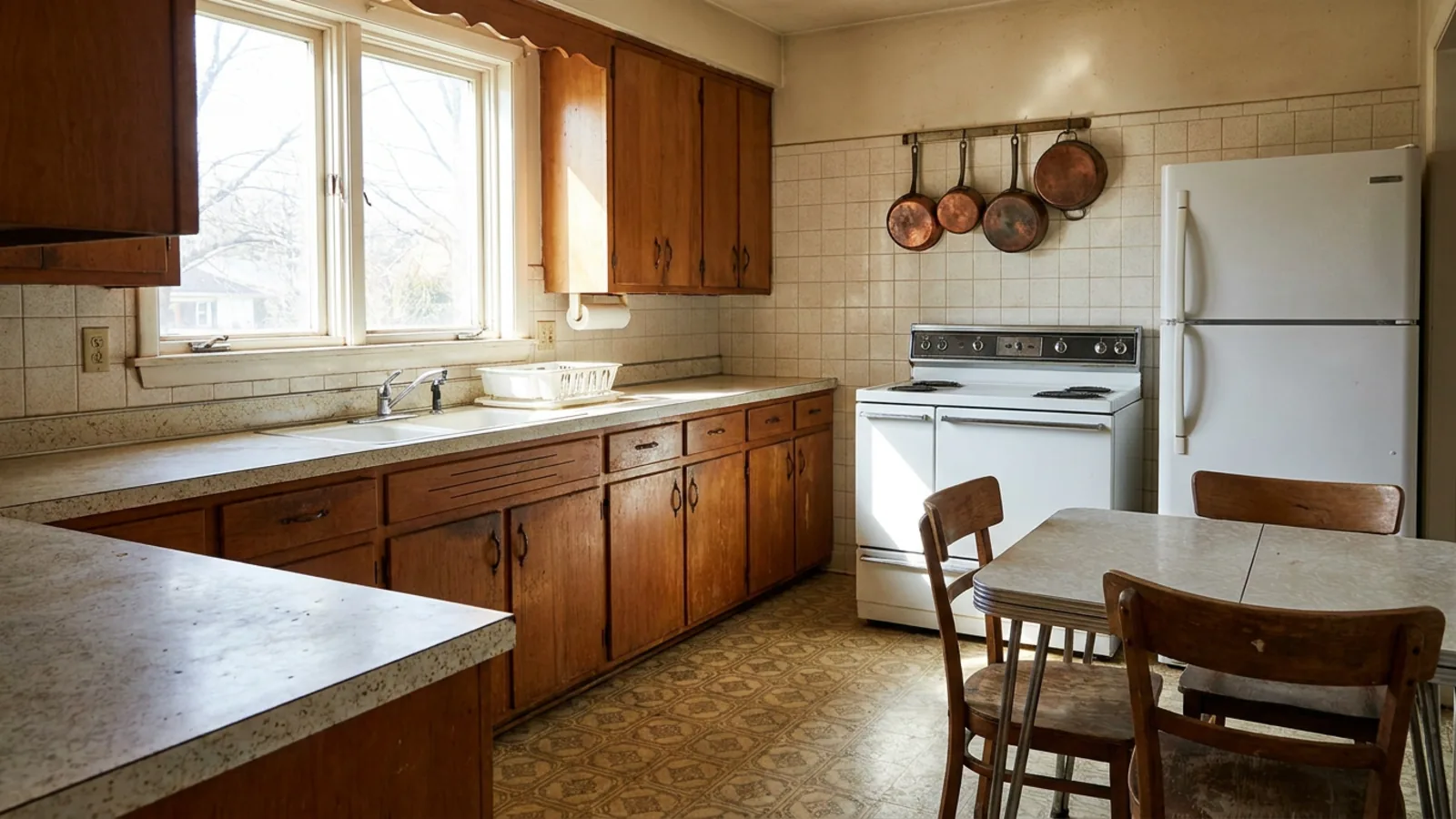 Before
Redesigned
Before
Redesigned
See your own room redesigned, free and with no signup, and judge it against anything else you are considering. To browse finished looks first, see a modern kitchen redesign or a Japandi bedroom, or read the Japandi style guide.
Frequently asked questions
Is there a free ReimagineHome alternative? +
Yes. restylai gives you a first redesign of your own room to preview before you sign up, delivered as a watermarked render with no account and no card. Subscription plans unlock clean, unwatermarked HD and 4K exports when you want them, so you can see your actual room restyled before paying for anything.
Can I try an alternative without signing up? +
With restylai you can upload a photo on the homepage and see a result before creating an account. Most other tools in this space ask you to register or buy credits first, so being able to judge the render on your own room before committing is the main reason people switch.
What is the best ReimagineHome alternative? +
It depends on the job. Pick a virtual-staging tool for empty listings, or a redesign tool for a room you live in. restylai covers both from the same upload and adds video walkthroughs, which is why it suits people who want one tool rather than several.
Do these tools keep my room's real layout? +
restylai preserves the actual walls, windows, and proportions from your photo and restyles within them, so the result is recognizably your room. Some alternatives generate new architecture that does not match the original space, so check layout preservation on your own photo before you trust a tool.
Which ReimagineHome alternative includes video? +
restylai includes AI video walkthroughs on its higher plans, so you can turn a redesigned room into a short cinematic clip from a still photo. Video sits on different plans across tools, sometimes only the most expensive one, so confirm where it lives before you count on it.
Is there a ReimagineHome alternative without credit pricing? +
Yes. restylai uses flat monthly subscription pricing rather than per-image credits, which makes the cost of iterating predictable. If credit metering is your main reason for looking, a flat plan removes the guesswork of what a project will cost.
Is ReimagineHome free? +
ReimagineHome runs on a credit model. As observed in 2026, it typically gives a limited number of free credits after you sign up, then charges for more through packs or a plan, with each render spending credits. Terms change often, so confirm the current details on their site. The practical point is that you sign up before you try, which is why people who want a free look before creating an account tend to prefer a try-first alternative.
What is the best free ReimagineHome alternative? +
restylai is the closest thing to a genuinely free way to test the job: you upload a photo on the homepage and get a first render of your own room with no account and no card, delivered watermarked. You can judge the real result on your actual space and only subscribe if you want clean, unwatermarked exports and video. That before-signup free look is the main thing people are after when they search for a free alternative.
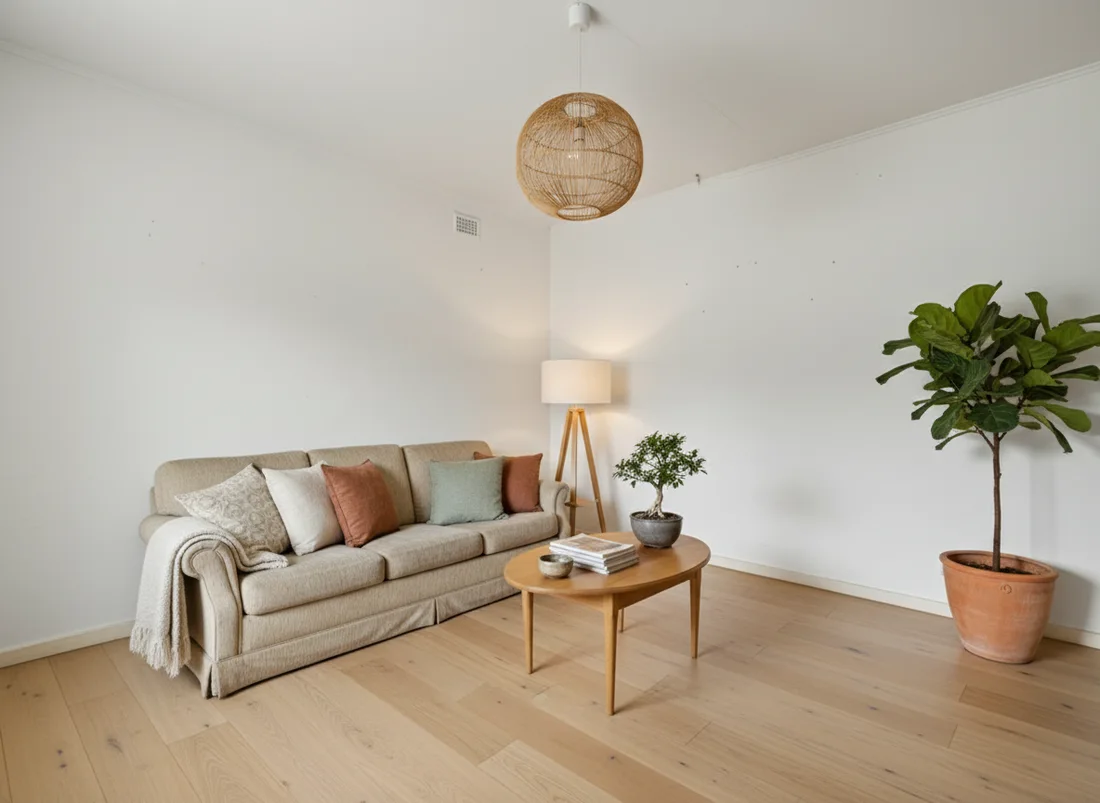 After
After
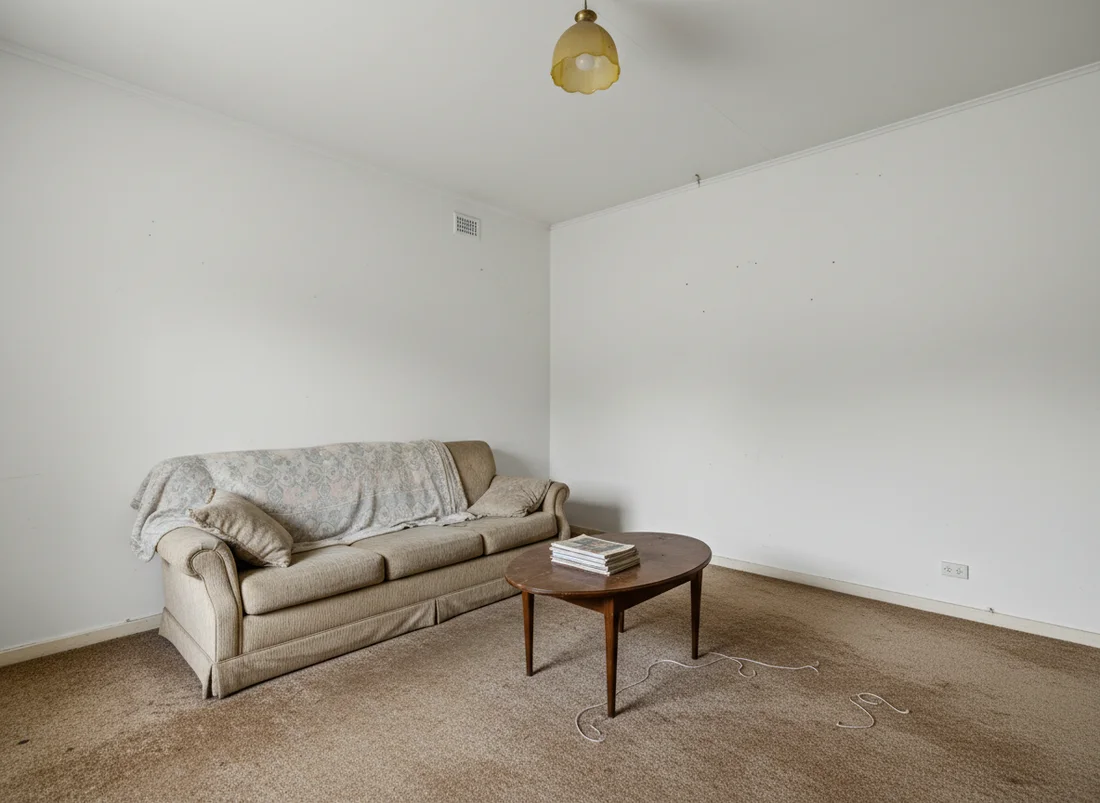 Before
See it on your own room
Your room, redesigned
Upload one photo and watch your room restyled in a wide range of designer looks. Your walls, windows and layout stay exactly as they are.
Try it free, no signupOne photo. In seconds. No signup.